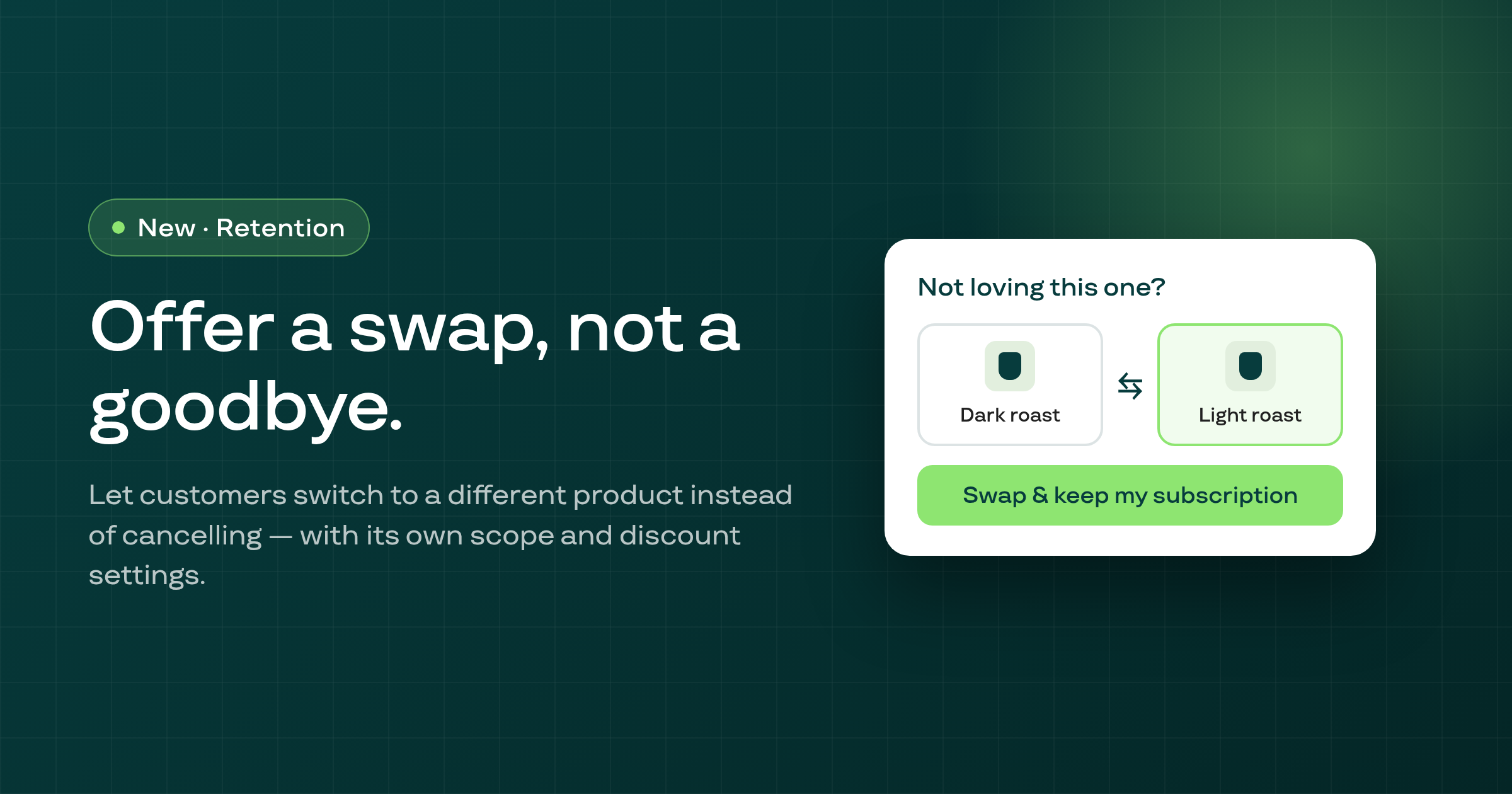
A subscription's page now lets you add an item to one order only, leave a line out of one order, swap a product and reactivate a cancelled subscription on a date you pick.
Shopify bundles cannot be picked for a plan, a plan that already carries one shows a warning, and you can remove the bundles from the plan in one click.
A new Closure window card under Settings, Inventory policy lets you set the dates you are closed once, and renewals that fall inside them move to the day you reopen.
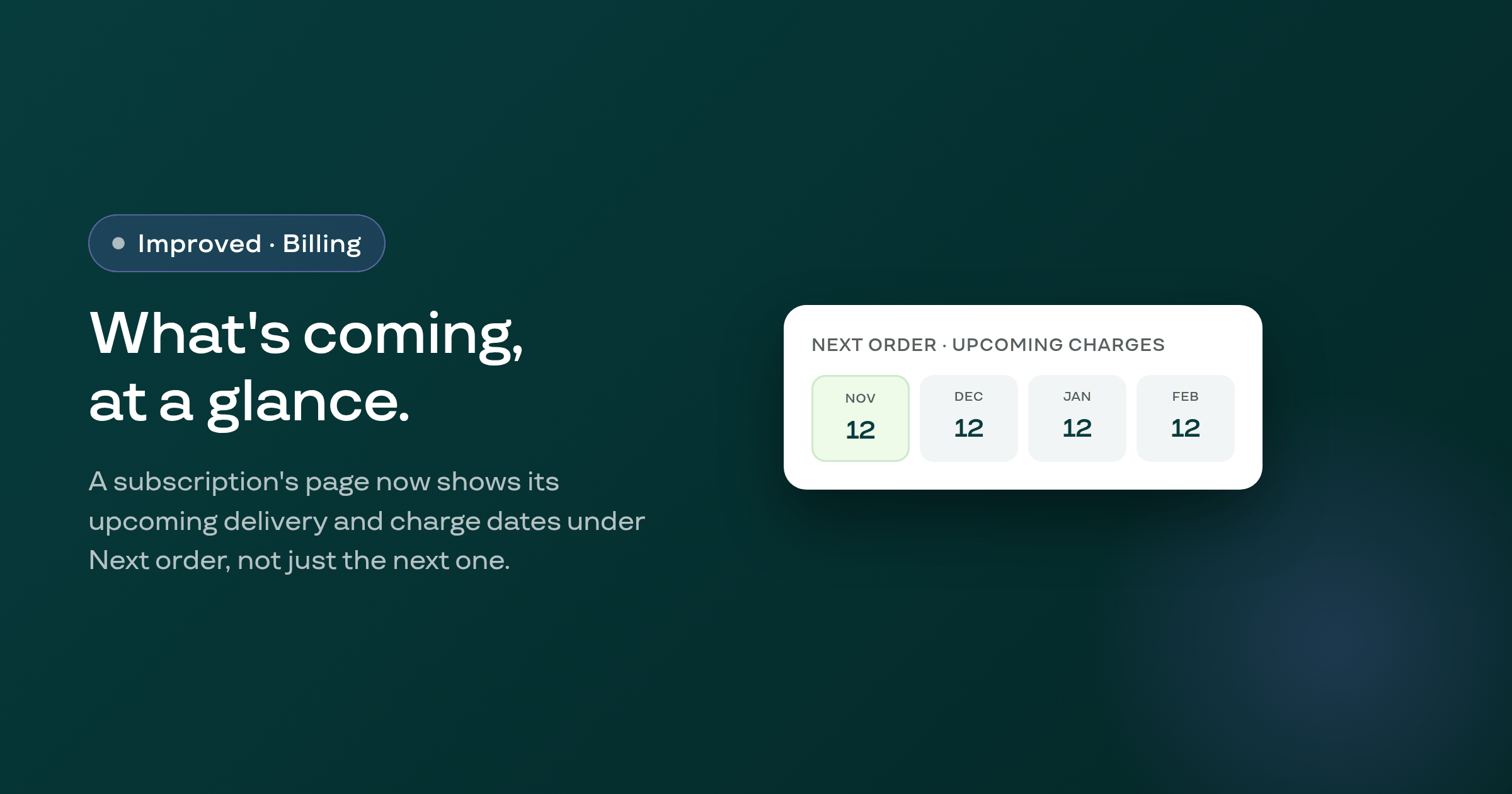
An active subscription's page now shows its upcoming delivery and charge dates as tiles under Next order, instead of only the single next billing date, including up to four future dates for a prepaid subscription.
Pressing Retry now on a failed payment that Subi refuses to retry (for example because a retry is already in flight, or Smart Recovery has paused the shop) now names the specific reason instead of a generic Couldn't queue retry error.
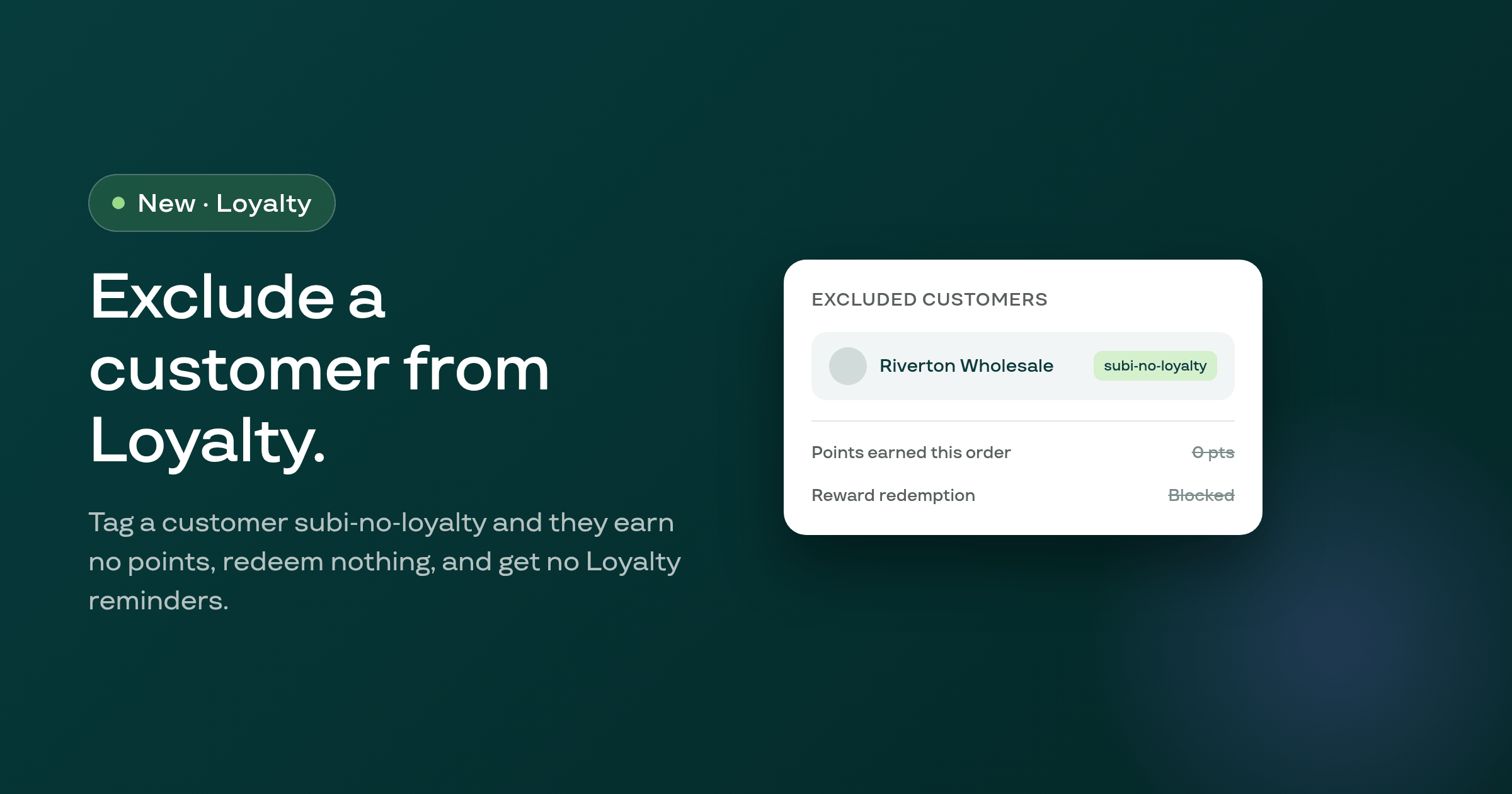
Tagging a customer subi-no-loyalty in Shopify now keeps them out of Subi's Loyalty program entirely: they earn no points, can't redeem or claim a reward, and get no Loyalty reminders, while any points or edits already on their account stay untouched.
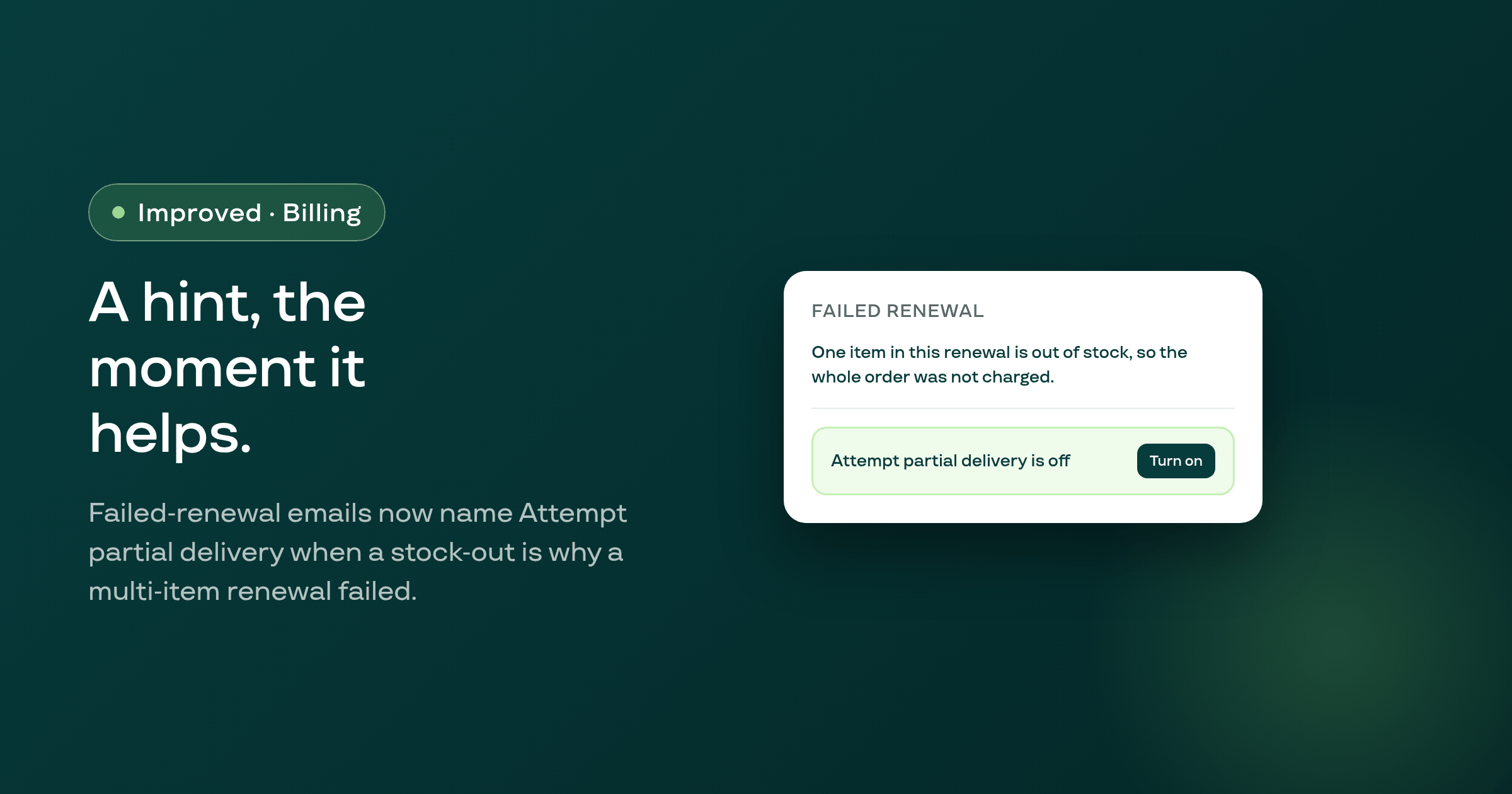
When a multi-item renewal fails because one item is out of stock, the failed-renewal email and daily summary now name the Attempt partial delivery setting, for shops whose plan allows it and currently have it off.
After a subscriber uses Change frequency to switch to a different selling plan, their subscription, its renewal orders, and Shopify's own order view now show the new plan's name instead of continuing to display the name of the plan they switched from.
The email telling a subscriber their card was updated on a paused subscription, which had been switched on for every shop by default, is now off by default across all 47,630 shops; the portal's own question about resuming stays on independent of the email switch.
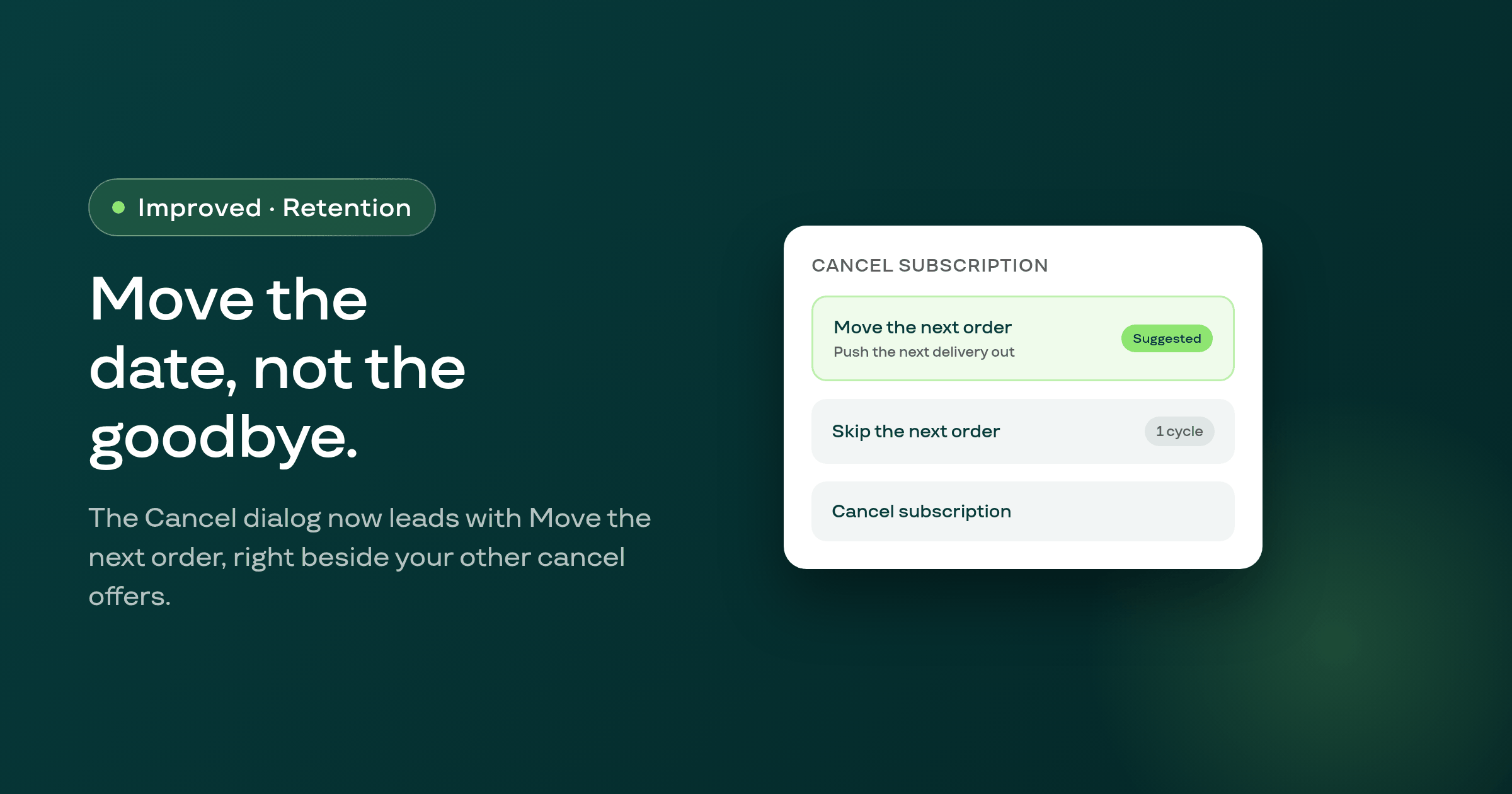
When you cancel a subscriber from the admin, the Cancel dialog's first offer is now Move the next order, letting you push out their next delivery instead of ending the subscription outright.
Smart Recovery payment-recovery emails sent to a customer whose storefront locale starts with fr now arrive fully in French instead of English, on shops using Subi's default recovery email text.
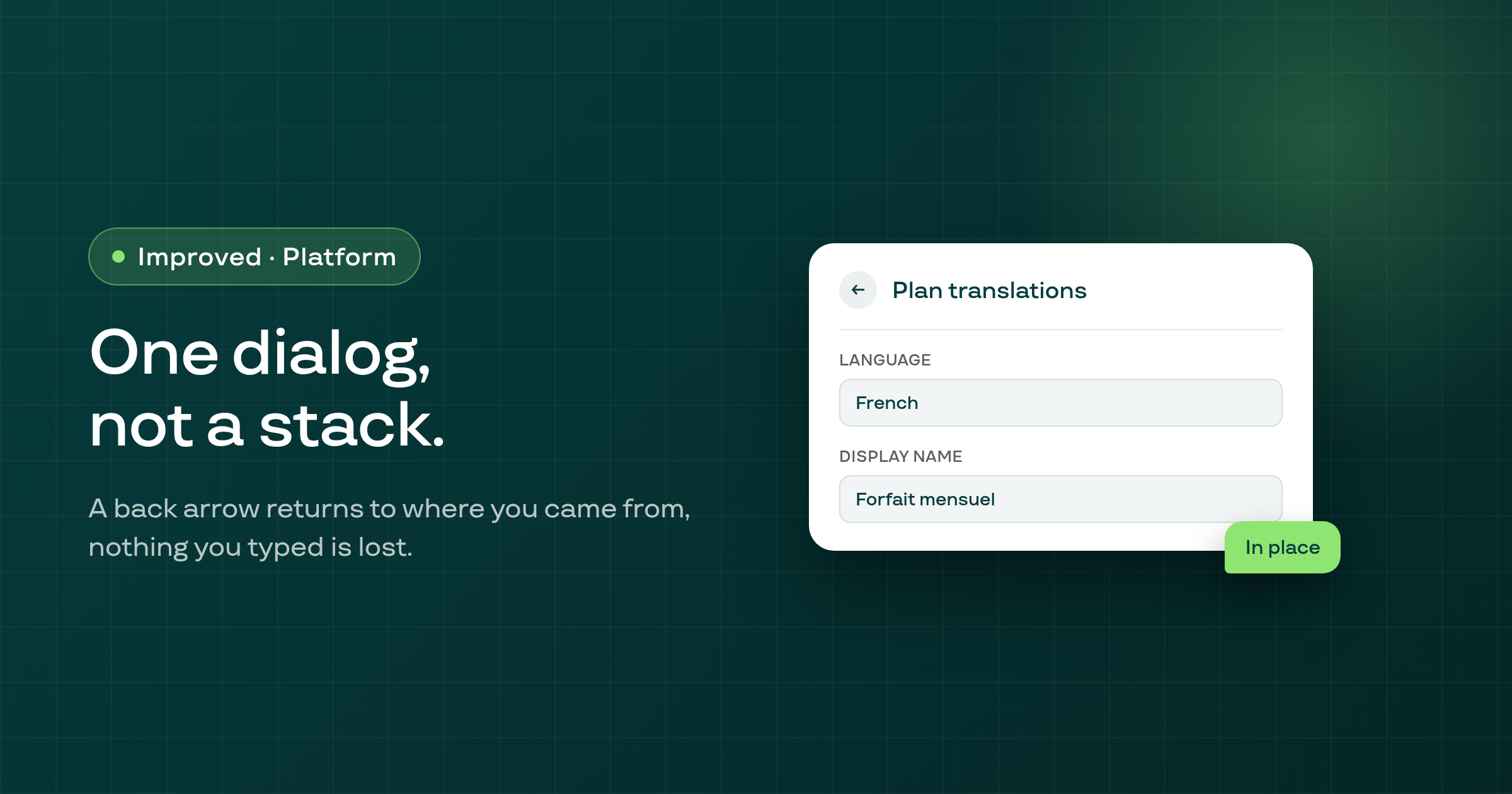
Opening a second dialog from inside another one in Subi's admin, like switching a plan's translation language or customizing the Access Denied page, now replaces the first dialog instead of stacking on top of it, with a back arrow that returns to exactly where you were.
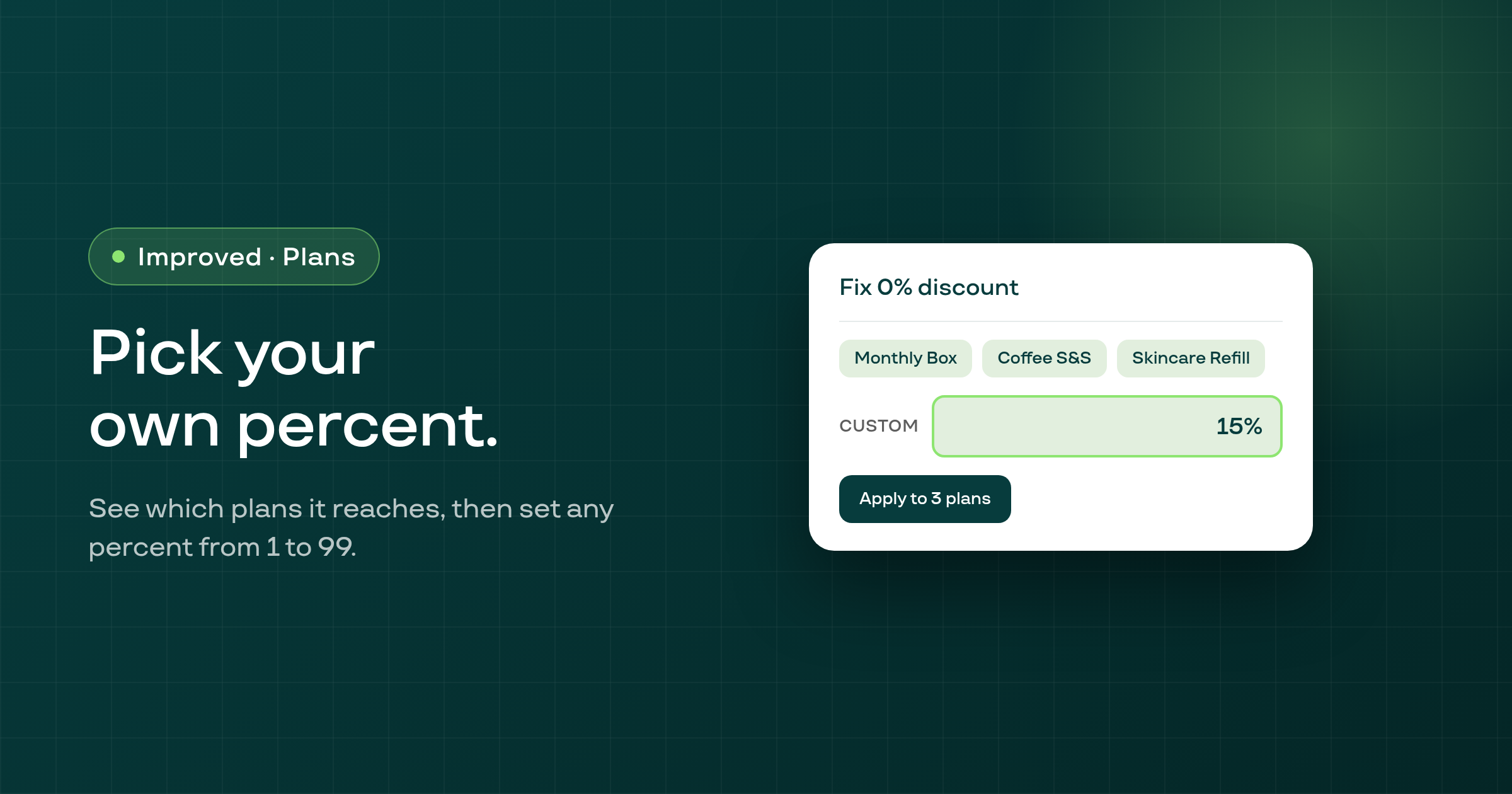
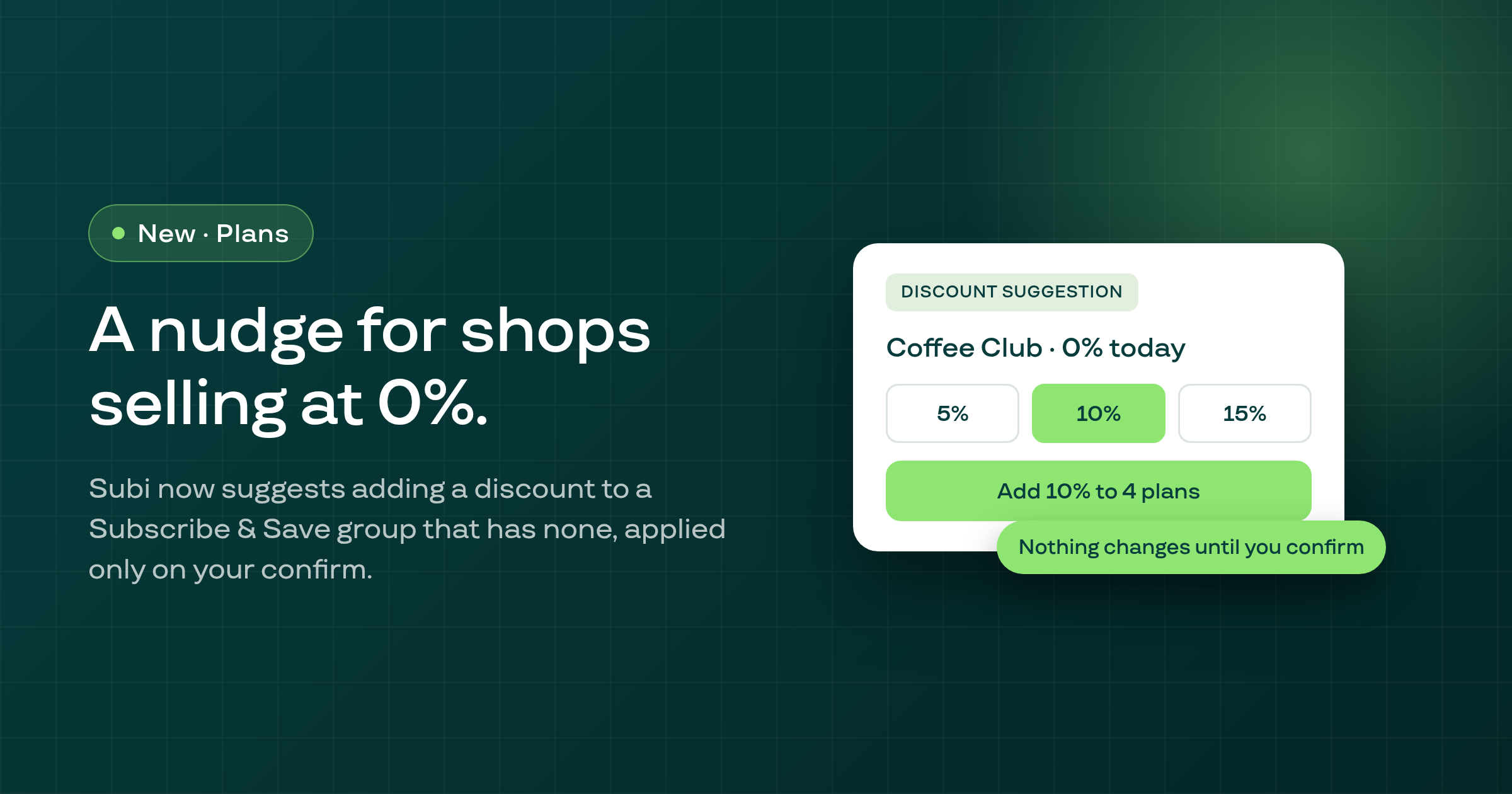
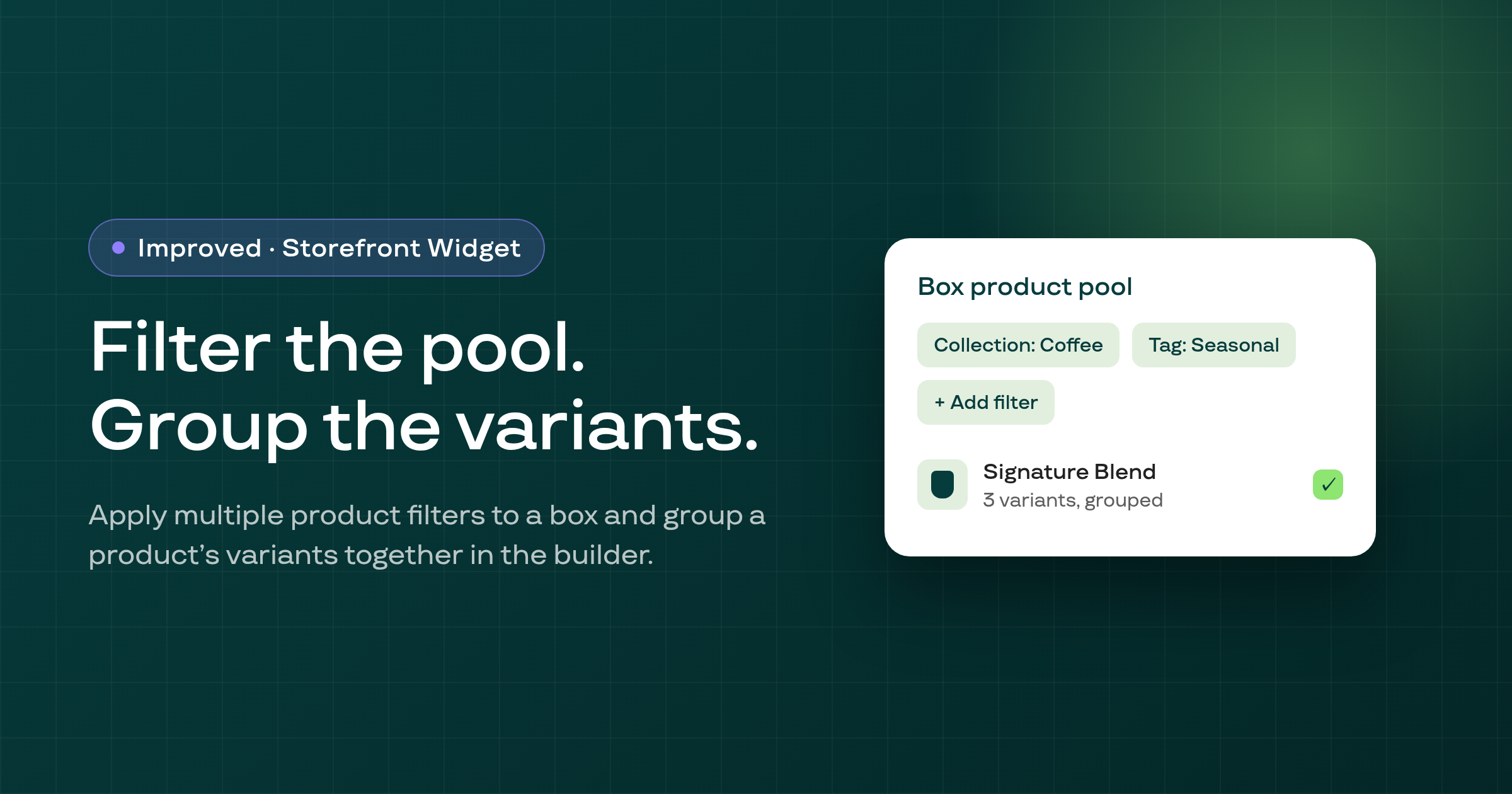
Subi's fix for Subscribe & Save plans stuck at a 0% discount now lets you set any whole percent from 1 to 99, and shows the names of the plans it will change before you confirm.
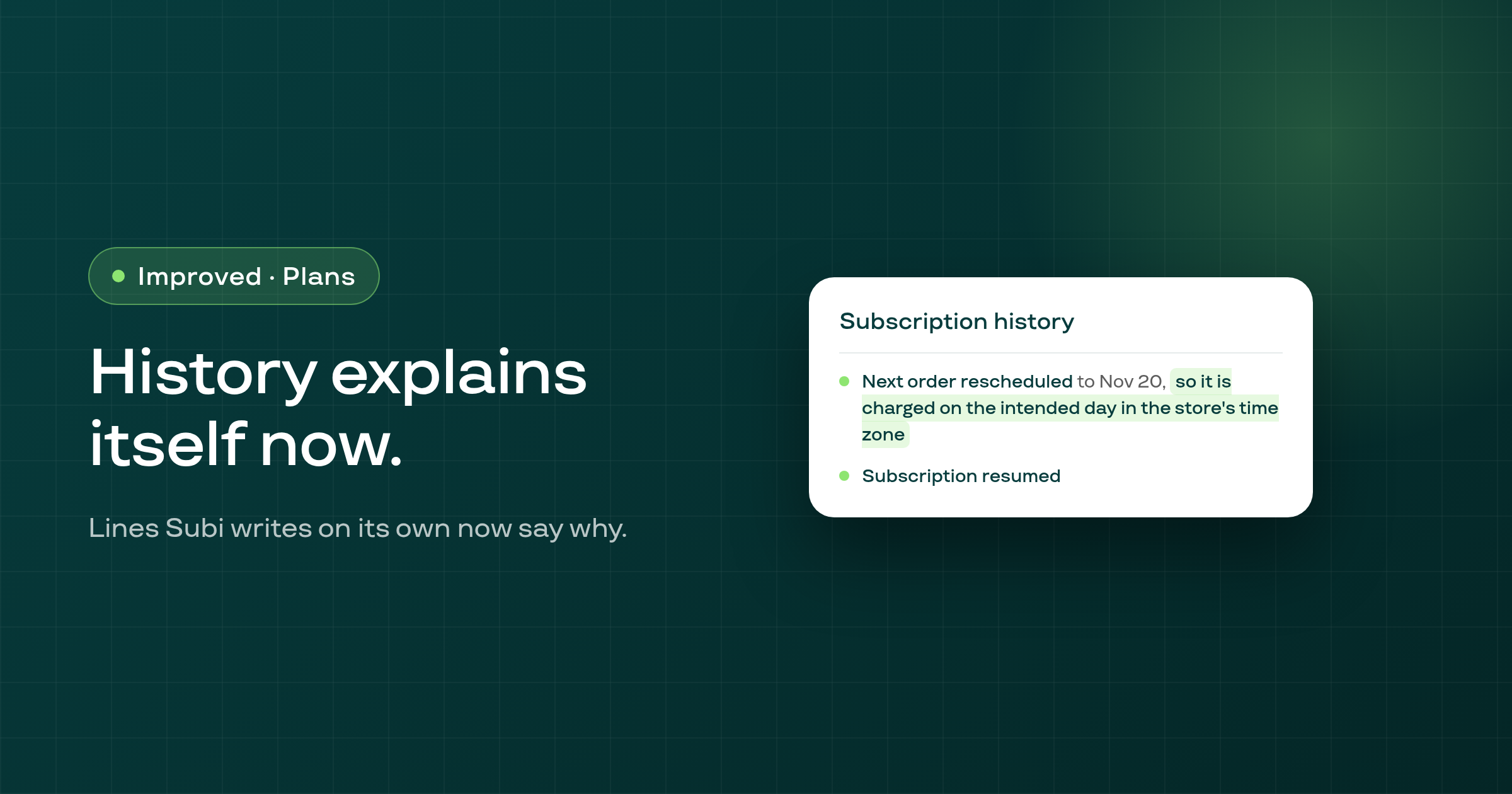
The subscription change-log now adds a plain-language reason to the lines it writes when Subi itself pauses, resumes, reschedules, or otherwise changes a subscription, instead of just stating what changed.
An expired card-update, win-back, or reactivation link in the customer portal no longer dead-ends at a bare login: it offers a fresh link, returns the customer to what they were doing, and, for a win-back or reactivation link whose offer is still open, emails a fresh one.
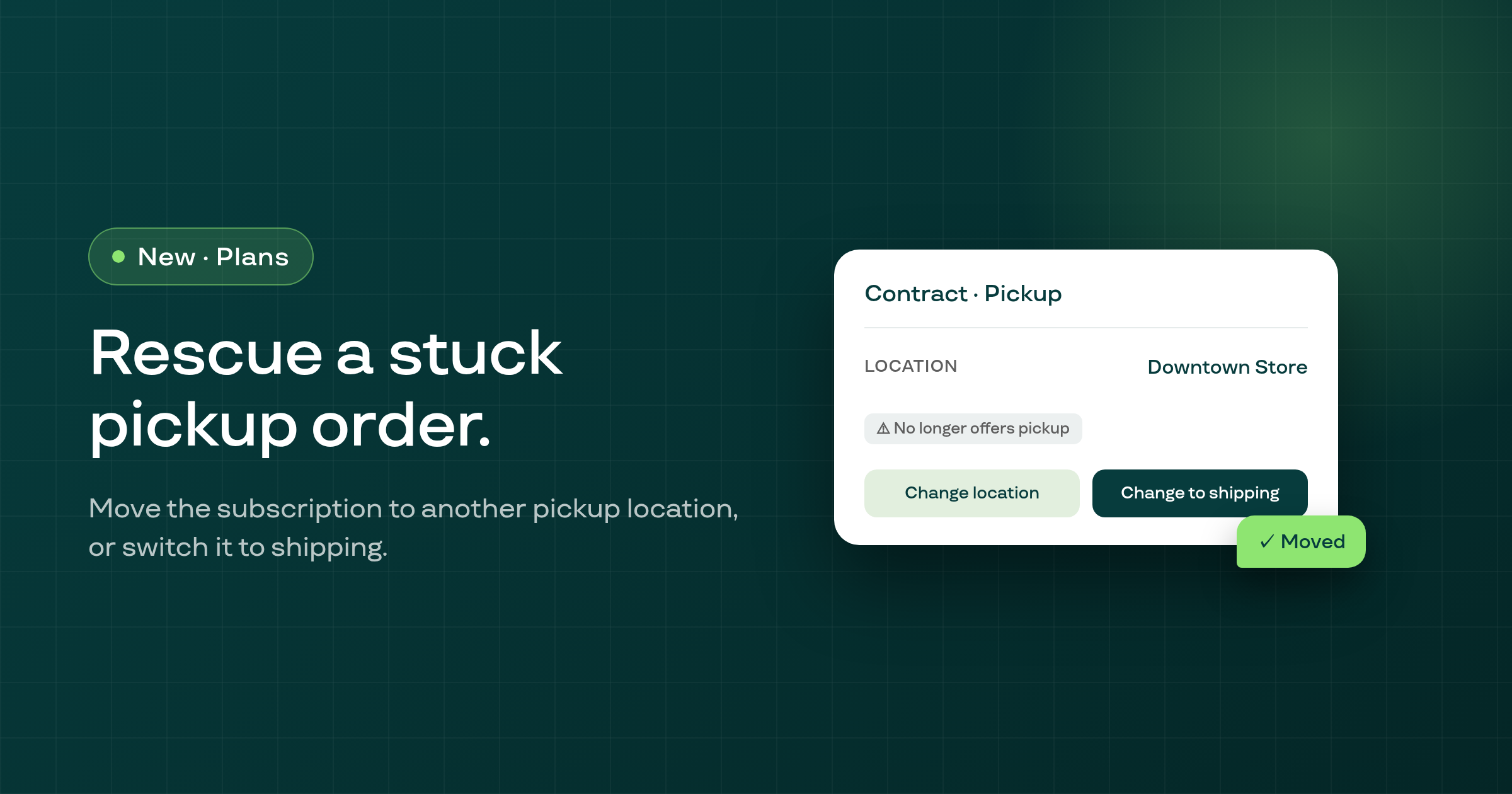
When a customer's local pickup location stops offering pickup, you can now move their subscription to a different pickup location, or switch it to shipping, right from the subscription's contract page.
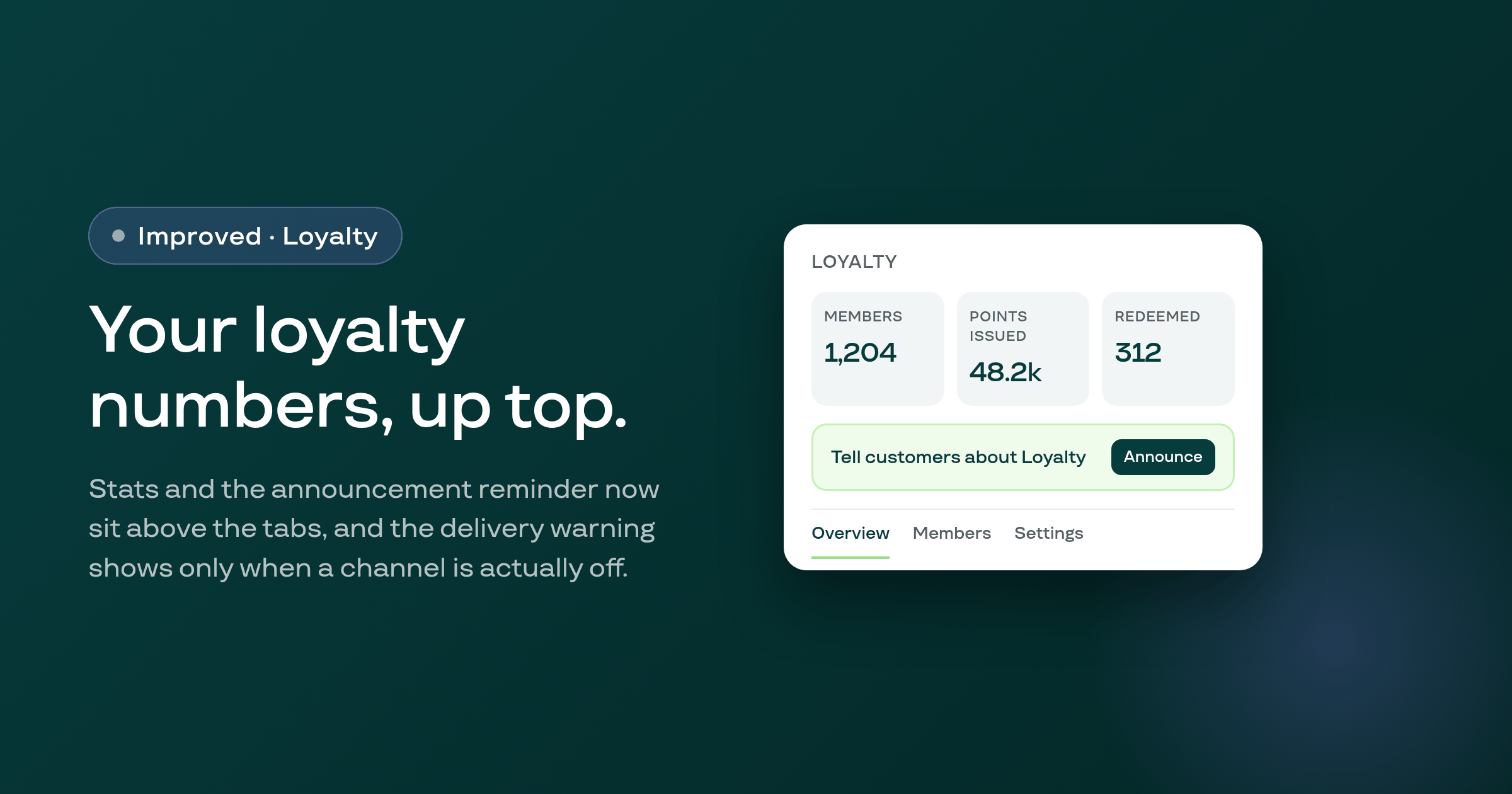
The Loyalty page now shows your programme's stats and an announcement reminder above the tabs, and only shows a delivery-channel warning when a channel is actually off.
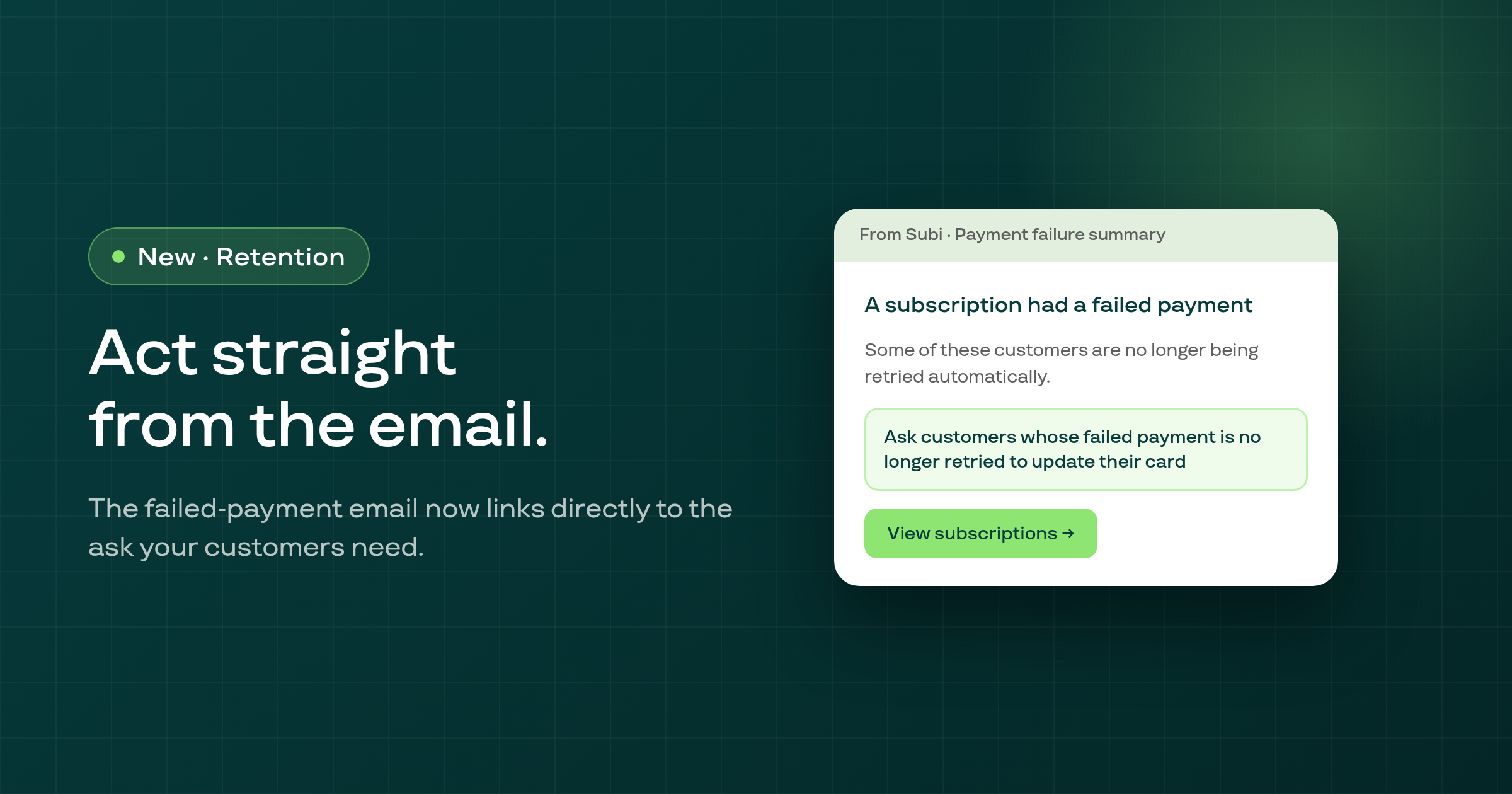
The merchant failed-payment email now links directly to the one-click ask that invites customers whose failed payment Subi is no longer retrying to update their card.
Every notification email subject line, including the billing reminder, now renders as plain text instead of showing HTML codes like & or ' when your store's name contains an ampersand, apostrophe, or other special character.
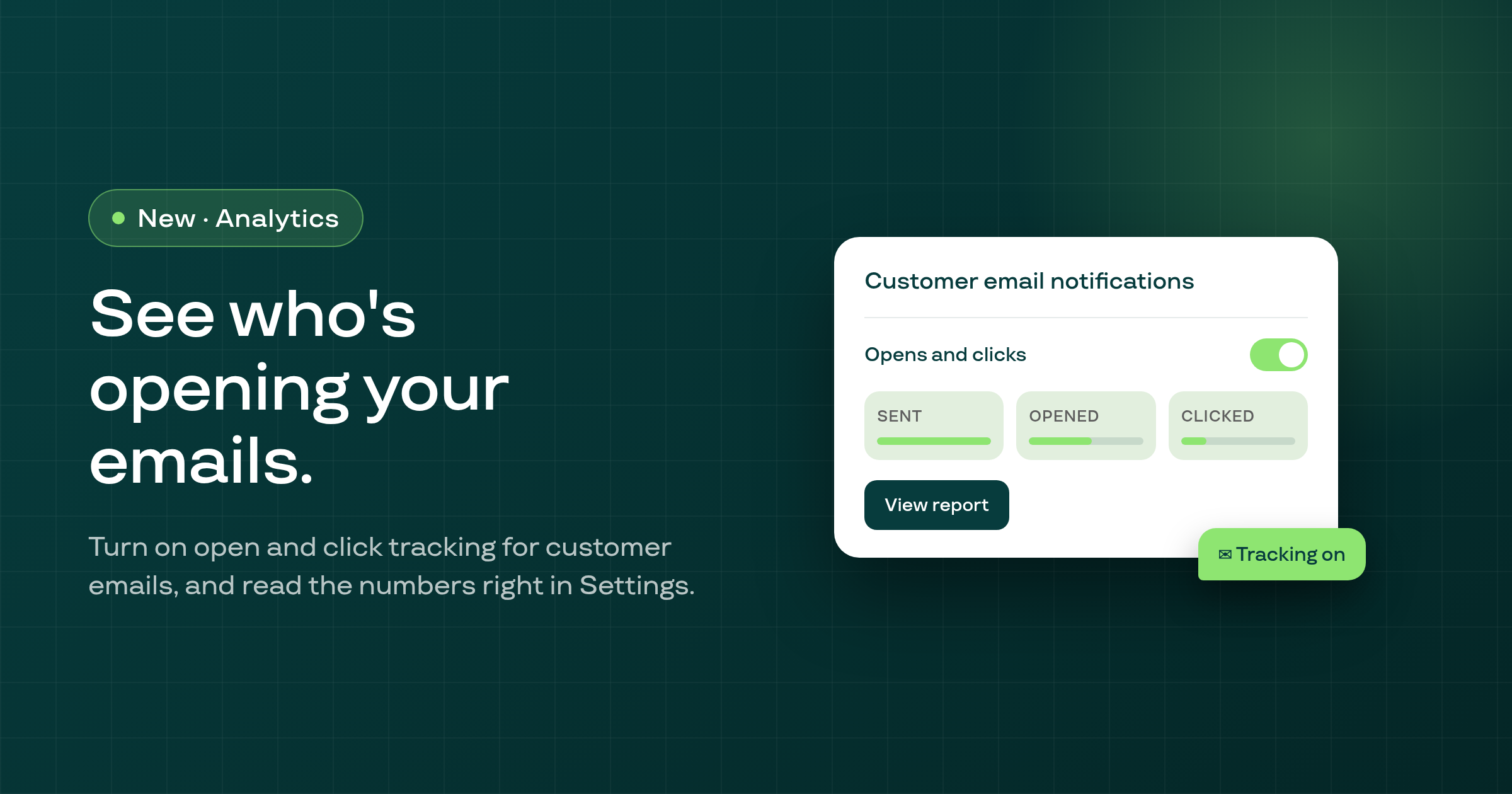
Subi now lets you turn on open and click tracking for the emails your subscribers receive, and shows sent, opened, and clicked numbers for the last 30 days right in your notification settings.
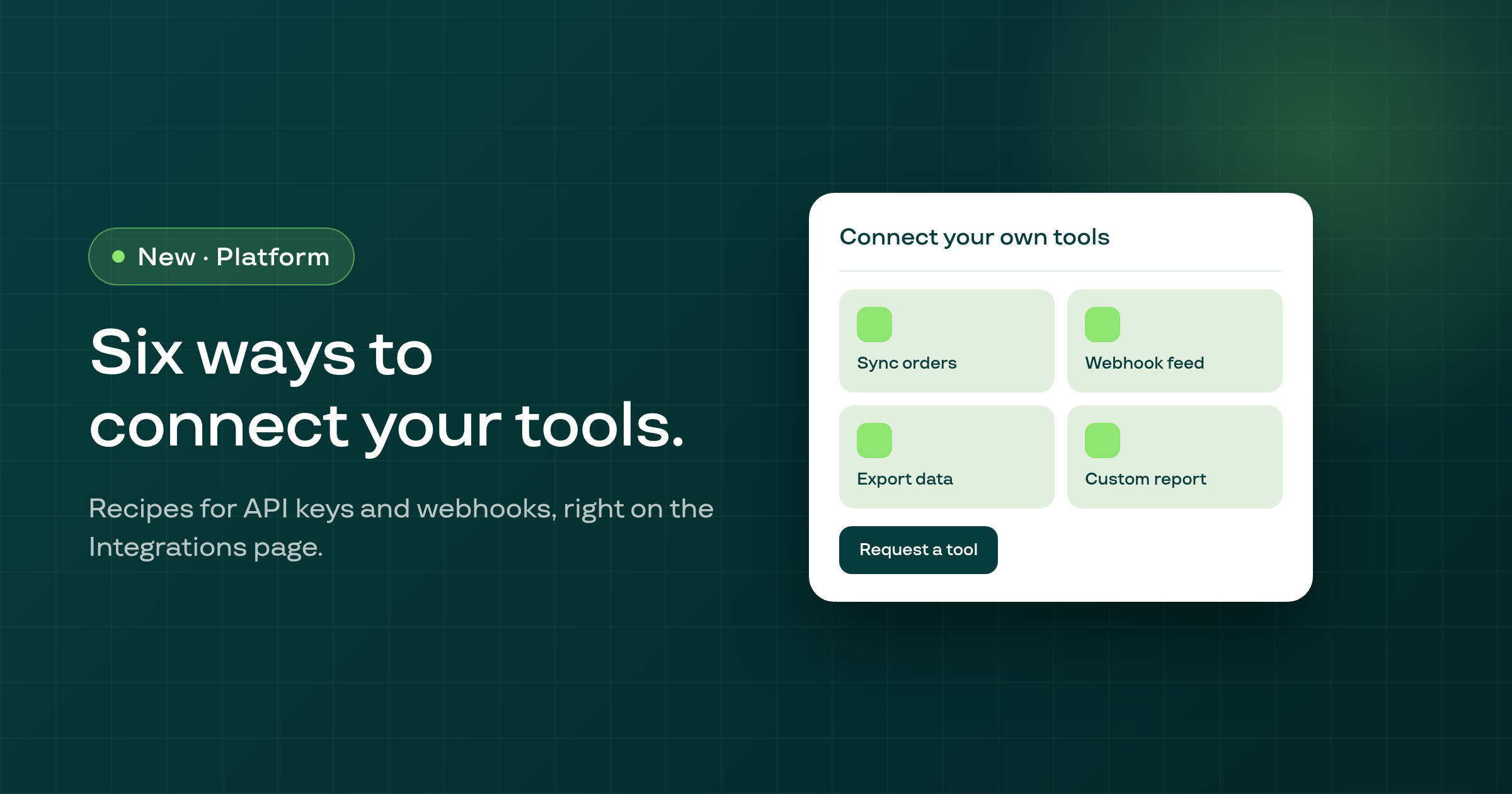
Settings > Integrations now shows a set of ready-made recipes for connecting your own tools to Subi through API keys and webhooks, plus a way to ask for one that doesn't exist yet.
Subscription plans billed on a fixed day, including the 31st, now show and charge the correct dates every month, even after a short month like February.
Default notification emails to your subscribers, including renewal reminders and new-subscription confirmations, now show the exact amount, currency, and any discount that the related order actually used.
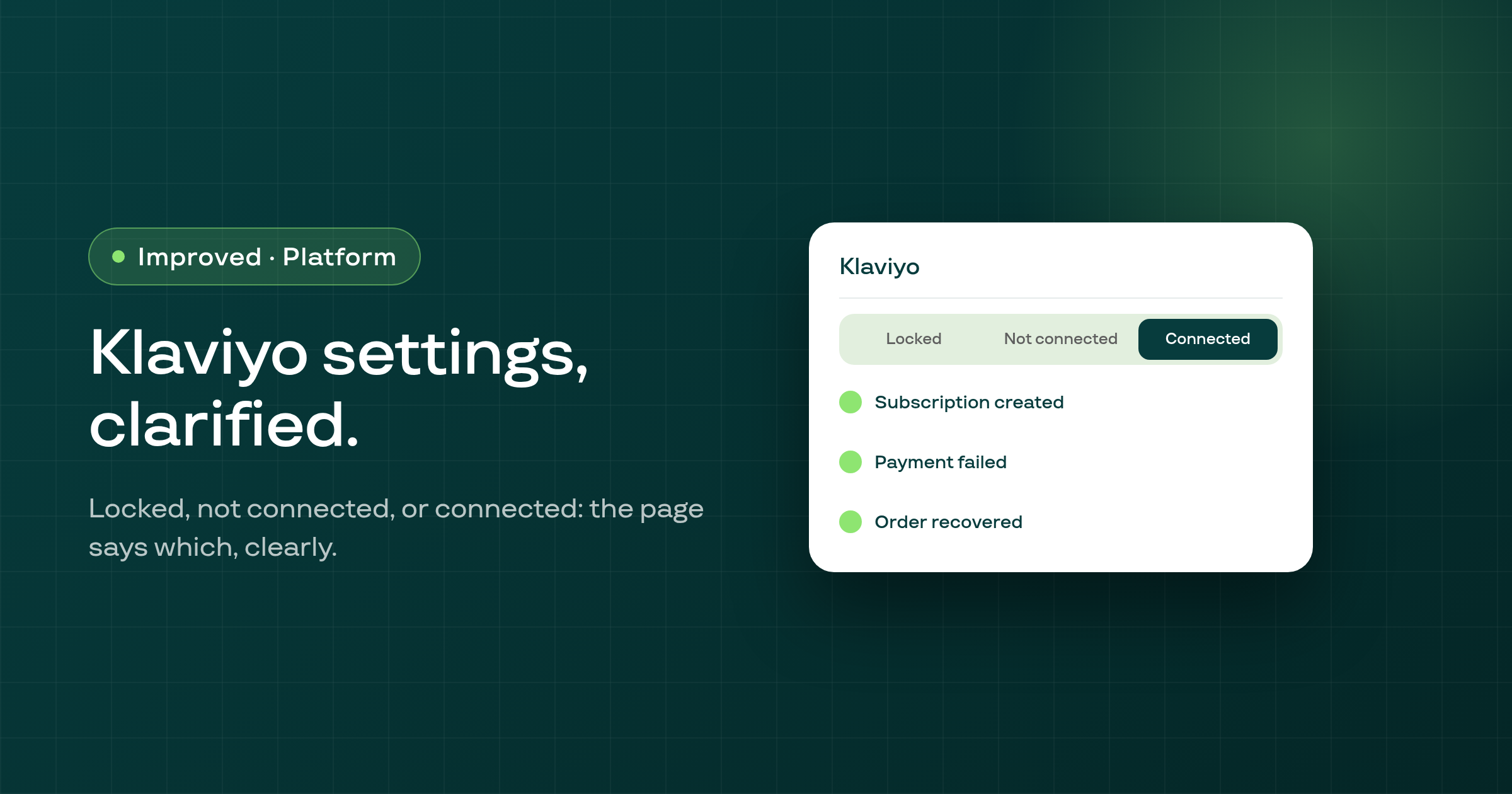
The Klaviyo integration settings page now clearly shows whether Klaviyo is locked for your plan, not yet connected, or already connected, each with its own explanation and a help link.
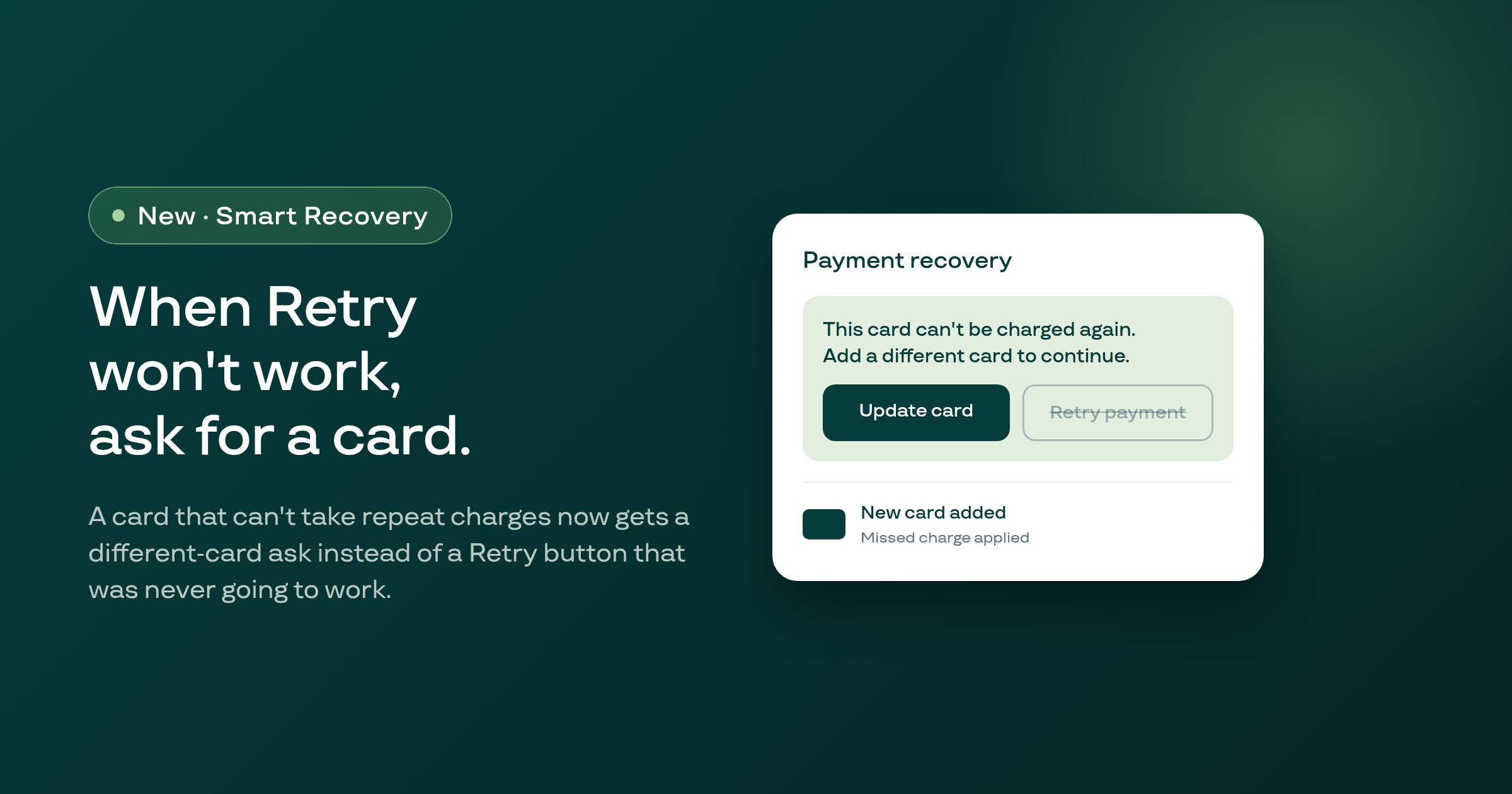
When a subscriber's card can't take repeat charges, Smart Recovery's customer portal banner now asks them to add a different card instead of offering a Retry payment button that could never succeed, and charges the missed payment on it once saved.
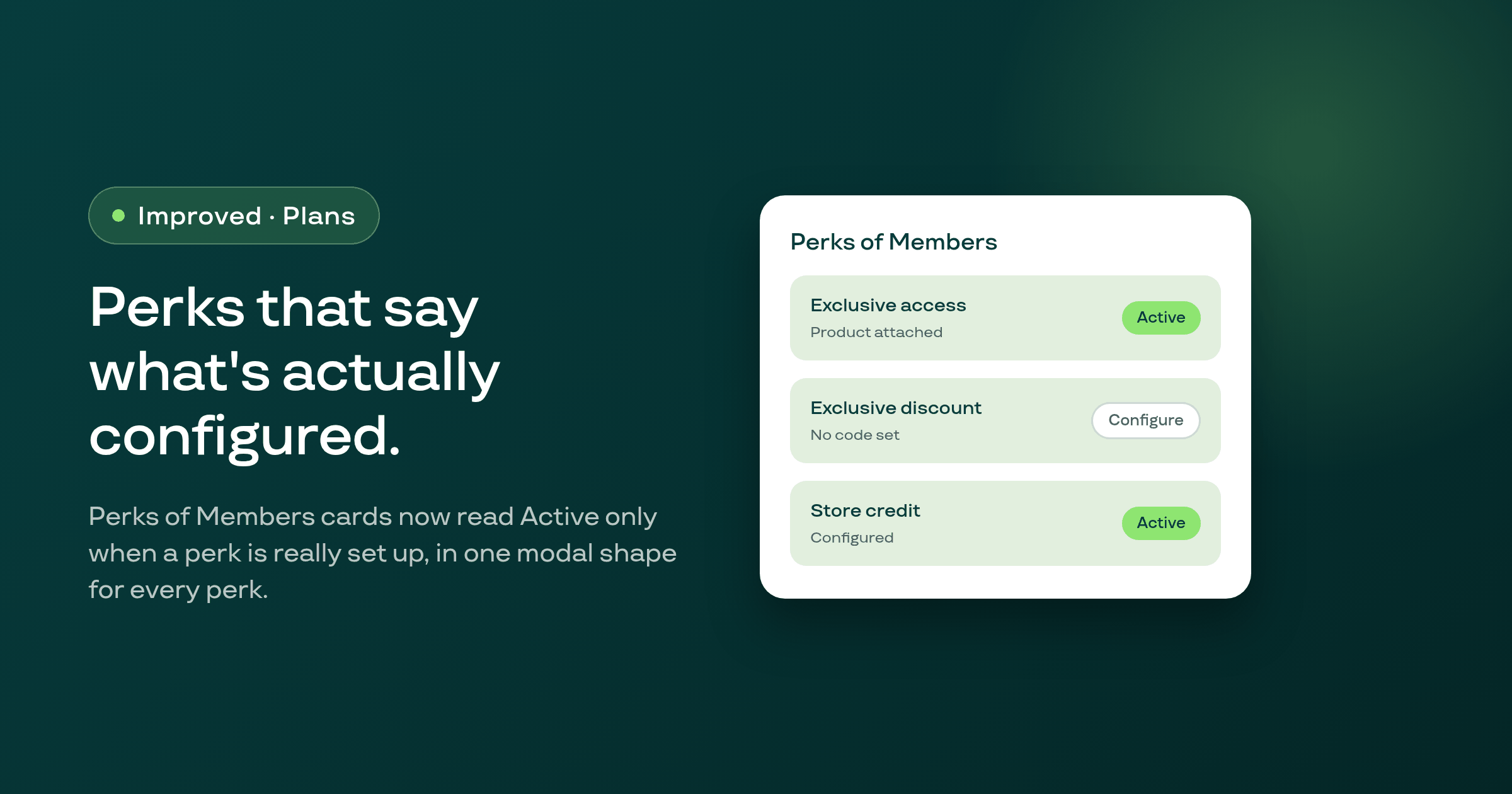
A membership plan's Perks of Members cards now read Active only when the perk is actually configured, and every perk type opens the same single modal shape instead of a different popup for each one.
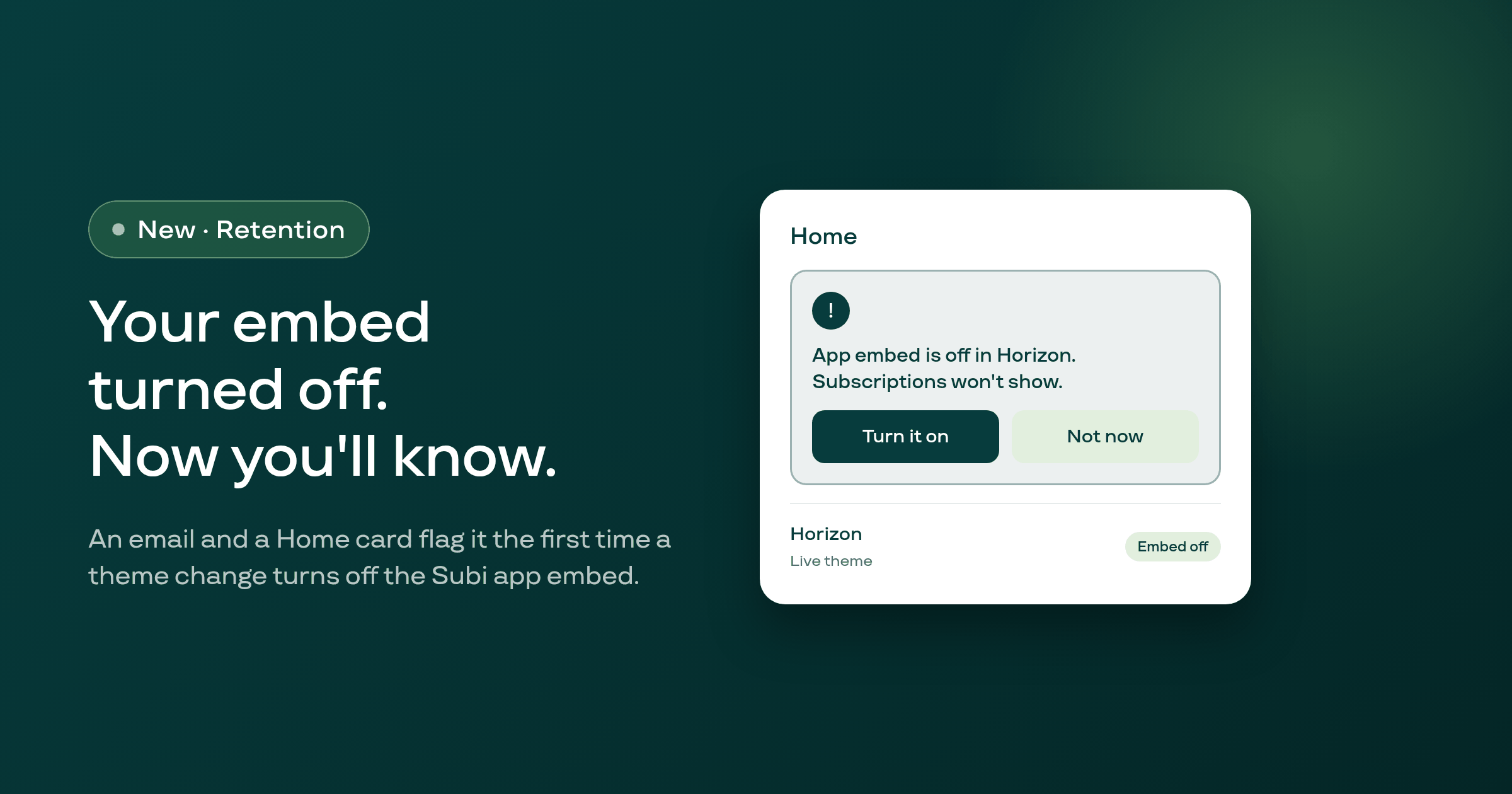
Subi now emails you and shows a Home card the first time a theme change turns off the Subi app embed, instead of leaving you to discover it on your own after subscriptions silently stop showing on your storefront.
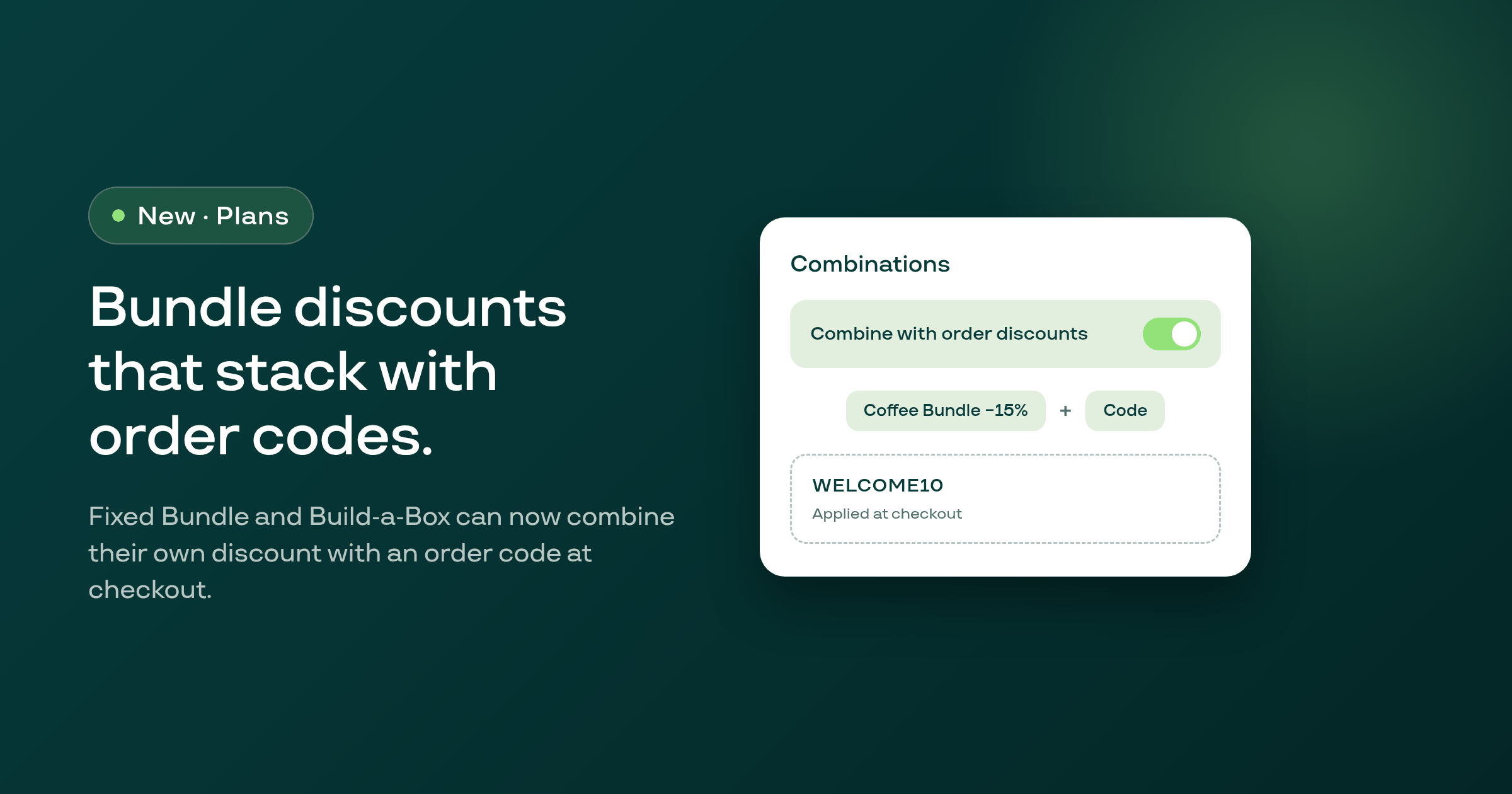
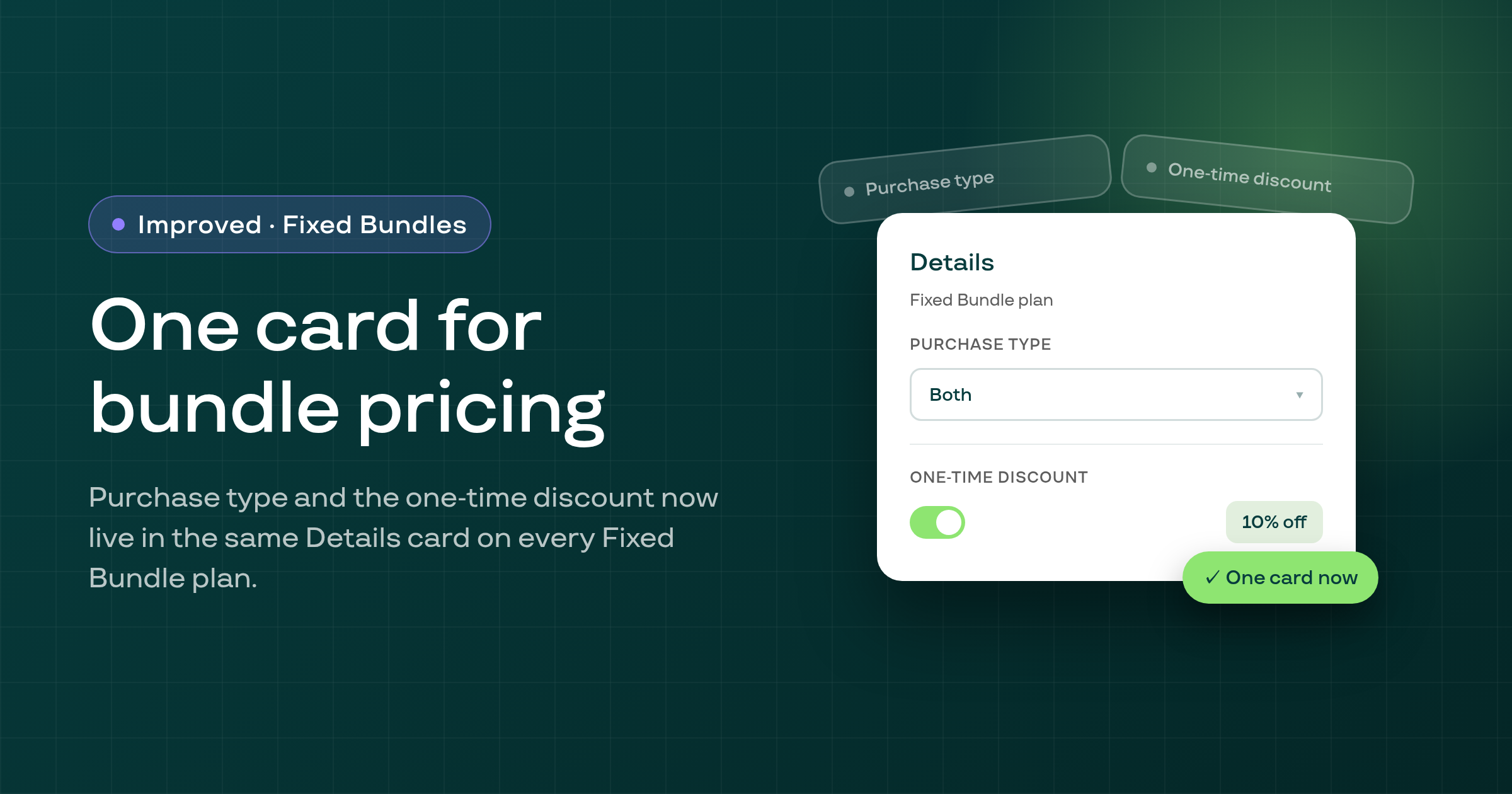
A Fixed Bundle or Build-a-Box plan's automatic discount can now be set to combine with order-level discount codes, so a shopper who enters a code at checkout no longer loses the bundle's own saving.
A shop whose Subscribe & Save plans carry no discount now sees a card on the Plans list offering to add 5%, 10% or 15% off to every plan in a group, applied to Shopify only when the merchant confirms.
A selling plan with a minimum of 1 cycle or less could generate a description reading "You can pause or skip your subscription undefined."; the plan form now writes "anytime" or "after N successful payments" instead, and existing stored descriptions with the word have been corrected.
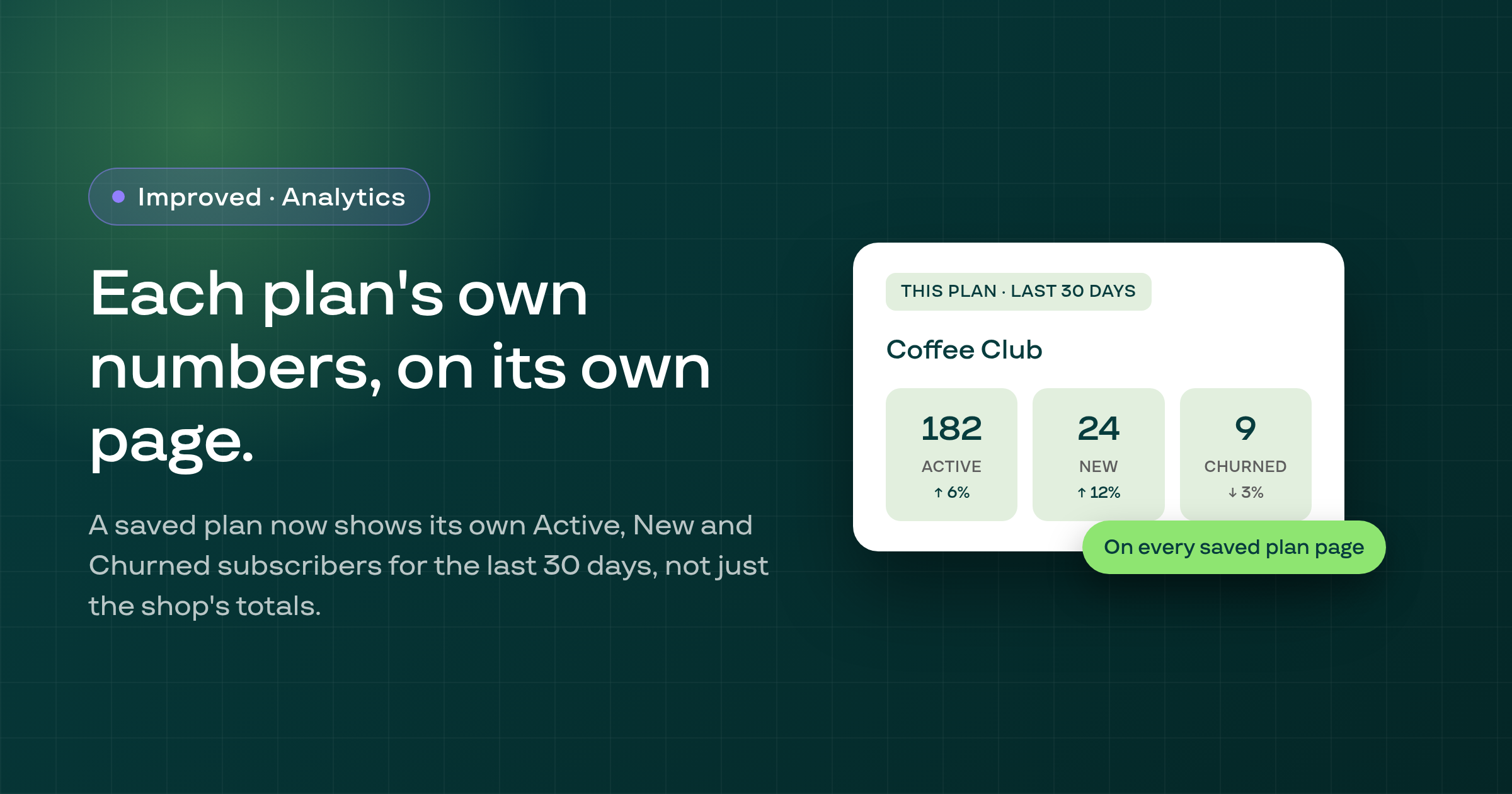
Every saved Subscribe & Save, Build-a-Box, Fixed Bundle and Mystery Box plan page now shows that plan's own Active, New and Churned subscriber counts for the last 30 days, instead of only the shop-wide numbers.
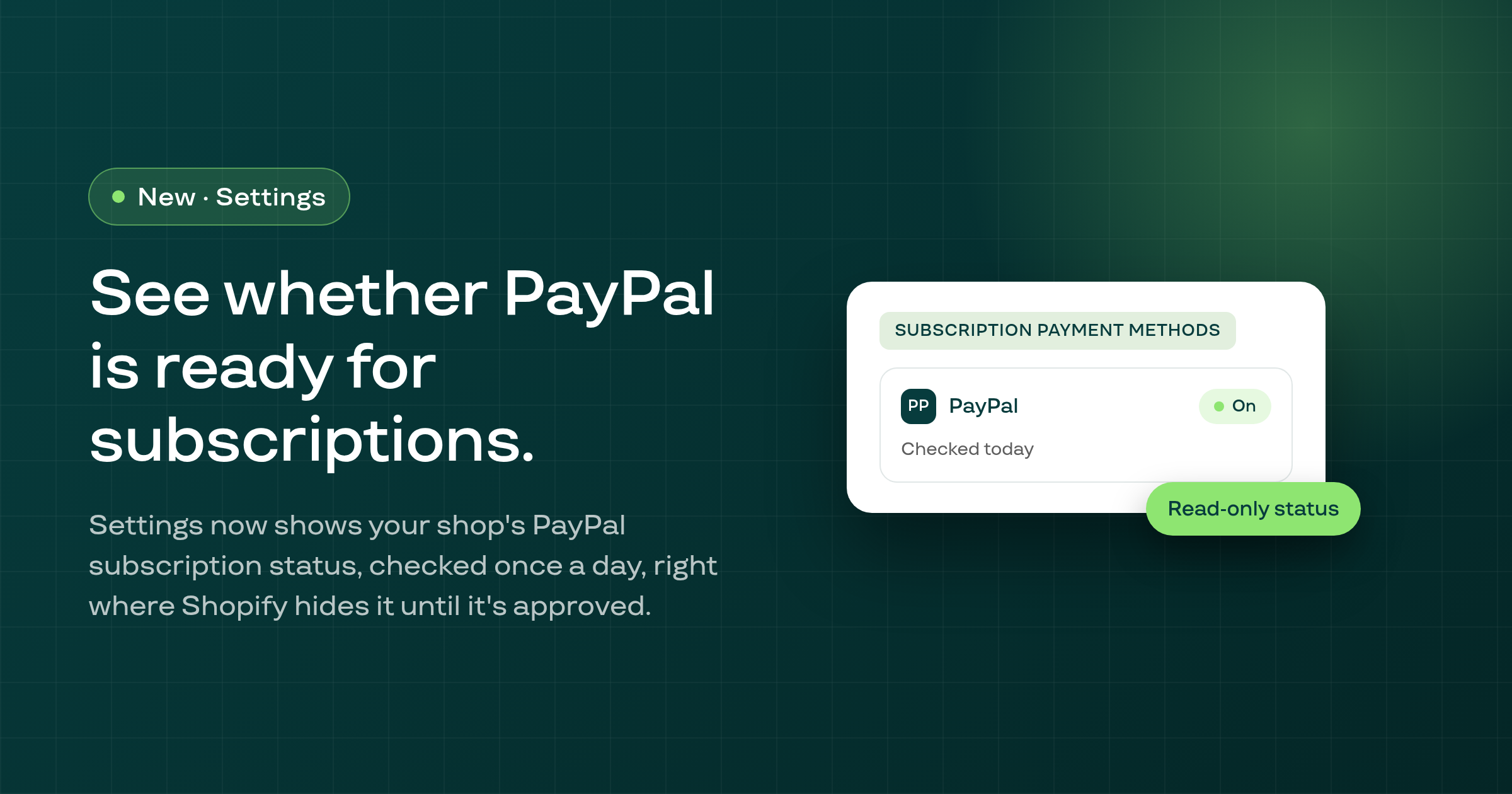
Settings now has a Subscription payment methods page showing whether a shop's PayPal Express gateway is approved for subscription checkouts, since Shopify hides PayPal at checkout until it is.
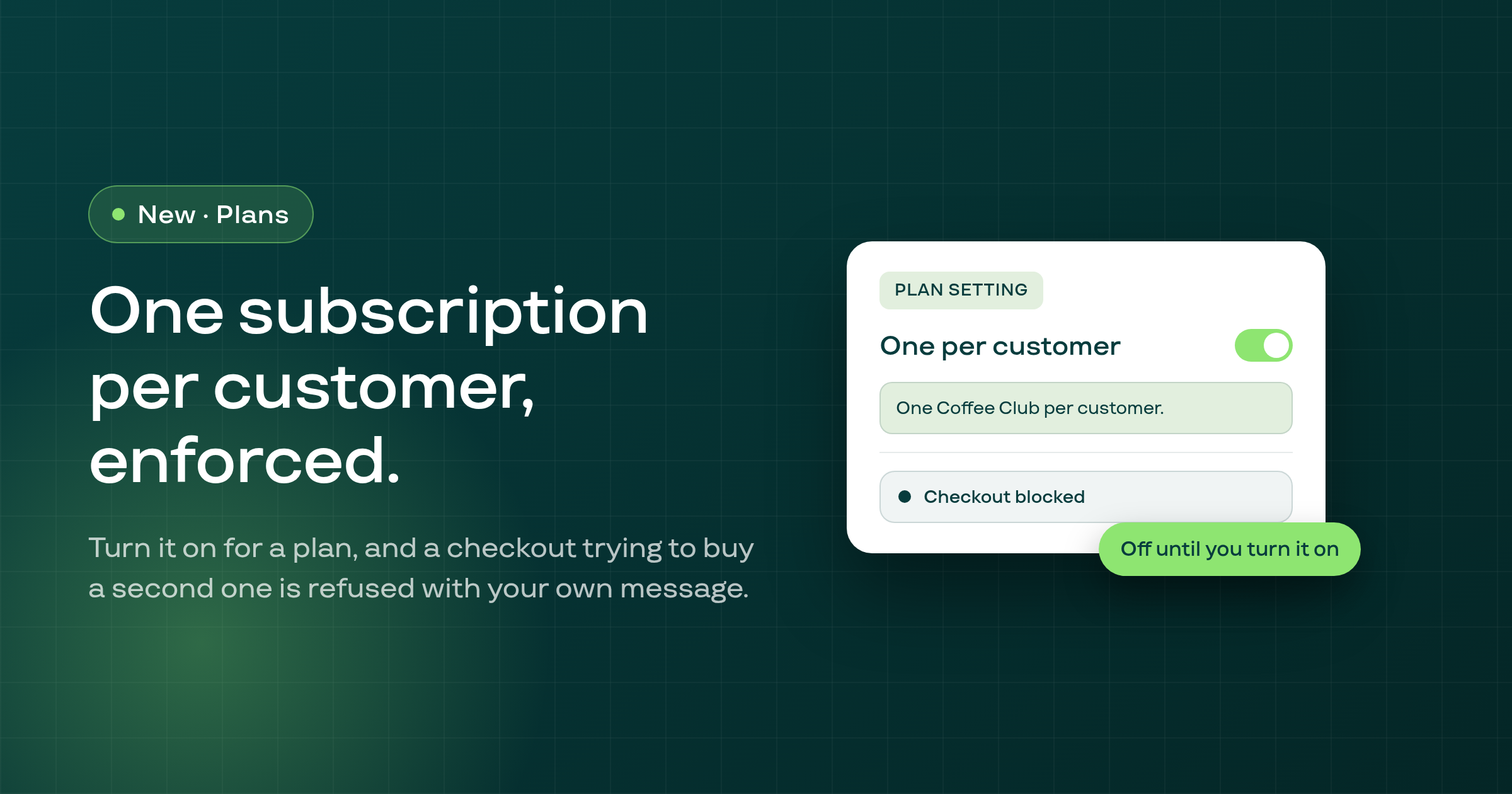
A merchant can now turn on a One per customer limit for a Subscribe & Save, Build-a-Box, Fixed Bundle or Mystery Box plan, with a custom message, so a single customer can't check out with more than one subscription to it.
Adding or swapping to a product that needs no shipping and whose every live plan delivers more slowly than the contract bills now asks the merchant to confirm first, instead of silently charging the product's full price on every cycle.
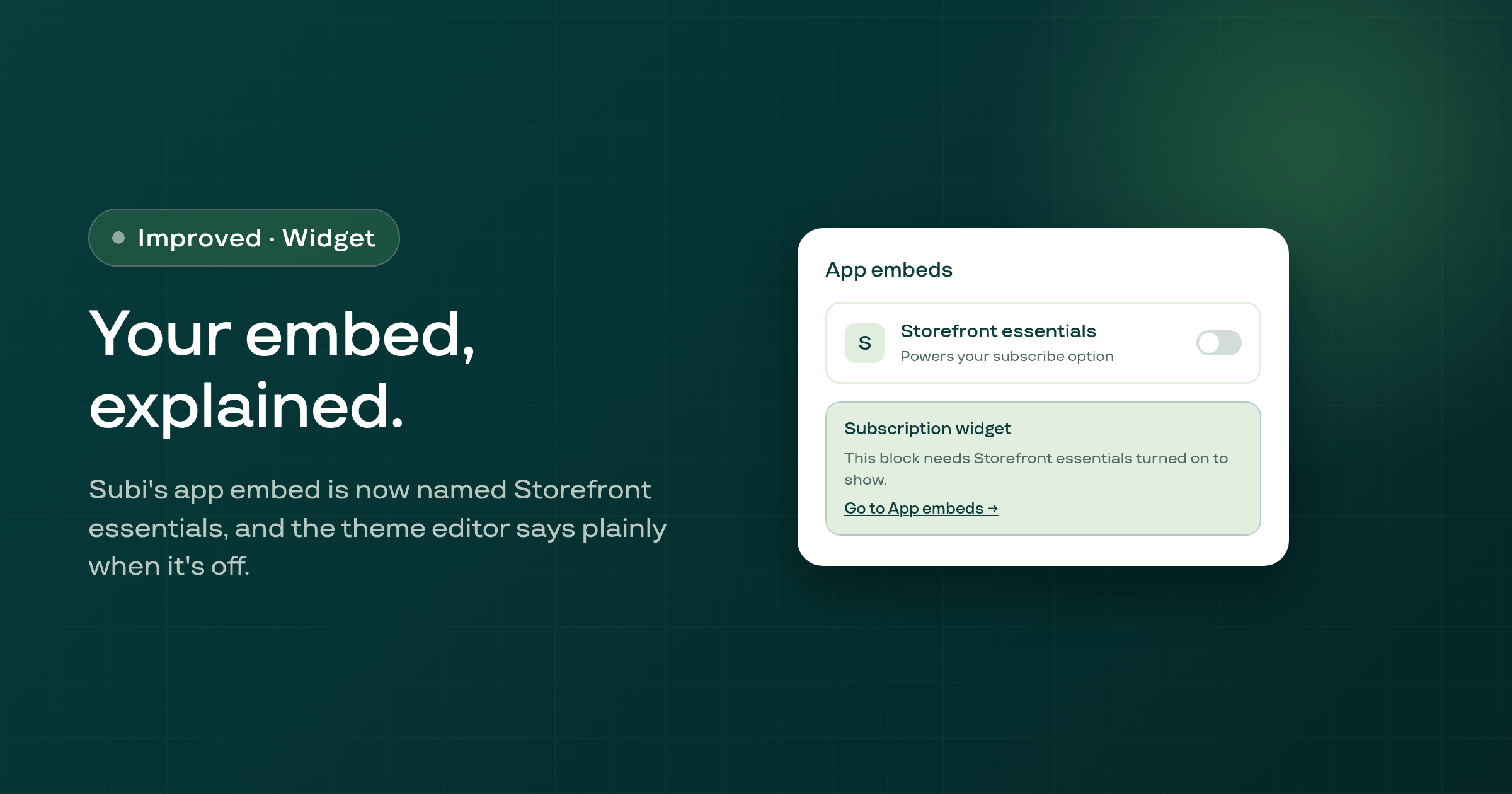
In the Shopify theme editor, Subi's app embed now reads 'Storefront essentials' instead of only 'Subi,' says what it powers, and tells you plainly when it's off and your subscribe option won't show.
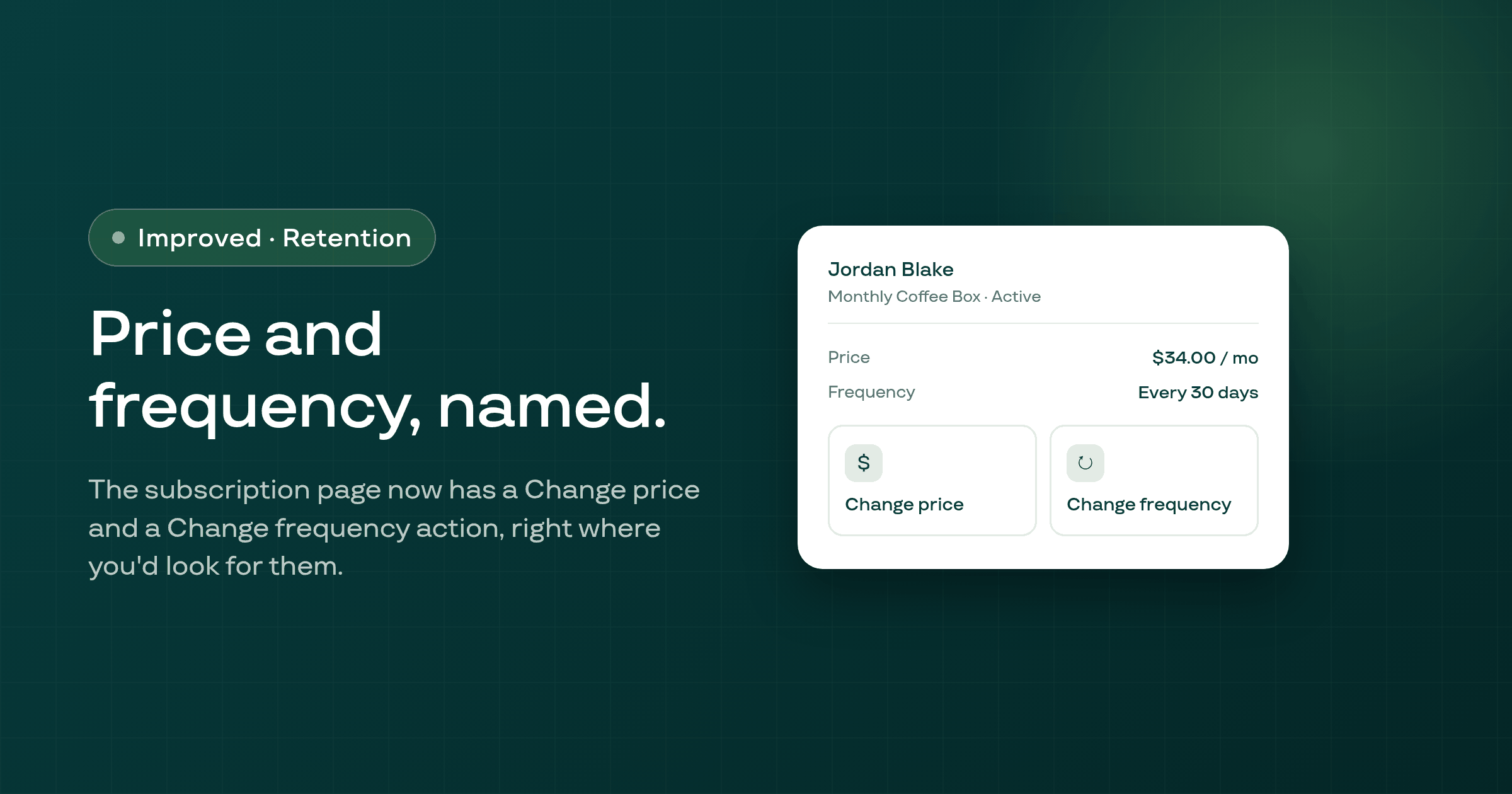
The single-subscription admin page now has dedicated Change price and Change frequency actions, so you no longer have to find your way into a generic items dialog to adjust a subscriber's price or billing frequency.
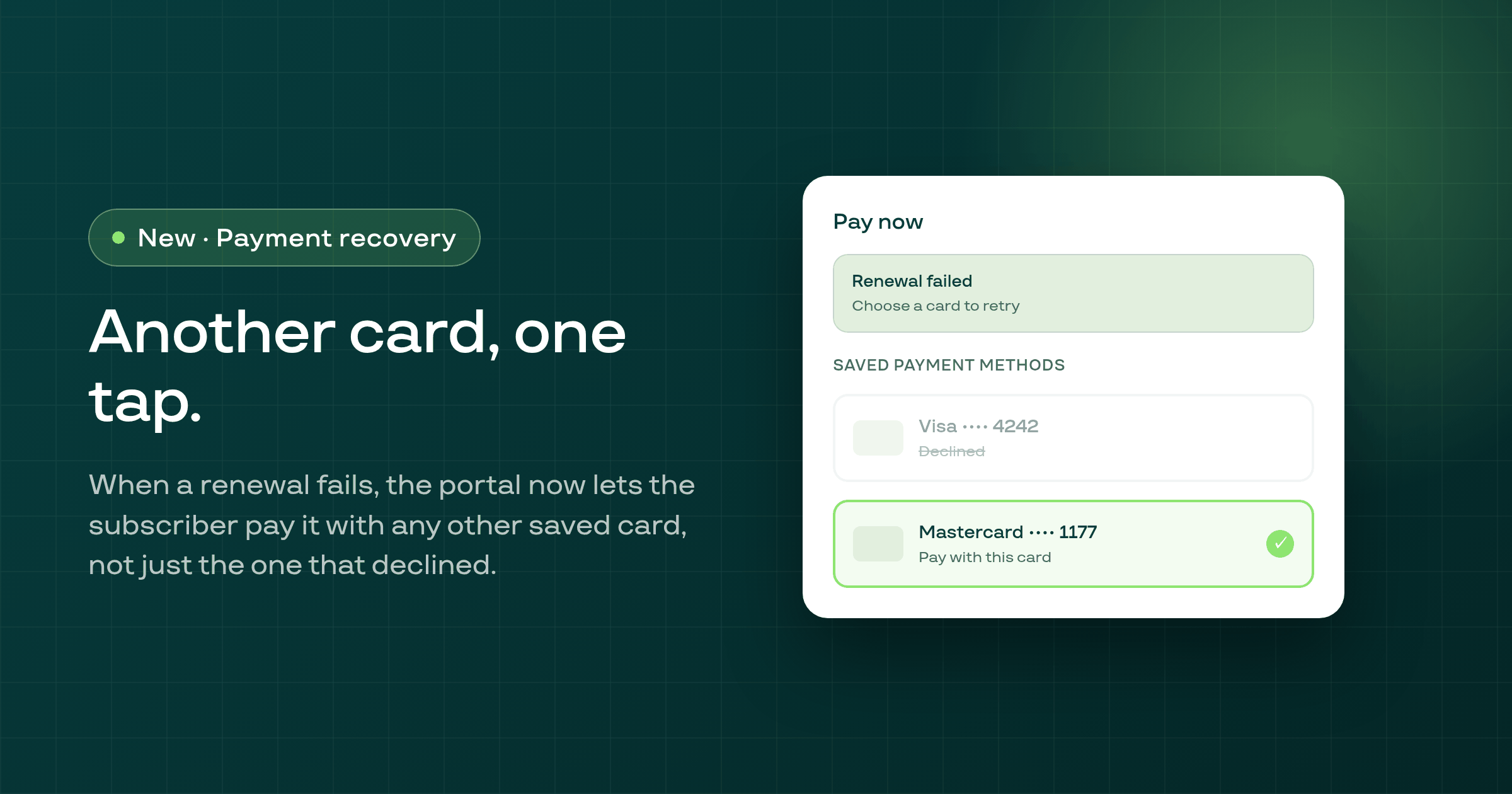
When a subscriber's renewal fails and they have more than one payment method saved, the customer portal's Pay now banner now lets them choose which saved card to pay with, instead of only ever retrying the one that failed.
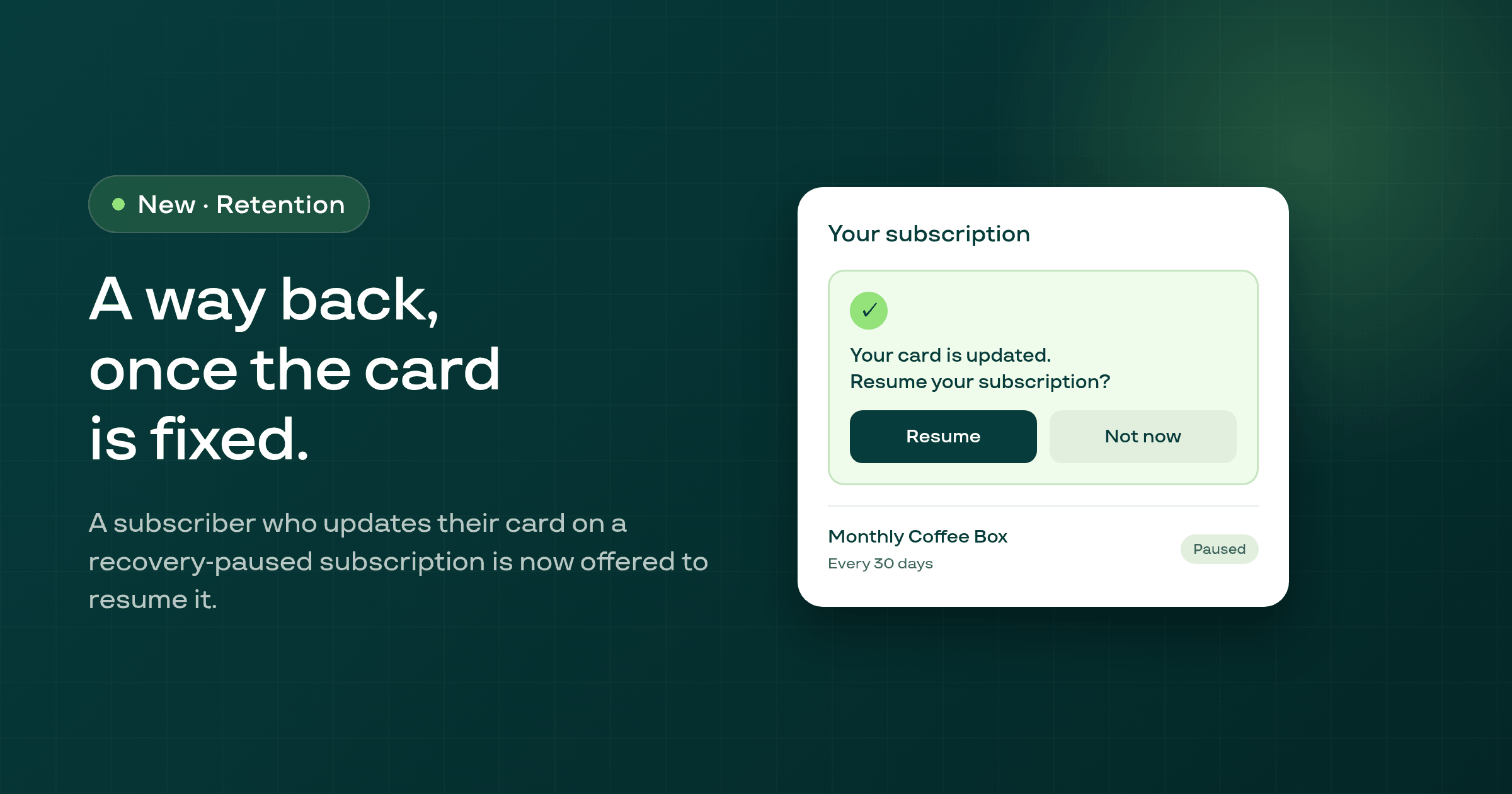
When a subscriber saves a new card on a subscription that Smart Recovery had already paused, they're now offered a way to resume it, in an email and in the customer portal, rather than being left paused with no path back.
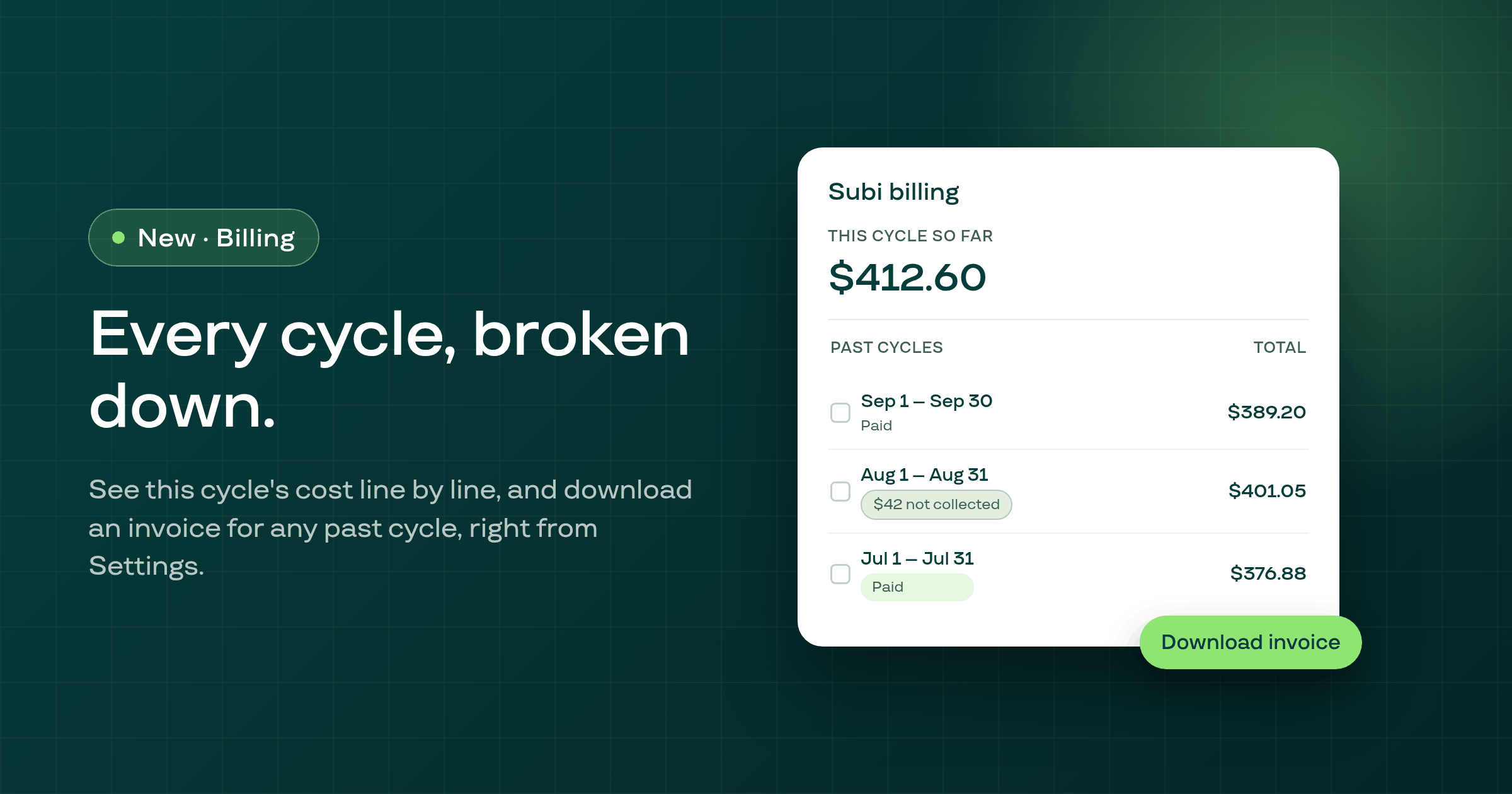
Settings > Subi billing now shows what your current cycle has cost so far, line by line, plus every past cycle with its own invoice you can download, so you no longer have to guess what a charge covers.
A fresh install of Subi could previously show an error screen for as long as half an hour when Shopify's App Bridge failed to hand back a session token; the app now falls back to the token it already has and completes the install instead.
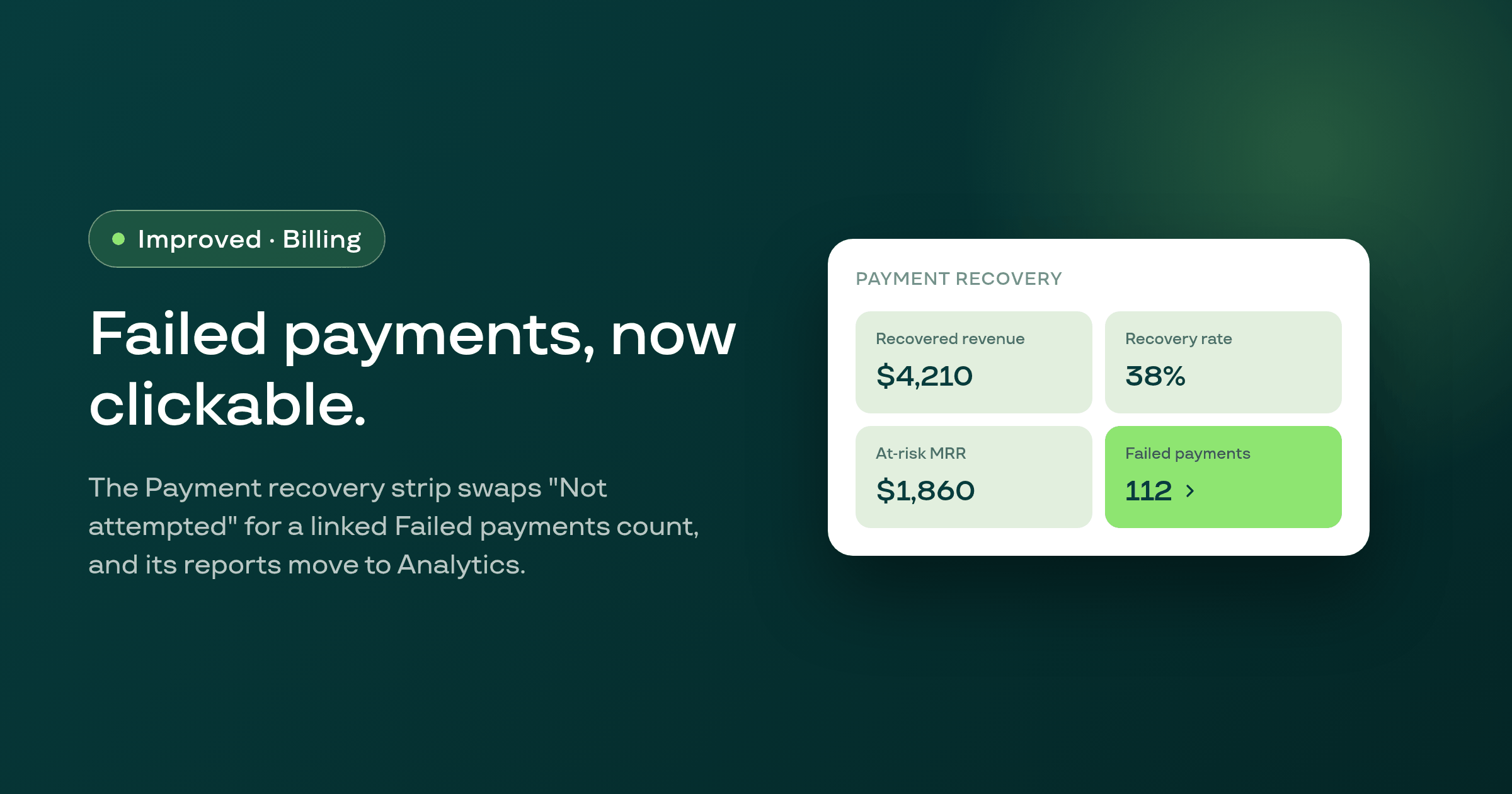
The Payment recovery page's overview strip replaces its dead 'Not attempted' count with a clickable Failed payments stat linked to its own report, and the two failed-payment reports now live on the Analytics Contracts tab where you already look for contract data.
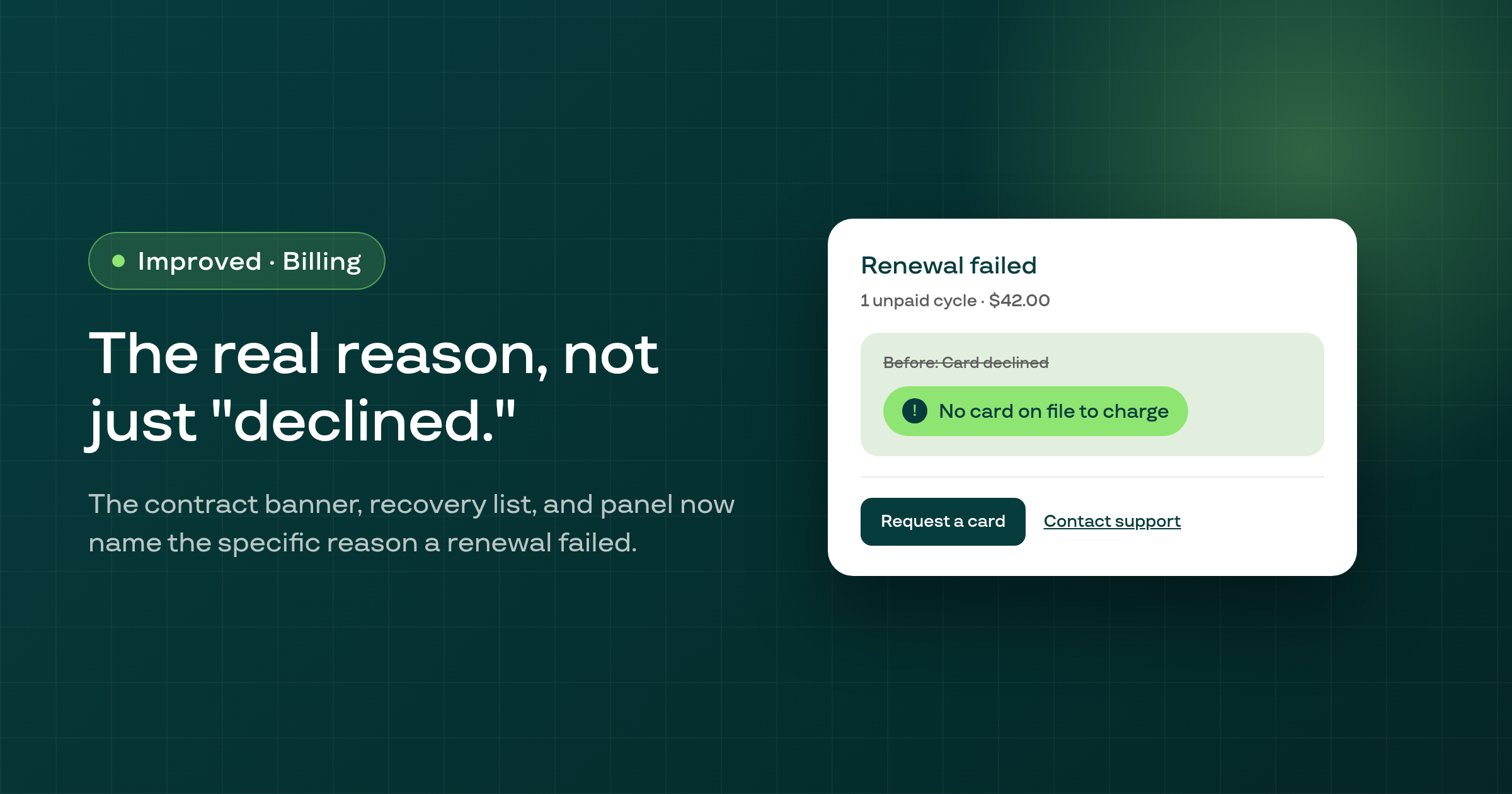
The contract page's failed-payment banner, the Payment recovery list, and the recovery panel now show a specific reason for why a renewal failed, like a missing saved card versus a repeat bank decline, instead of one generic 'Card declined' or 'Insufficient funds' message.
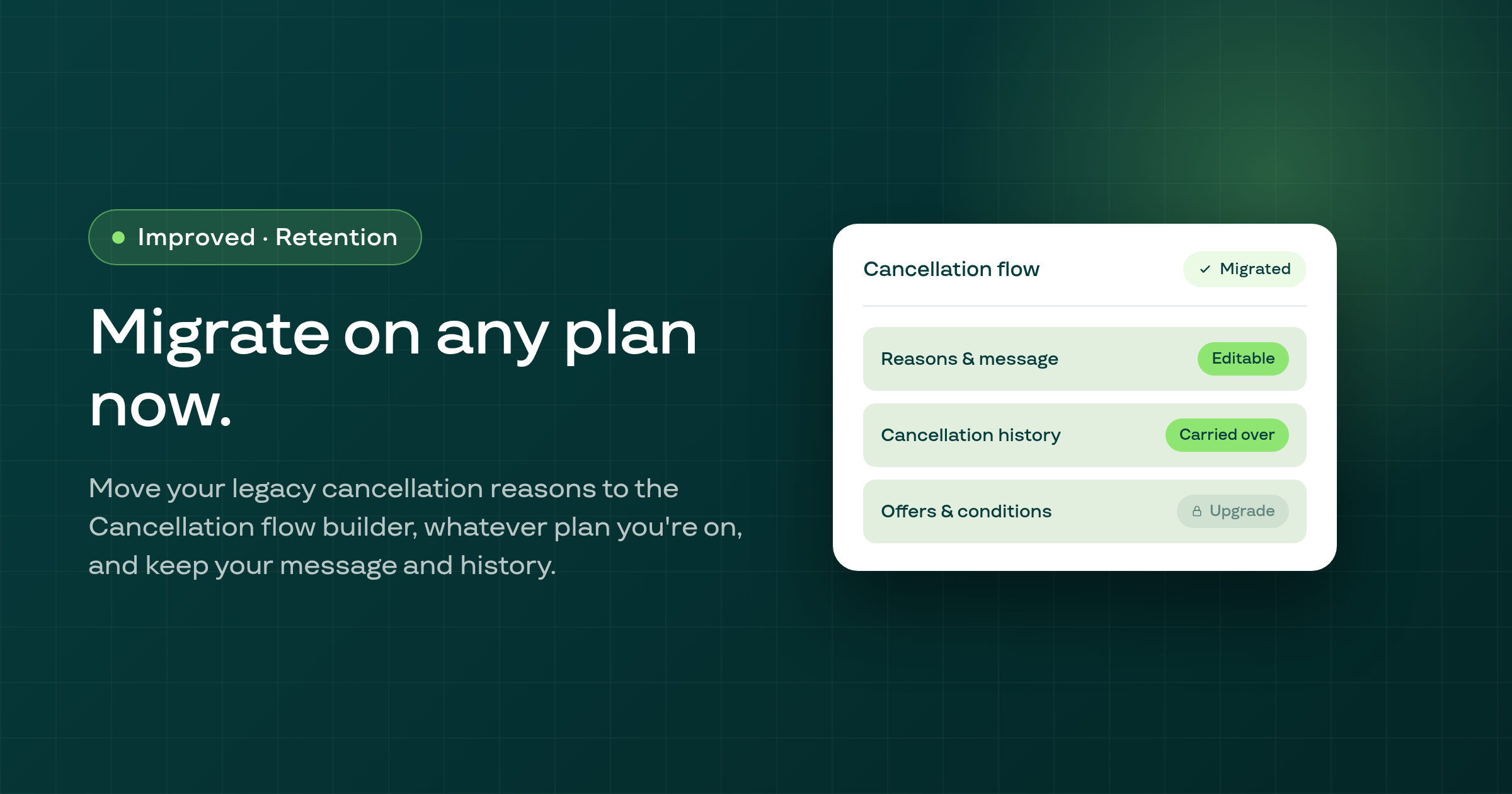
If your store still uses the old cancellation-reasons list, you can now migrate it to the Cancellation flow builder on any plan, and the migration carries over your existing pre-cancel message and cancellation history.
At shops whose Shopify primary language isn't English and that have portal translation turned on, the customer portal opened in that primary language now shows the merchant's own text, instead of falling back to English.
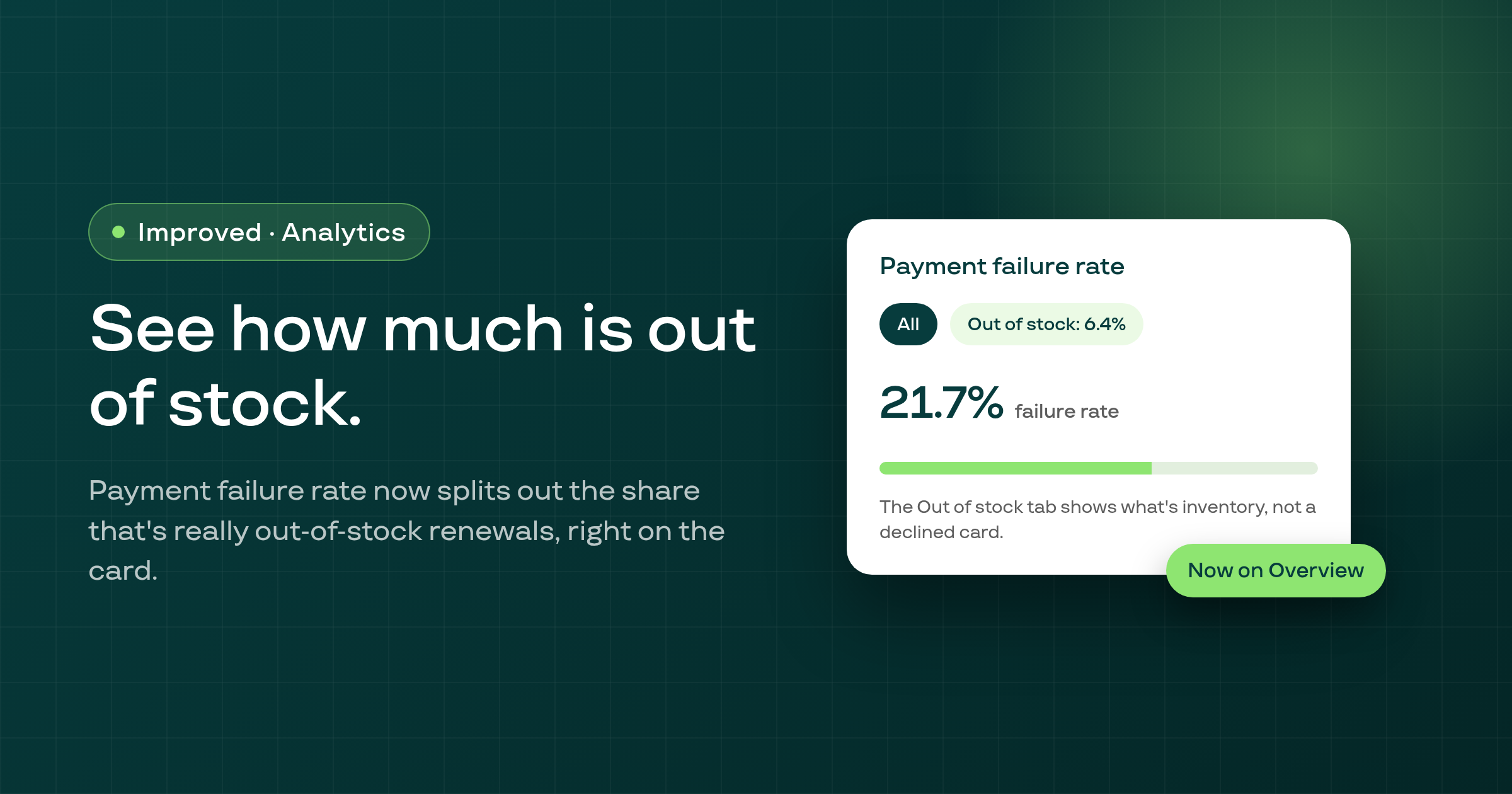
Analytics > Overview's Payment failure rate card now shows an Out of stock: X% tab whenever out-of-stock renewals make up part of that failure rate, so you can tell at a glance how much of it is inventory, not payment.
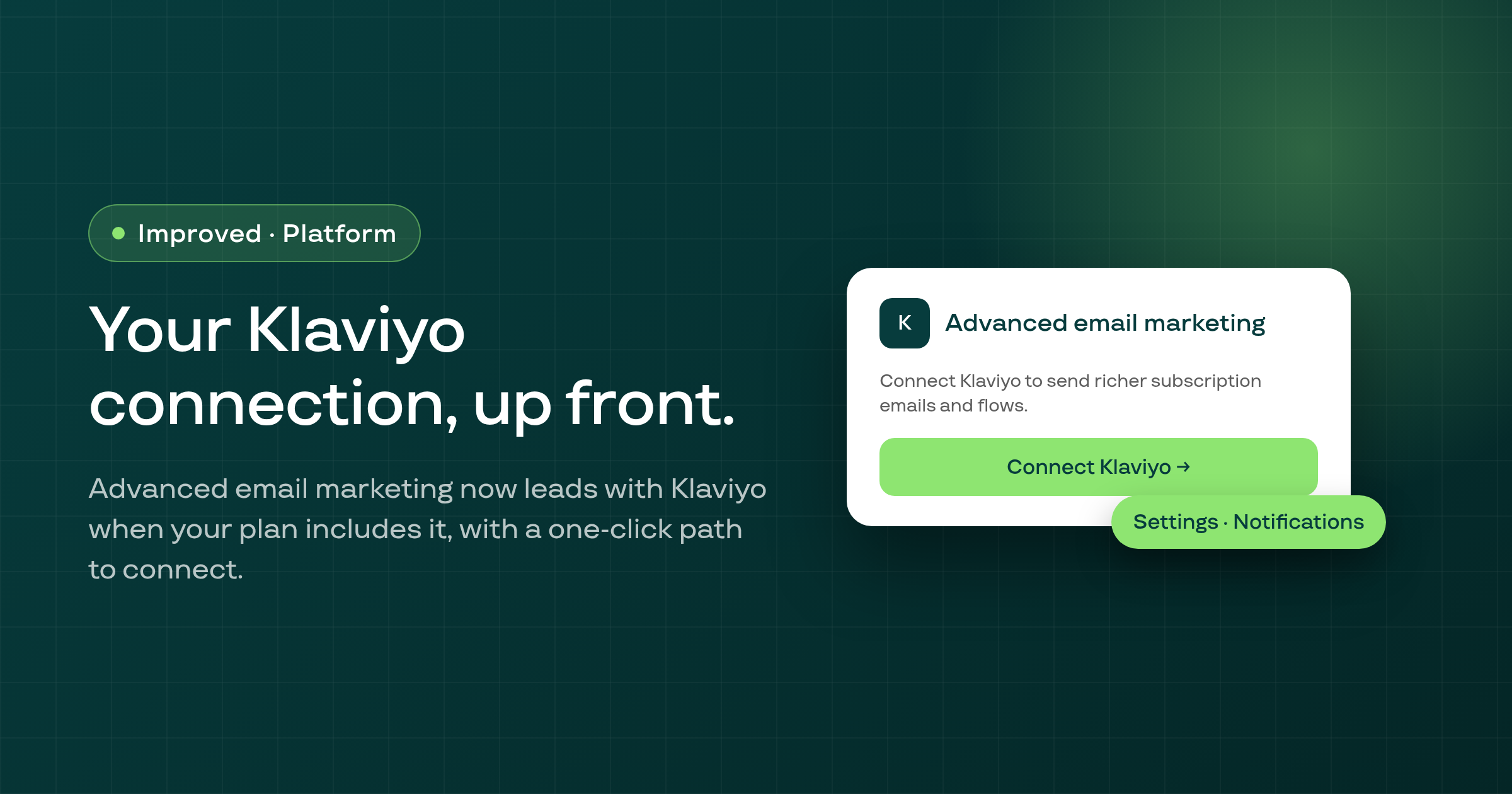
On Settings > Notifications > Email, the Advanced email marketing card now leads with your Klaviyo connection status when your plan includes Subi's Klaviyo connector, with a one-click path to connect it or start your first flow.
On the Storefront & Portal hub, the strip's Add products to plan button now actually adds the products, and Enable app embed now re-checks the embed when you return to the tab.
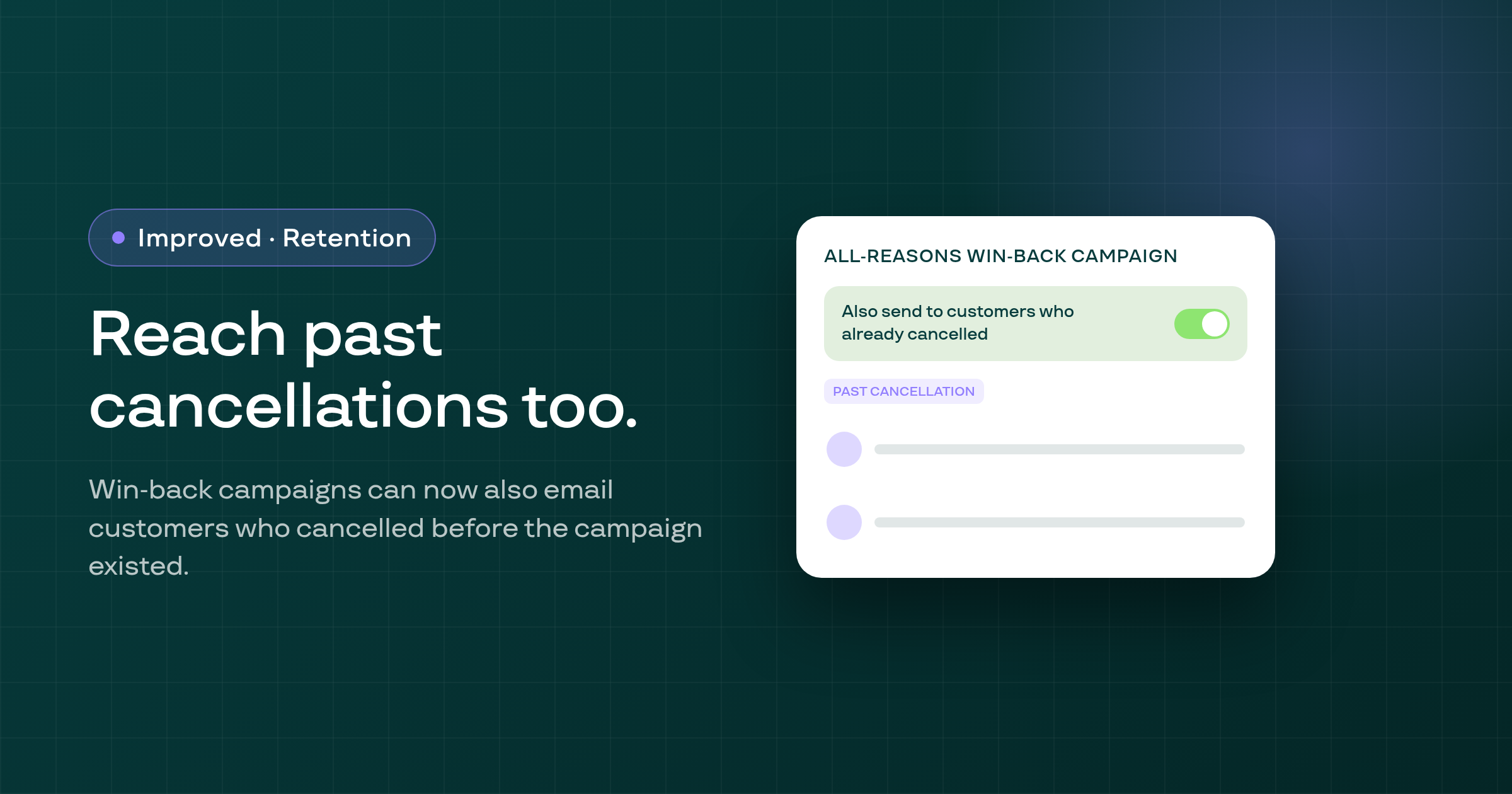
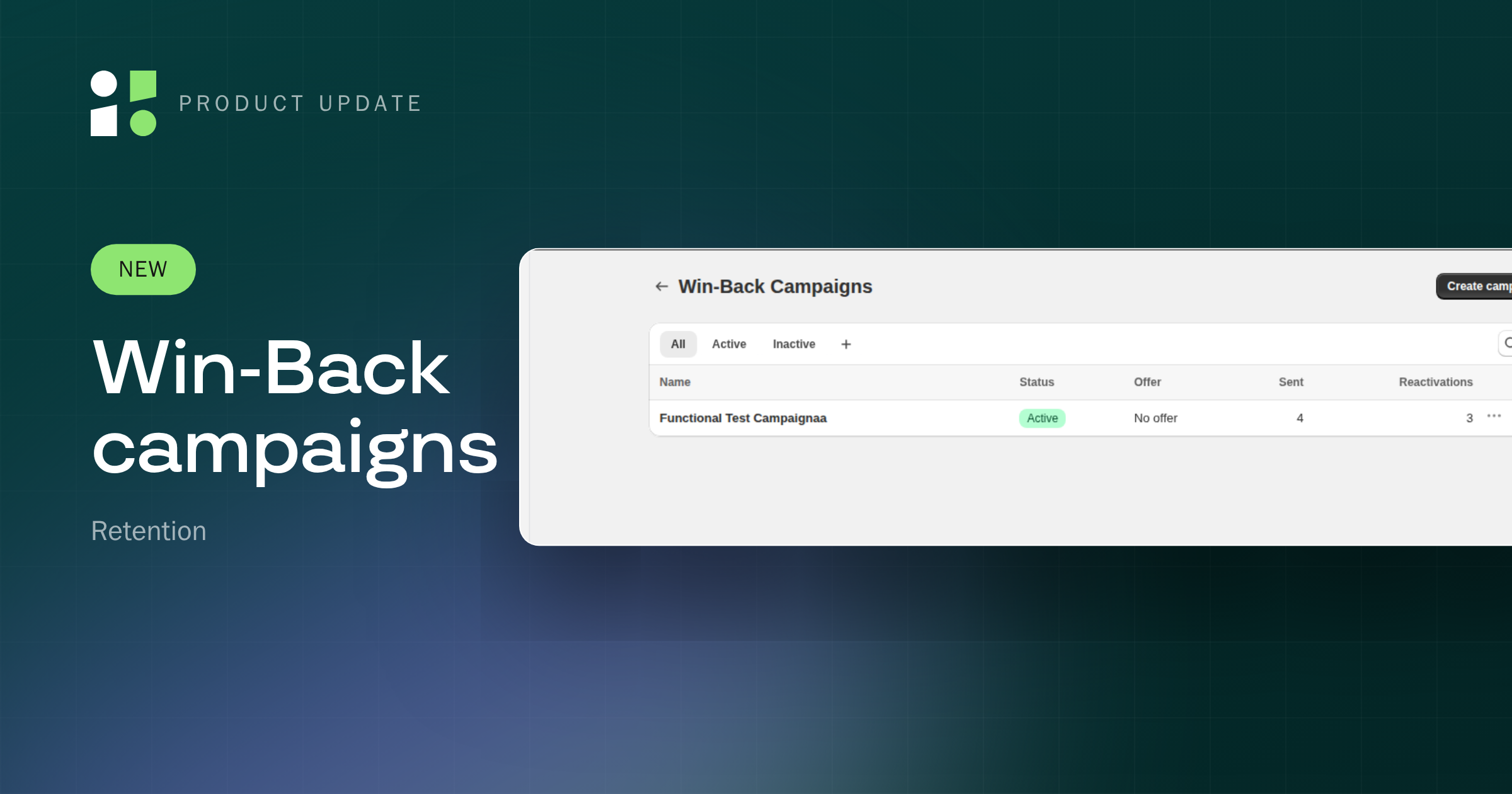
A shop's all-reasons win-back campaign can now also email customers who cancelled before the campaign existed, over a window the merchant chooses, with the toggle off by default.
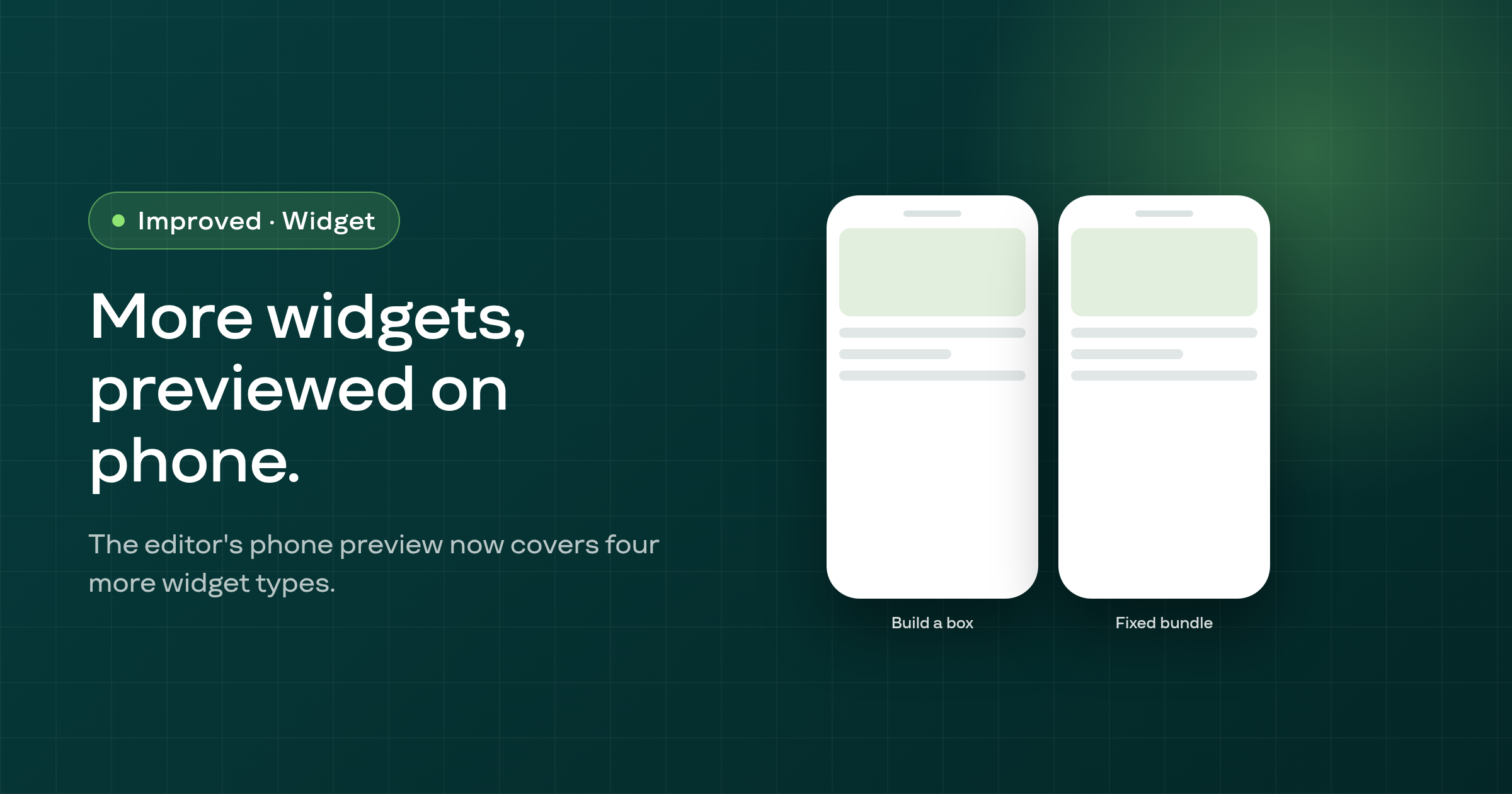
The storefront widget editor's phone preview now also covers Build a box, the membership Access denied page, Fixed bundle, and Fixed bundle Included products, drawn with the storefront's own phone layout.
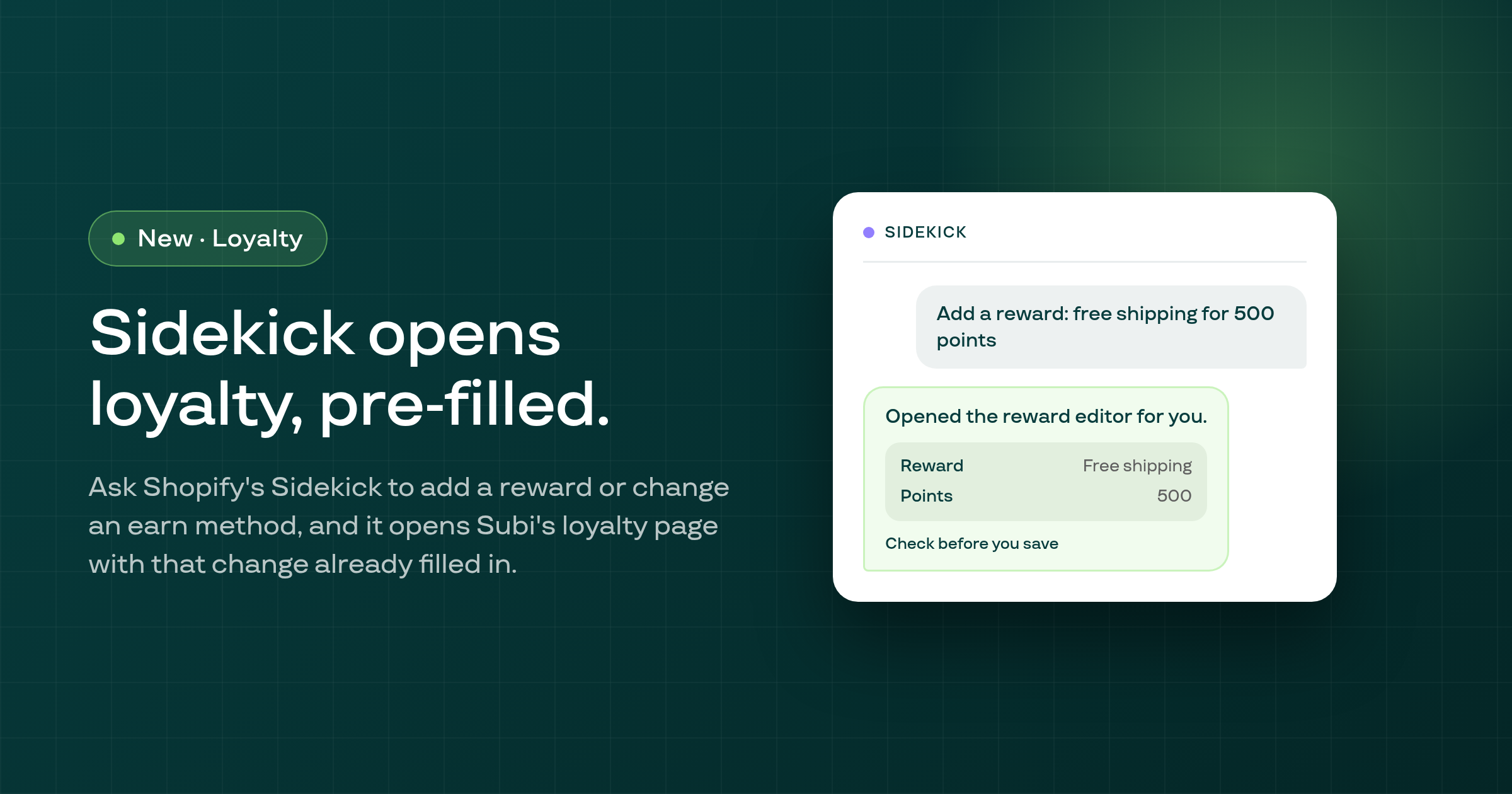
When you ask Shopify's Sidekick assistant to change an earn method or add a new reward to your loyalty program, it now opens Subi's loyalty page directly with that change already filled in.
A subscriber who updates or swaps their card while the shop's renewals are paused over its plan's sales limit now reads Card saved, never Payment successful, and isn't asked to pay for that renewal again.
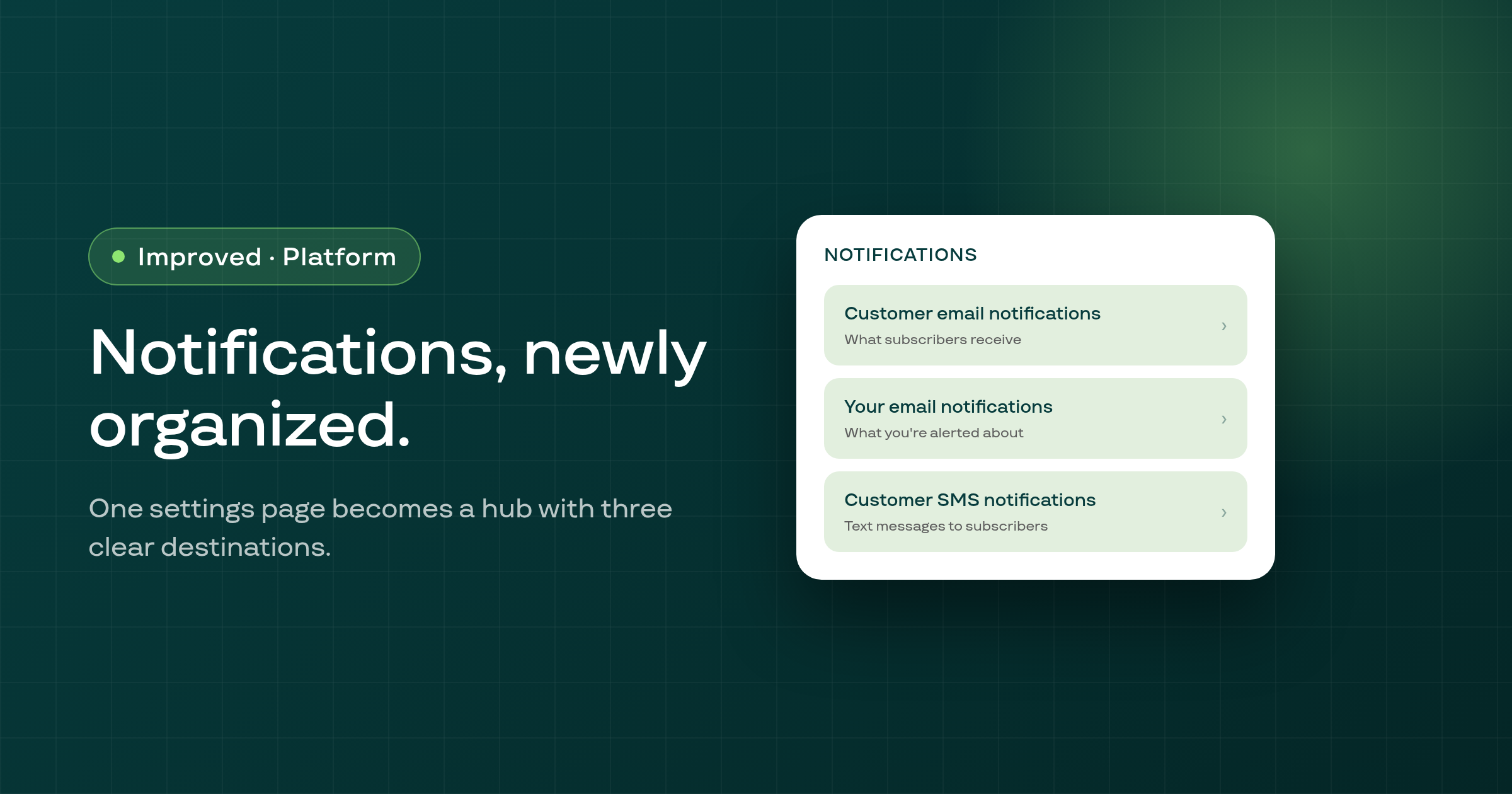
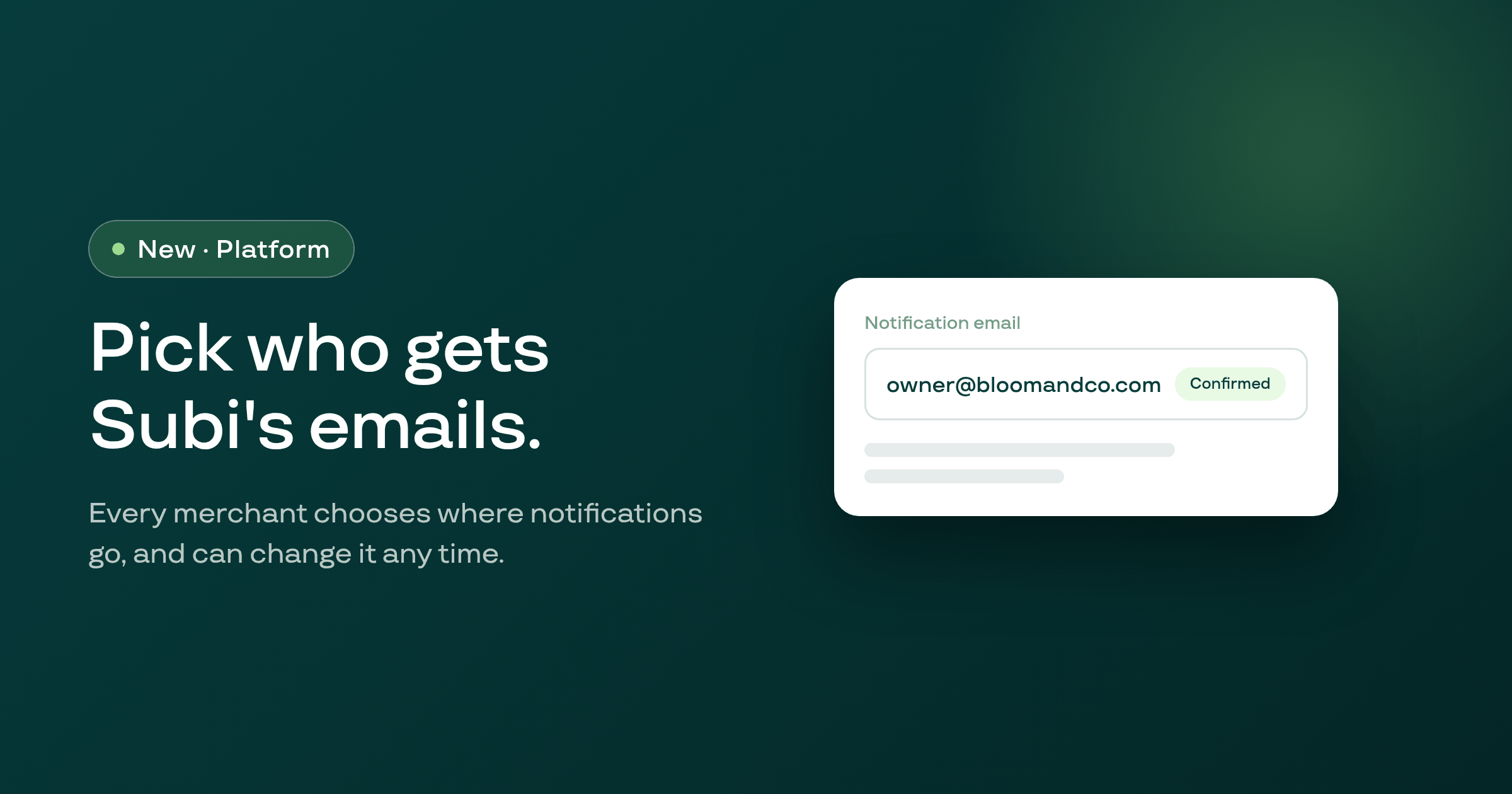
The admin's Notifications settings now open on a hub that links to three pages, Customer email notifications, a new Your email notifications page, and Customer SMS notifications, instead of one long list.
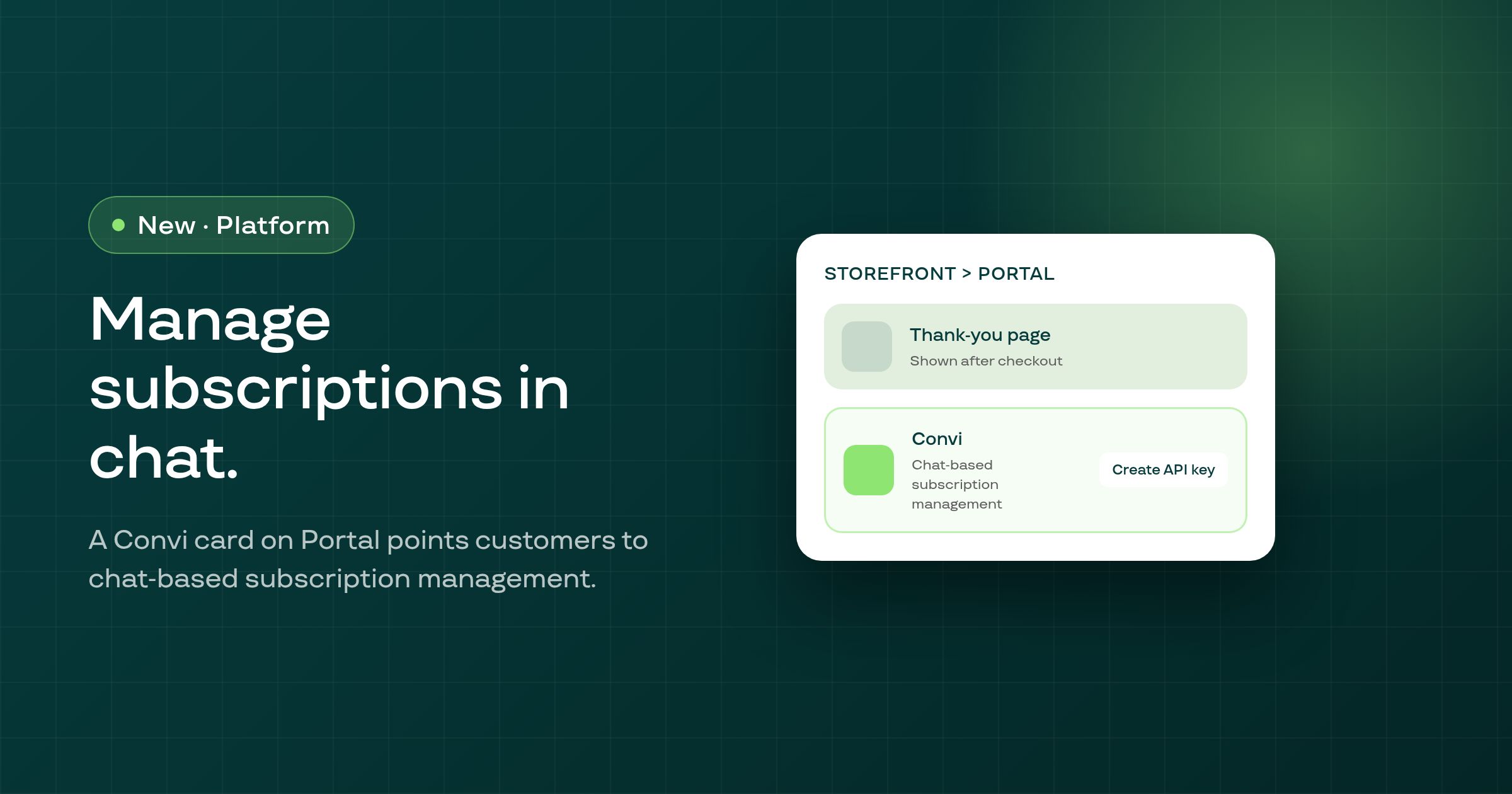
A Convi card now sits under the thank-you page card on Storefront > Portal, so merchants learn they can let customers manage subscriptions in chat and where to get the API key Convi needs.
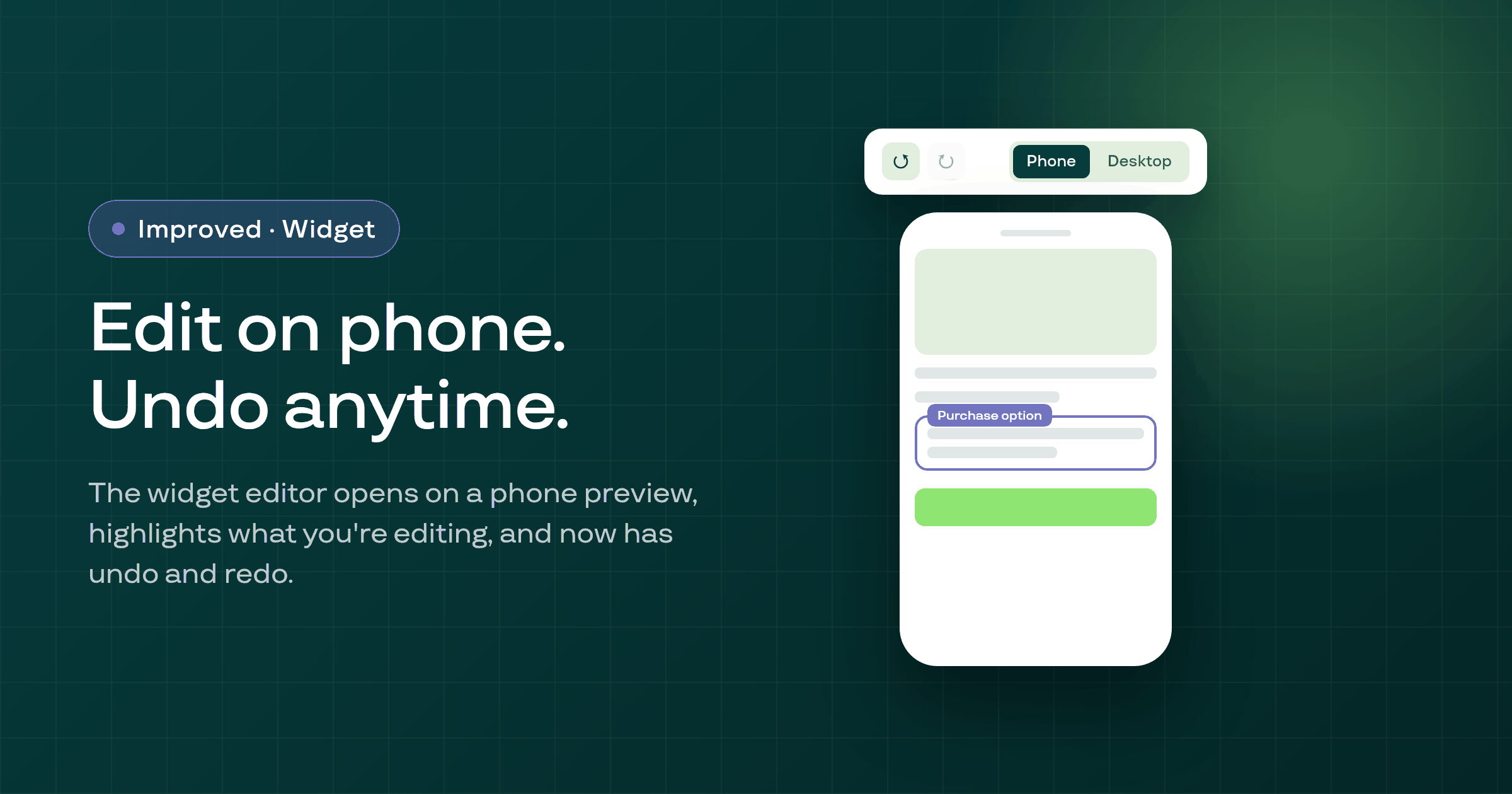
The storefront widget editor now opens on a phone-sized preview with a switch back to desktop, boxes the part of the widget you're editing, and adds undo and redo.
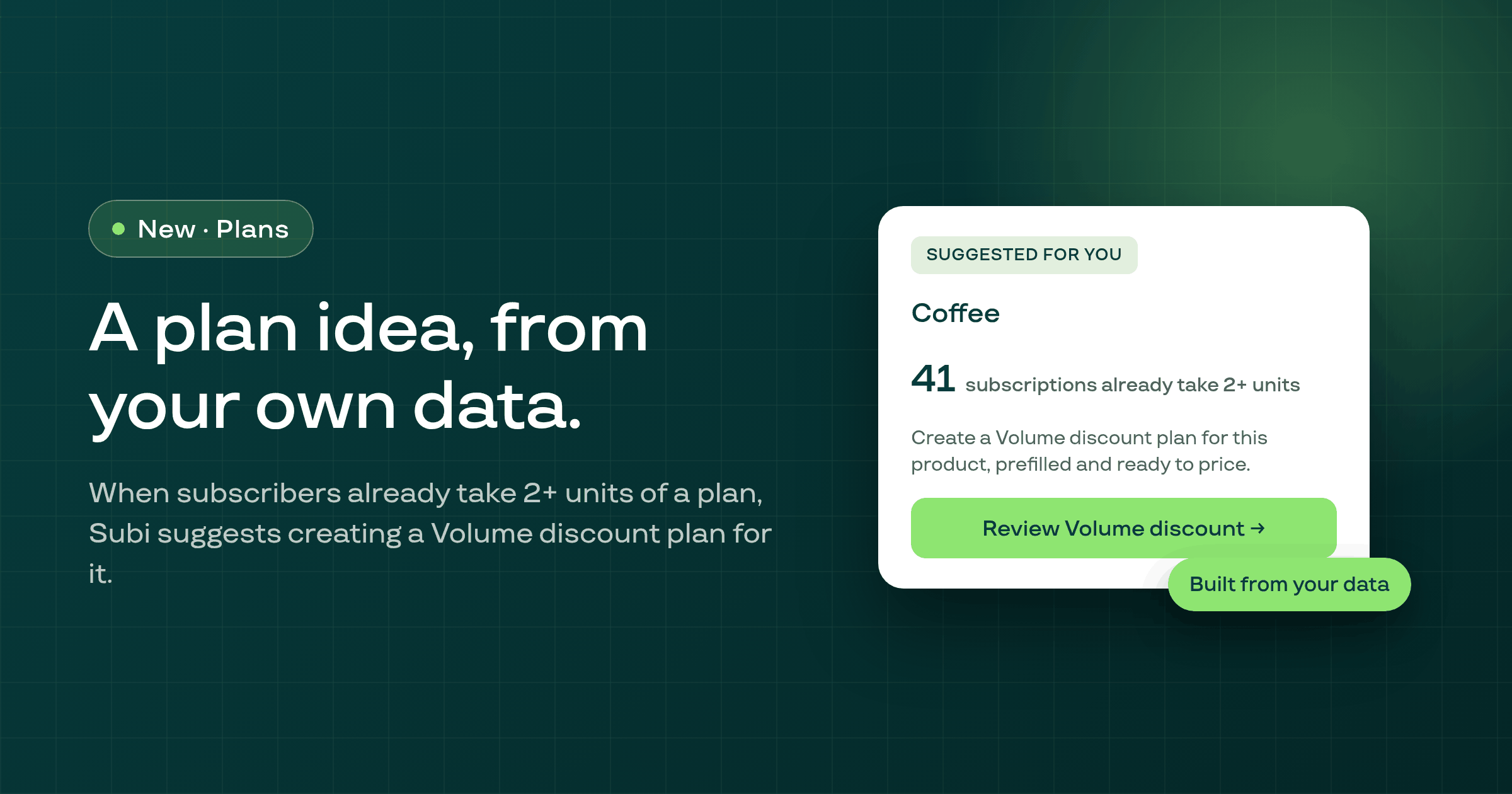
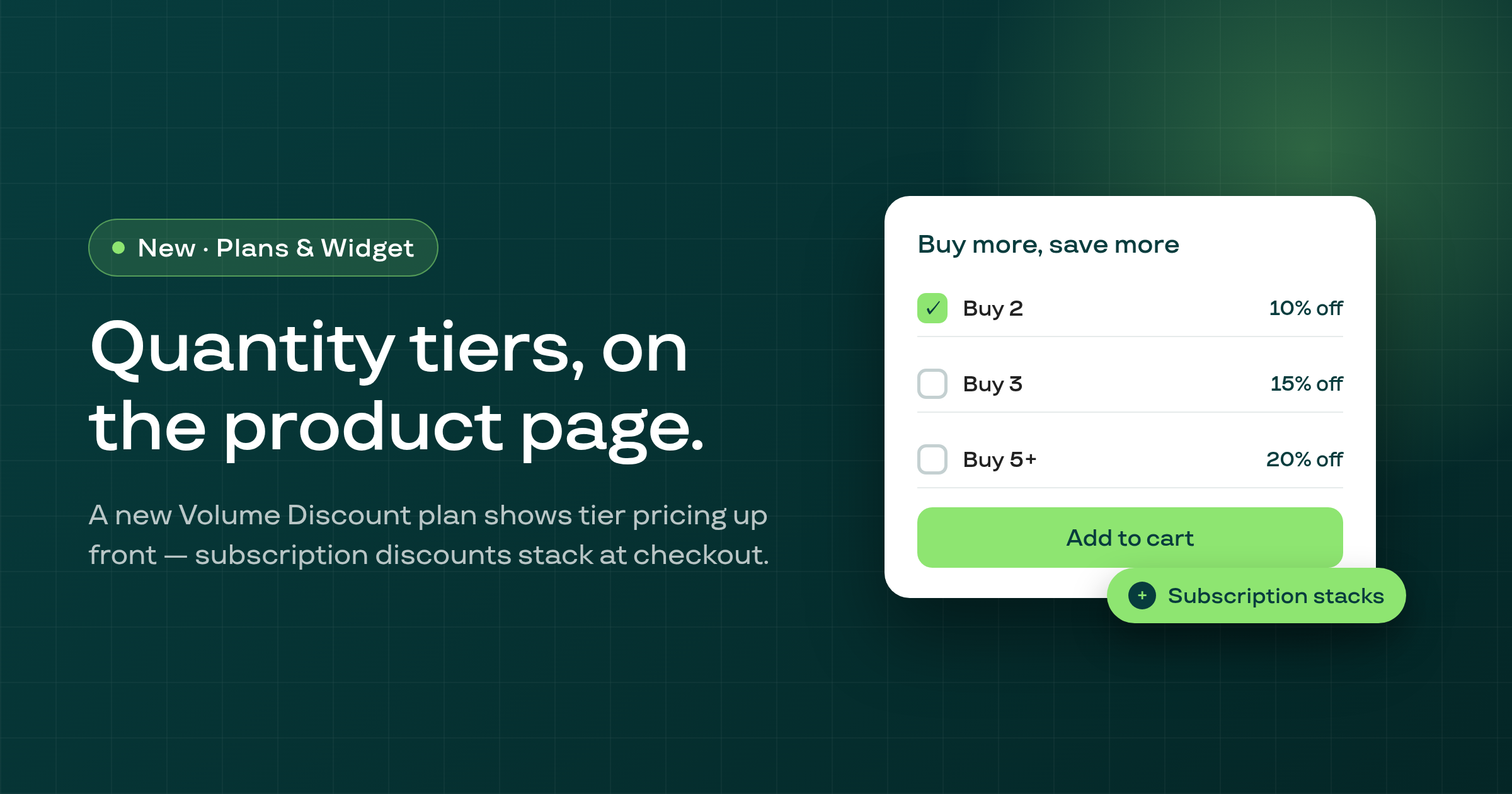
When a Subscribe and Save plan already has subscribers taking 2 or more units, Subi now suggests creating a Volume discount plan for it, with a one-click path into a prefilled Volume discount plan.
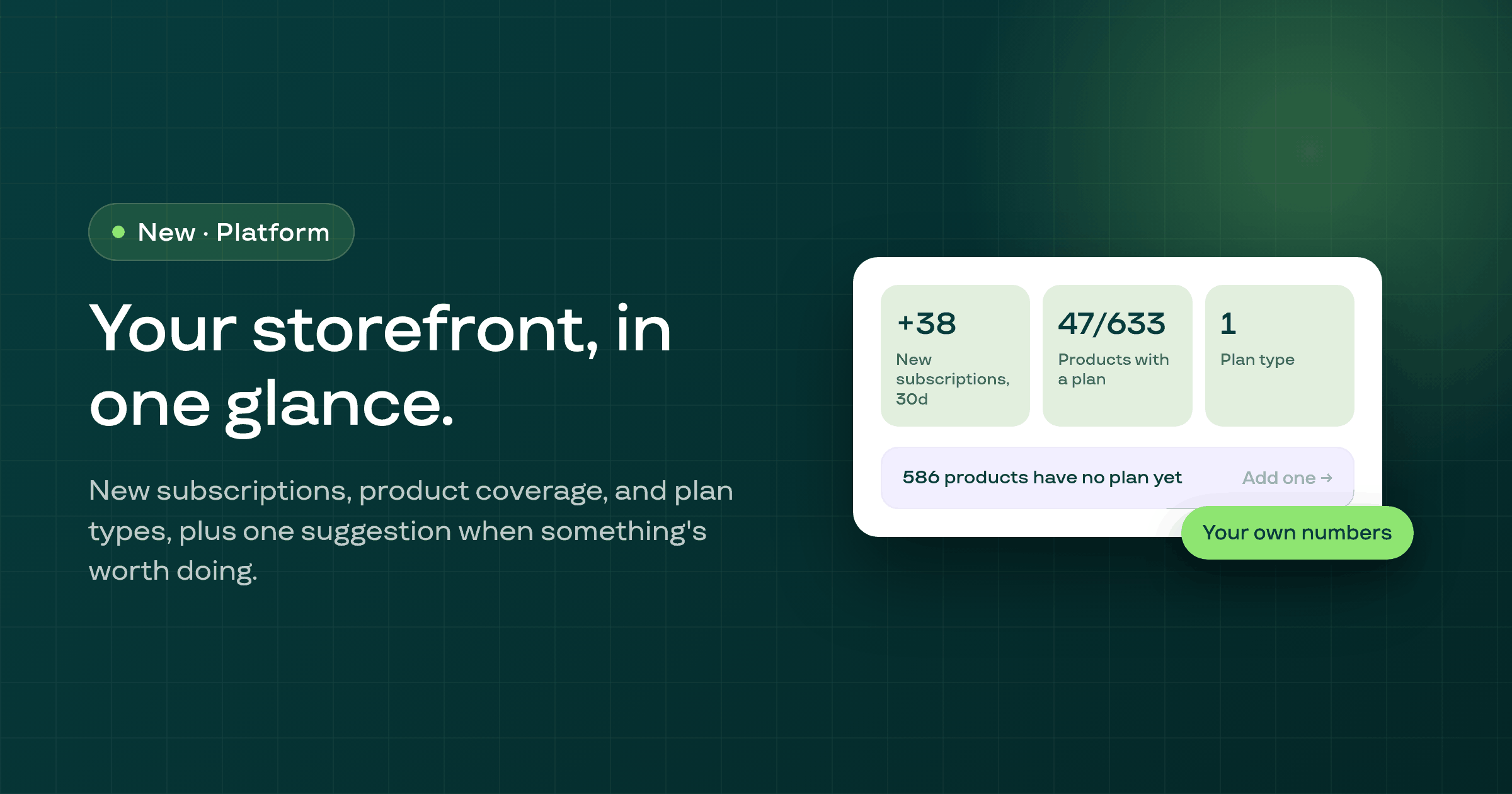
The Storefront & Portal hub now opens with a strip showing three of your own numbers (recent new subscriptions, product coverage, and plan-type count), plus at most one suggestion when there's something worth doing.
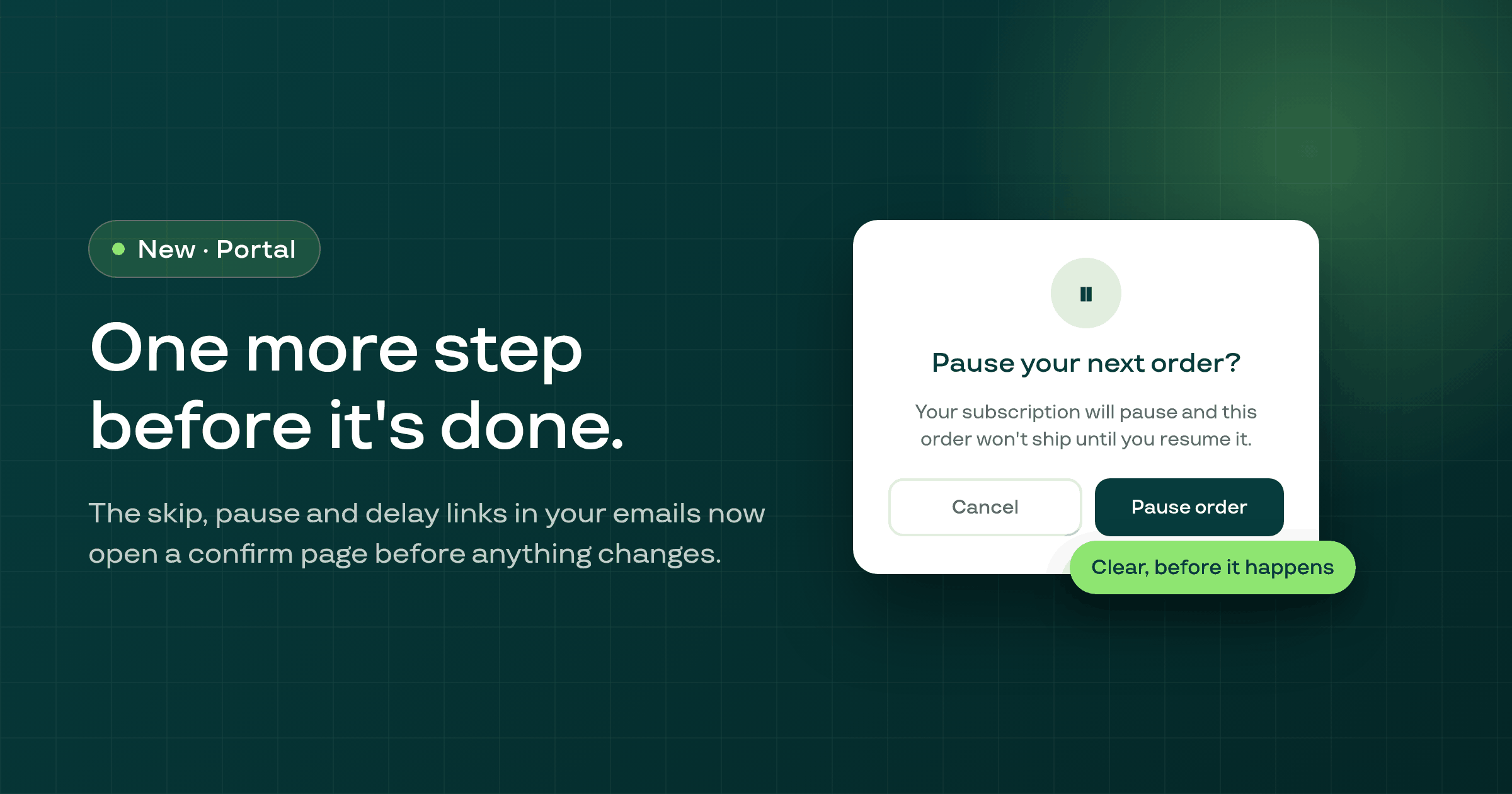
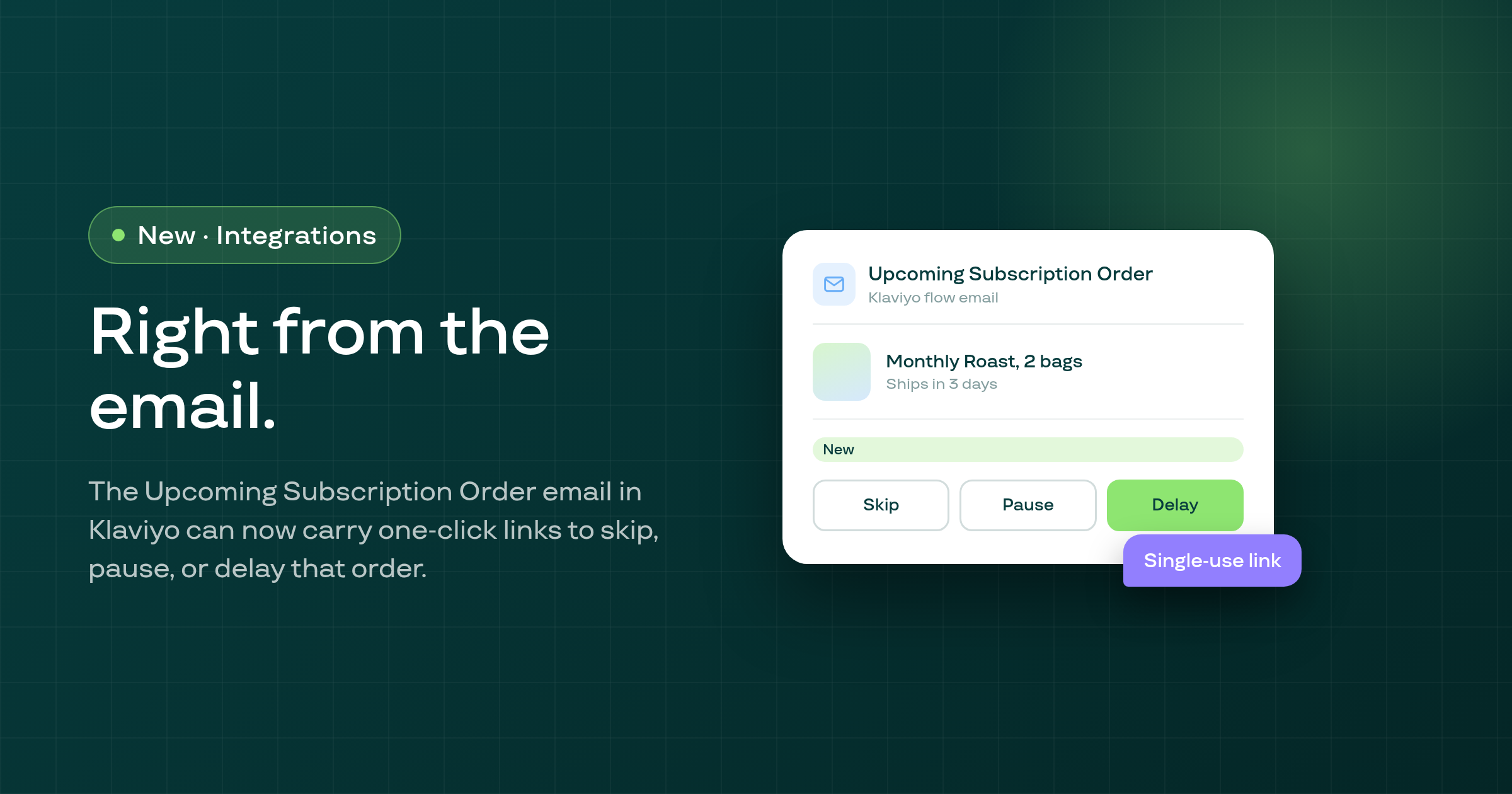
The skip, pause and delay links you can put in a Klaviyo upcoming-order email now open a confirm page before anything changes, and a done page afterward showing the resulting date, matching the extend and cancel links already there.
The four loyalty emails (order-points, signup-points, manual adjustment, and reward redeemed) now name your store's own contact address instead of a Subi address, and print prices using your store's email money format instead of a hardcoded dollar sign.
A subscriber who moves can now actually change their country and state in the customer portal's shipping address window and the customer account page's address editor; both now use pick lists instead of free text, where a typed value used to be silently overridden by the old stored codes.
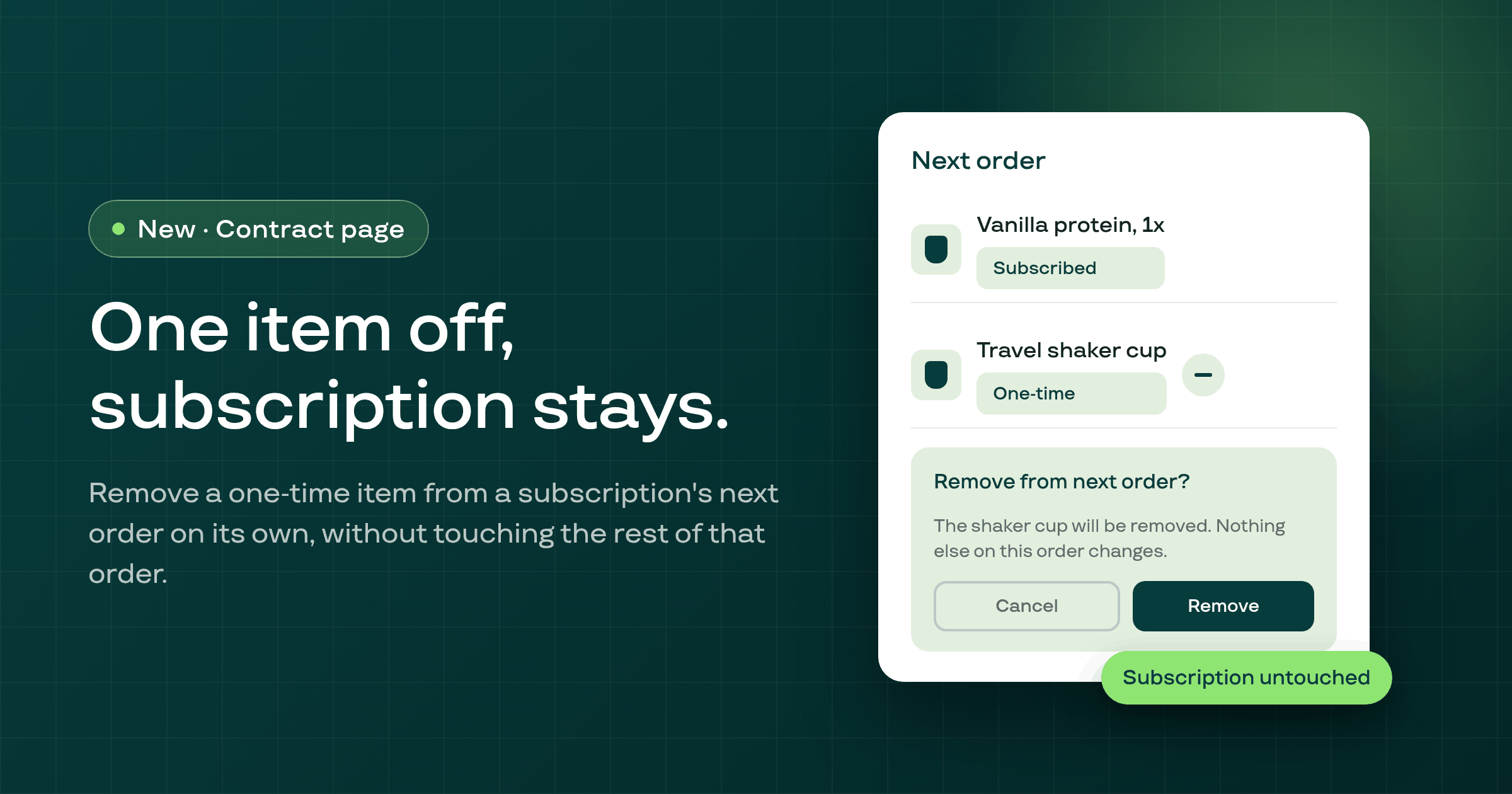
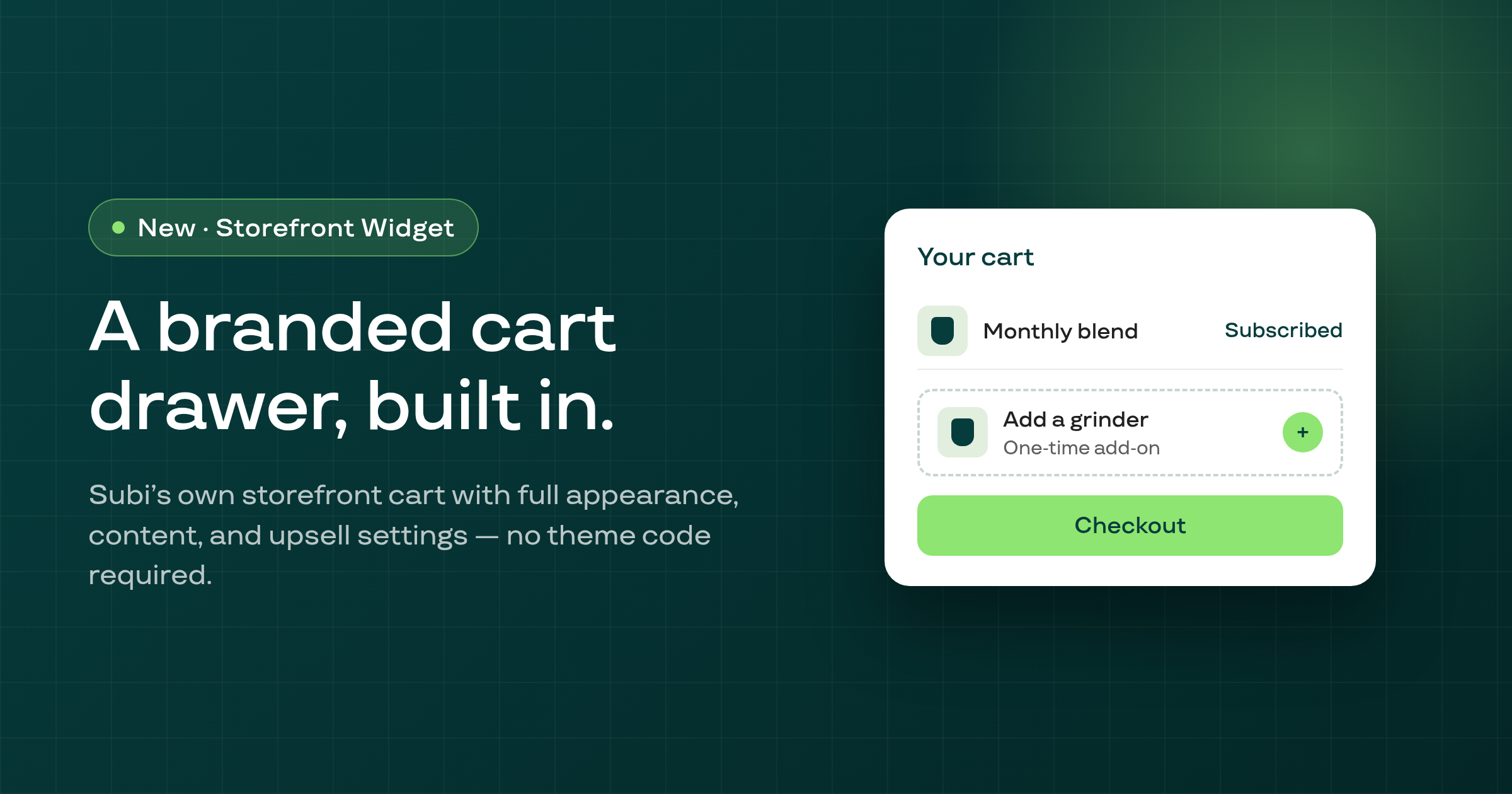
A one-time upsell item or Stock up add-on sitting on a subscription's next order can now be removed on its own, without touching the subscription or any other edit on that order.
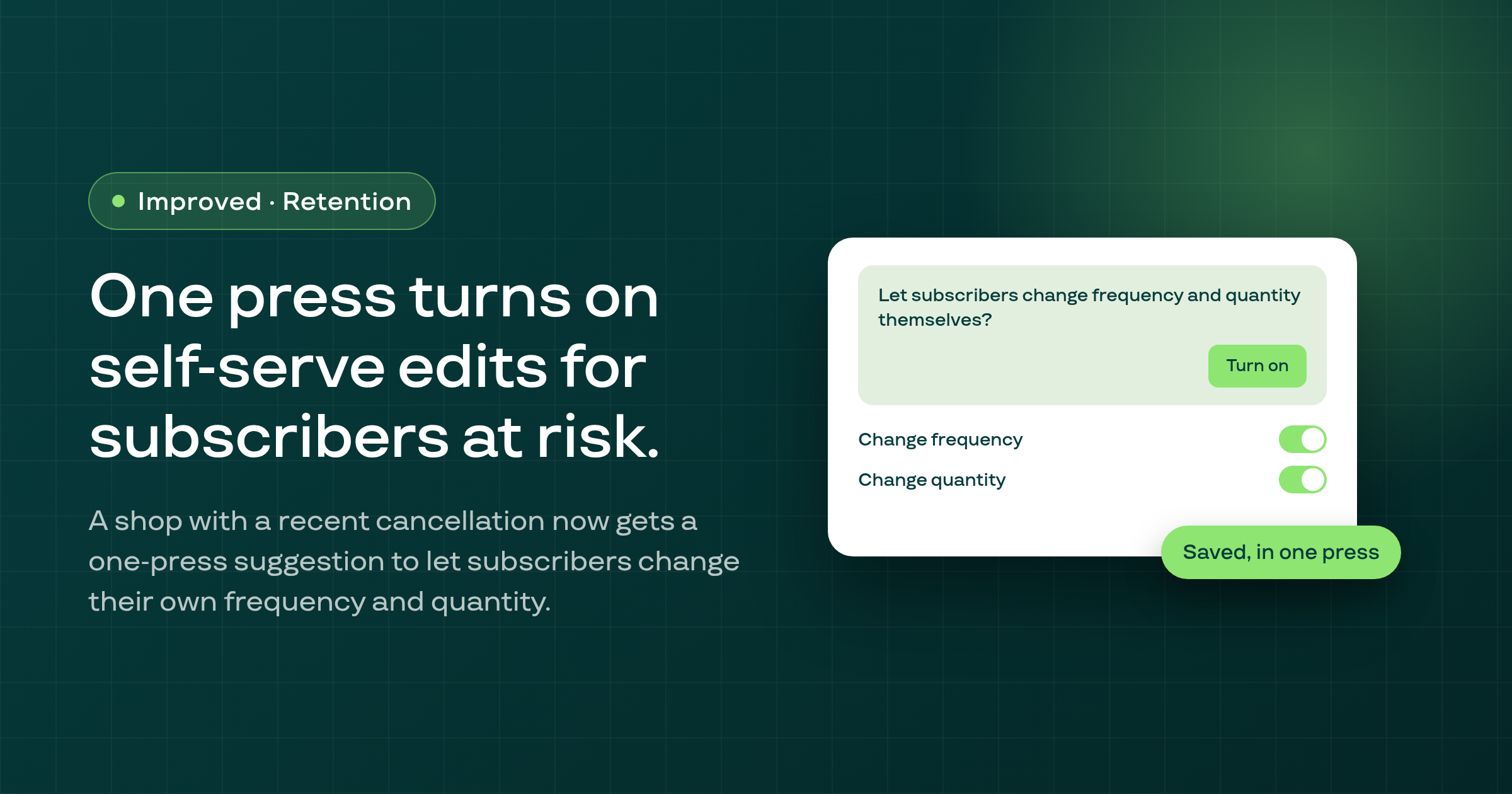
The contracts list now suggests turning on self-serve frequency and quantity edits in the customer portal, in one press, for shops that have the permission available but a recent cancellation.
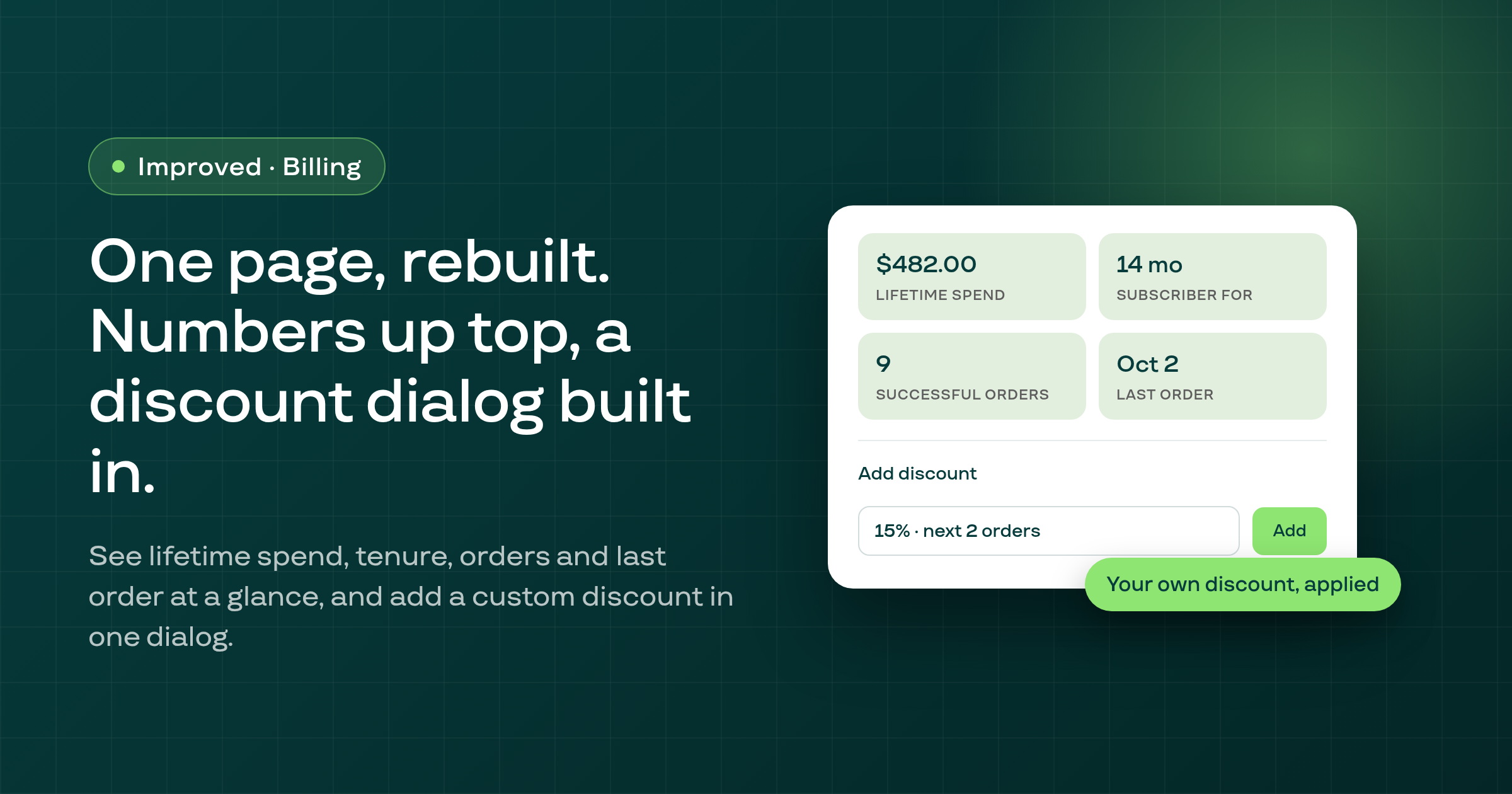
The merchant contract page now shows a subscriber's lifetime spend, tenure, order count and last order at a glance, and lets a merchant add a custom percentage or fixed-amount discount directly from the page, not just an existing Shopify code.
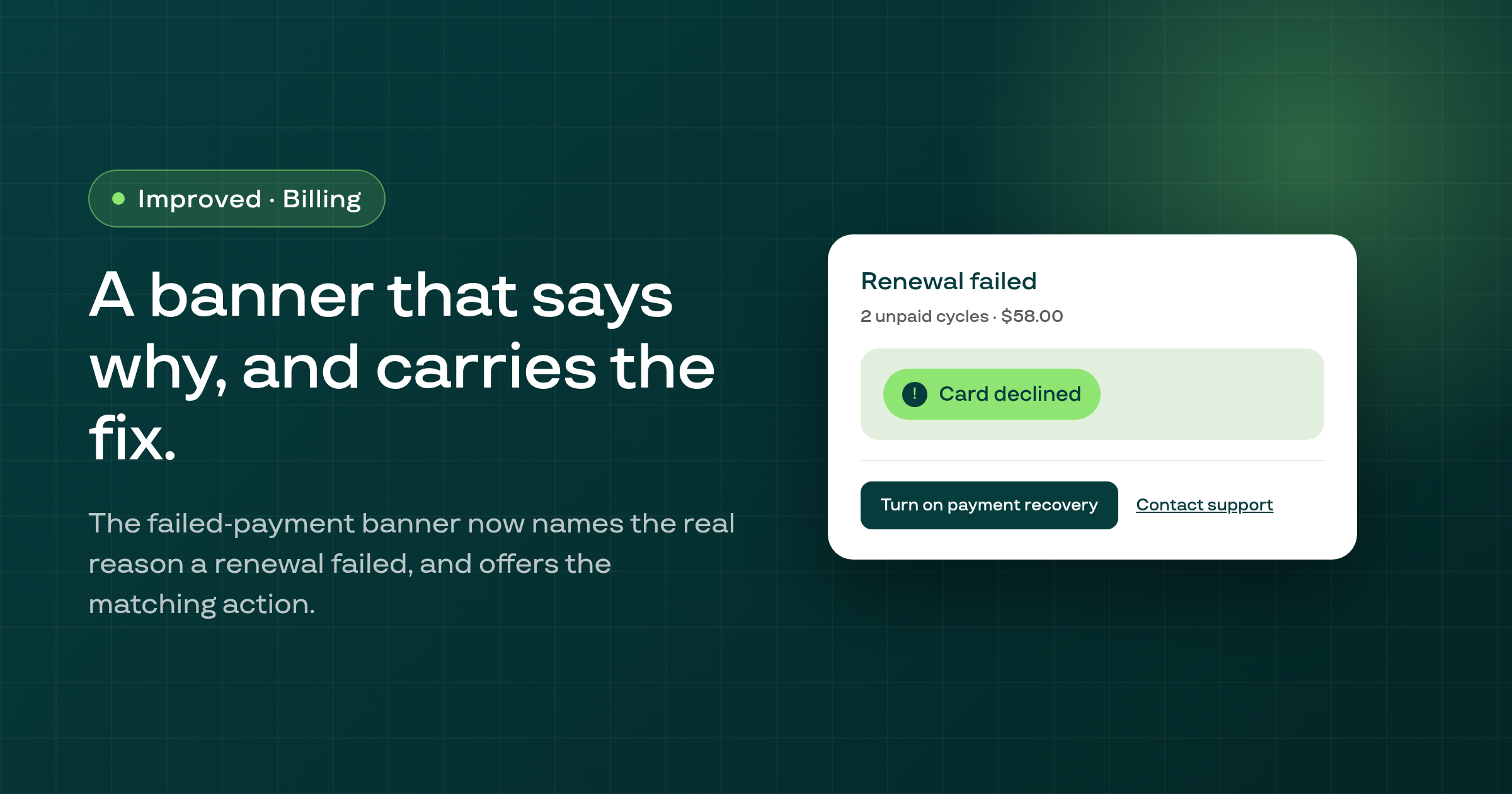
The failed-payment banner on a subscription's contract page now states the actual reason a renewal failed, shows how many cycles are unpaid and for how much, and offers one matching self-serve fix.
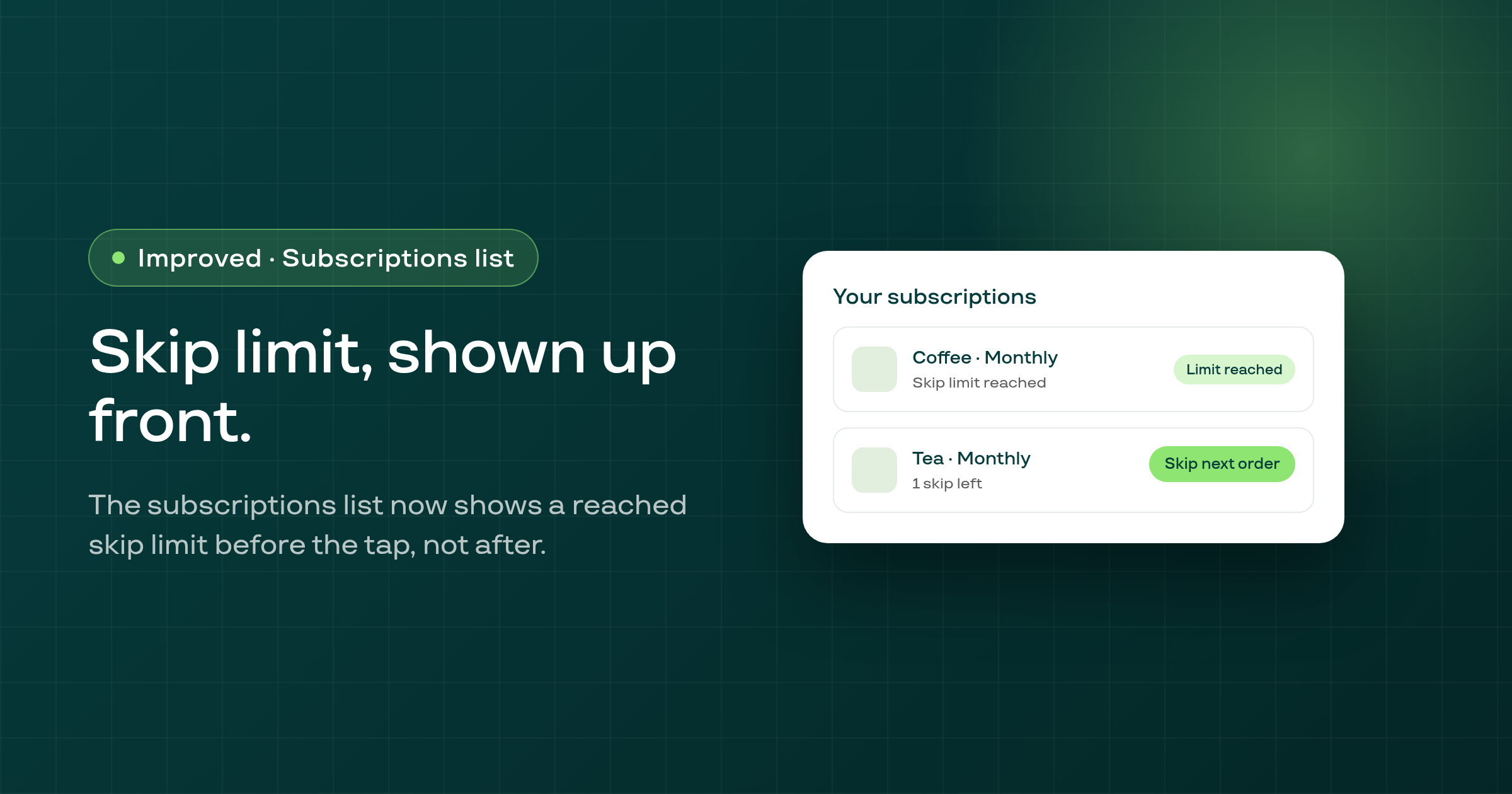
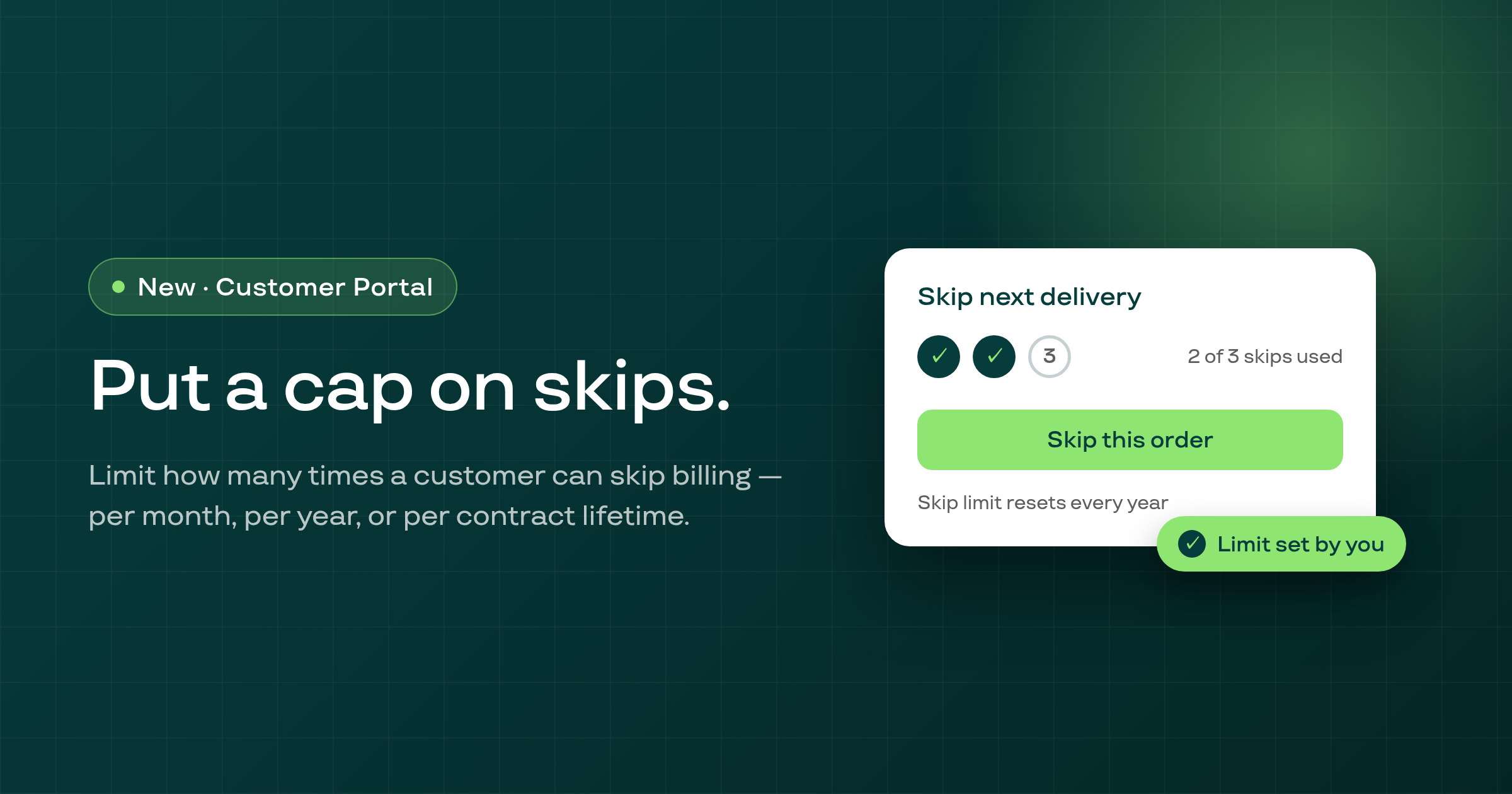
On the customer portal's subscriptions list, a card for a subscriber who has used every skip you allow now shows 'Skip limit reached' from the moment the list loads, instead of a live 'Skip next order' button that only refuses the action after it's tapped.
Exports from Settings › Data export now include every row from the picked end day of a date range, and the Today preset correctly exports today's rows, for every merchant and every export type.
On a storefront product page where a product can only be bought on a subscription, tapping Add to cart before Subi's widget finishes loading now usually adds the product on its default plan, or waits for the widget, instead of hitting a Shopify cart error.
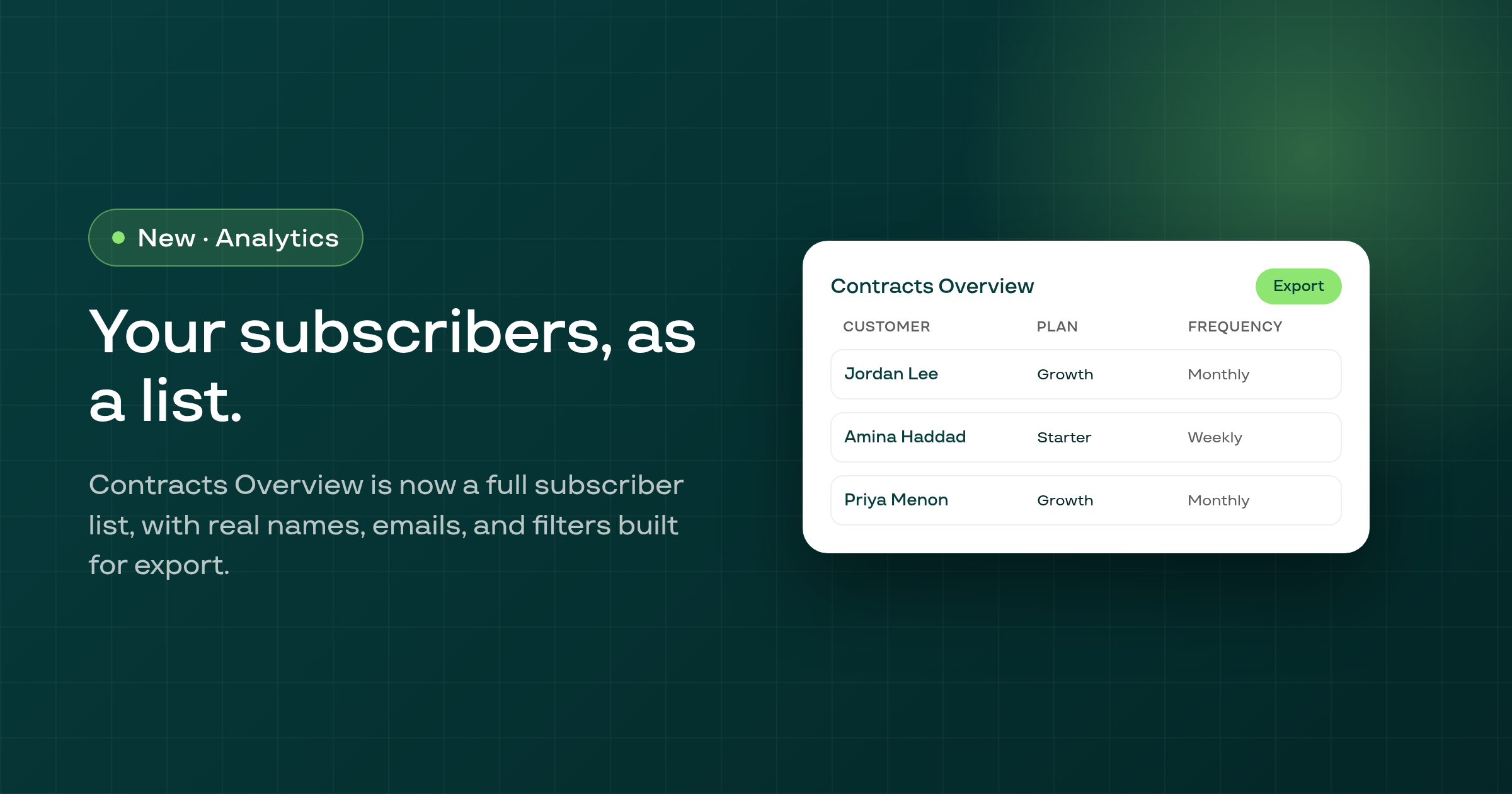
Contracts Overview in Analytics is now a full subscriber list: nine new columns including phone and shipping address, customer names and emails shown unmasked, picklist filters for plan, product and frequency, date-range filtering, and an export modal, reachable with one click from Settings › Data export.
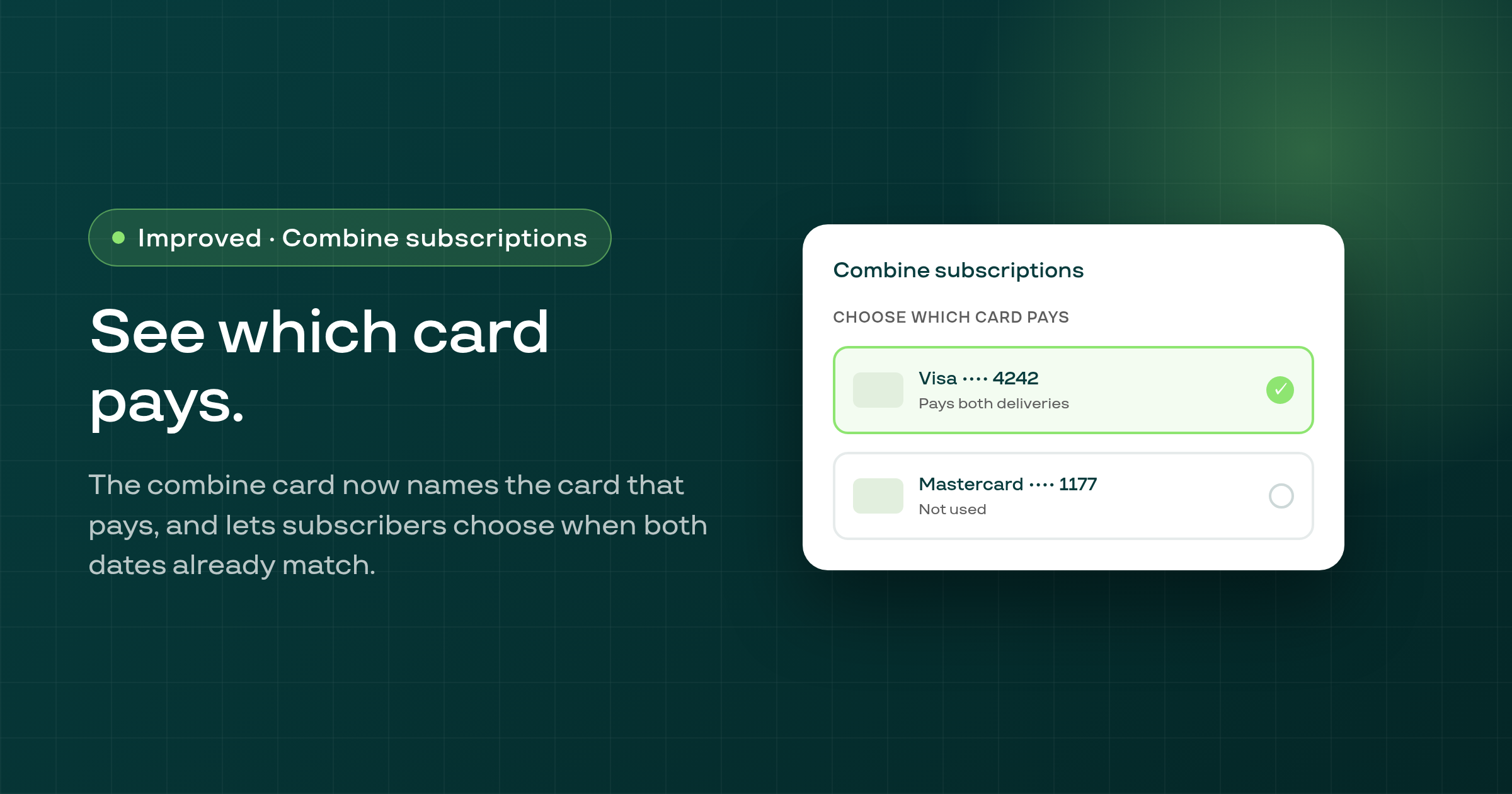
When a subscriber combines two subscriptions in the customer portal, the combine card now names which saved card pays under each date option, and lets them choose between the two cards when both deliveries already share a date.
A subscriber who taps Cancel while still inside your store's minimum-days-before-cancelling window now learns that immediately, in your store's own language, instead of after completing the whole cancel flow.
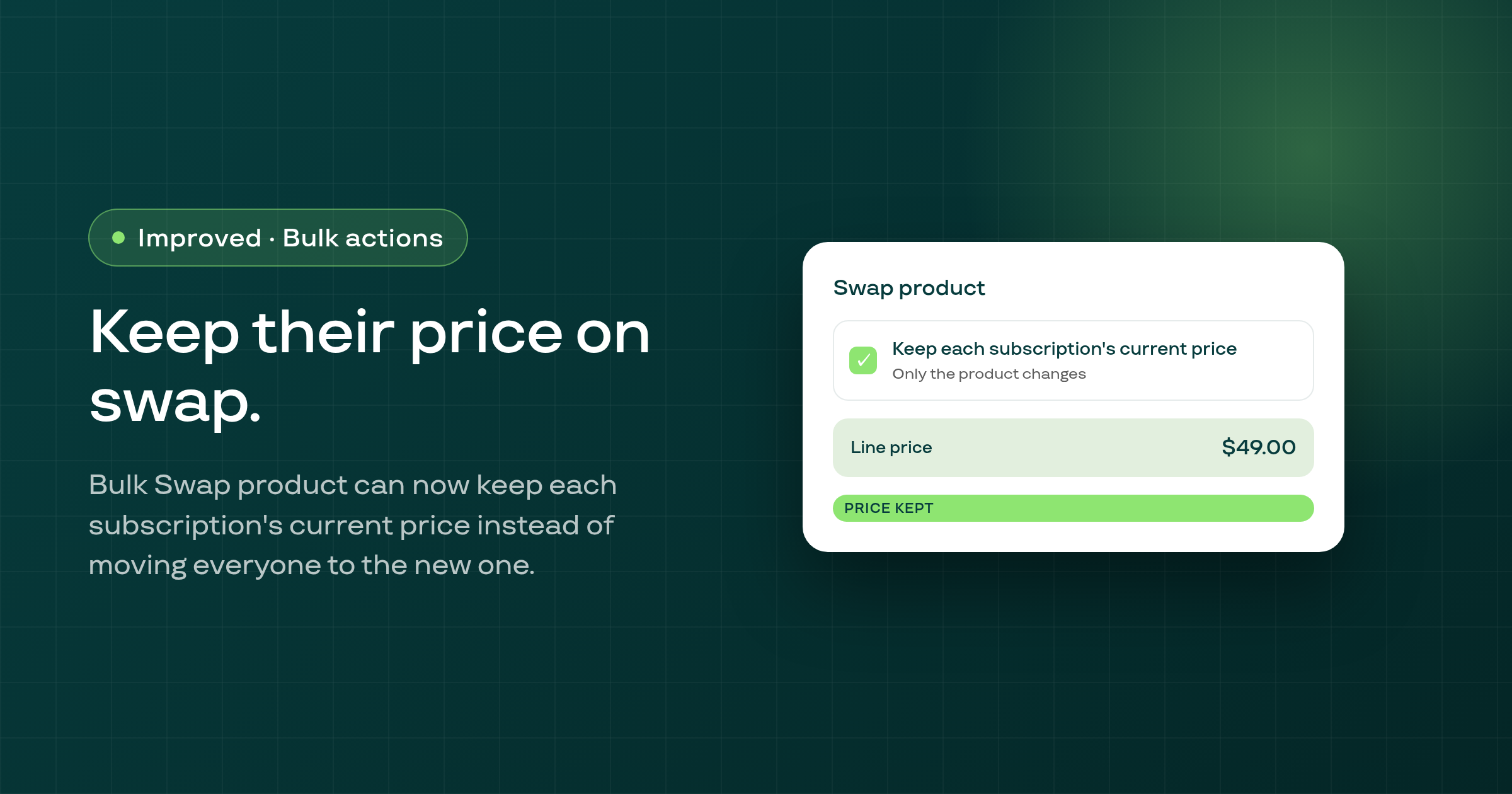
The bulk Swap product action now has a 'Keep each subscription's current price' option, so swapping a product across many subscriptions at once no longer has to move every customer to the new product's price.
If you use Subi's Build box feature, the Build box widget block in the Shopify theme editor now warns you when its configured Box ID doesn't match any of your store's active boxes, or when your store has no box at all.
A customer who cancels through the portal without going through a merchant cancellation flow now enters the shop's win-back campaign aimed at every cancellation, and gets its emails.
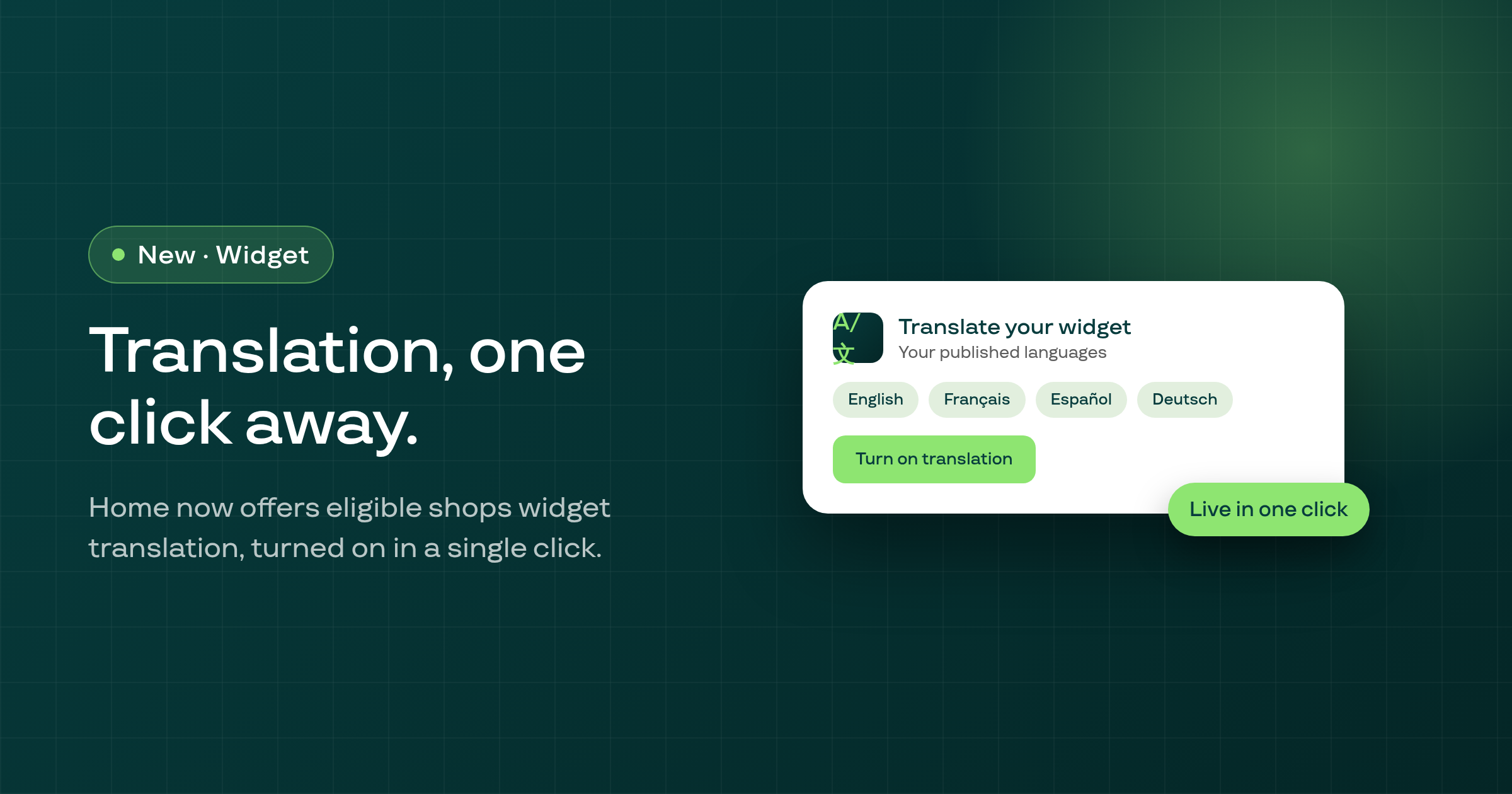
A new Home banner offers eligible shops one-click widget translation setup, with a short tutorial video and a success confirmation once it's turned on.
When a subscription's upcoming-edits read fails to load, the next-order total and invoice subtotal/total on the single-subscription page now show "Unavailable" instead of a figure that silently left out the pending changes.
The points you set for Refer a friend now save to a single place, so they show immediately in the Earn Methods table and match what's actually awarded for a referral.
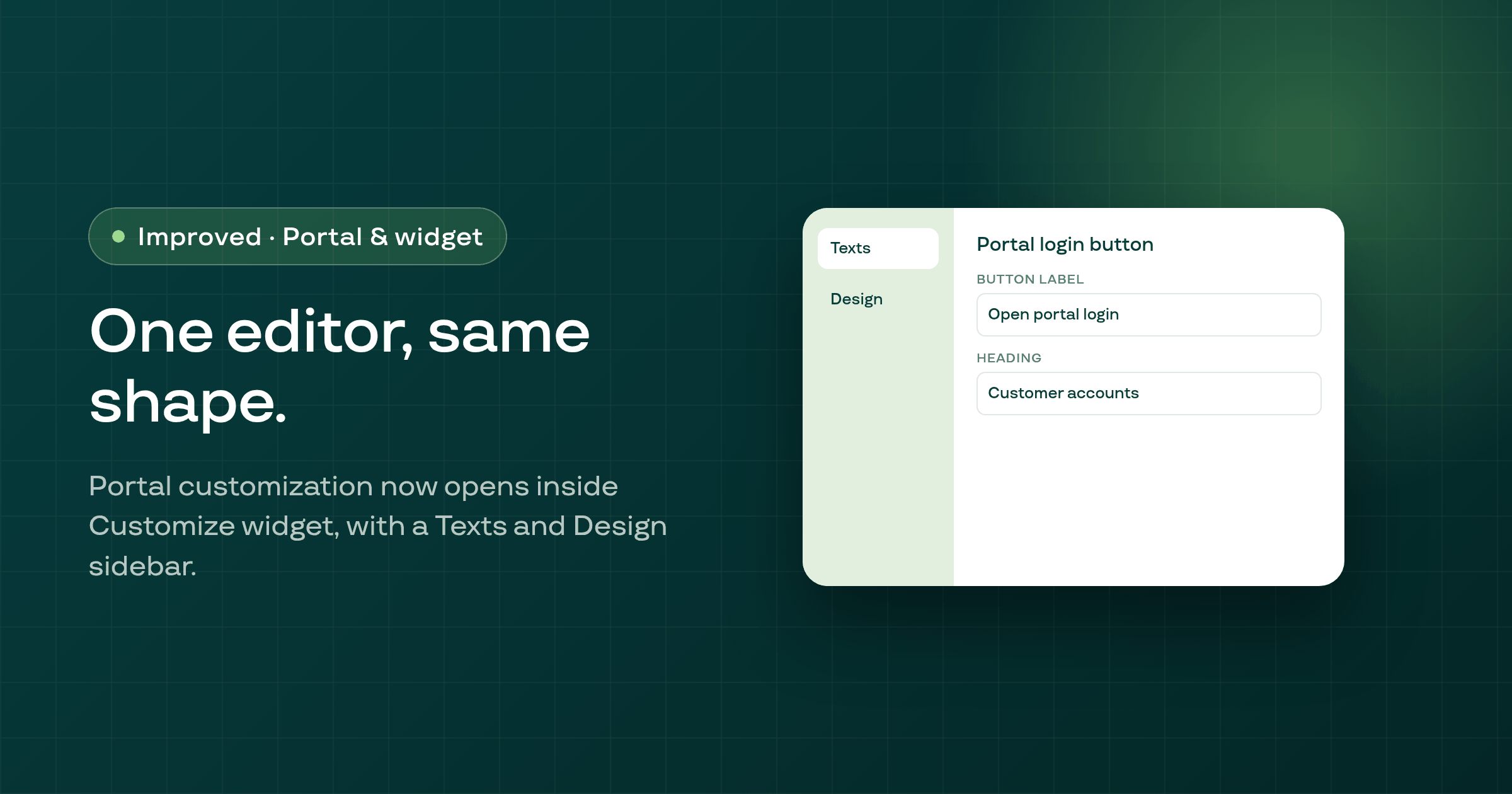
The portal customization editor now opens inside Customize widget, with an Open portal login button, a page band, a Texts and Design sidebar, and a Home preview that mirrors the portal's own cards.
The Payment recovery page now reads the pre-dunning schedule Subi actually runs: 7 days before renewal, for cards expiring within 60 days. It previously said 2 and 30 days.
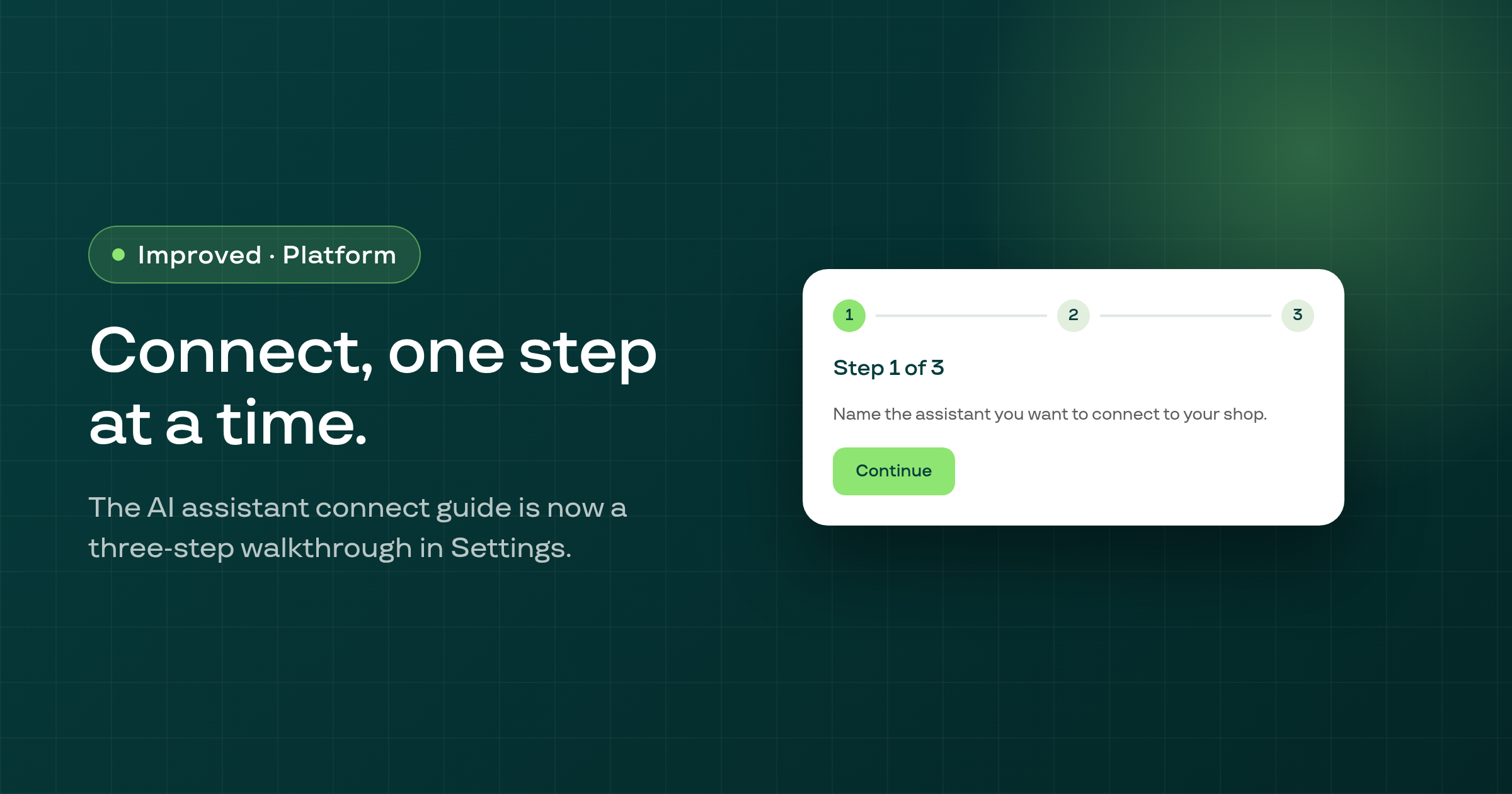
Settings > AI clients (MCP) now walks you through connecting an AI assistant one step at a time, then switches on its own to a Connected assistants card once you're set up.
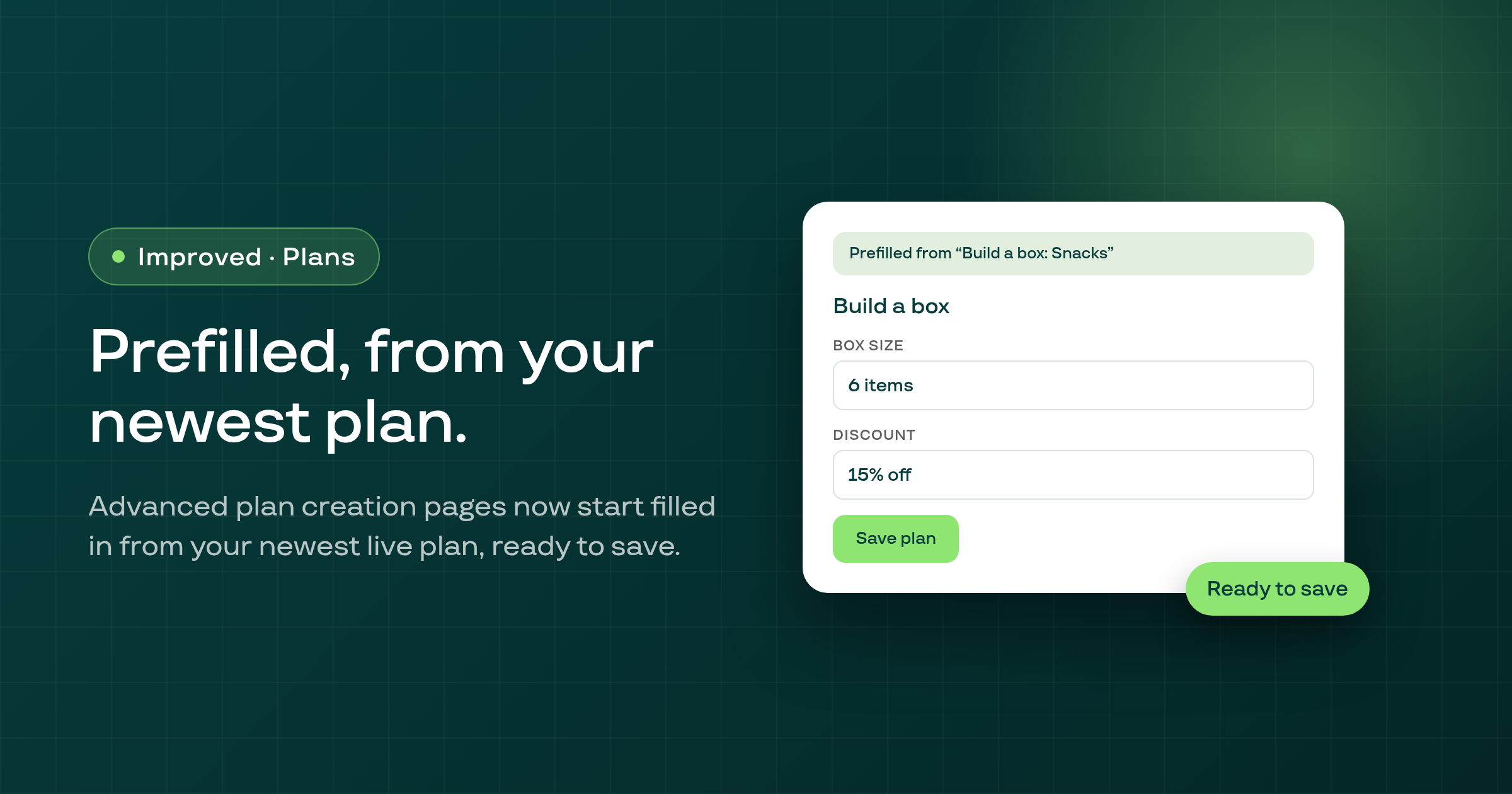
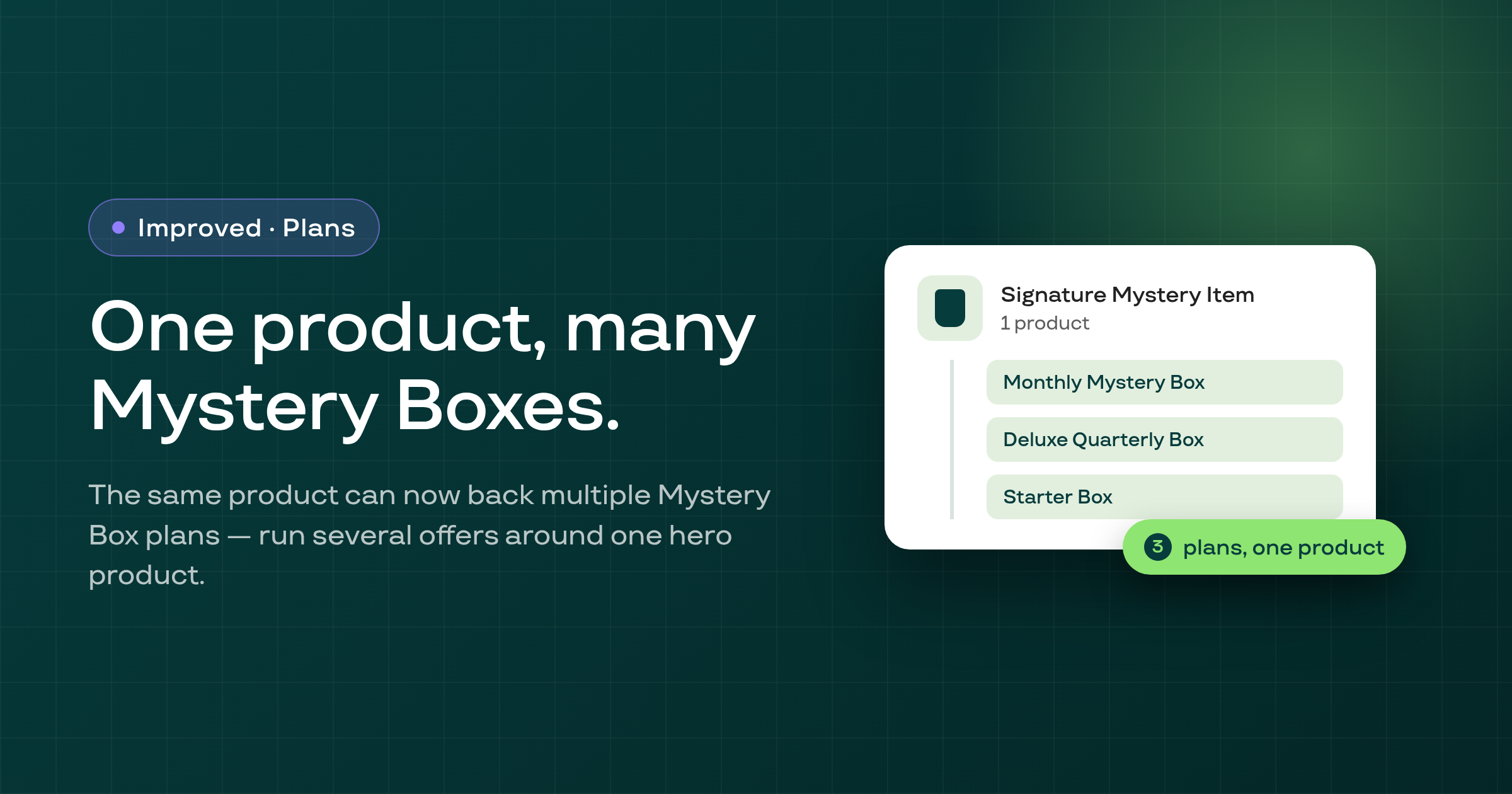
Build a box, Fixed bundle, Volume discount, Mystery box and Membership creation pages now open prefilled from your shop's newest live Subscribe and save plan, ready to save under a dismissible banner.
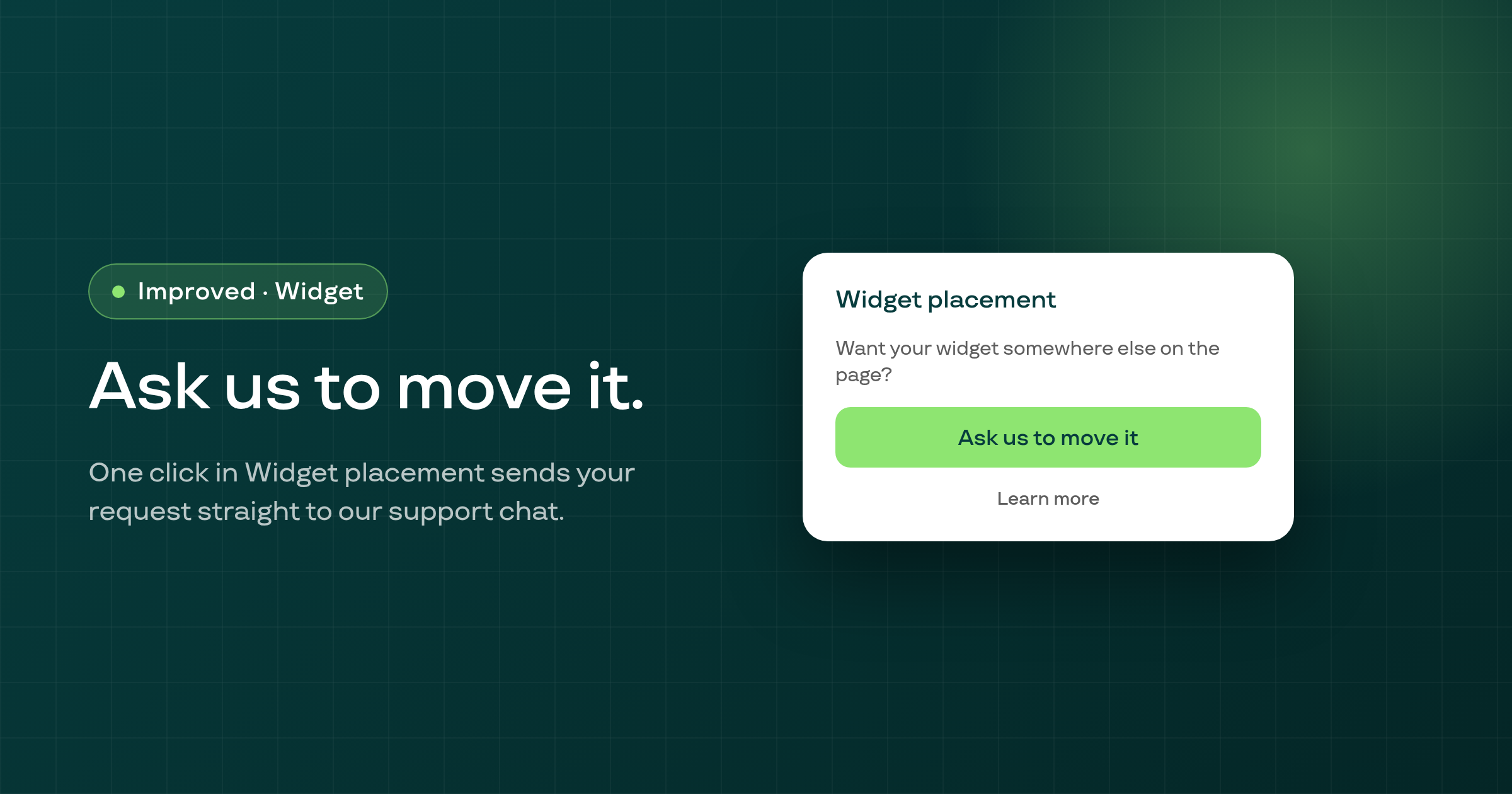
The Widget placement section in Widget customization now has an Ask us to move it button that sends our support team a ready-made request, for every widget type including Build a Box.
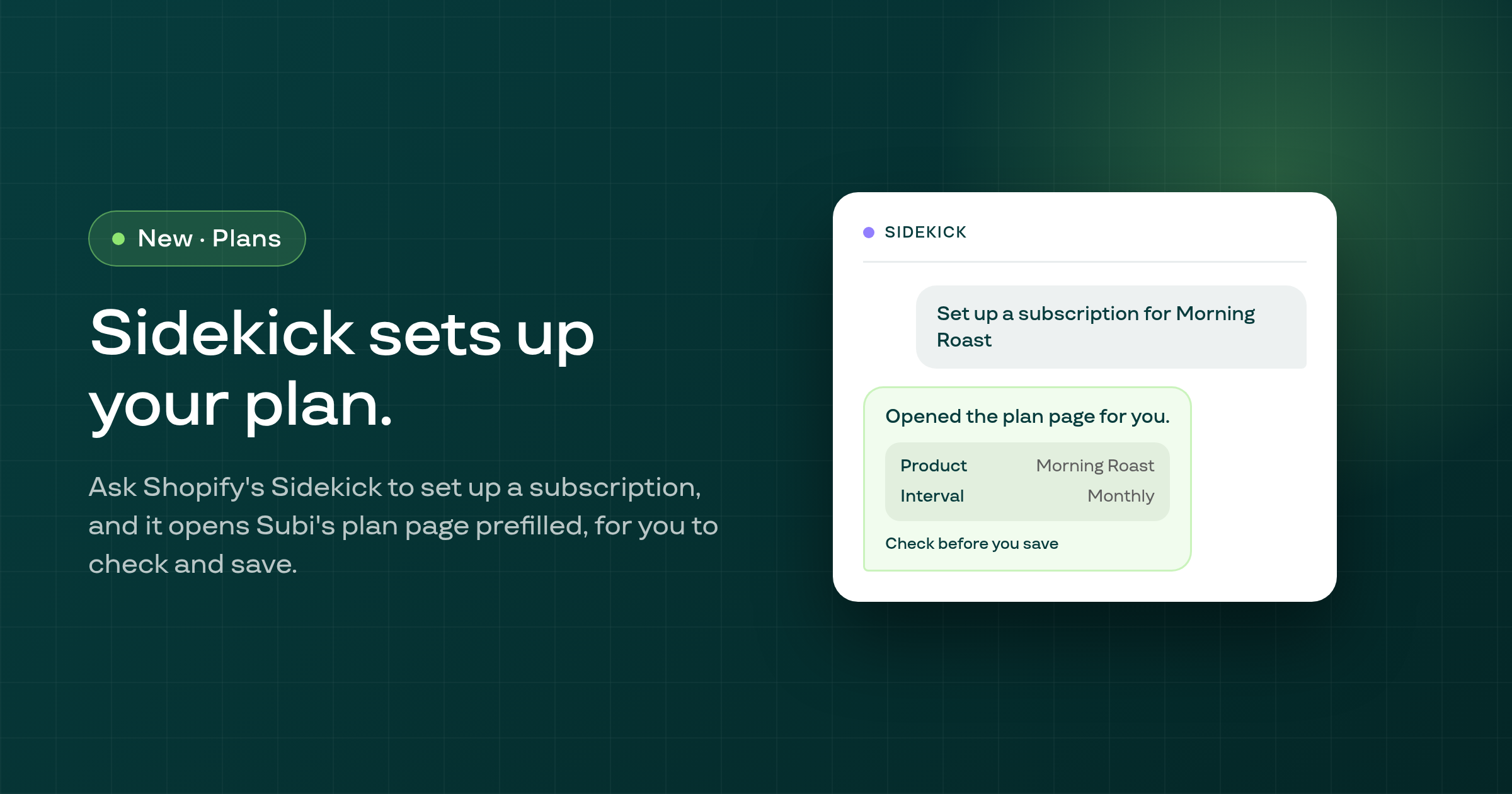
When you ask Shopify's Sidekick assistant to set up a subscription for a product, it now opens Subi's plan create page directly and tries to carry over what you described, instead of only handing you a link in chat.
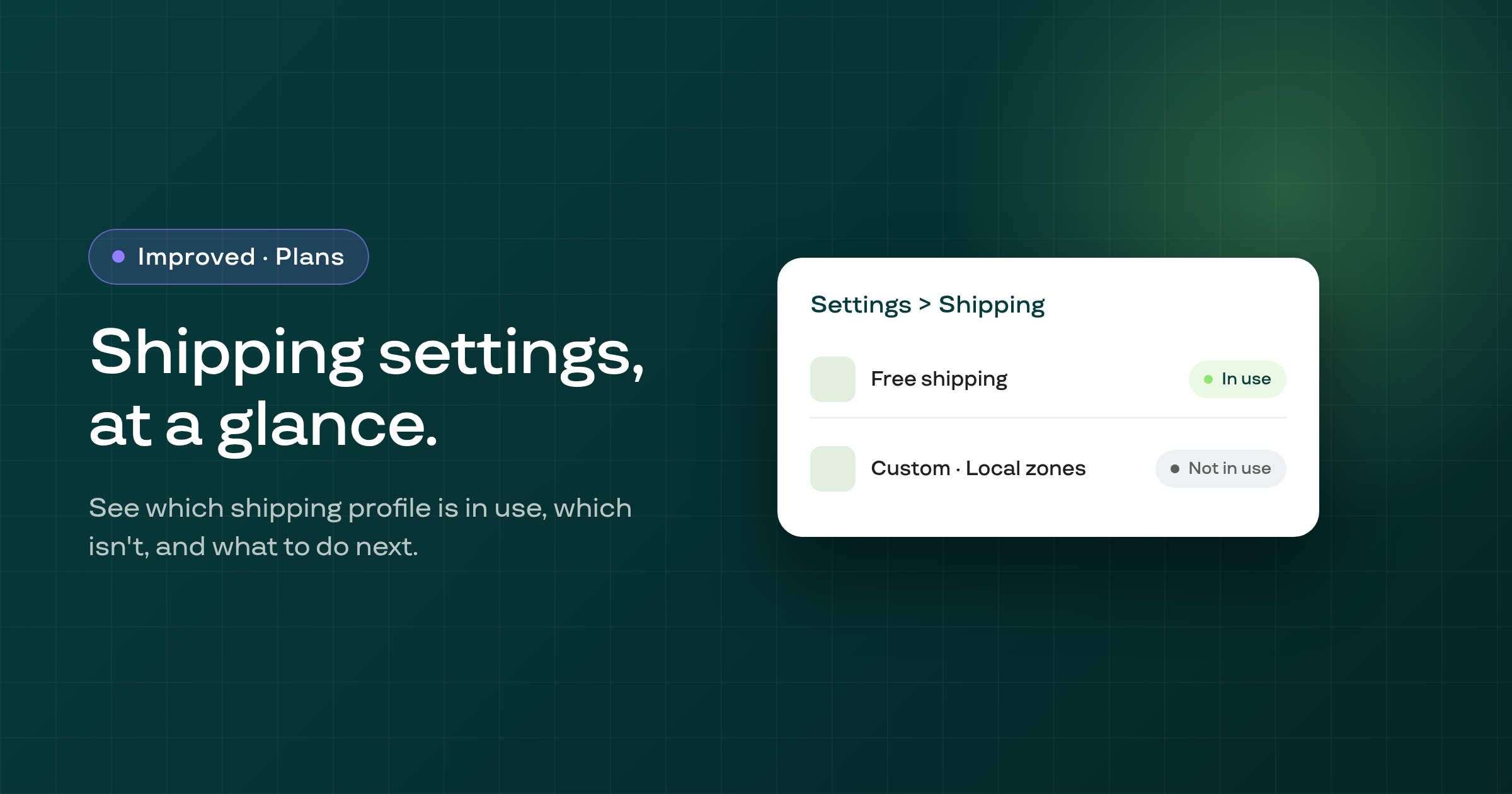
Settings > Shipping has been redrawn as clear state rows, so you can see at a glance which shipping profile is in use, which isn't, and what to do next, instead of reading through static descriptions.
The Build a Box step in Subi's onboarding wizard used to show a placeholder box ID with a Copy button before your real one was ready; it now only offers an ID to copy once it has your actual box's ID.
If every item product in a fixed bundle plan was deleted from Shopify, the plan used to break the entire storefront page it was on; it's now left out of the page instead, and your other Subi widgets on that page keep working.
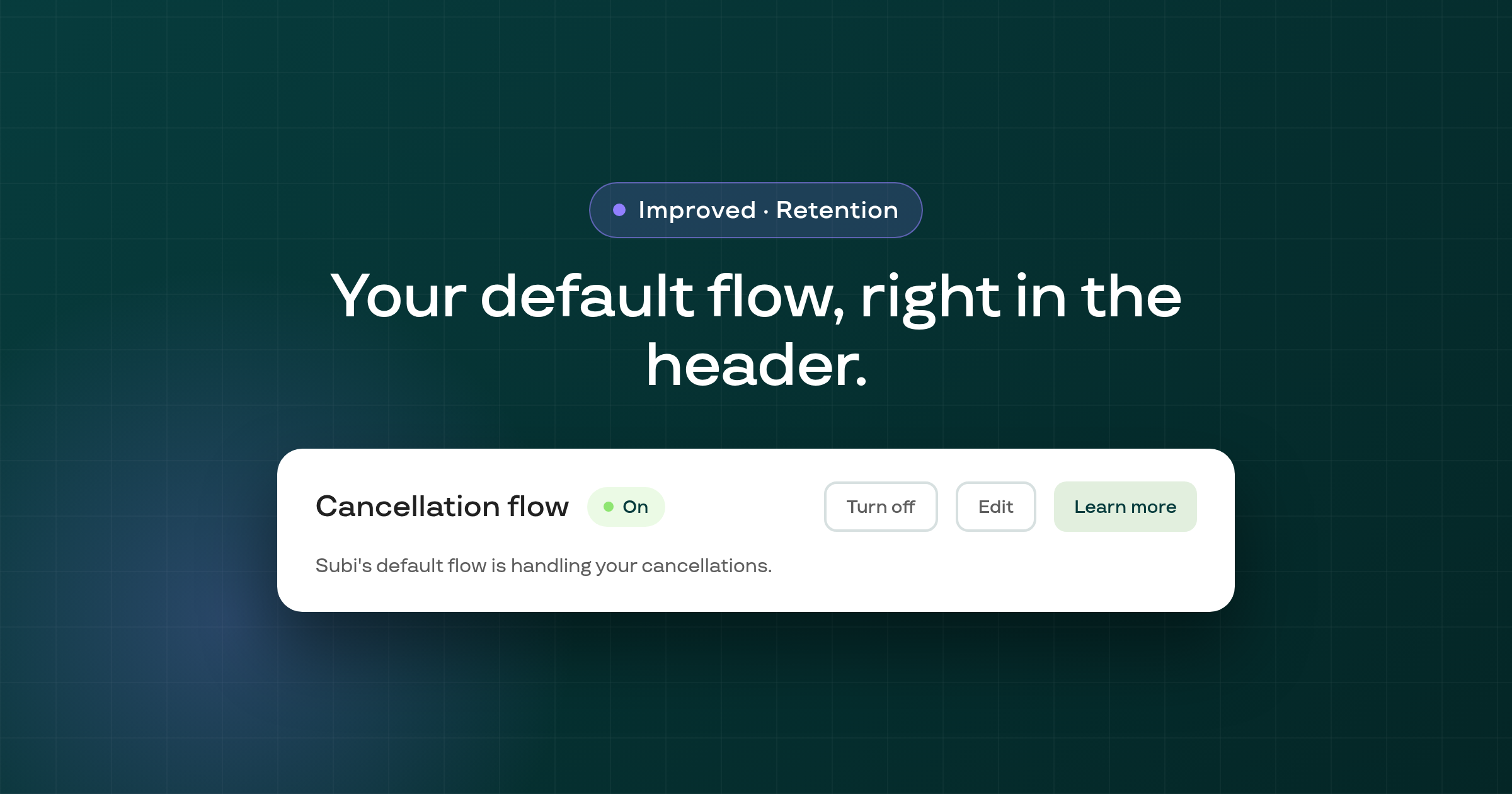
If you're running Subi's default cancellation flow instead of a custom one, the Cancellation flow page now shows its on/off status, Turn off, Edit, and Learn more right in the header, the same way a flow you built yourself is shown.
A customer or order tag update, for example clearing 'payment failure' after a successful charge, is now retried automatically when the request to Shopify never got a response, instead of leaving the stale tag in place.
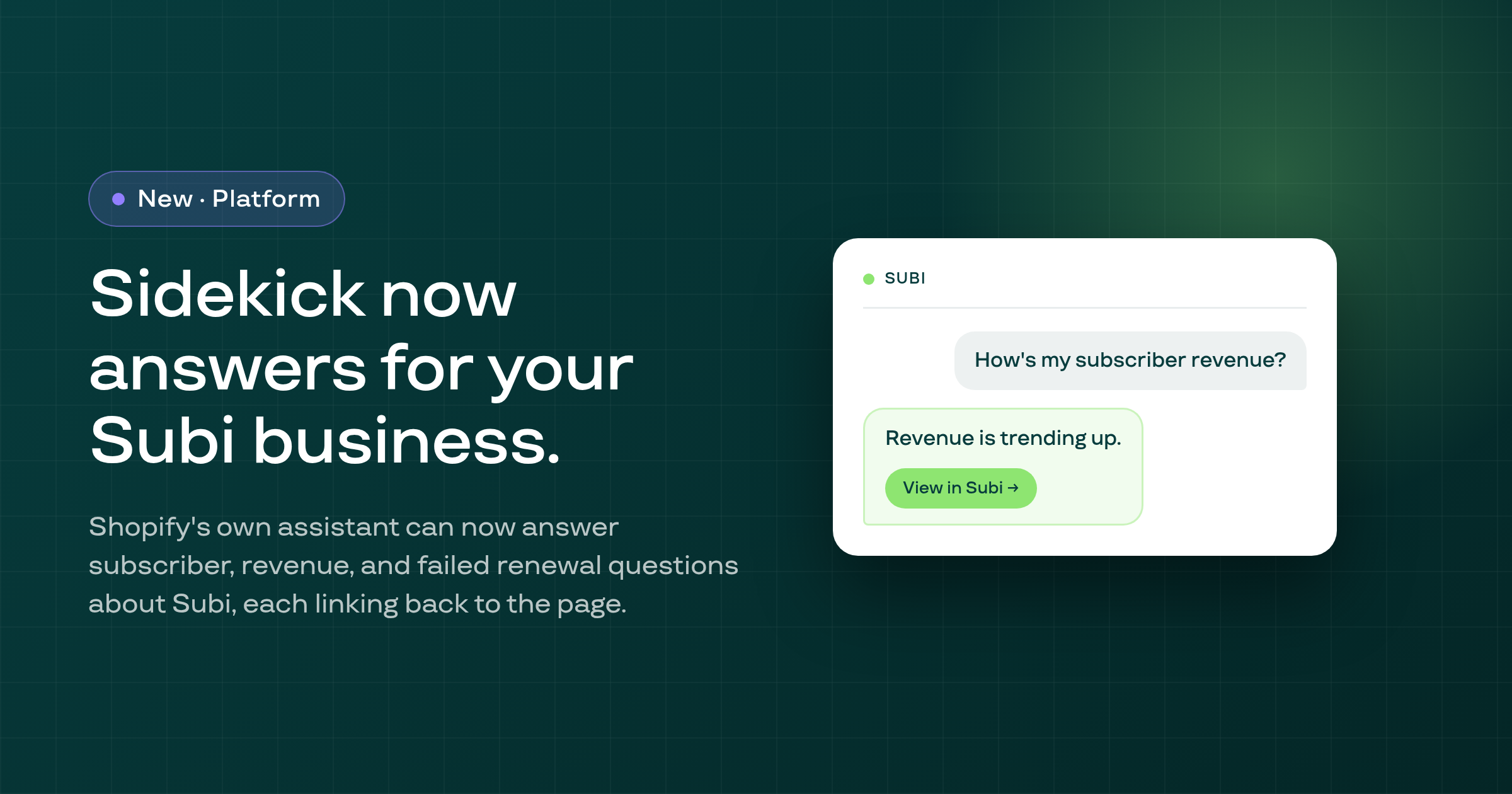
Five new tools let Shopify Sidekick answer a merchant's questions about their subscriber base, revenue, failed renewals, and one subscriber's history, each answer linking the Subi page that shows it.
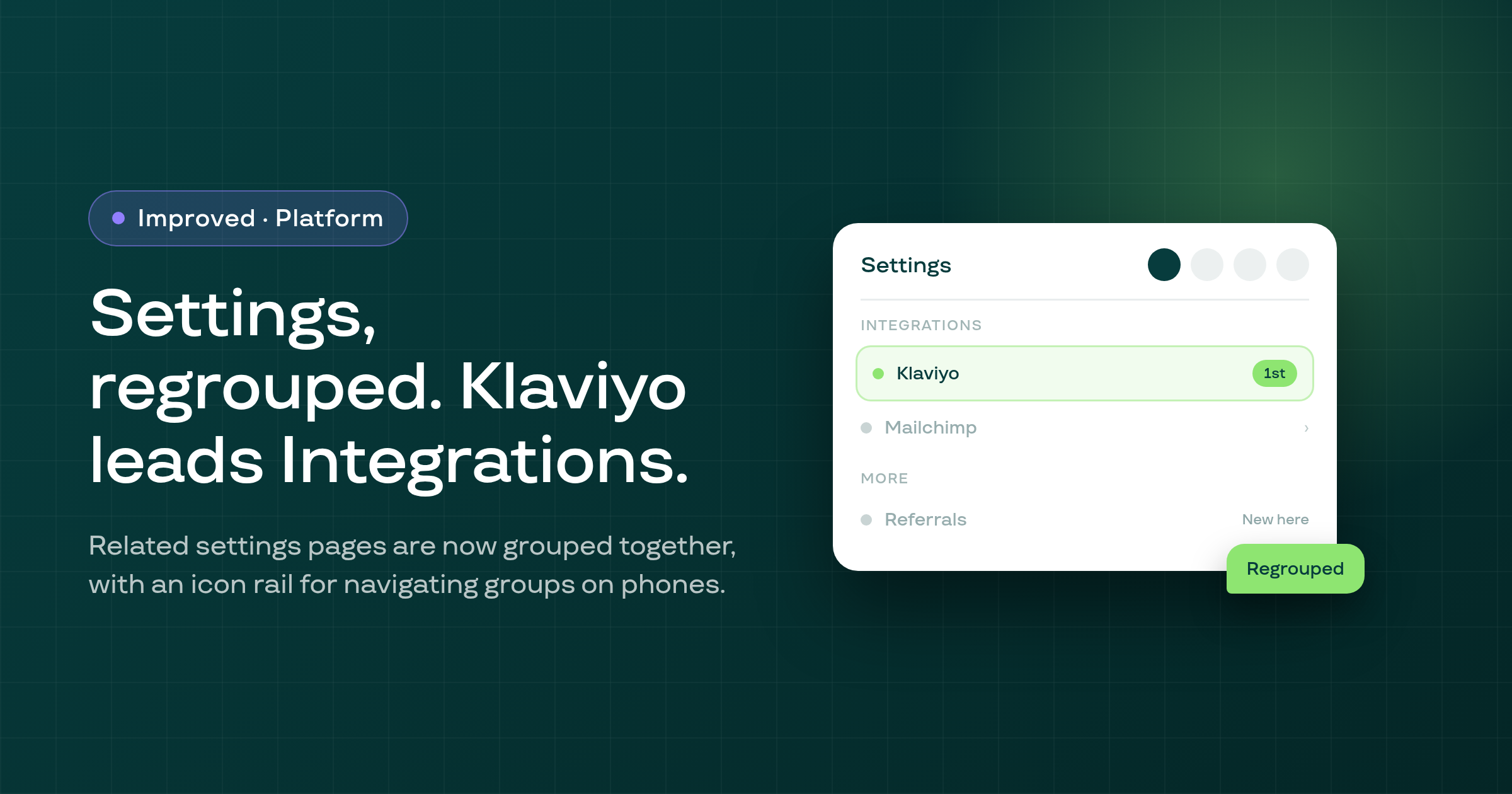
The Settings menu is regrouped with an icon rail on phones, Referrals now lives inside Settings, Klaviyo is the lead card on Integrations, and Subi AI recommends Klaviyo first for email/SMS marketing questions.
A subscriber whose contract has no saved payment method now sees a 'Payment failed' banner on their portal subscription page explaining what to do, instead of the payment-recovery page failing to load.
Subscribers can now type their portal login code exactly as the email prints it, such as 331-096, and the code step no longer submits before all six digits are entered.
A skip, pause, or cancel in the customer portal whose response is lost, from a slow connection, a double press, or a reload, is now confirmed by re-reading the contract instead of being reported as failed or sent a second time.
Creating a subscription by hand on a prepaid plan now prices it for the whole prepaid term and carries any bundle, box, or volume discount from creation, instead of charging for a single delivery.
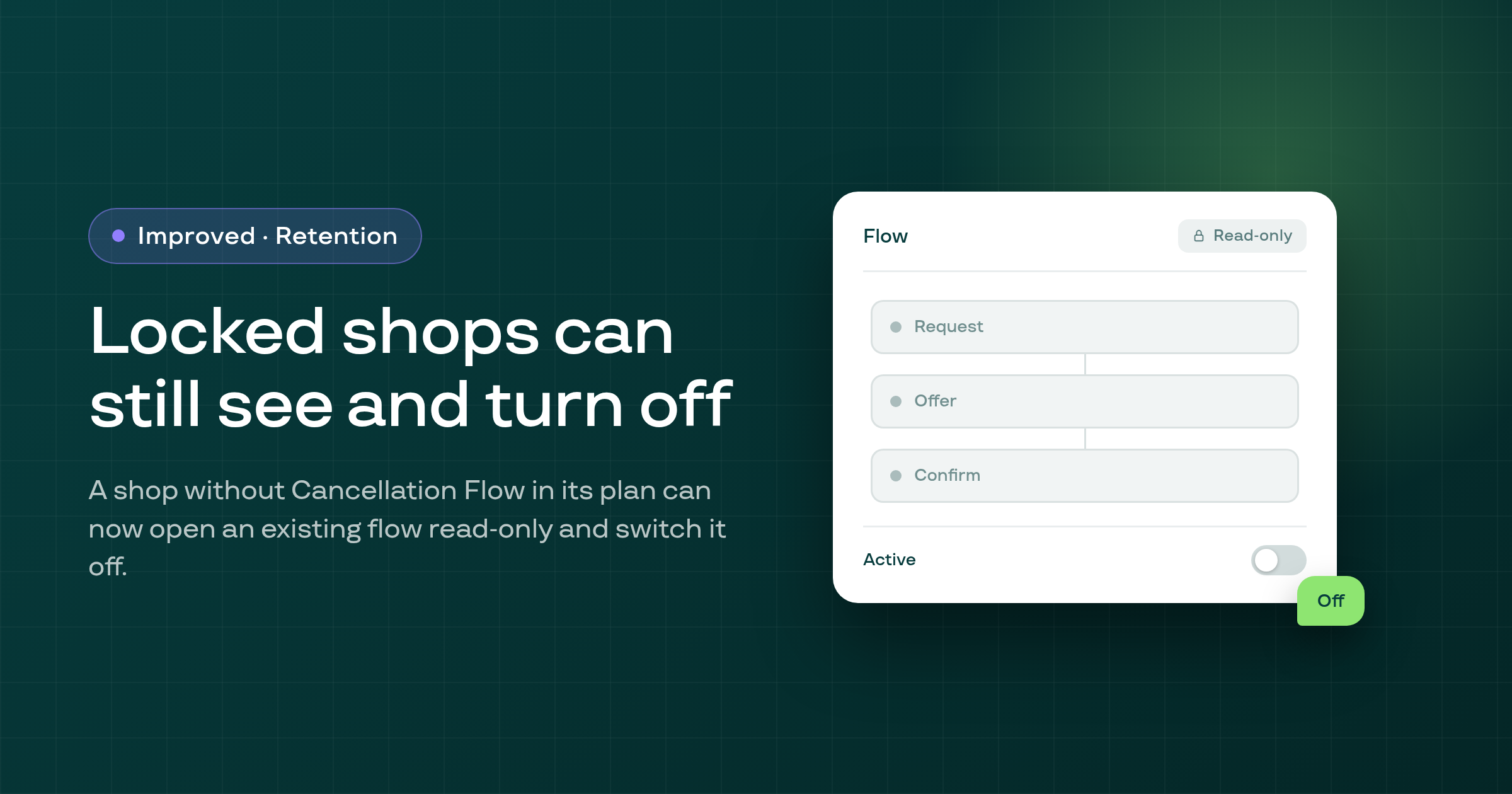
A merchant whose plan no longer includes Cancellation flow setup, but who already built a flow, can now open it read-only on the Cancellation flow page and turn it off.
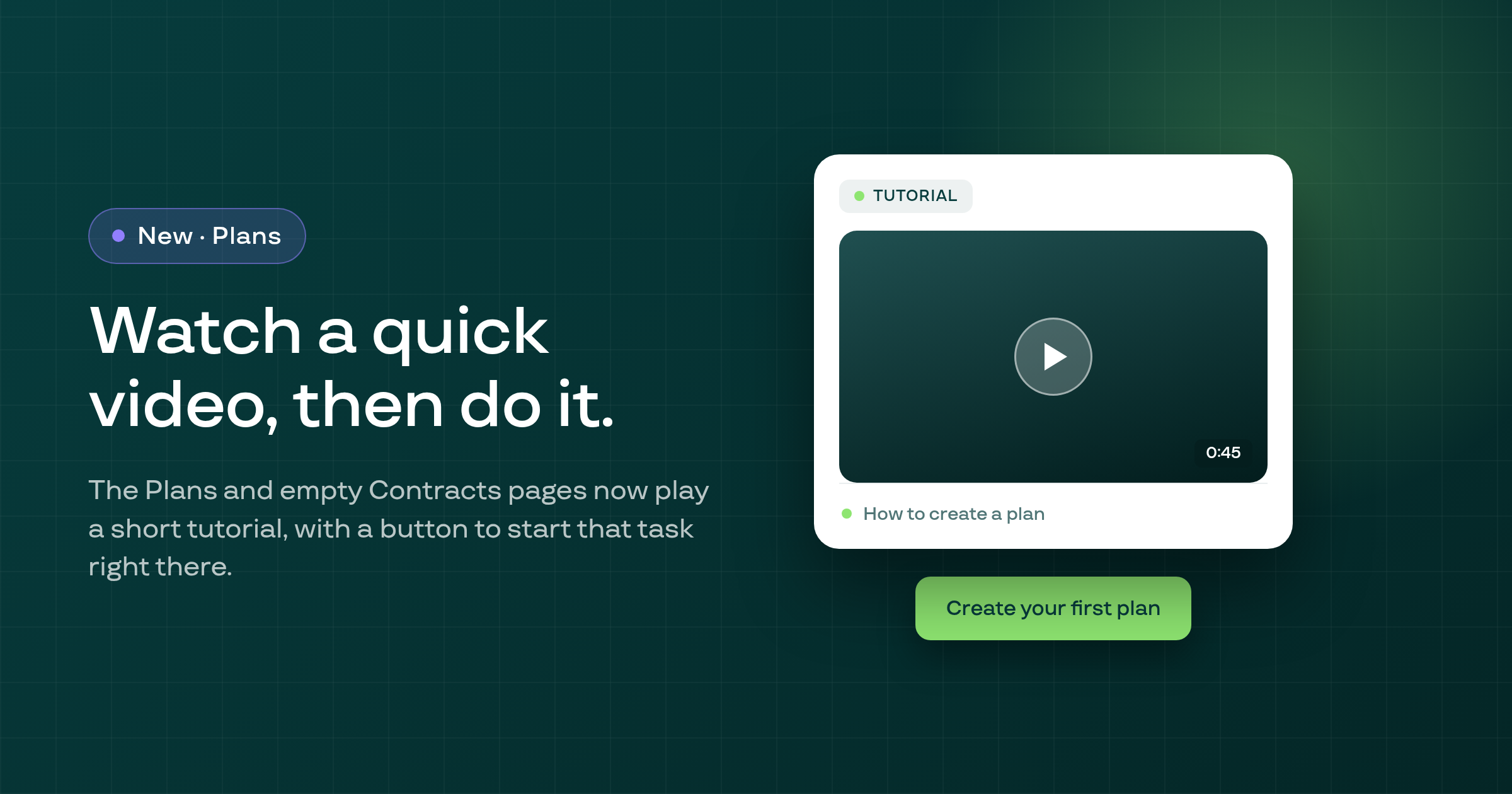
The Subscription plans page now always shows a short muted, captioned tutorial video, and the empty Subscription contracts page shows one once you have a plan to test, each with a button that runs that page's task directly.
Subi now sends a new subscriber a check-in email 5 to 7 days after the order that started their subscription, on by default for every shop, with a switch to turn it off in Settings > Notifications.
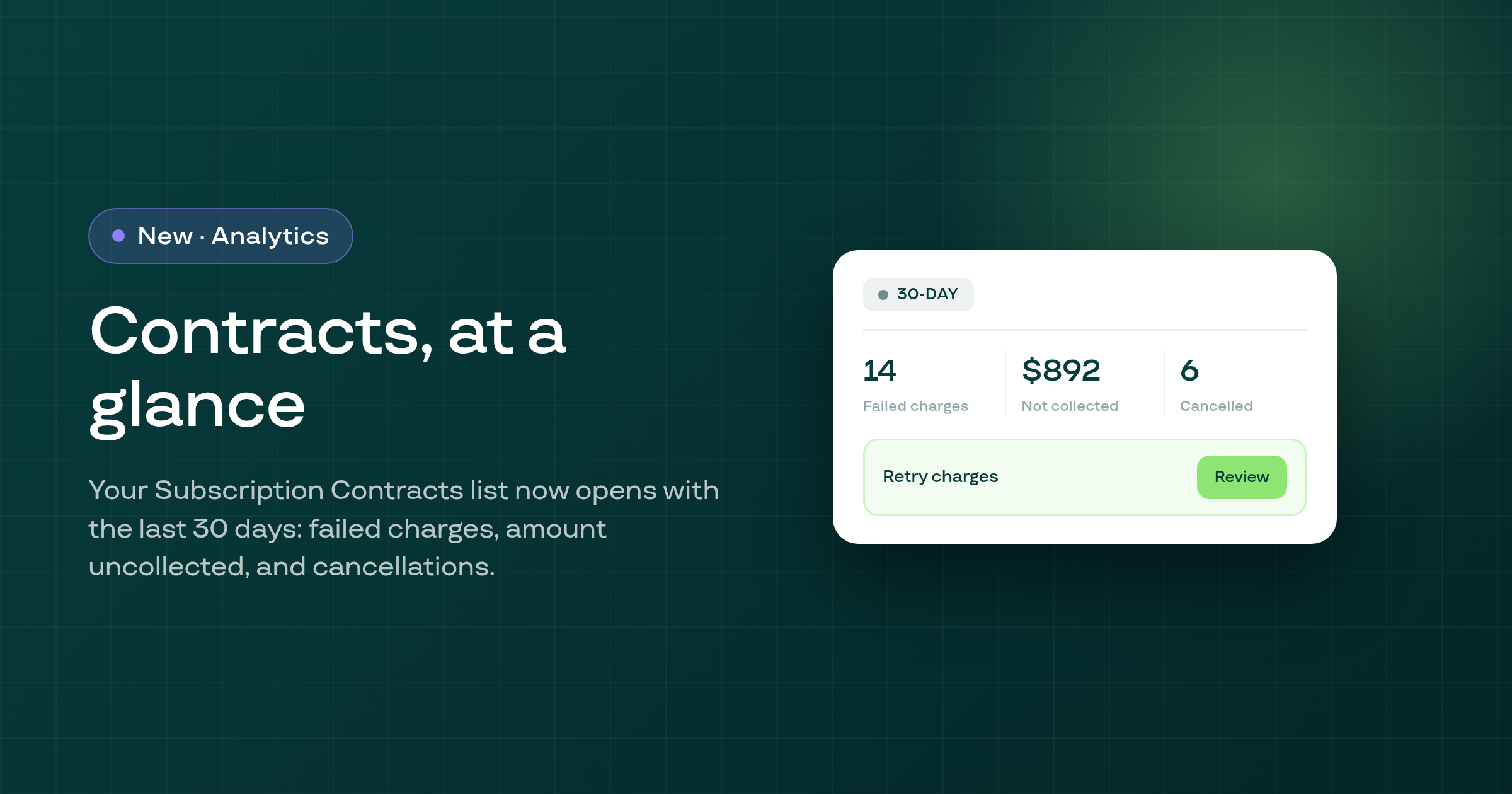
The Subscription Contracts list now shows a strip with your shop's own last 30 days of failed renewal charges, amount not collected, and cancelled contracts, plus one recommended action.
For cancellation, pause, resume, expiry, skip and payment-failure contract emails, a failure sending the merchant copy no longer prevents the customer copy from sending, and the reverse.
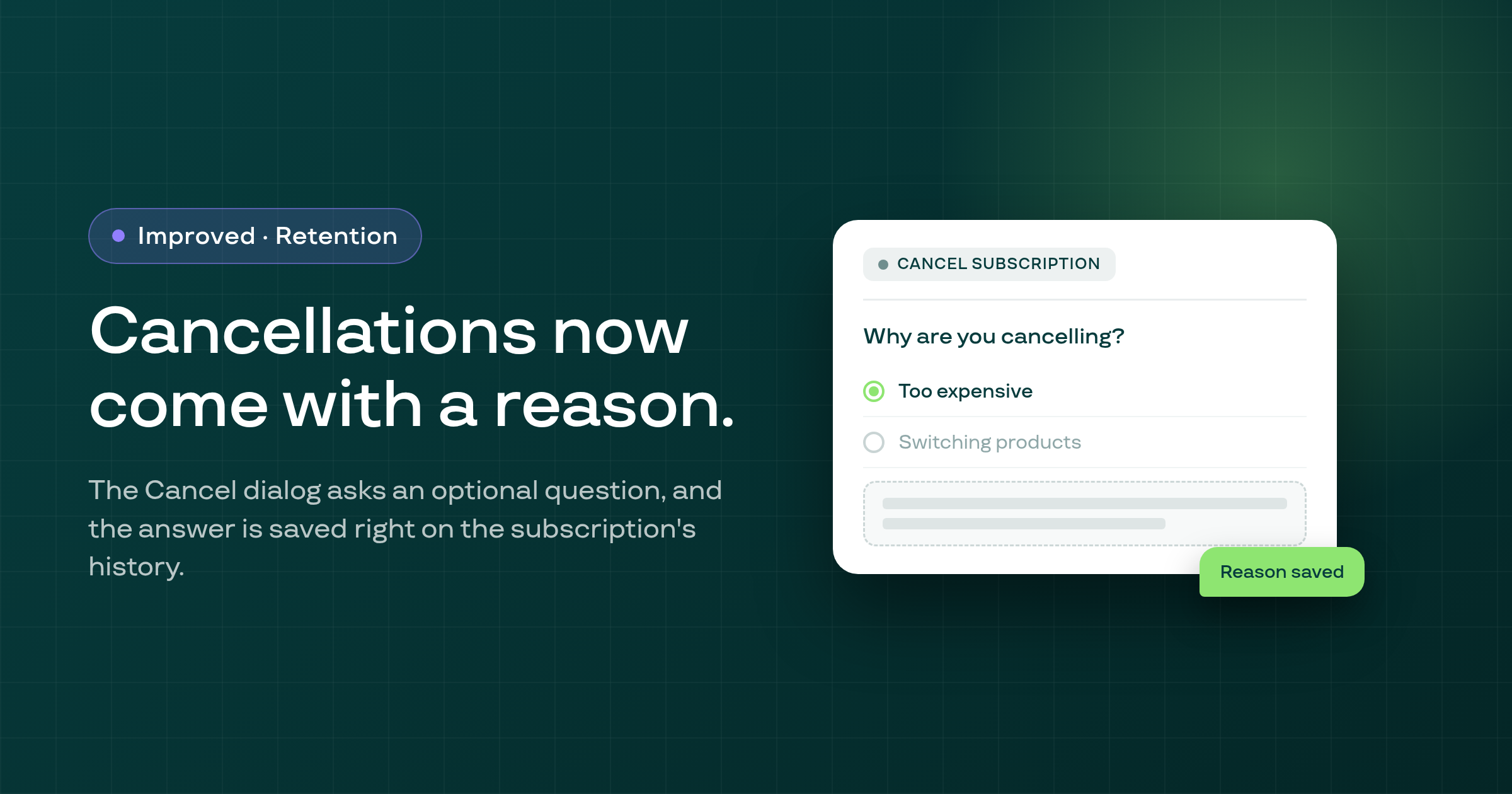
Cancelling a subscription from its detail page now offers an optional 'Why are you cancelling?' question with six reasons and a note, kept on the subscription's history line and in the events export.
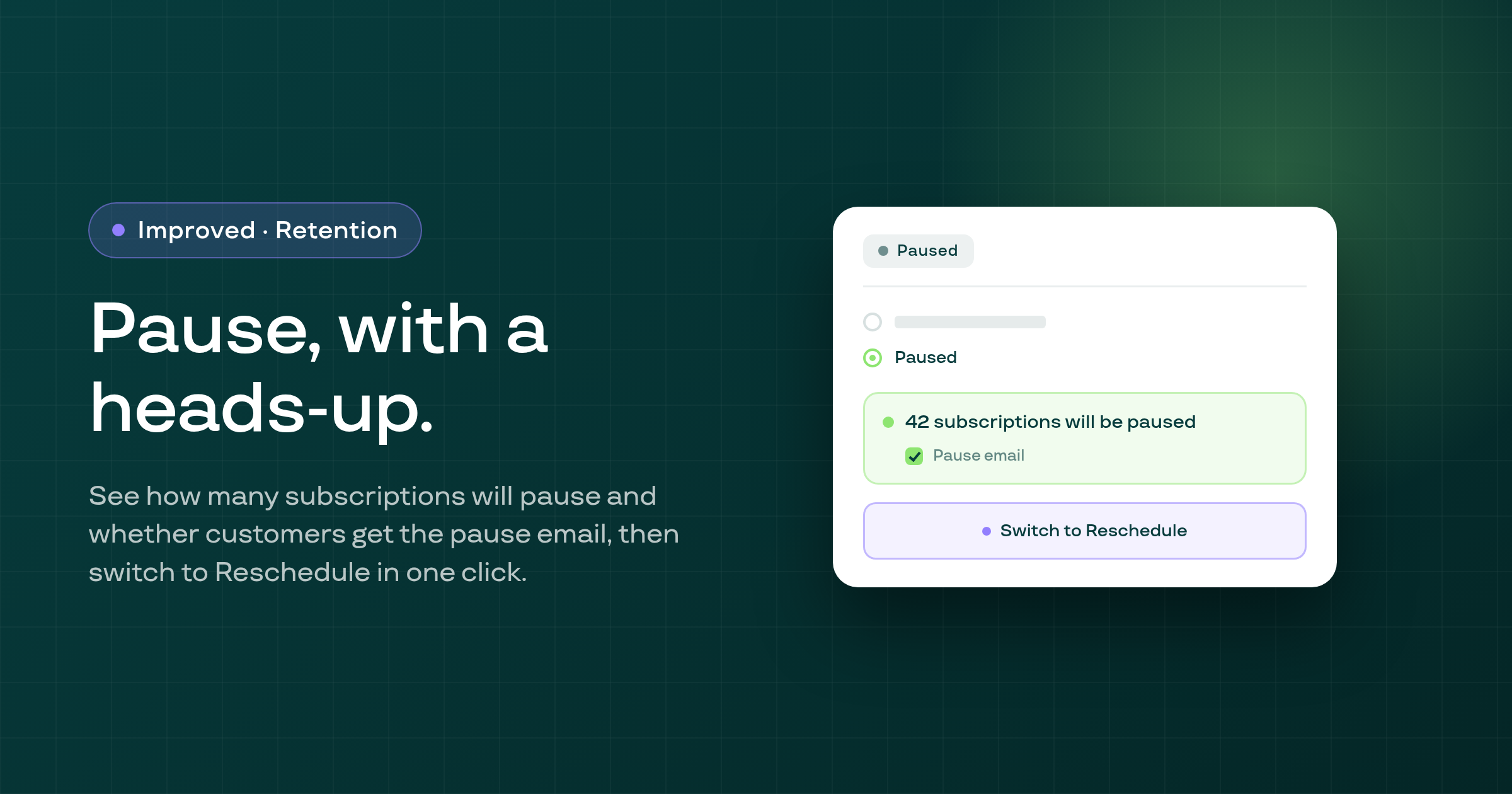
Picking Paused in the bulk 'Update status' dialog now shows how many subscriptions will pause, whether customers get Subi's pause email, and a one-click switch to bulk Reschedule for the same selection.
Swapping a line's product from the customer portal, or through a cancellation-flow swap offer, no longer fails with an error when the contract's billing frequency has no matching selling plan; the swap now completes and keeps the line's existing discount.
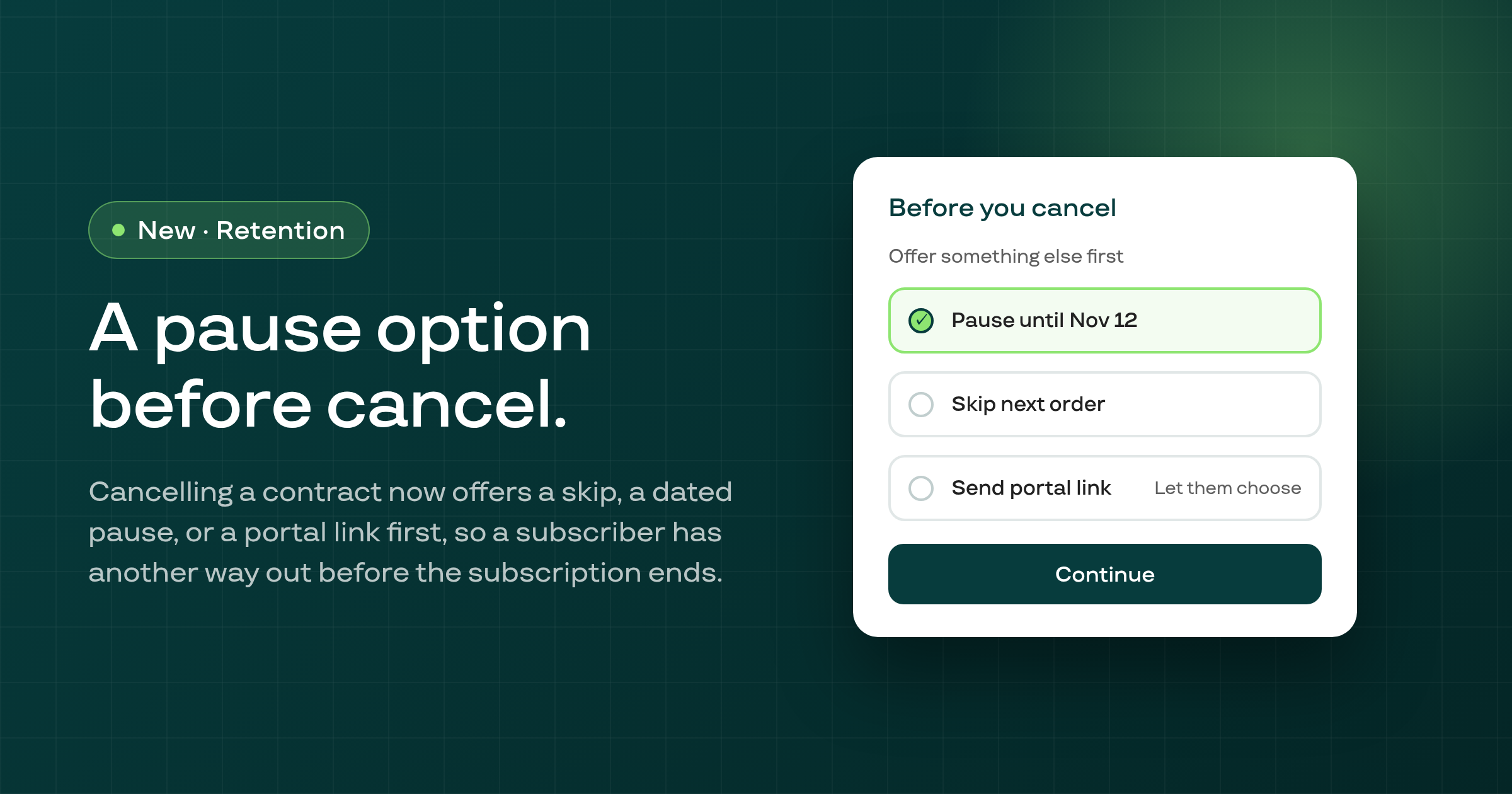
Cancelling a subscription contract from its own page, or in bulk from the contract list, now first offers a skip, a dated pause, or a link to the customer's portal, instead of cancelling right away.
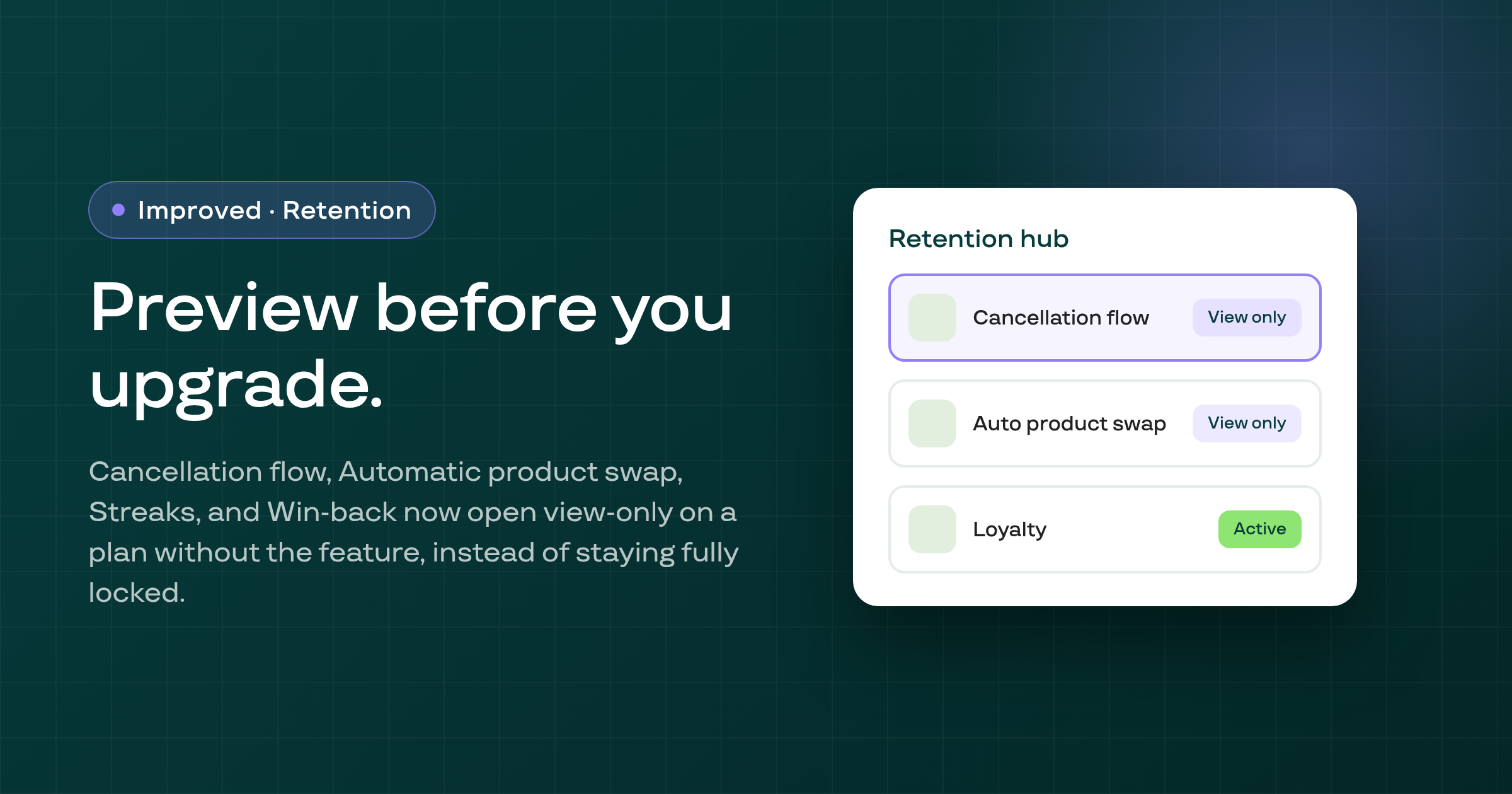
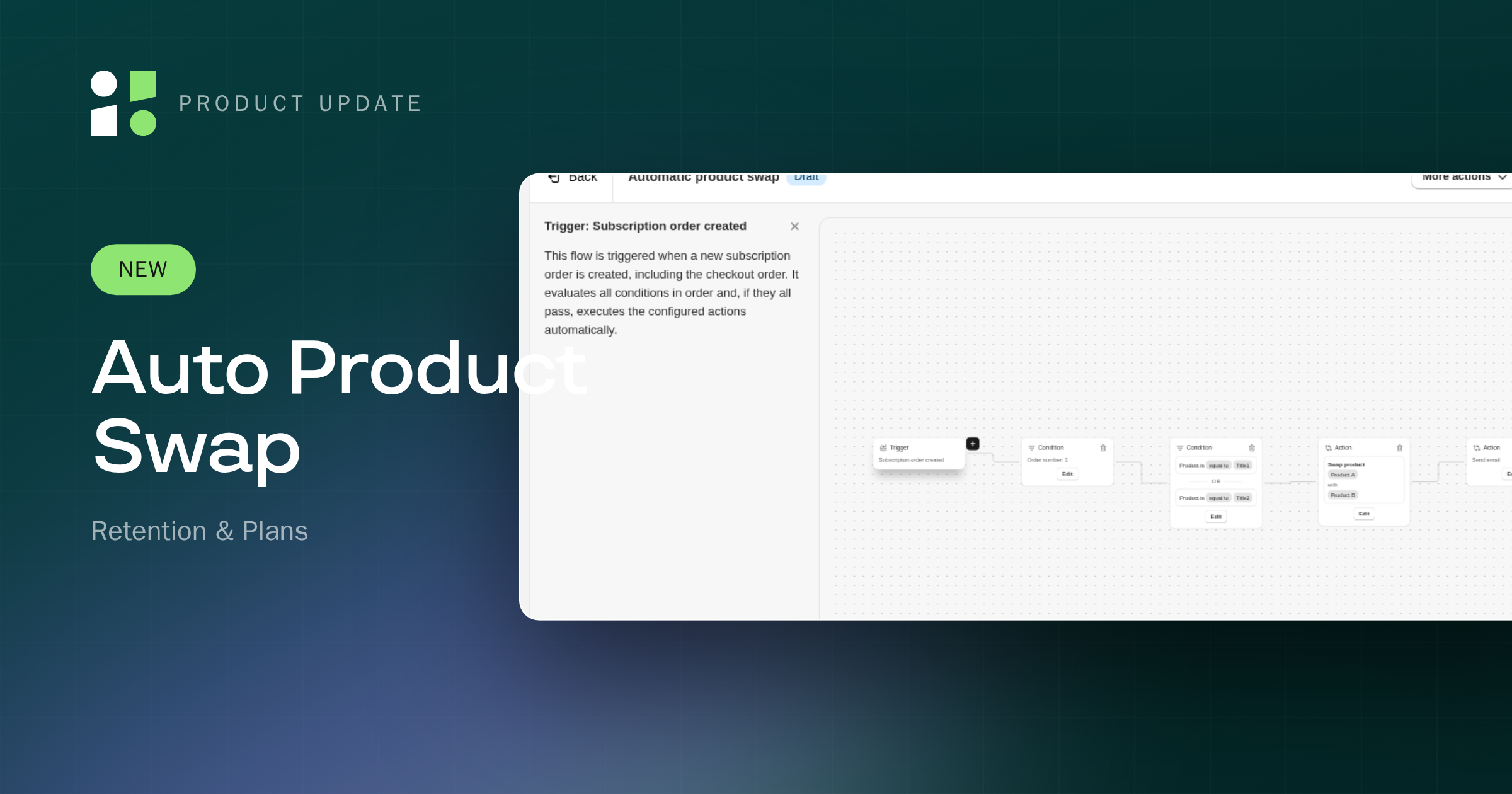
The Cancellation flow, Automatic product swap, Streaks, and Win-back campaigns pages on the Retention hub now open view-only when your plan doesn't include the feature, the same way Loyalty already does, instead of staying fully locked.
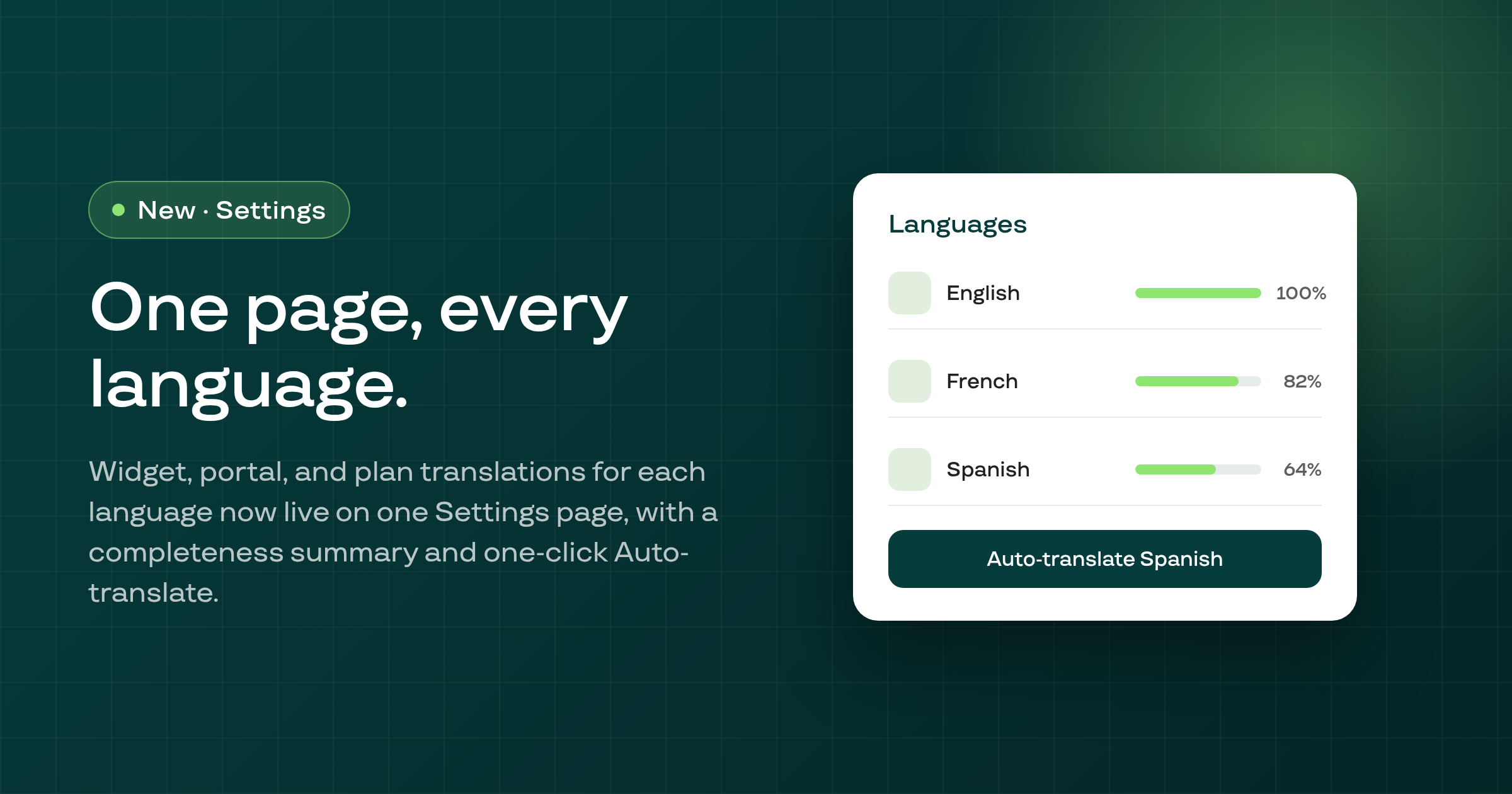
The new Settings > Languages page gives each store language its own page covering widget, customer portal, and selling-plan translations, with a translation-completeness summary and a one-click Auto-translate.
Pre-dunning card-expiry reminders and the customer portal's card-recovery card now read a payment card's expiry straight from the Shopify-synced card record, instead of a copy that was only ever written once when the card was first saved.
The subscribe-and-save widget now falls back to its base-language defaults on regional Shopify locales such as pt-BR, pt-PT, zh-CN, and nb, instead of showing English.
A retried late charge now carries its original missed due date, so a store set to Reschedule its Recovered orders gets the order released right away instead of held to the next billing day.
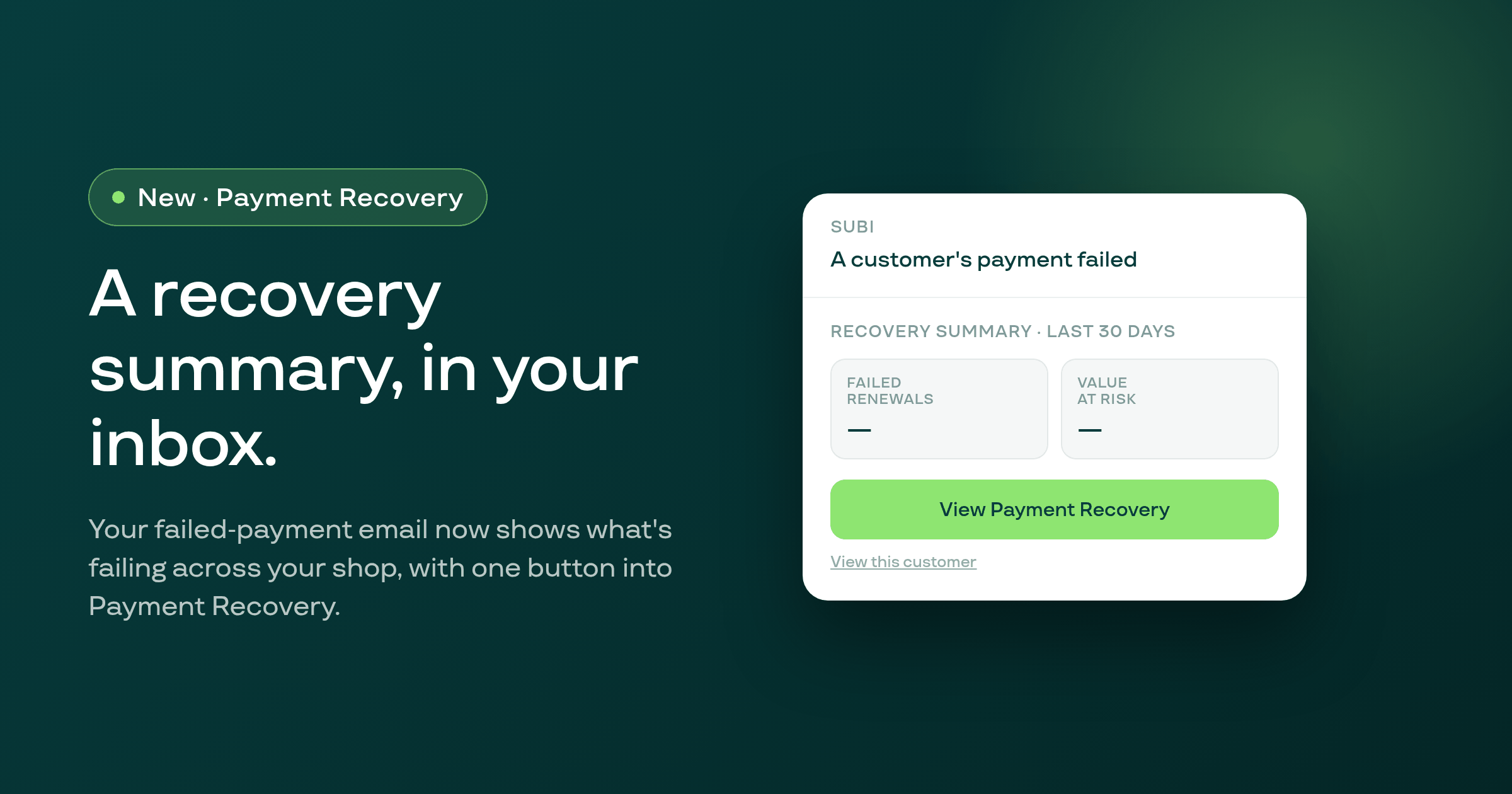
The failed-payment email Subi sends you now includes a block showing your shop's failed renewals and their value over the last 30 days, plus a button straight into Payment recovery.
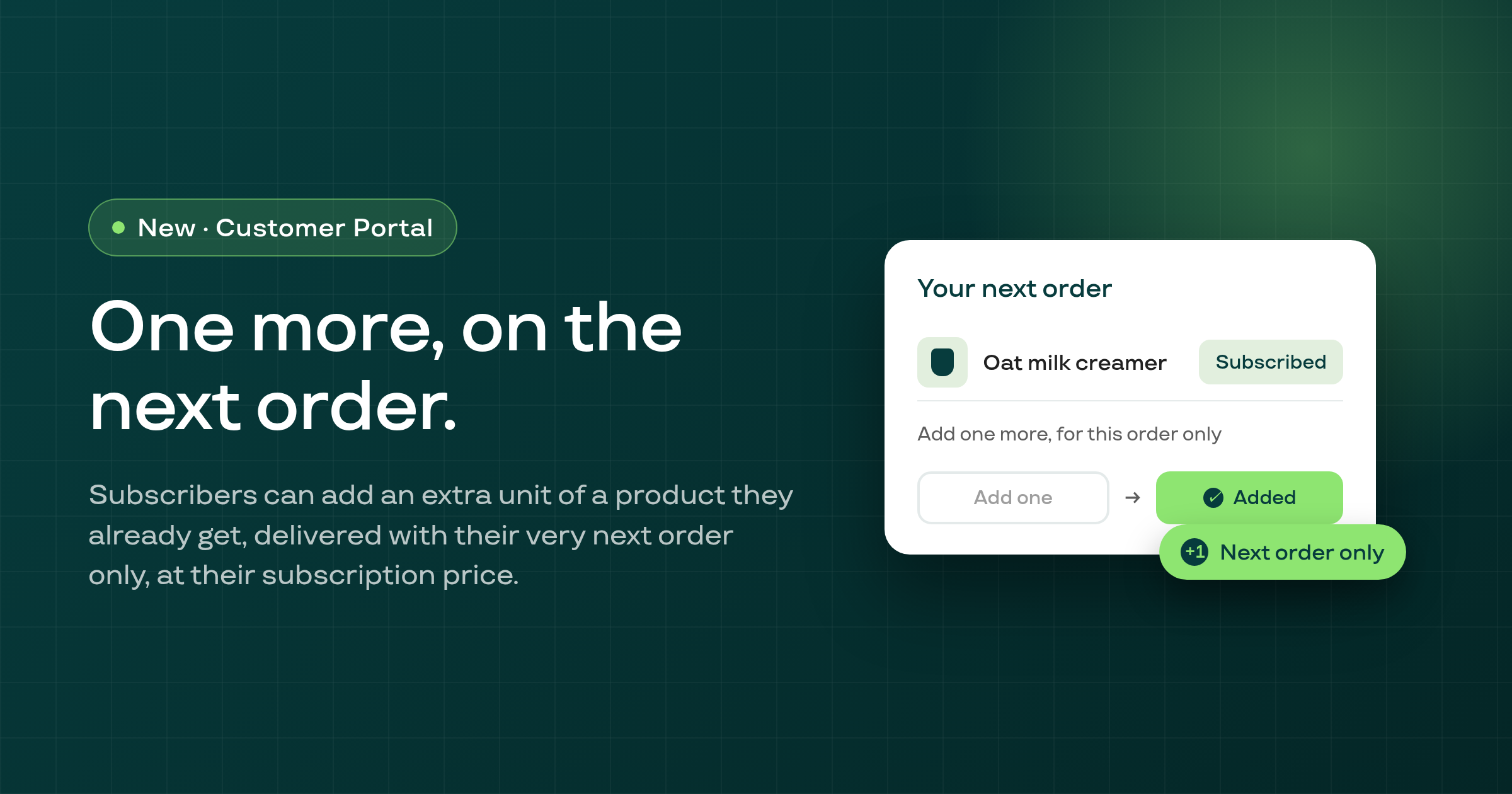
Subscribers can now add one extra unit of a product they already subscribe to onto their very next order only, at their existing subscription price, from the customer portal or a billing reminder email.
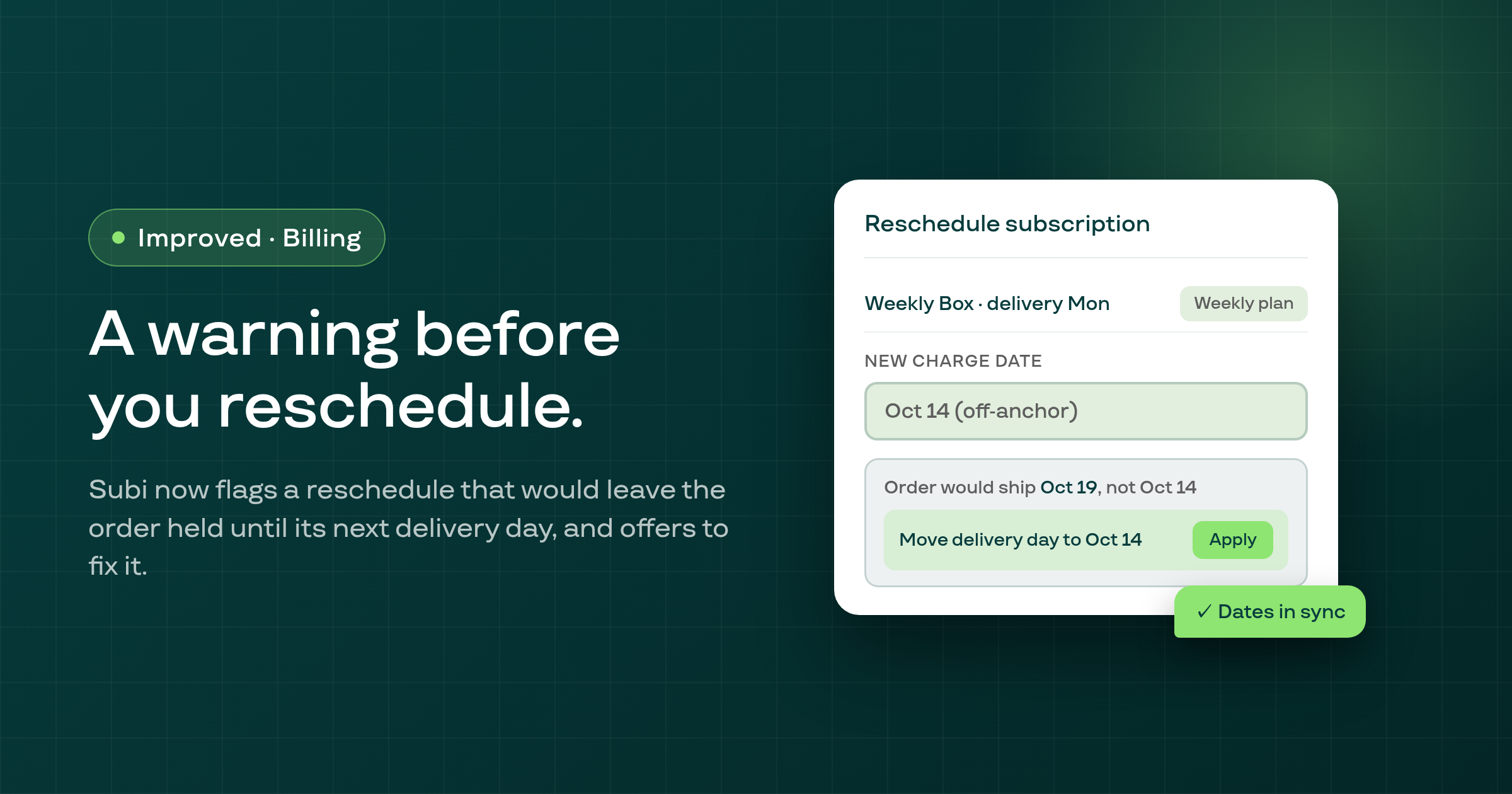
Rescheduling a subscription contract now warns you when the new date would leave the order held until its regular delivery day, and offers to move the delivery day instead.
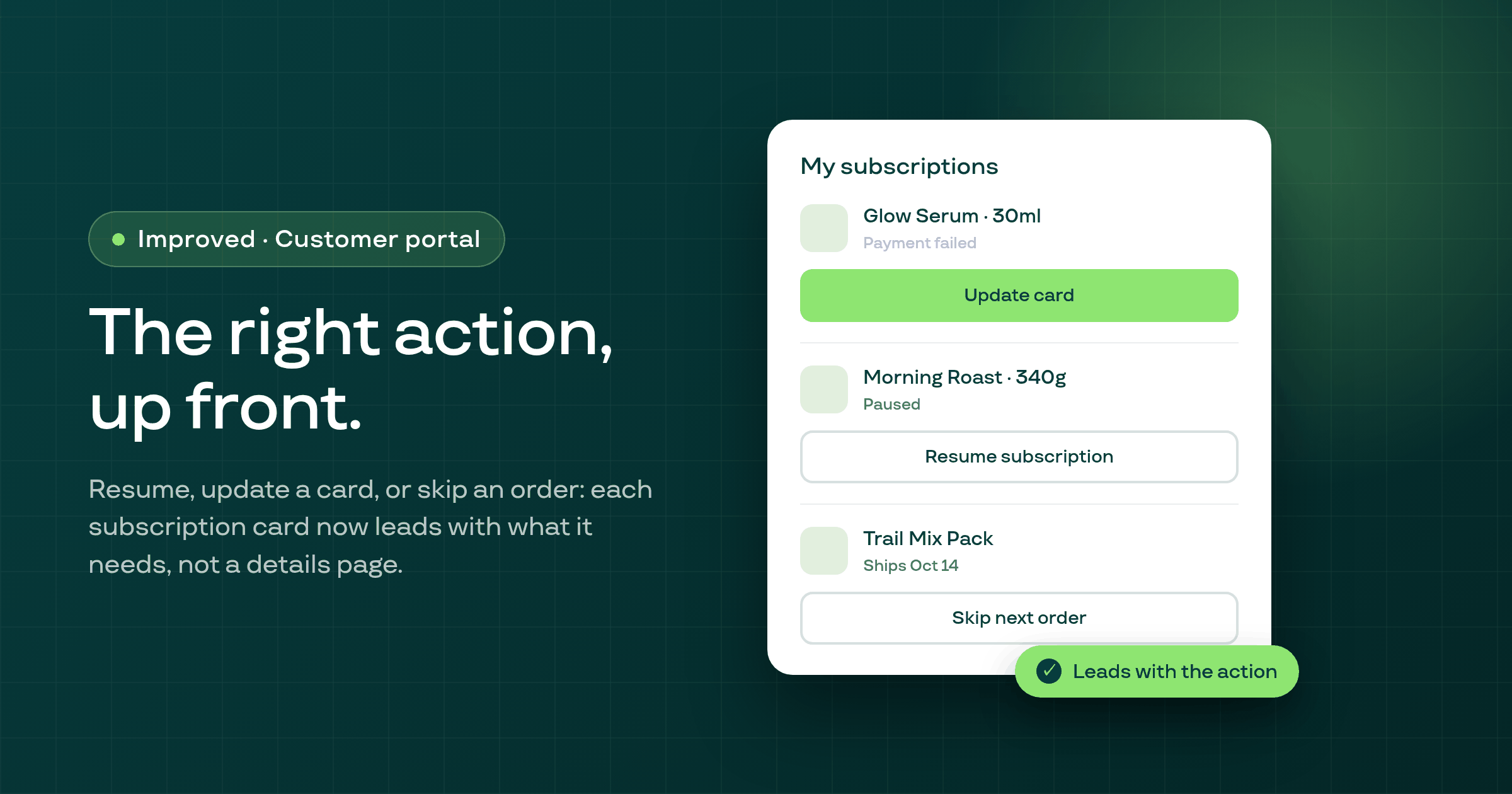
Each subscription card on the customer portal's list now leads with the one action its current state calls for, such as Resume or Update card, instead of defaulting to See more details.
The bulk "Swap product" action now carries over each affected subscription's existing discount and any scheduled price step, instead of silently swapping the line in at full price.
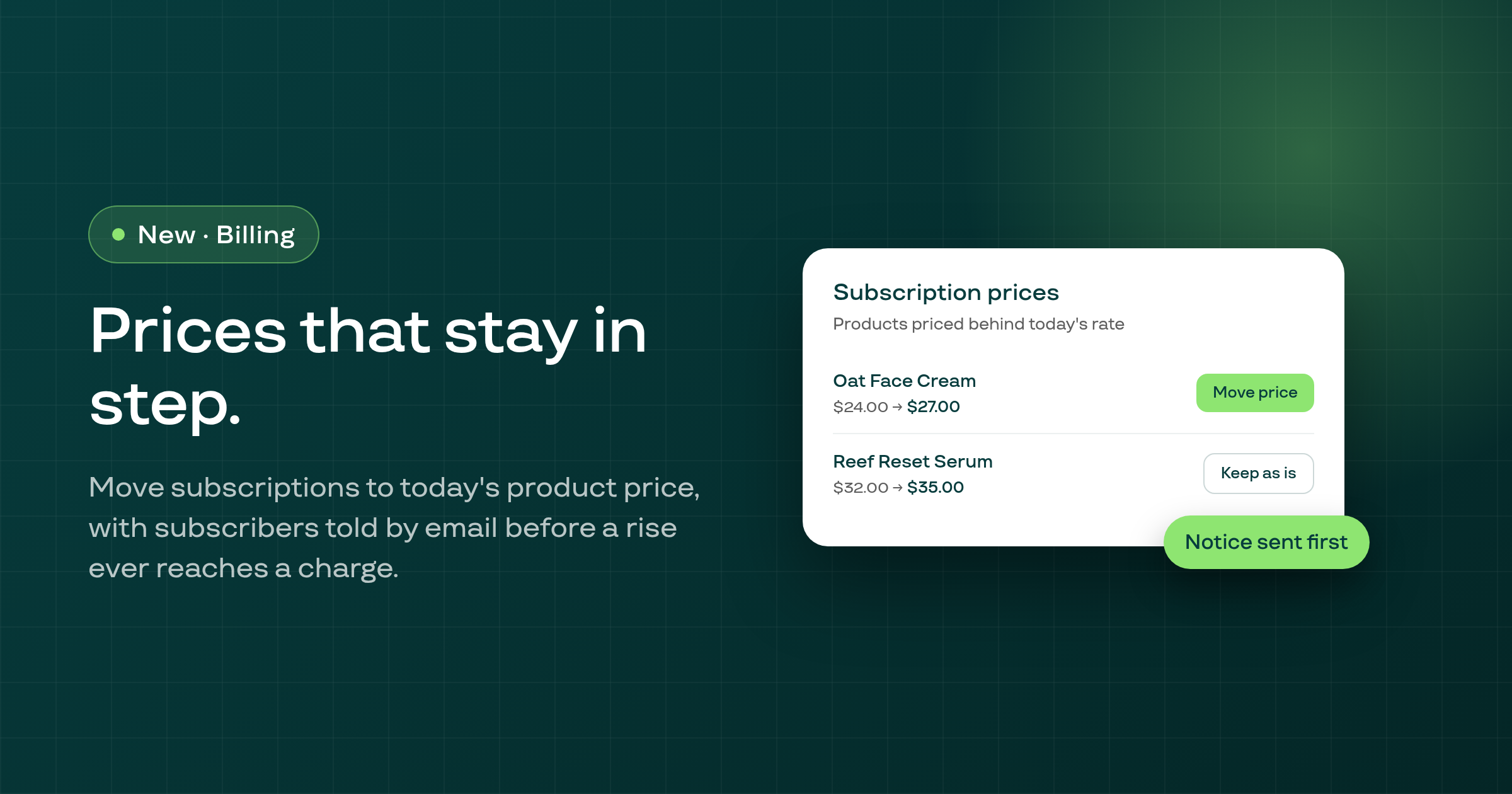
A new card lets you choose which subscriptions move to your product's current price at their next order, with subscribers told by email before a price rise ever reaches a charge.
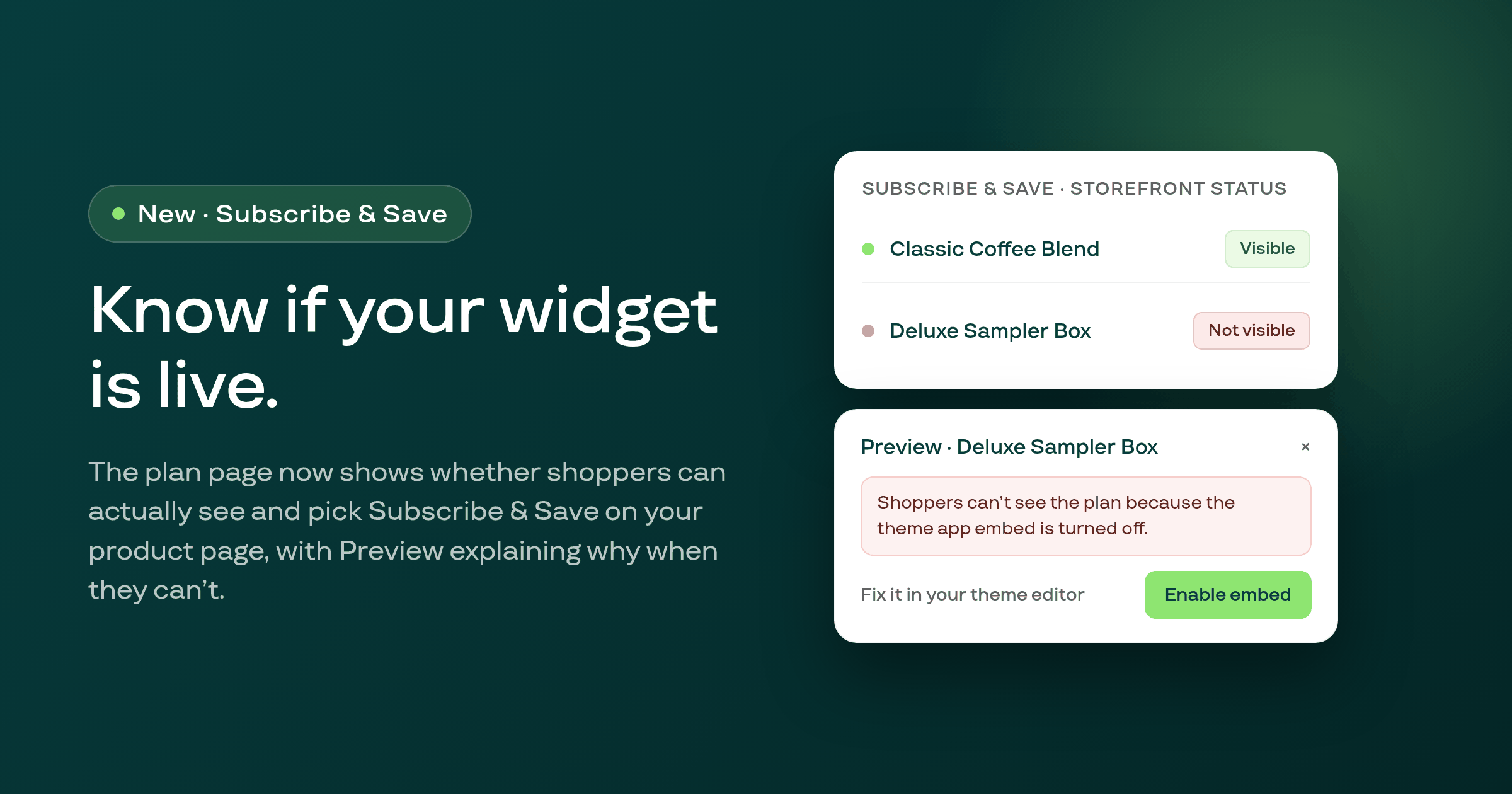
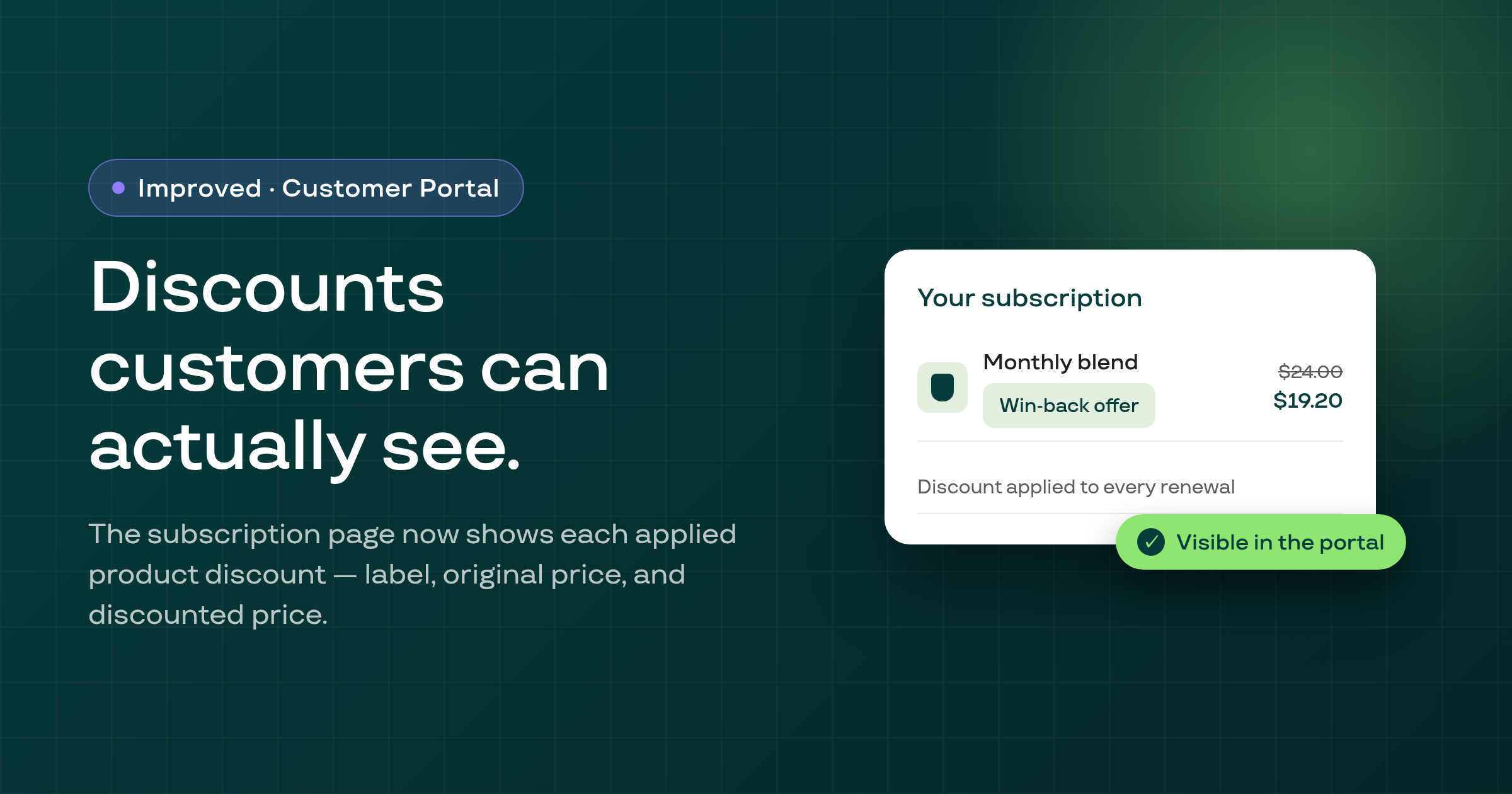
A Subscribe & Save plan page now shows a status badge telling you whether shoppers can actually see and pick the plan on your storefront, with a Preview that explains any problem and how to fix it.
A Streaks campaign saved as a Draft can now be activated directly from the campaign list, its detail page, or the edit wizard, instead of being stuck with no way to launch it.
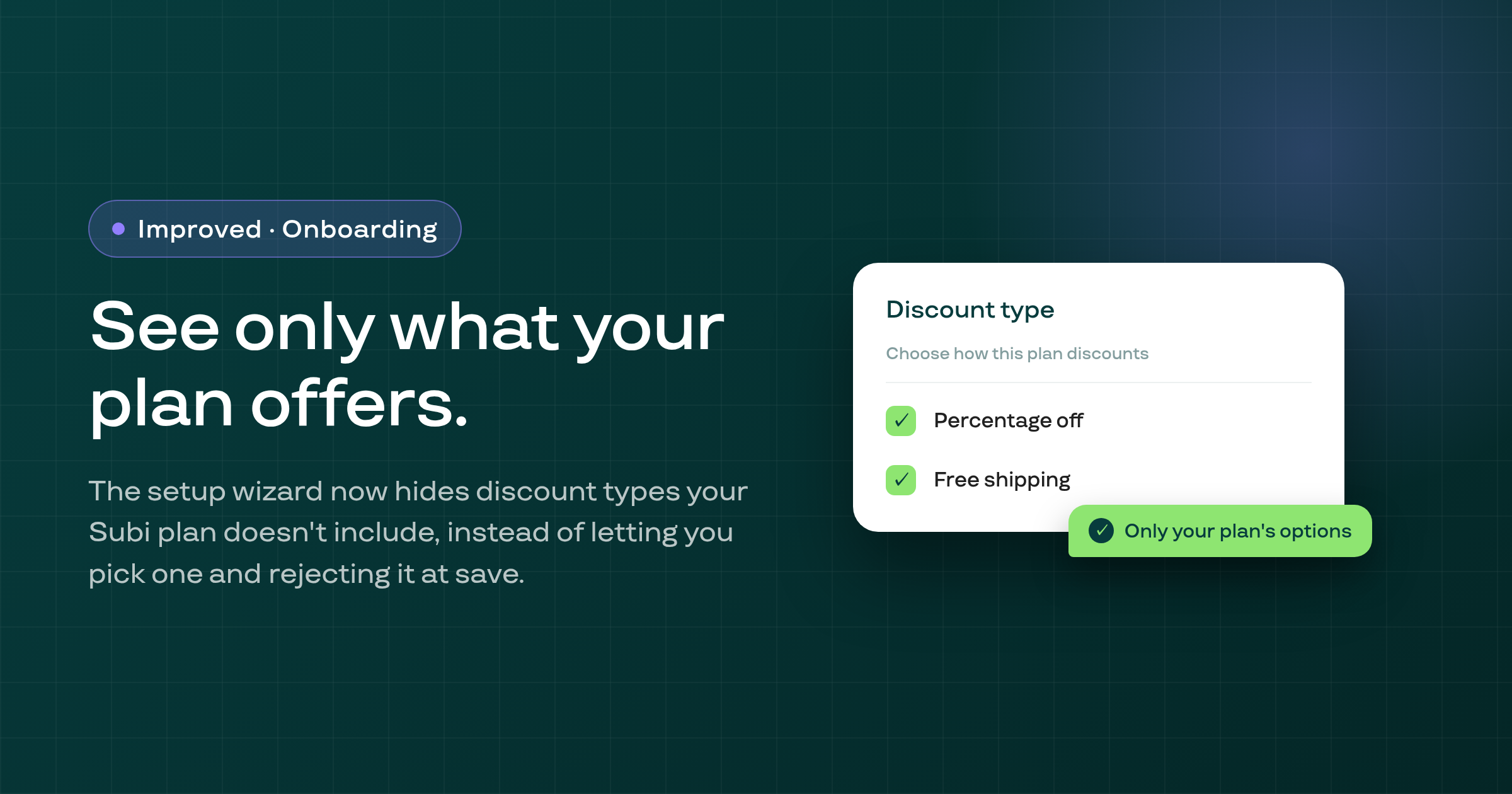
When creating or adjusting a selling plan through the onboarding wizard, Subi now hides the Fixed amount and Flat rate discount options your Subi plan doesn't include, instead of showing them as choices and only rejecting the save afterward.
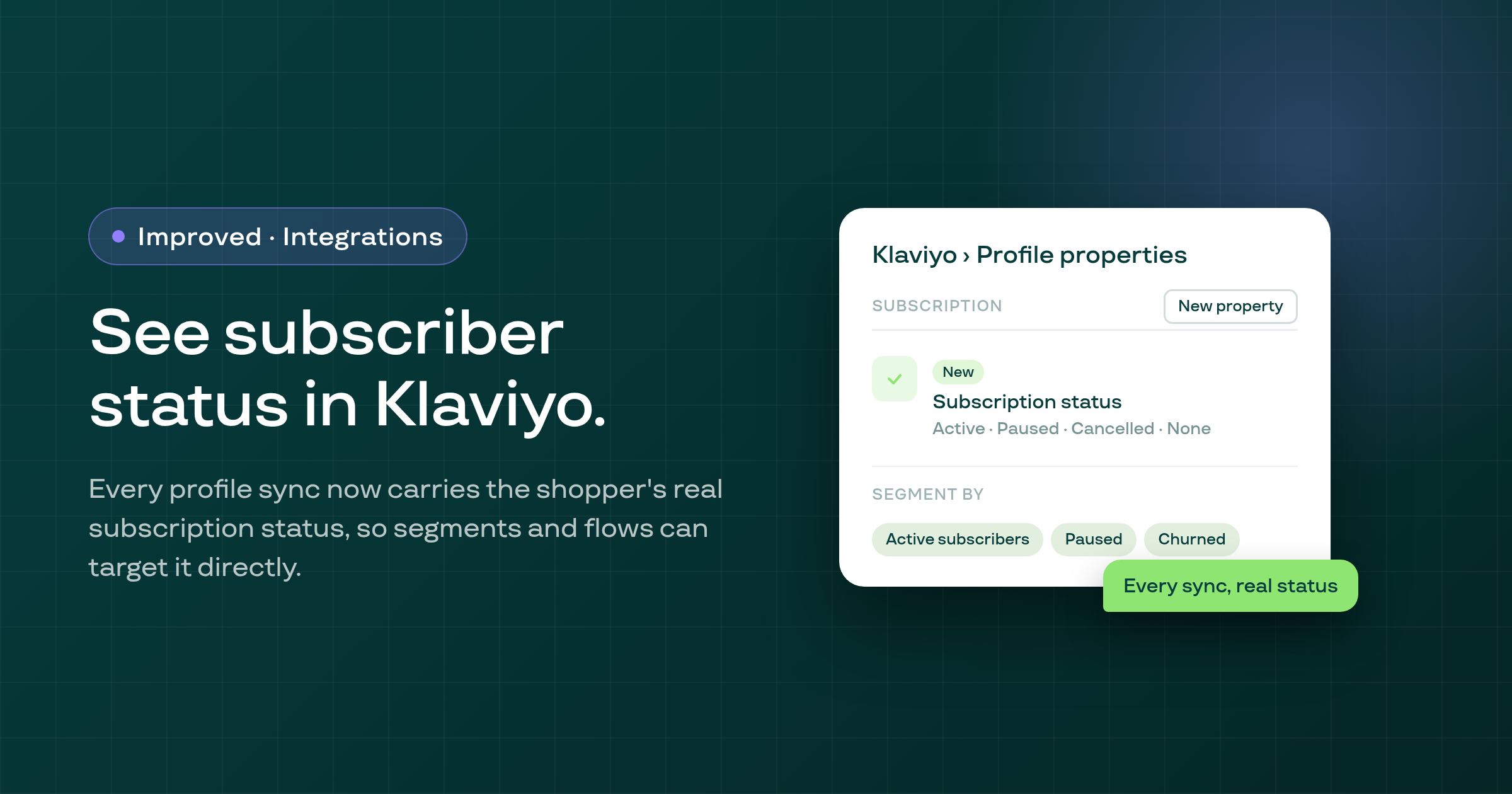
Subi now syncs a customer's subscription status, along with when they subscribed and when a subscription ended, to their Klaviyo profile, so you can build segments and flows that tell an active, paused, or former subscriber apart.
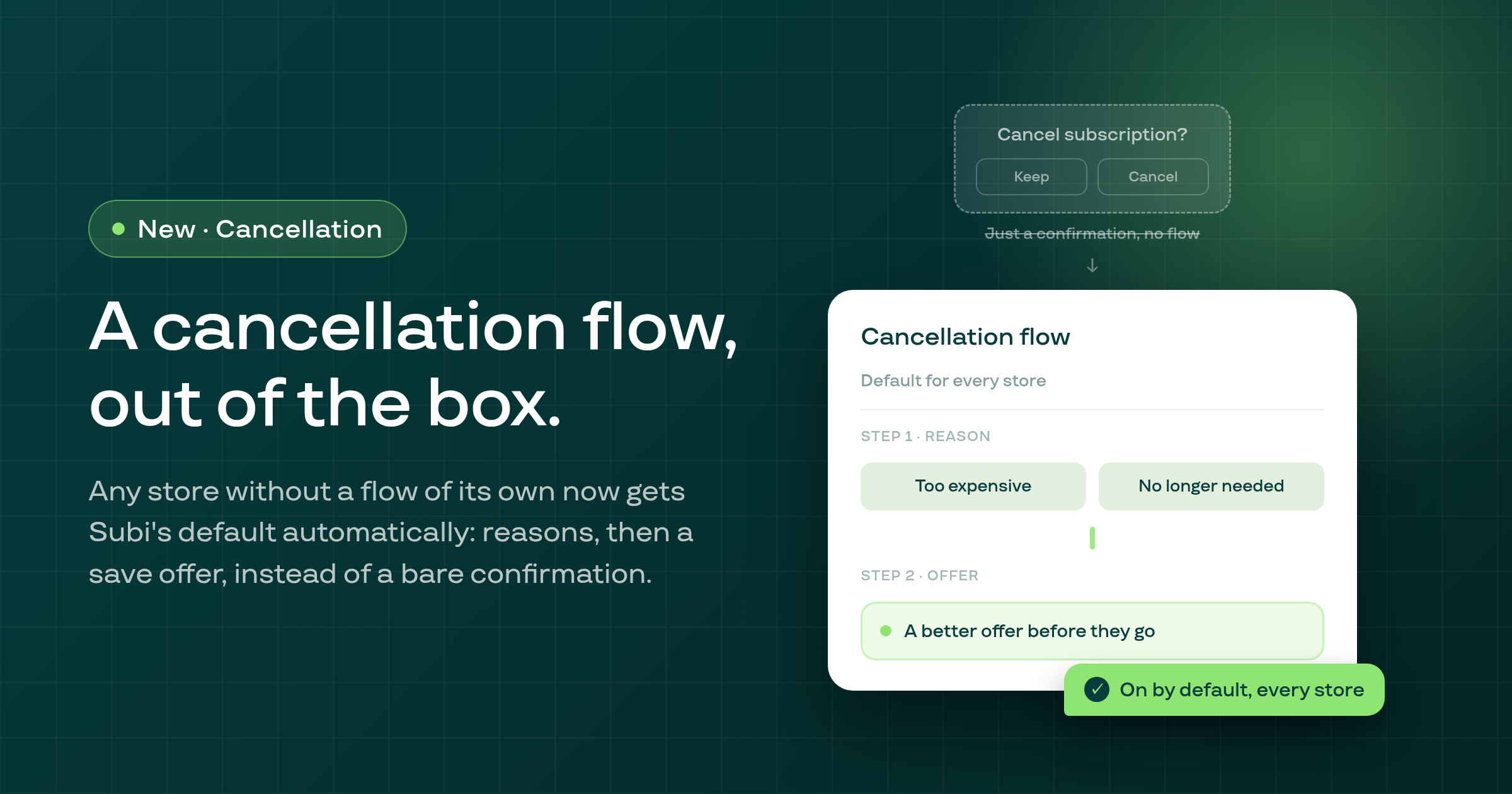
Stores that never built a cancellation flow of their own now automatically show shoppers Subi's default flow, six standard reasons followed by whichever save offers your portal settings allow, and you can turn it off any time from a switch on your Retention settings.
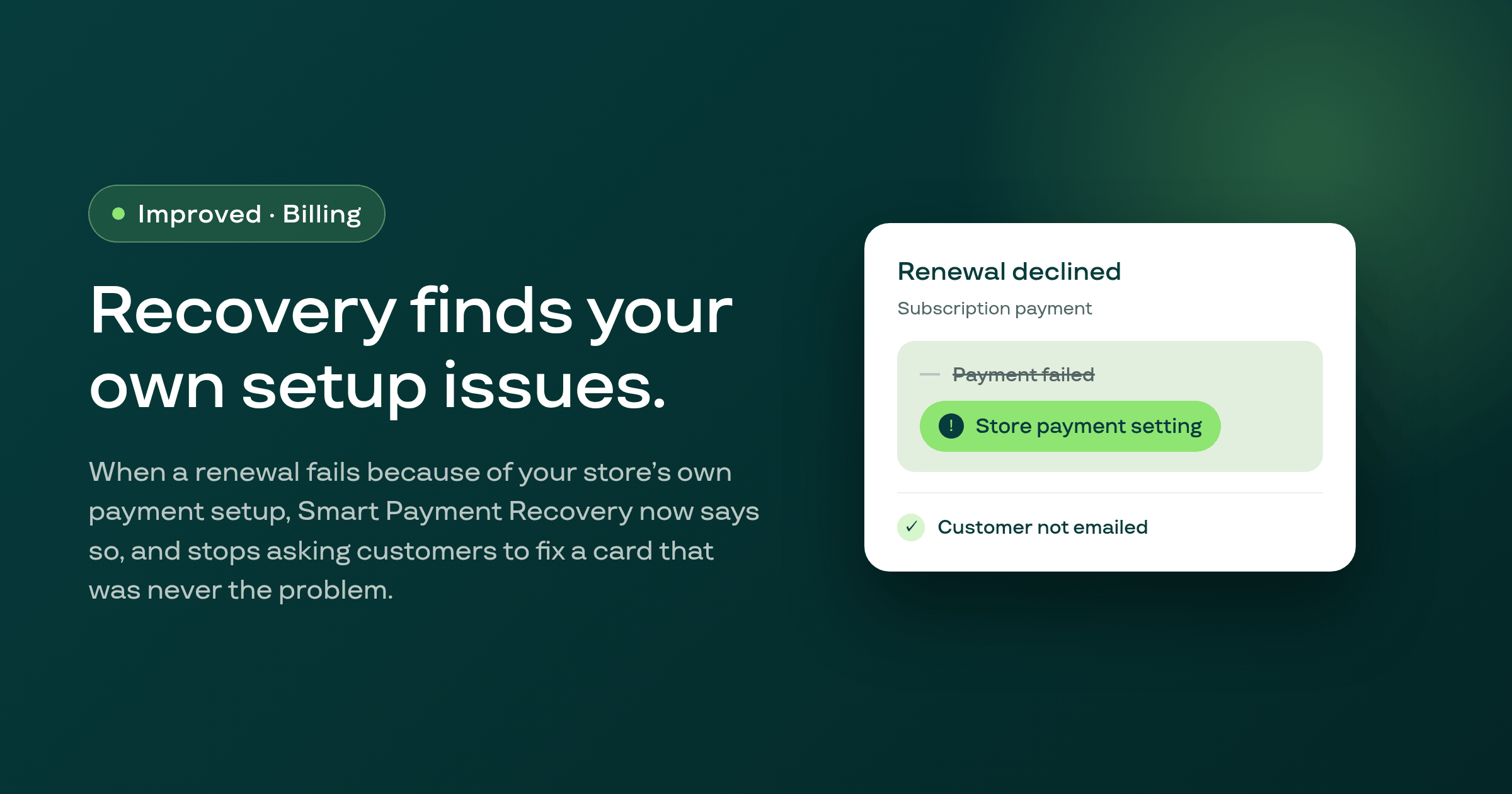
Smart Payment Recovery now recognizes when a renewal was declined because of your store's own payment settings rather than the customer's card, names the real cause on the recovery page, emails you about it once, and stops asking the customer to update a card that was never the problem.
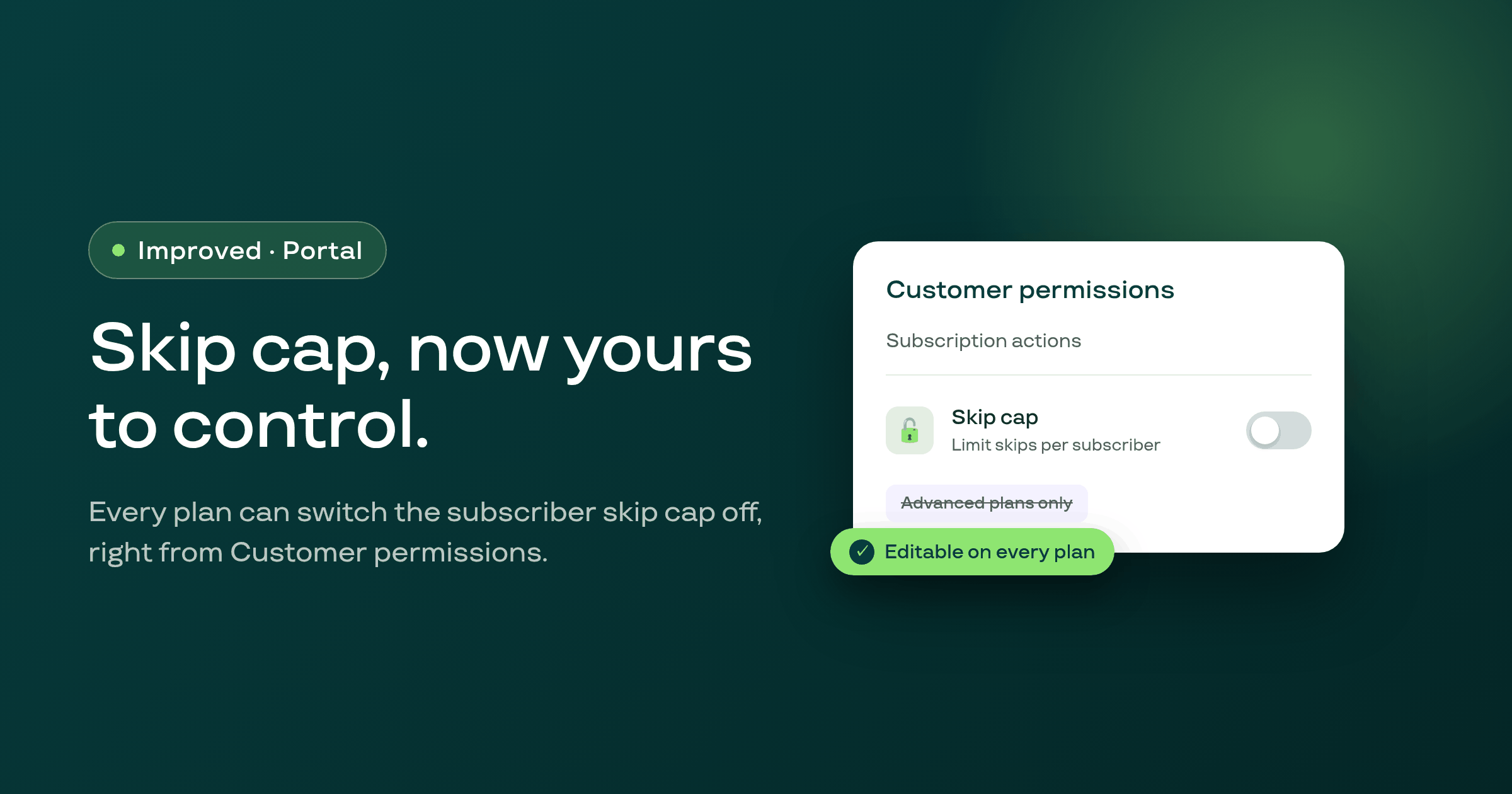
Merchants on plans without advanced customer-portal permissions can now switch the subscriber skip cap off themselves from the Customer permissions page, instead of it being locked on.
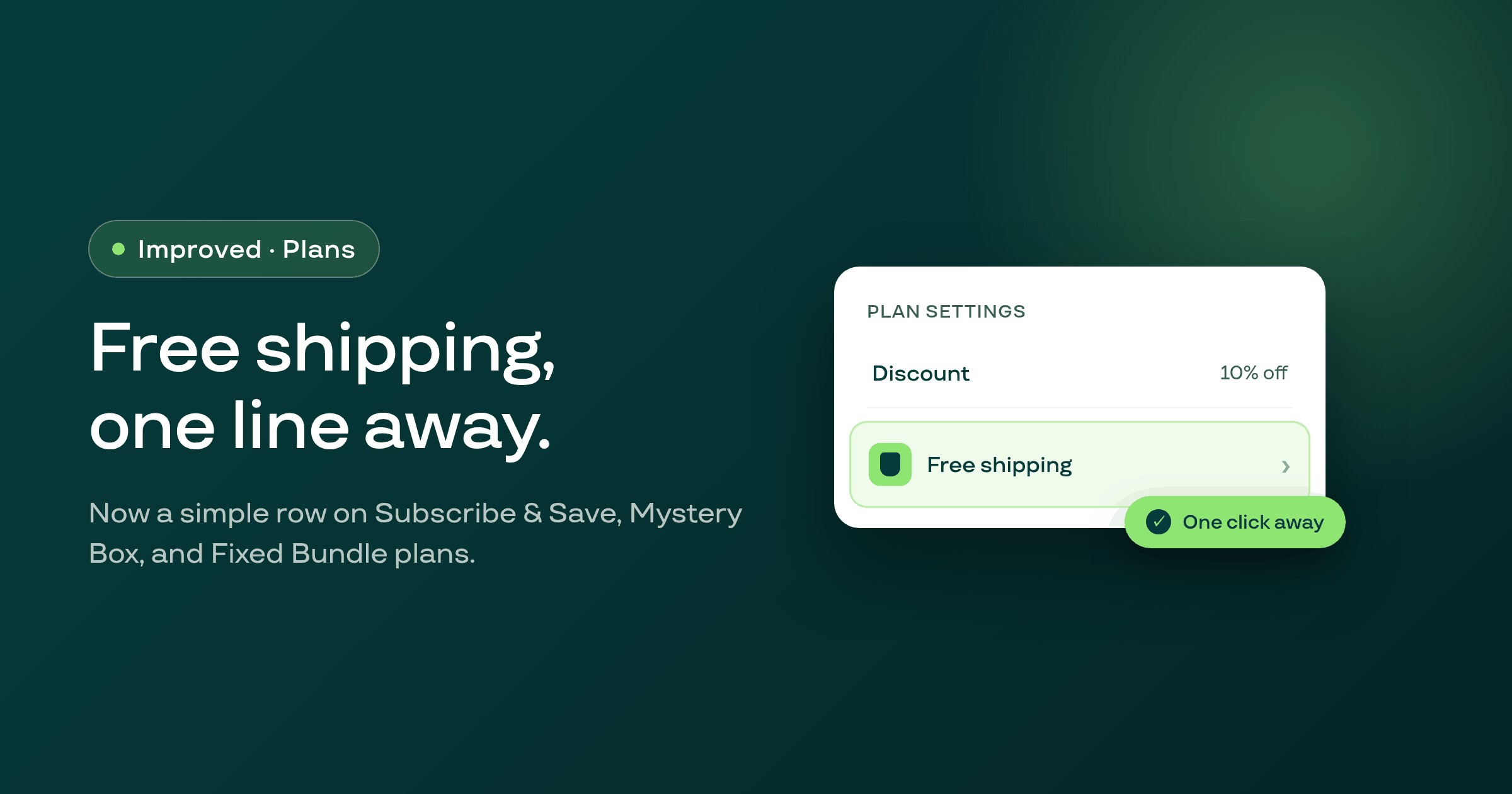
Editing a Subscribe & Save, Mystery Box, or Fixed Bundle plan now shows the free-shipping setting as a simple one-line row that opens a modal to configure it, and the Subscribe & Save page header stays pinned while you scroll through a long form.
The next-order date picker in the customer portal and the reschedule picker in the Shopify customer account now stop a subscriber from picking a date beyond the shop's reschedule cap, matching what the server already enforced.
The Send payment method request email option is now disabled on stores whose Shopify customer accounts are set to legacy or turned off, since that email cannot be completed on those accounts.
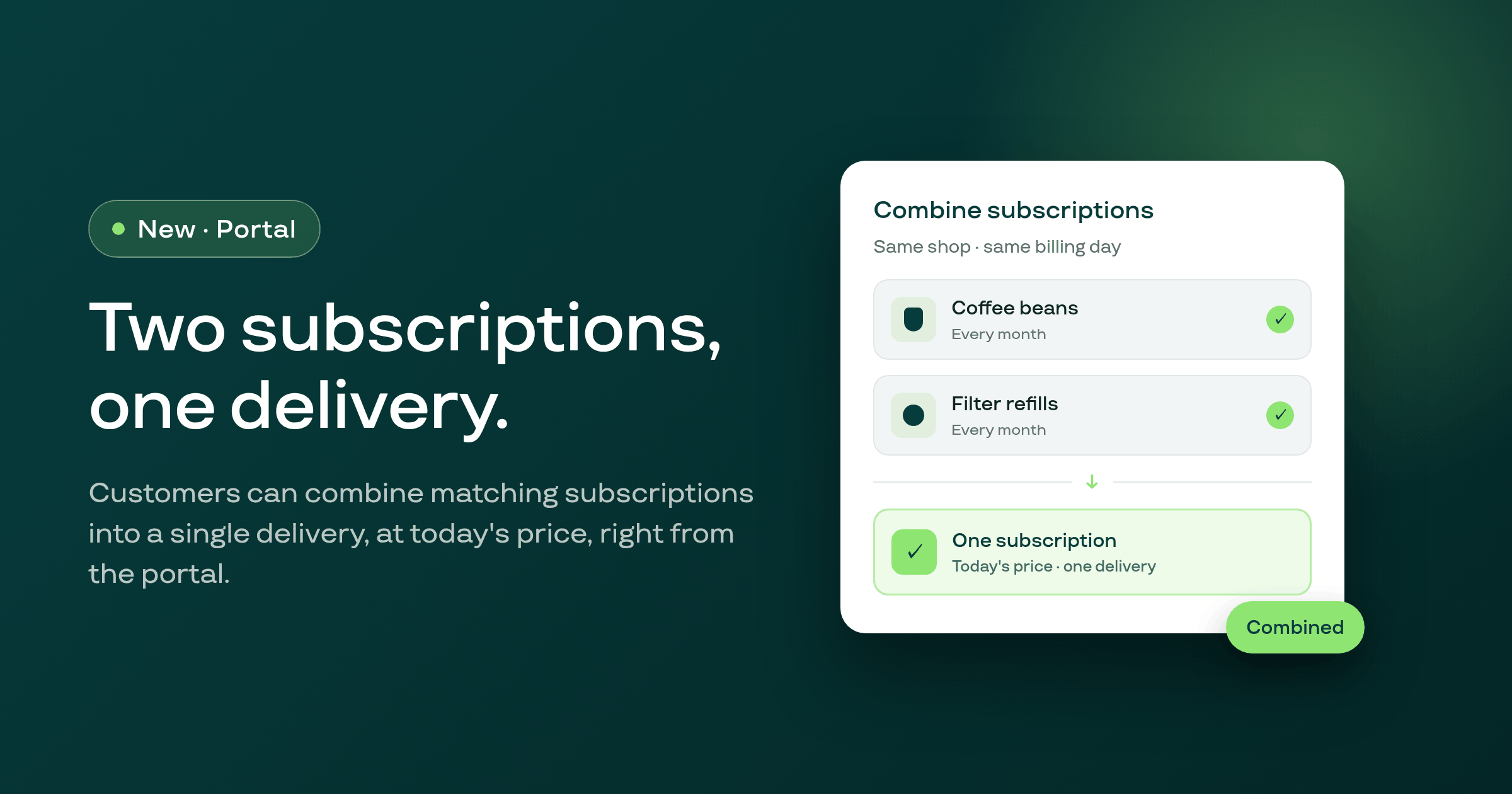
A customer holding two subscriptions at the same shop on the same billing interval can now combine them into a single subscription from the customer portal, with everything moved onto one delivery at today's price.
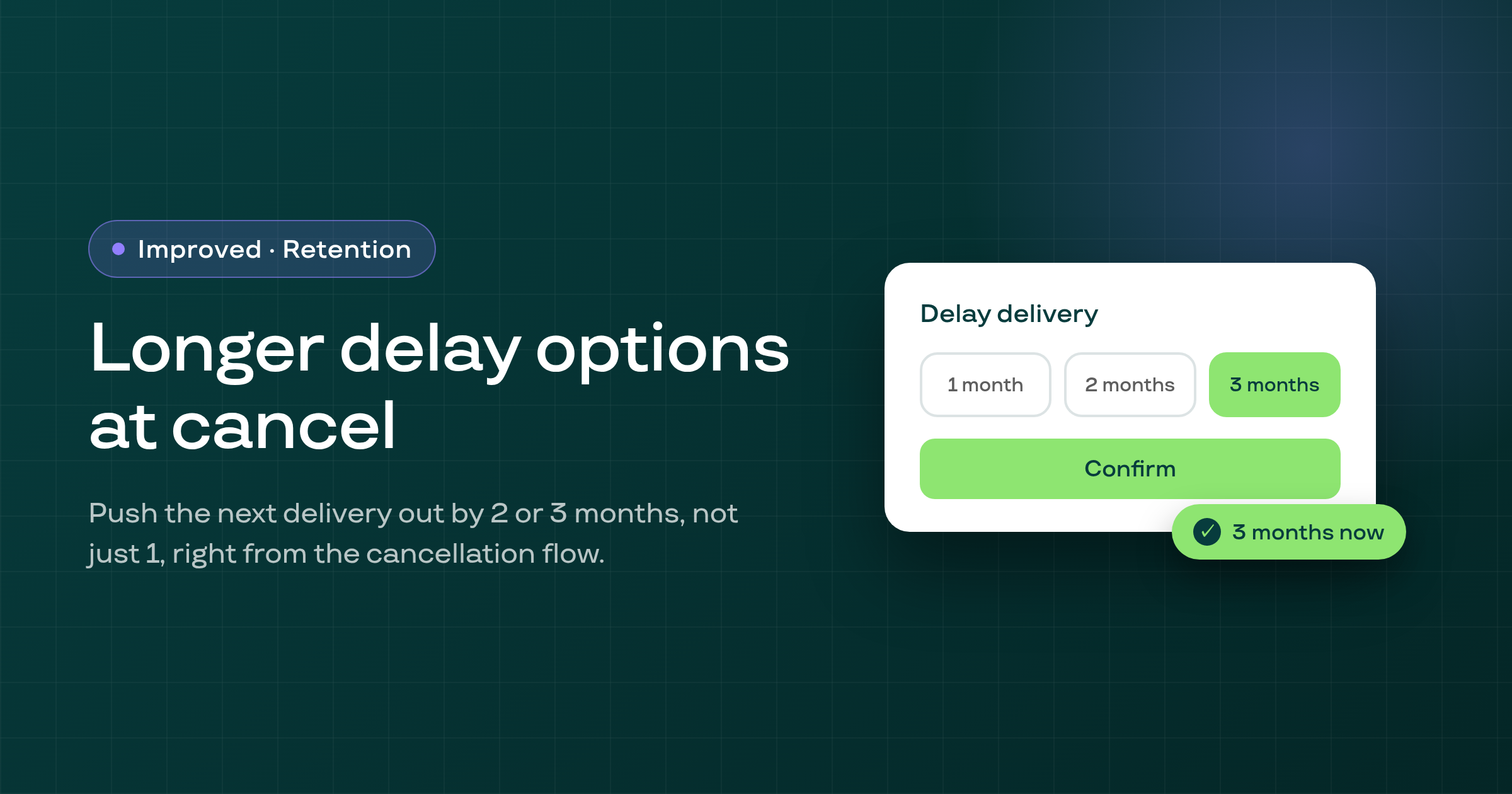
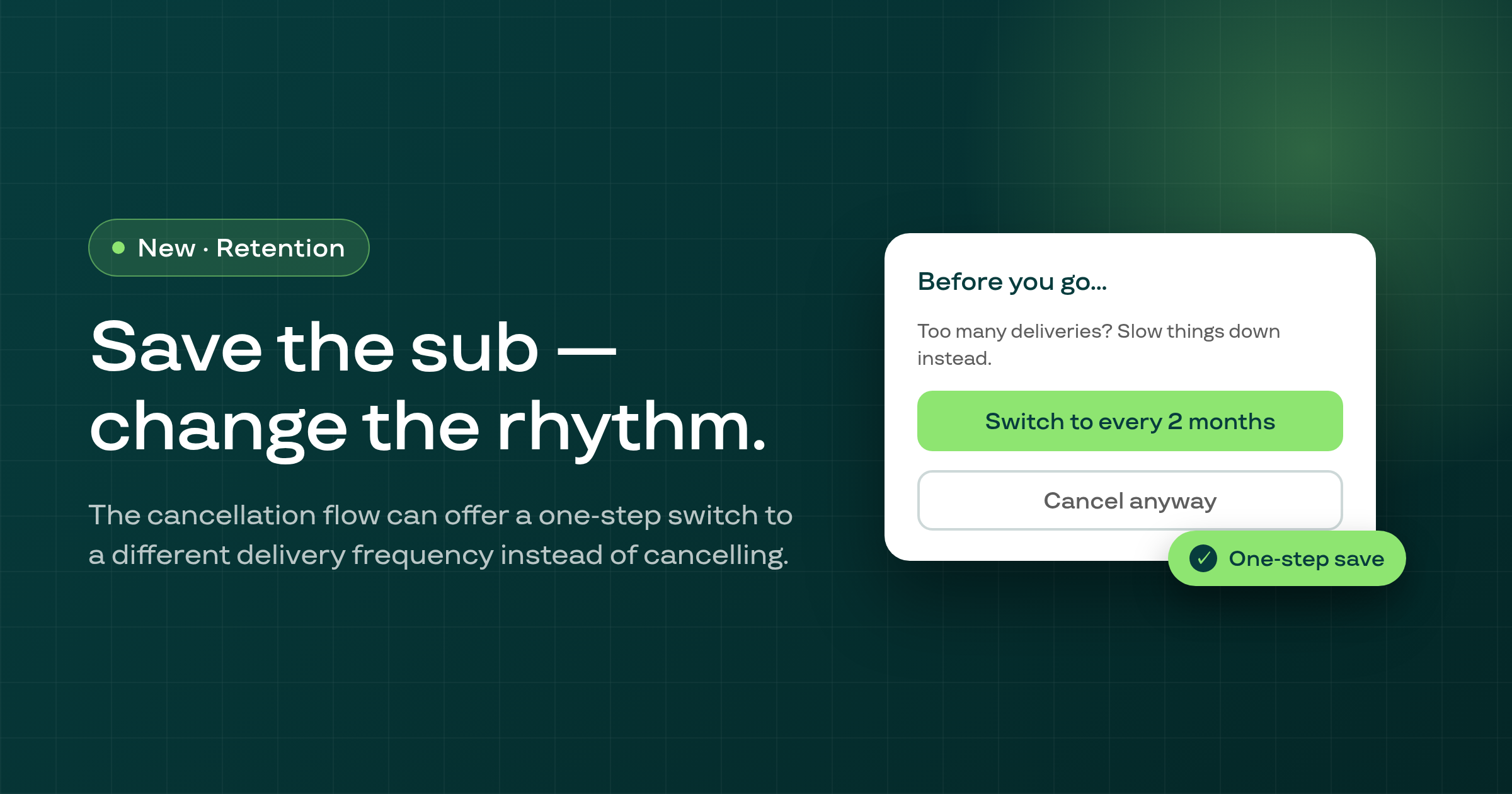
Subscribers who start to cancel can now delay their next delivery by 2 or 3 months instead of 1 month at most, both in the hosted customer portal and in the Shopify customer account cancellation flow.
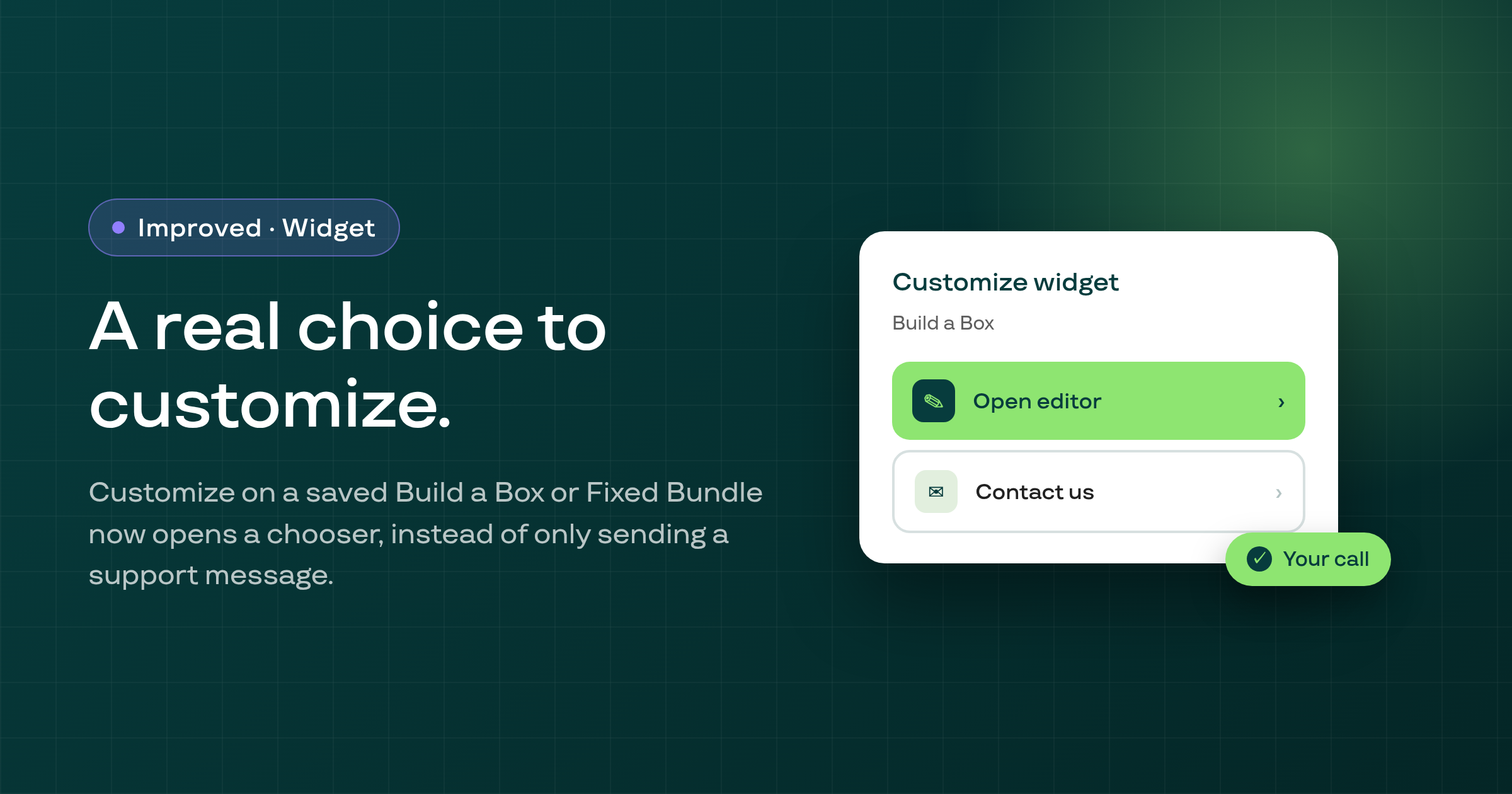
On a saved Build a Box or Fixed Bundle plan, clicking Customize on the widget preview card now opens a chooser with Open editor and Contact us, instead of only sending a support message.
On a shop with Smart Payment Recovery active, a customer whose payment fails now gets one email about it instead of the legacy failed-payment notice and a recovery email both, and recovery emails now respect the merchant's own customer-notification toggle.
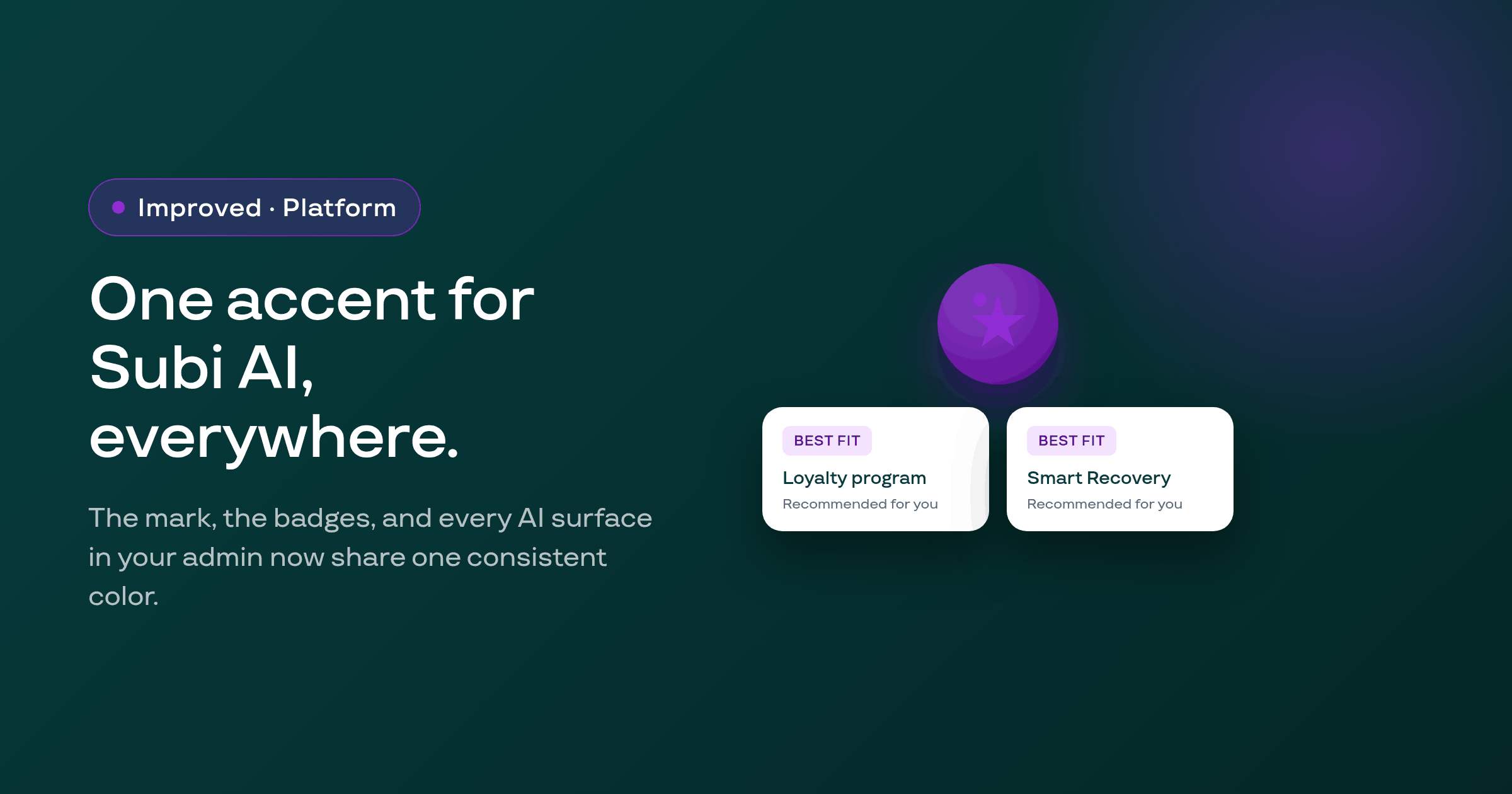
Every Subi AI surface in the merchant admin now shares the same accent color and mark, replacing a mix of styles that had grown up around each feature separately.
The customer portal's product swap list, and the equivalent modals in the Shopify customer-account extension, no longer error out when Shopify's variant search omits some of the requested variants.
Subi's payment recovery now charges the missed cycle when a customer replaces a hard-declined card, and tells both the merchant and the customer honestly when nothing was collected instead of marking it Recovered.
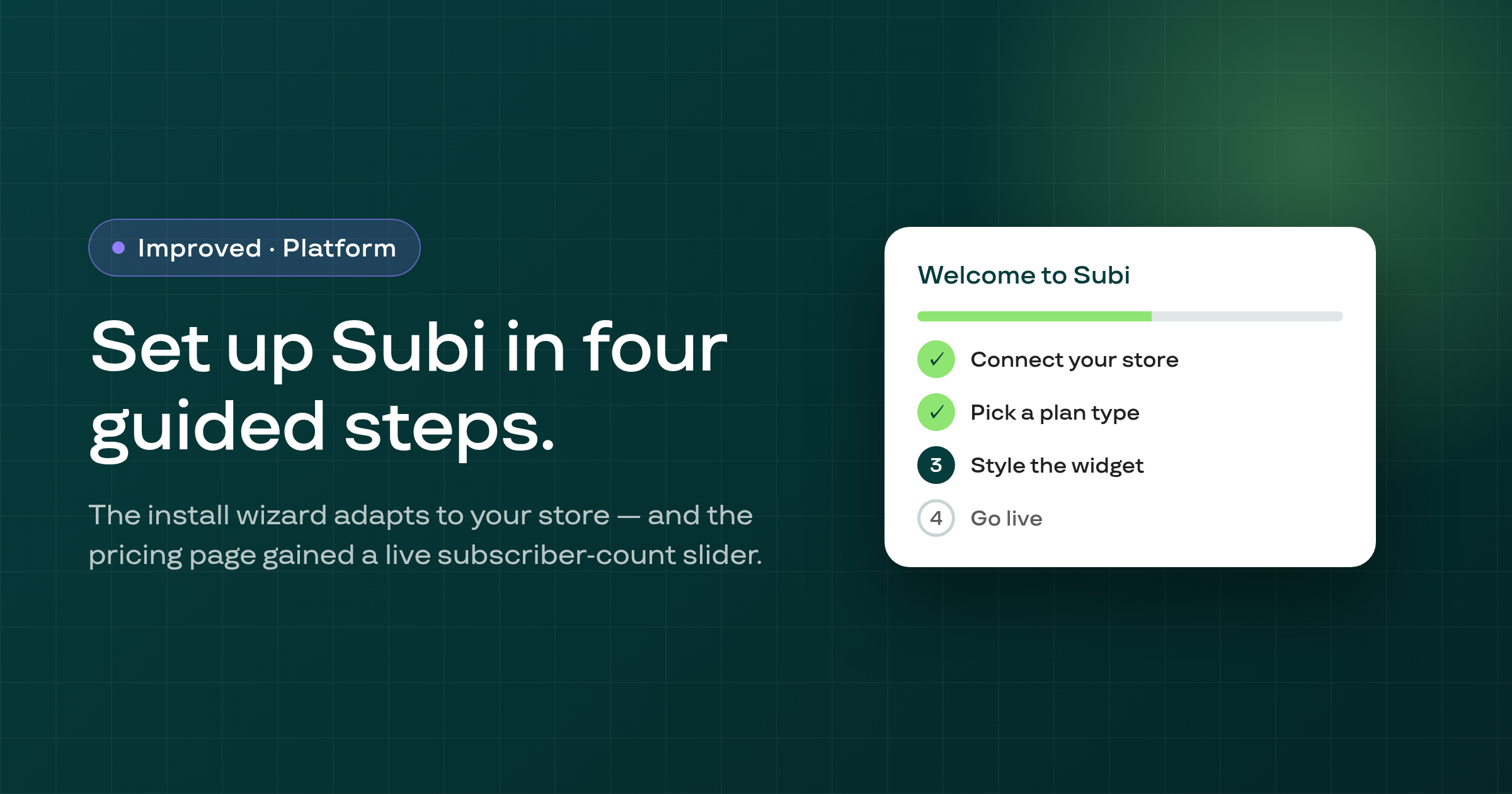
The onboarding wizard now runs store detection automatically for a merchant whose shop has no detection snapshot, instead of leaving them stuck on their current step.
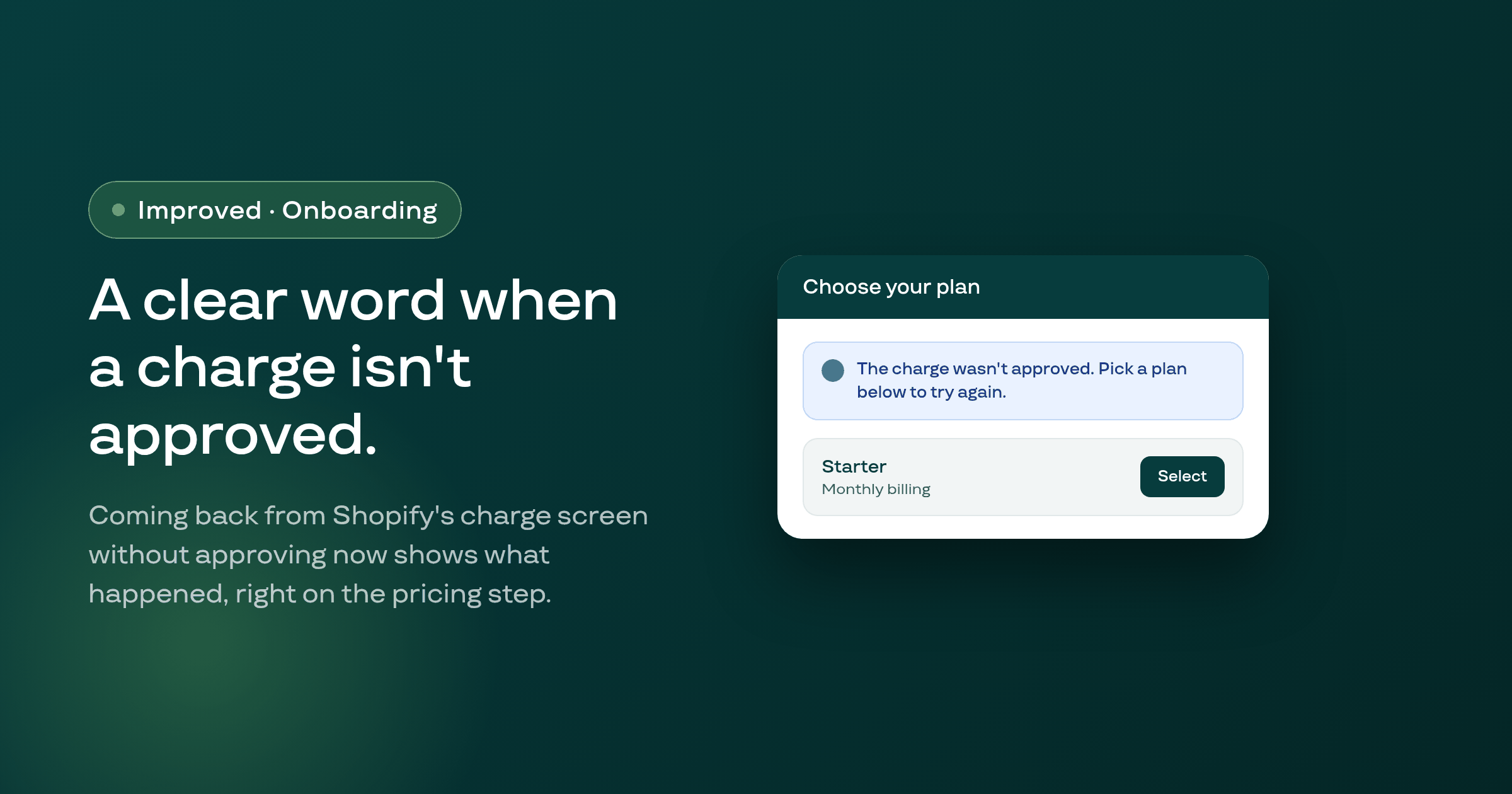
The onboarding wizard's pricing step now shows a banner explaining that a Shopify charge wasn't approved when a merchant returns from Shopify's charge screen without approving it.
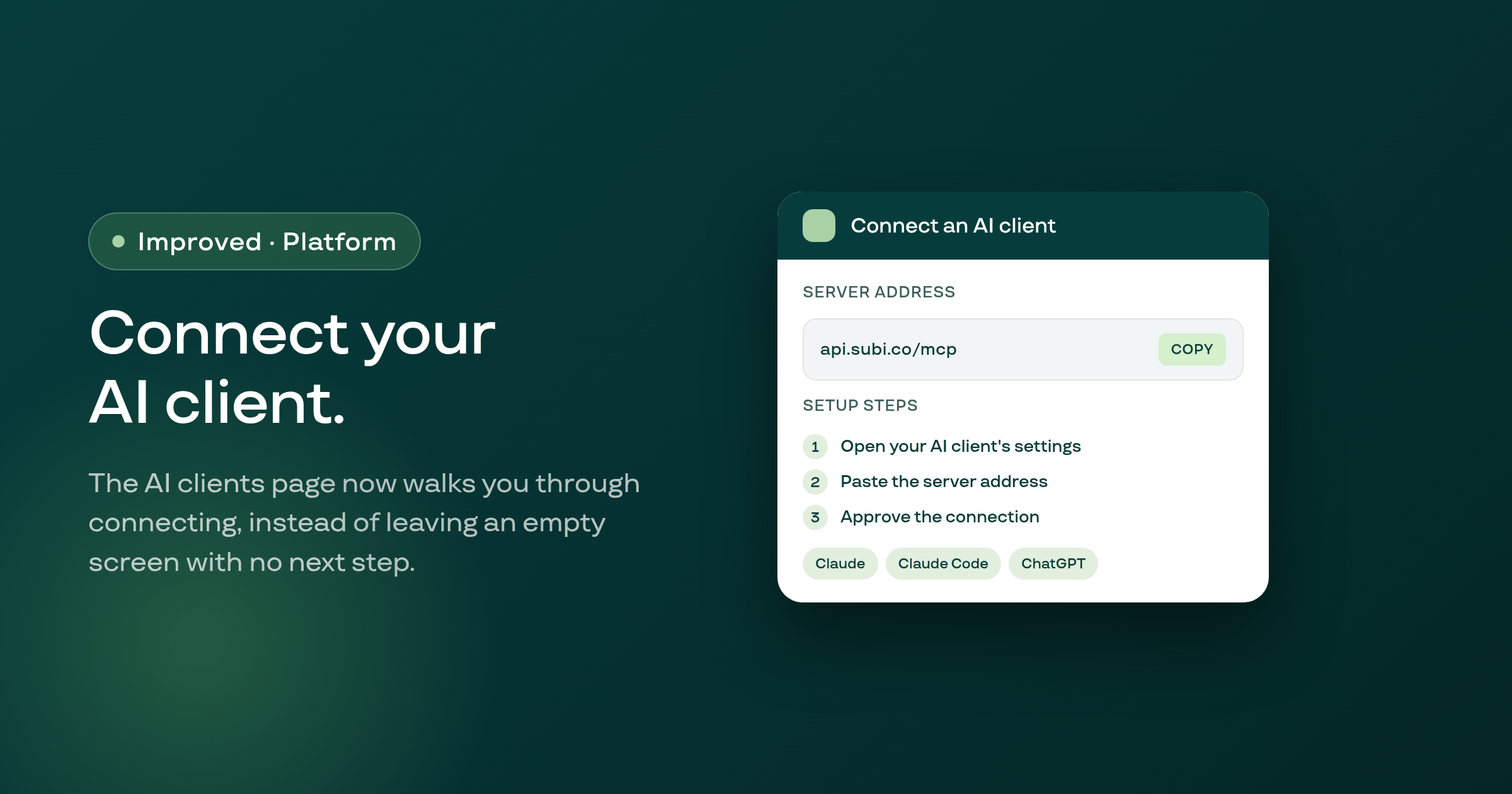
Settings > AI clients now shows the MCP server address, setup steps, and per-client instructions for merchants who haven't connected an AI client yet, instead of a bare empty state.
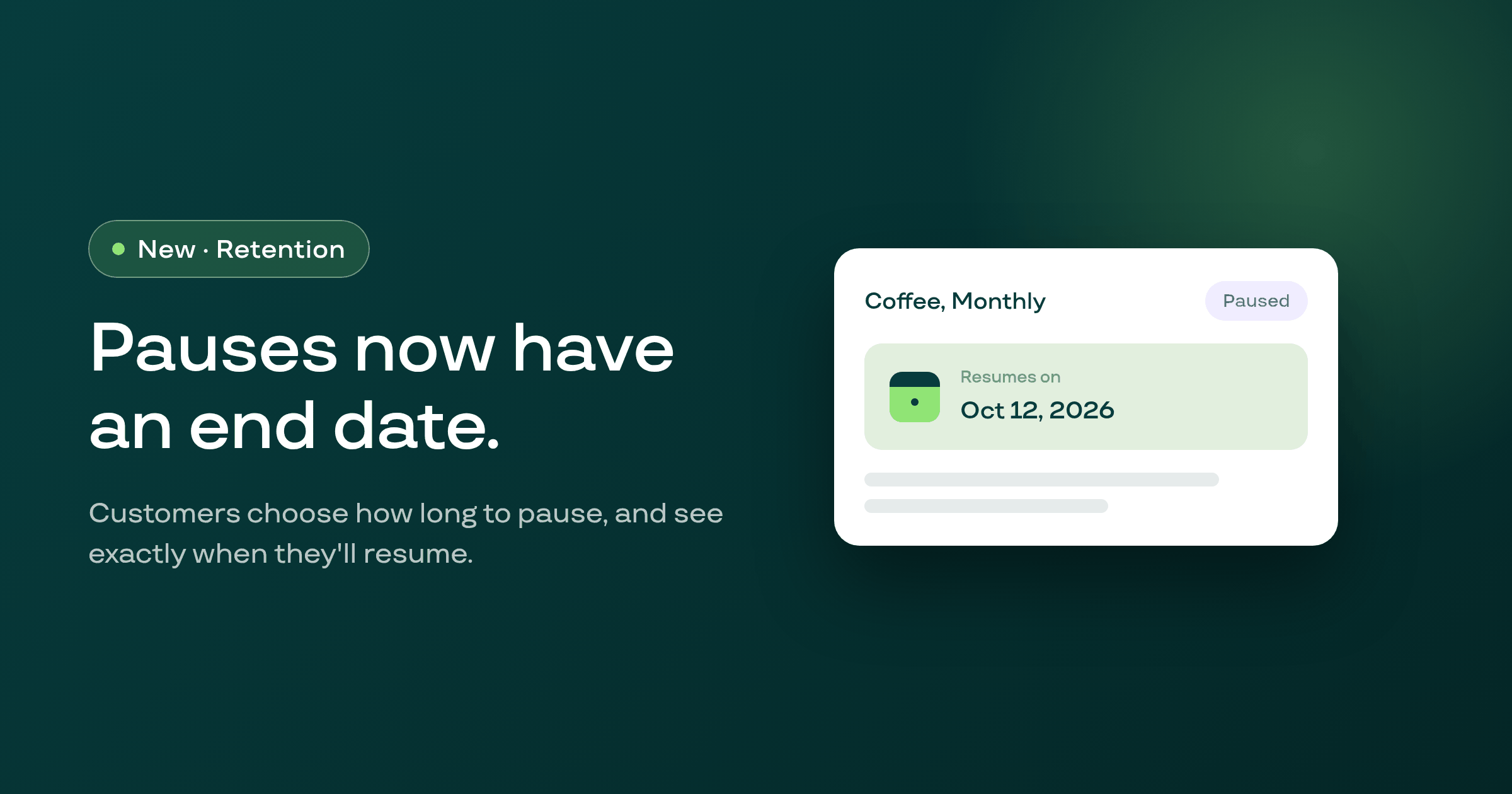
When a customer pauses their subscription in your portal, they now choose how long the pause lasts, see the exact date it resumes, and get a reminder email before it restarts, all visible from your admin's contract page too.
A contract with no saved payment method now names the exact next step, on the contract page and in bulk actions, instead of failing silently or hiding the problem.
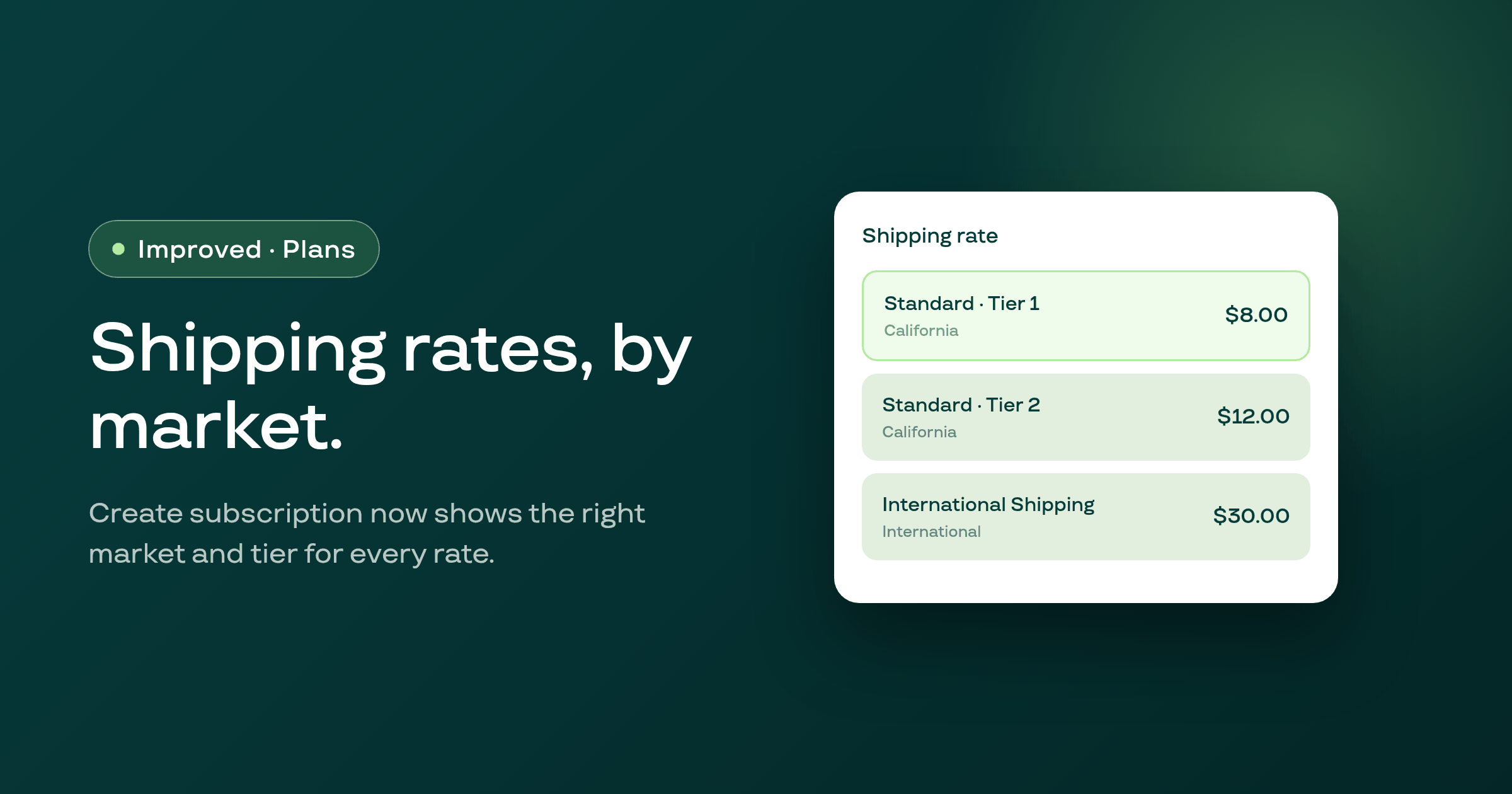
On a shop Shopify has moved to market-driven shipping, Create subscription's shipping-rate suggestions now come from Shopify Markets, and every rate shows its market or delivery zone and tier bounds.
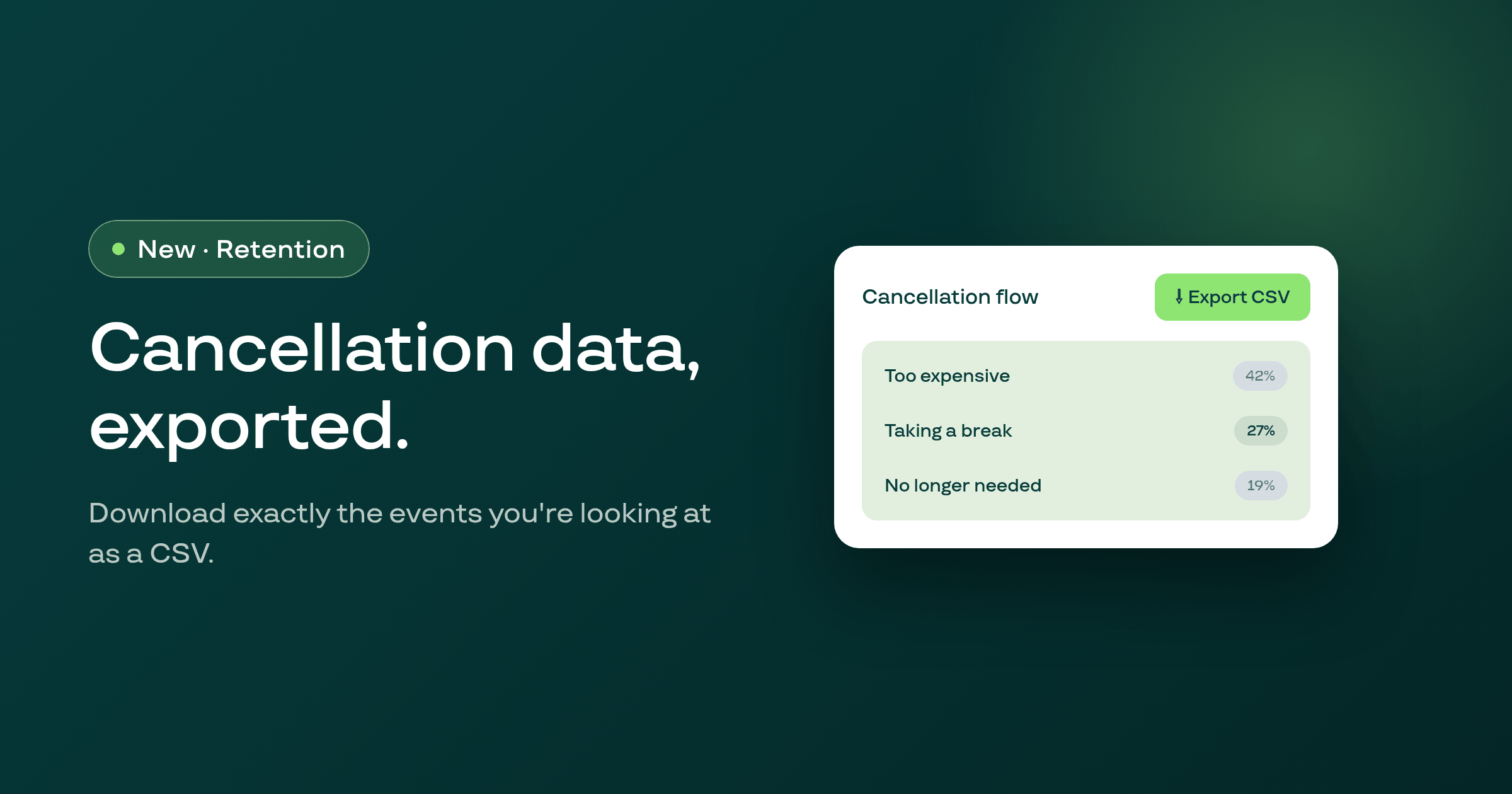
The cancellation flow page and its events page now have an Export CSV action that downloads exactly the events matching the filters and date range you're already looking at.
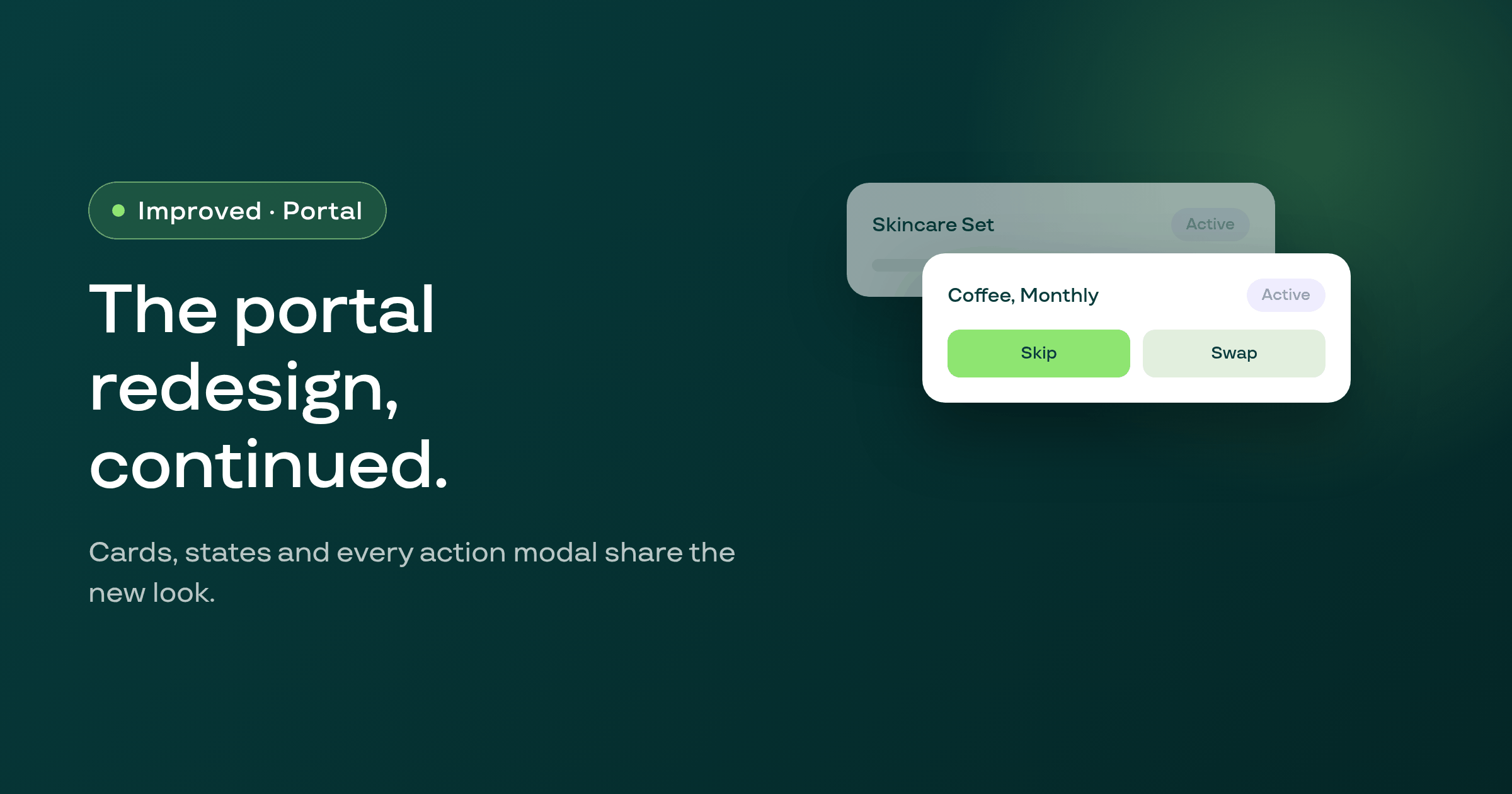
Following the new portal shell, subscription cards, every empty or error state, and every action modal your subscribers use now share the redesigned look, with two bugs fixed and clearer messages when a save fails.
The setup wizard's pricing step shows the active campaign price on plan cards, and subscribing from that step now correctly carries the discount code and billing period through to the Shopify charge, so merchants are no longer billed the full price after seeing a discounted one.
During the setup wizard's goal conversation, asking the assistant for a fixed-dollar discount (for example, $20 off) no longer gets converted into a percentage discount using the same digits (a 20 percent discount); the assistant now asks for the percentage instead, since Subi plan discounts are always set as a percentage.
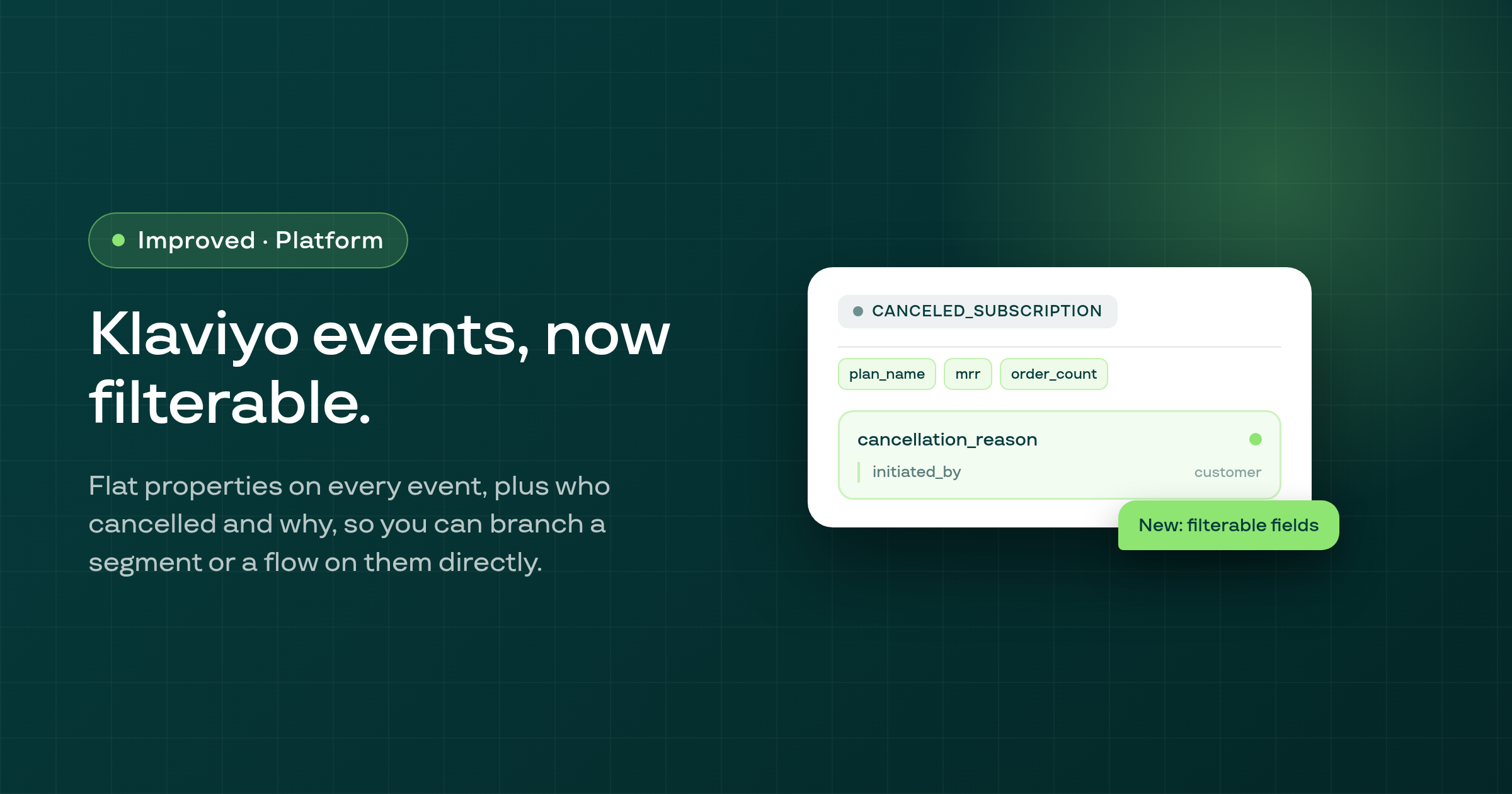
Every Klaviyo event Subi sends now includes a set of flat, top-level properties alongside the existing nested data, so you can filter a Klaviyo segment or split a flow on them directly, and the Canceled Subscription event now also carries the cancellation reason and whether the customer or the merchant cancelled.
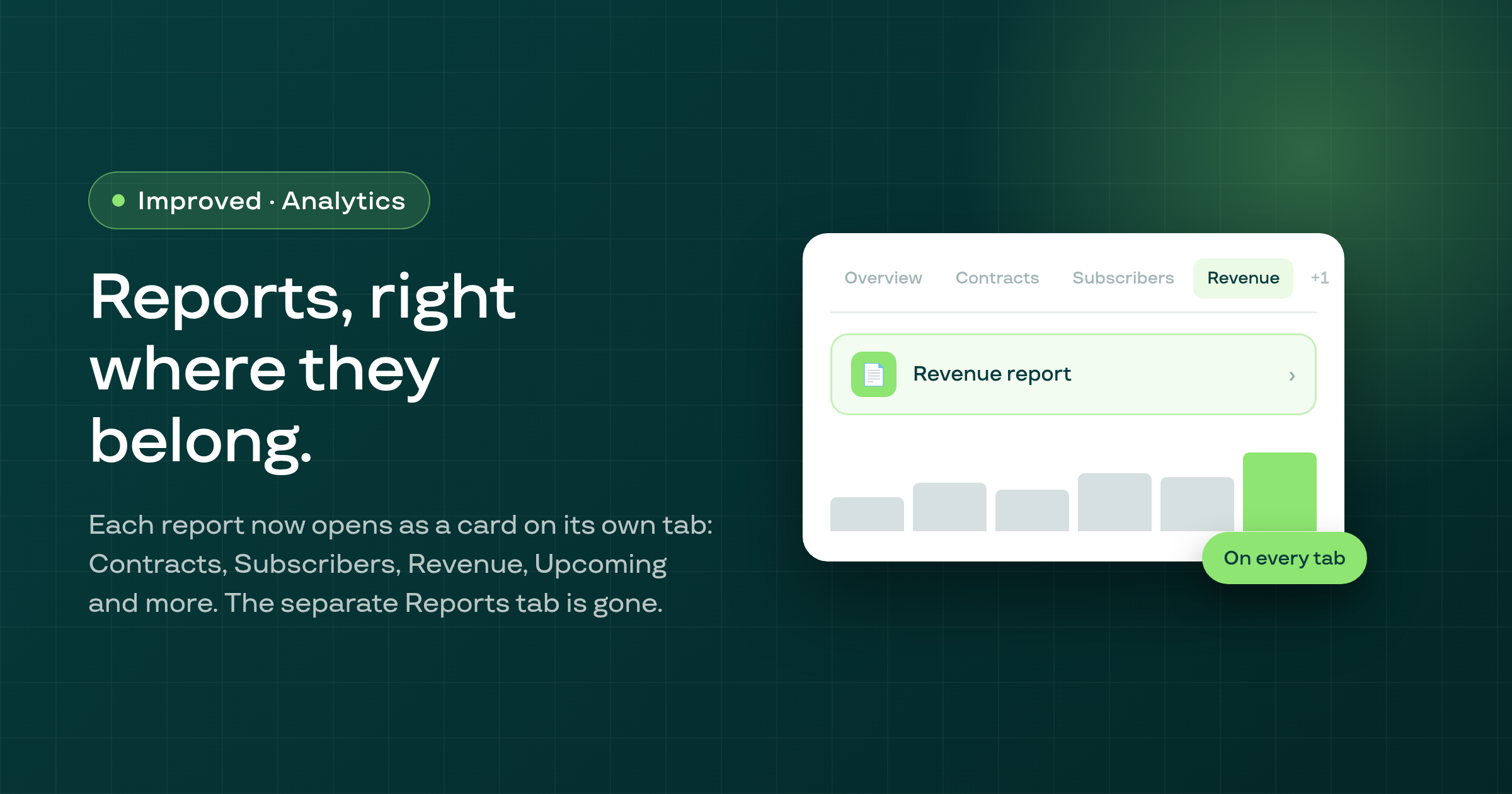
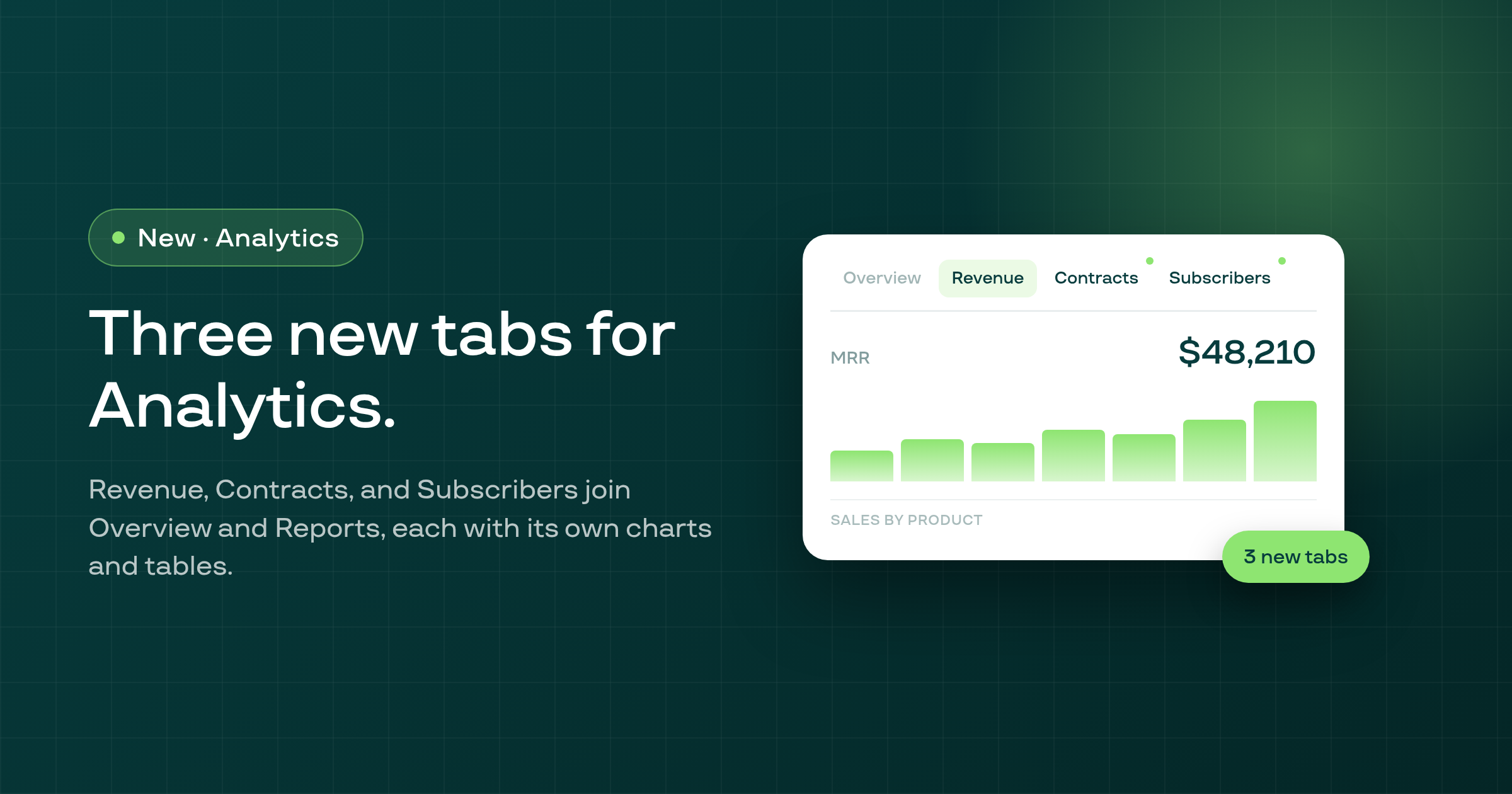
Subi Analytics now has three new tabs, Revenue, Contracts, and Subscribers, each with dedicated charts and tables, and switching between any Analytics tab no longer reloads it or resets your date range.
The padlock icons on Payment recovery fields you don't have access to on your plan did nothing on hover, click, or keyboard; they now respond consistently and explain why the field is locked.
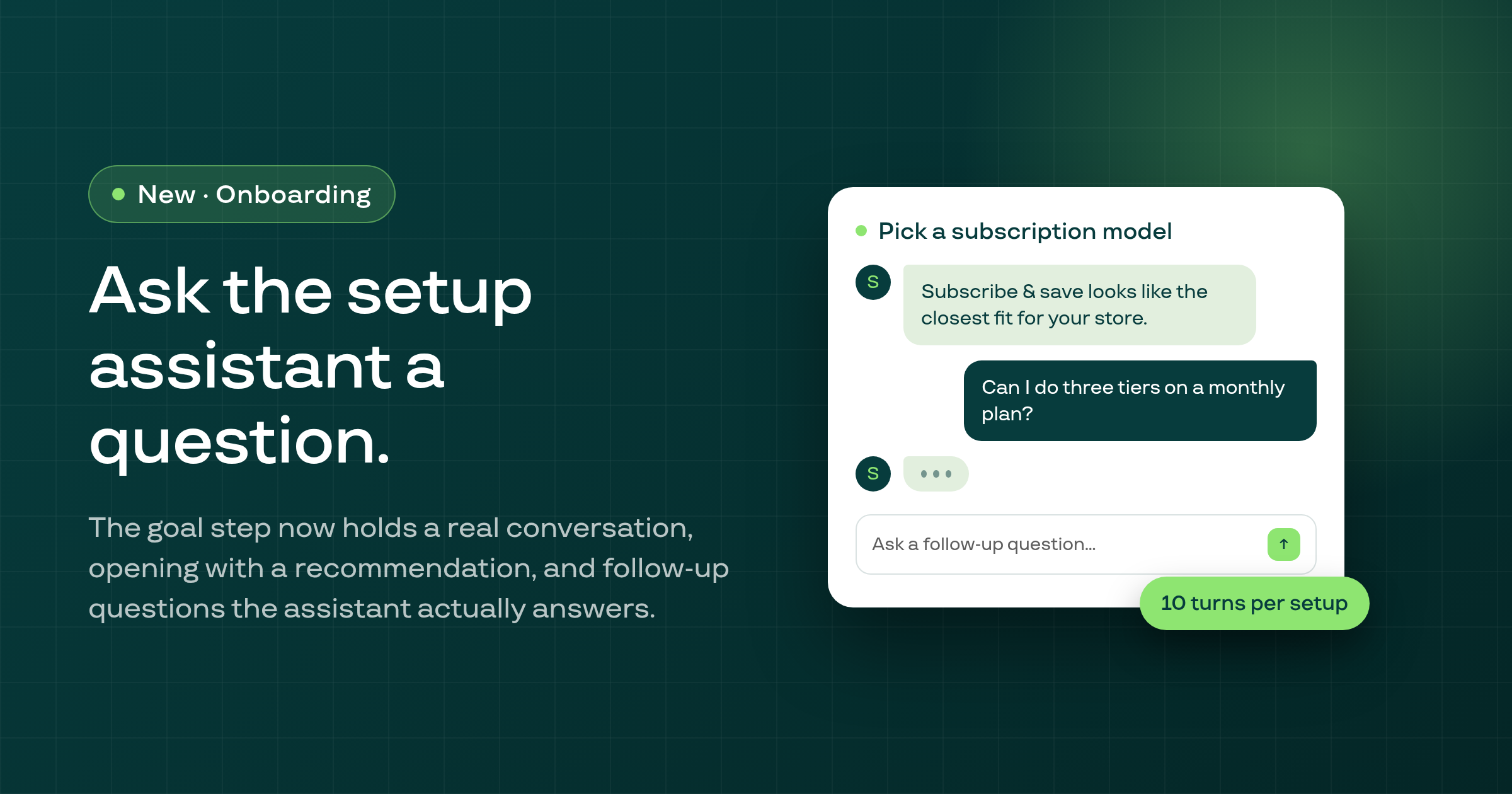
The setup wizard's 'Pick a subscription model' step now holds a real back-and-forth conversation, opening with a recommendation and letting you ask follow-up questions before you commit to a plan.
A membership plan could drift into allowing a one-time, non-subscription purchase in Shopify; saving the plan now re-asserts that its products are subscription-only, and the underlying setting can no longer be overridden from outside the panel.
In a contract's Edit > Product details modal, typing a discount on one line and then changing a different line's product used to silently revert your discount; it now survives, and any edit that genuinely can't carry over is called out on screen.
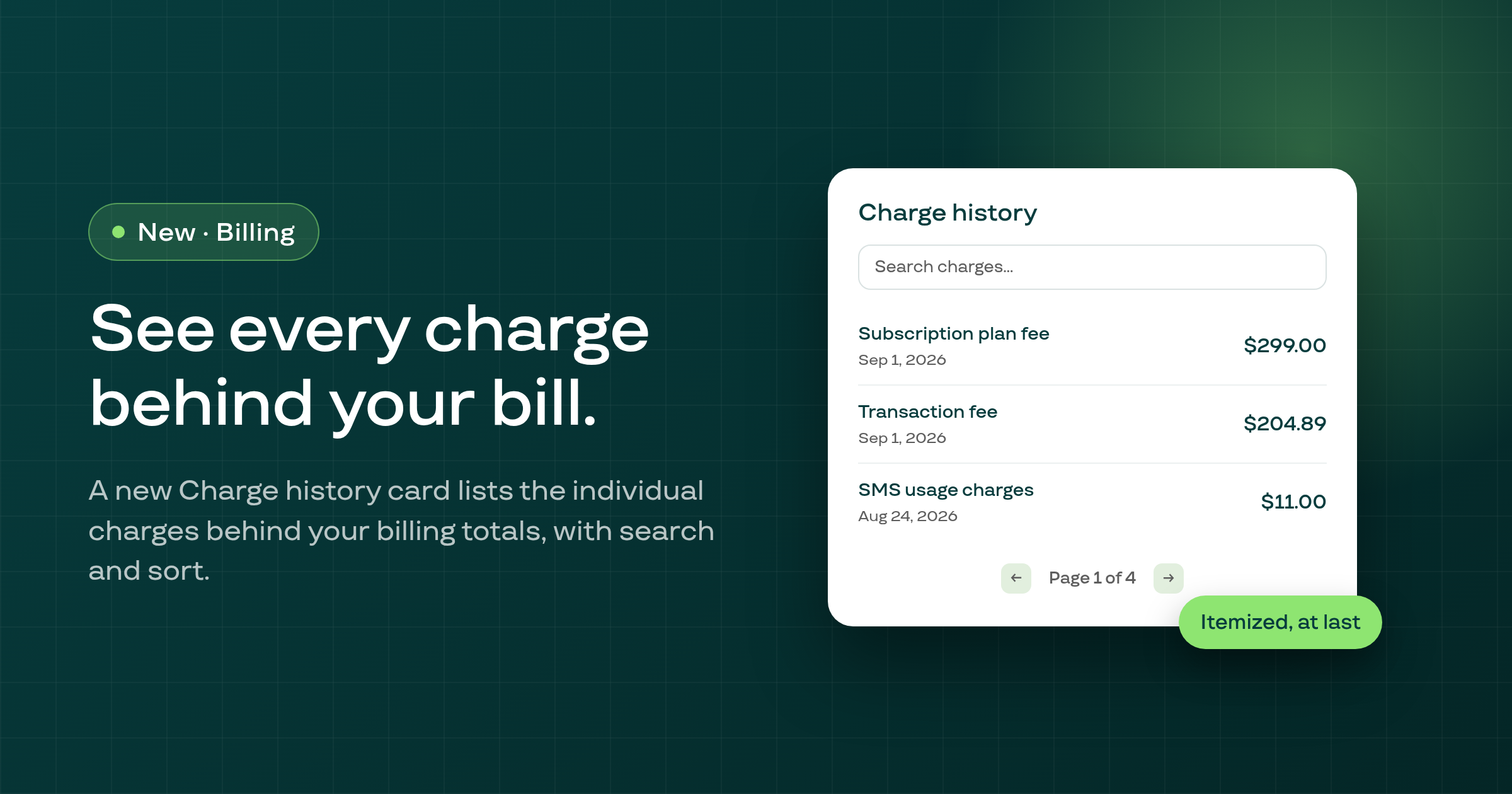
Settings > Subi billing now has a Charge history card listing the individual charges behind your billing totals, with search and sort, alongside a rebuilt Plan details card.
The Portal Customization modal used to spin forever, and could crash the page behind it, when its contents failed to load; it now shows a clear error with a Try again option.
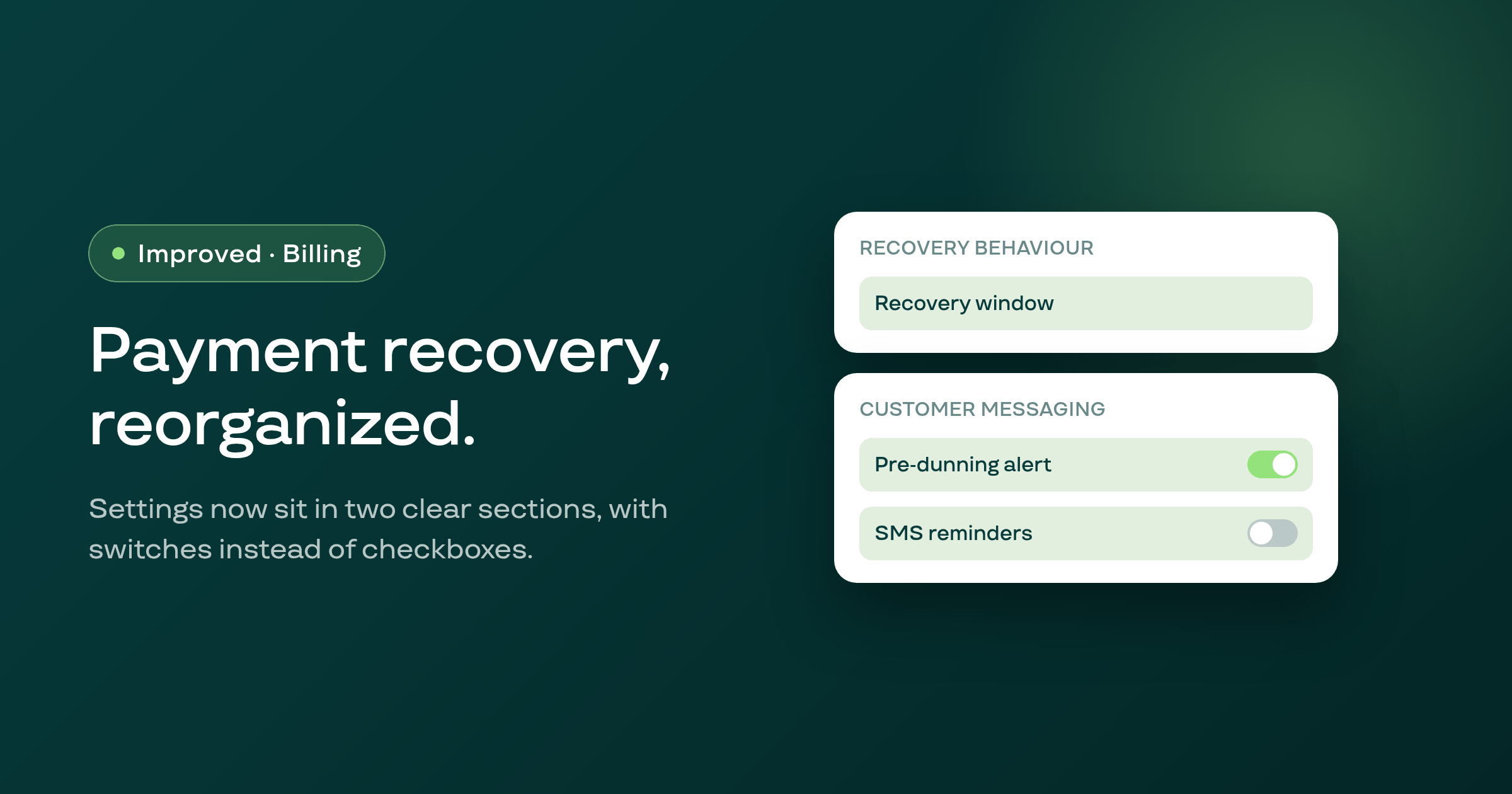
The Payment recovery settings page now groups its seven cards into two sections, Recovery behaviour and Customer messaging, with toggle switches in place of checkboxes and one menu per email template's actions.
A turn in the Subi AI Copilot that searched multiple times and found nothing was stacking a duplicate 'No results found' card for each search; it now shows the card once per turn.
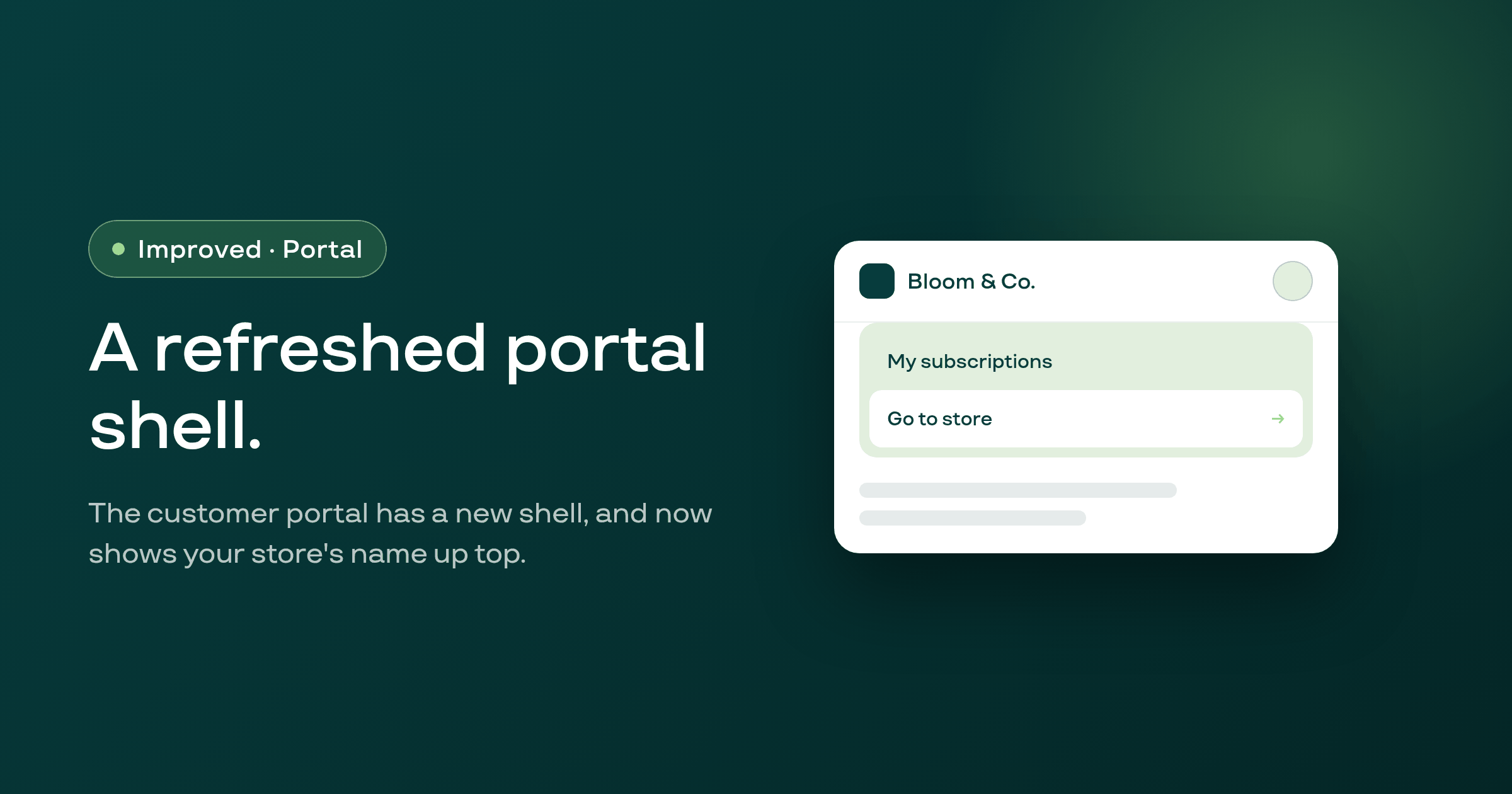
The customer portal's shell has been rebuilt with a new design system, and now shows your store's name in the top bar with a working link back to your storefront.
Editing a delivery address in the customer portal was silently converting a Local Delivery subscription to Shipping, which then failed to renew; the portal no longer makes that conversion, and Subi is restoring contracts already affected.
The Retry now button on a subscription's Payment Recovery panel was posting to a URL that 404'd before reaching the backend, so it never triggered a retry; it now reaches the correct route and completes the retry.
The customer search in manual subscription creation only searched customers Subi already knew about, so a Shopify customer who had never subscribed couldn't be found or given a contract; the search now also checks the shop's Shopify customer list.
The manual Create subscription page could show amounts in the wrong currency and the wrong product variant's price; every amount now renders in the shop's own currency, and the price shown and billed matches the variant you actually selected.
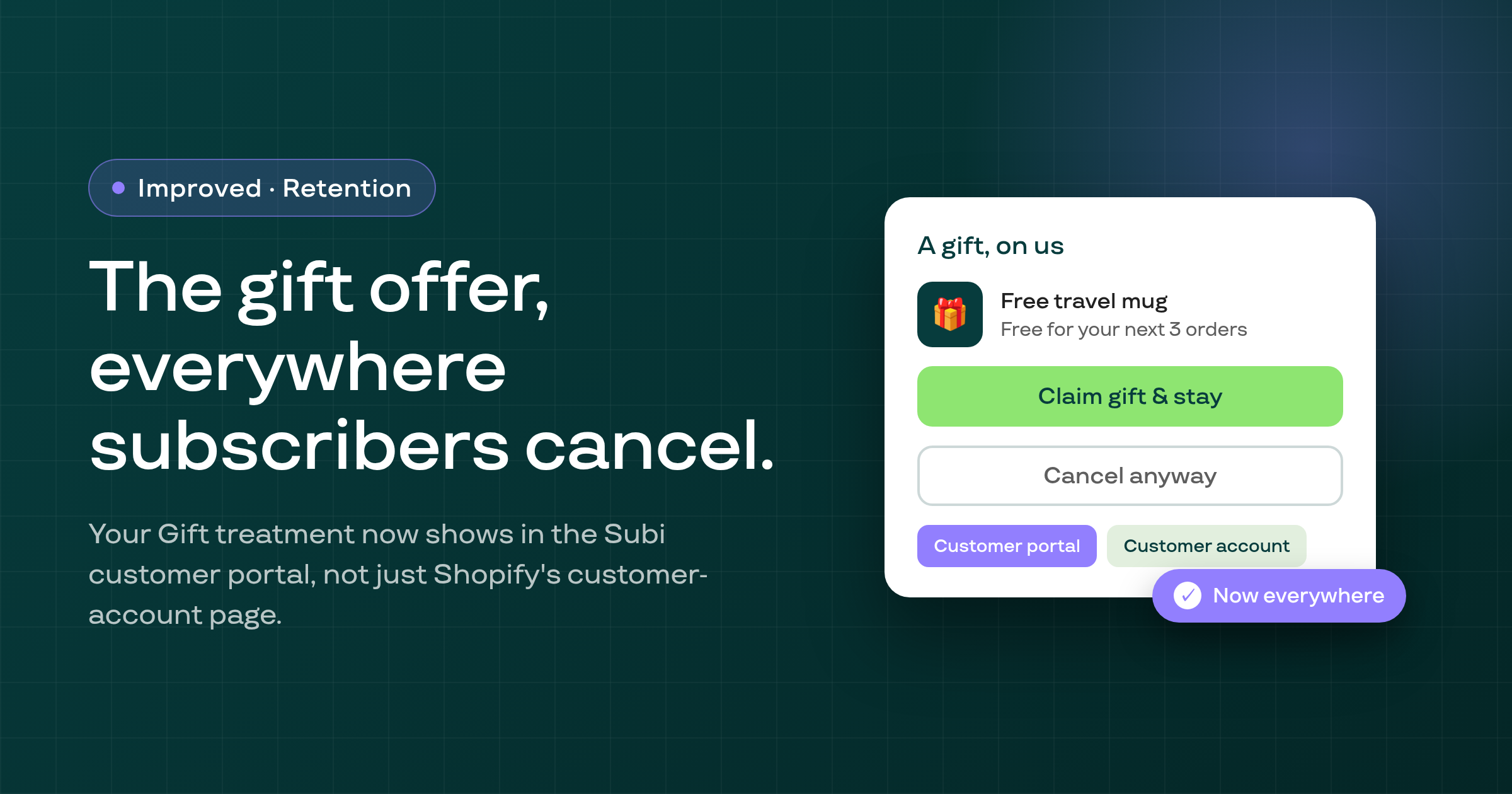
The Gift treatment in your cancellation flow, which offers a subscriber a free product to stay, now also renders in the Subi customer portal, not just Shopify's customer-account page.
Subi now rejects a broken SMS notification template at the moment you save or preview it, with a clear error, instead of silently saving it and letting it fail when your first customer message tries to send.
Subi no longer sends you back into the onboarding wizard's plan editor if the plan it remembers creating for you has since been deleted; the wizard now recognizes the plan is gone and lets you continue normally.
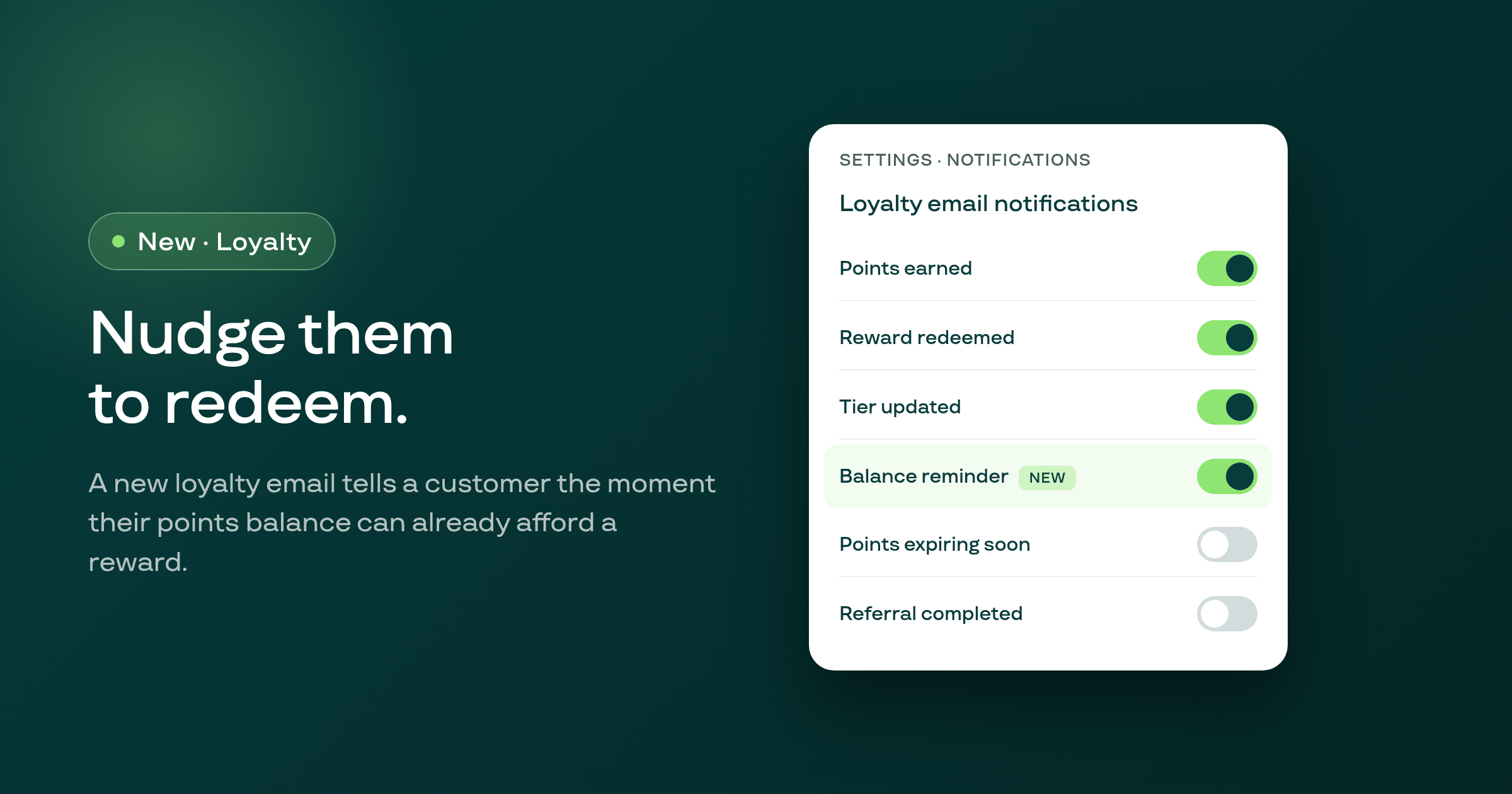
A new, opt-in loyalty email notification tells customers as soon as their points balance can already afford a reward, so points sit in accounts less and get redeemed more.
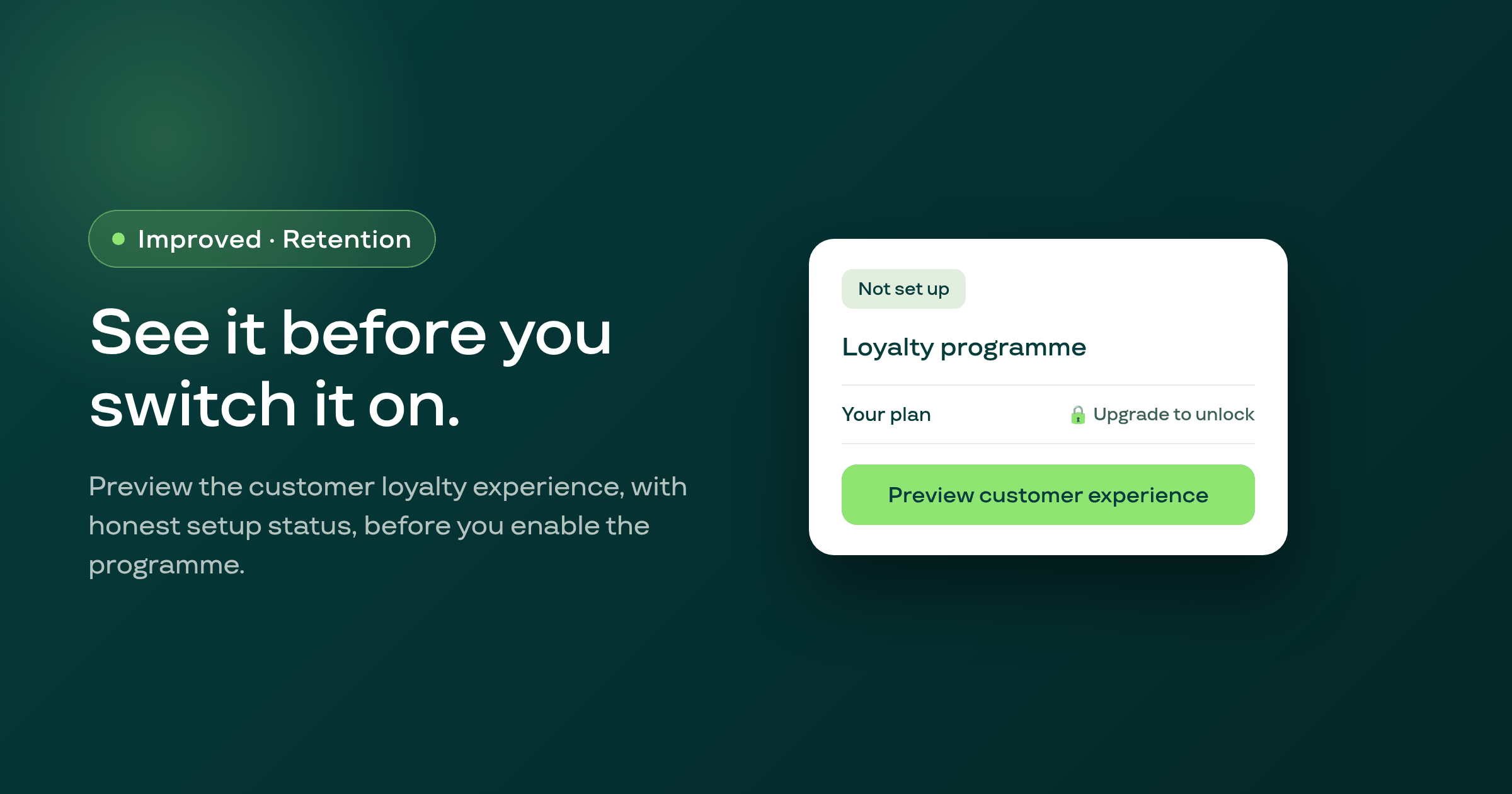
Merchants who haven't enabled the loyalty programme can now preview the customer-facing experience and see accurate setup status before deciding to turn it on.
A rare authentication hiccup inside the embedded Shopify admin could cause an in-progress edit, such as a plan change, to fail and be lost with no recovery; Subi now retries the request automatically.
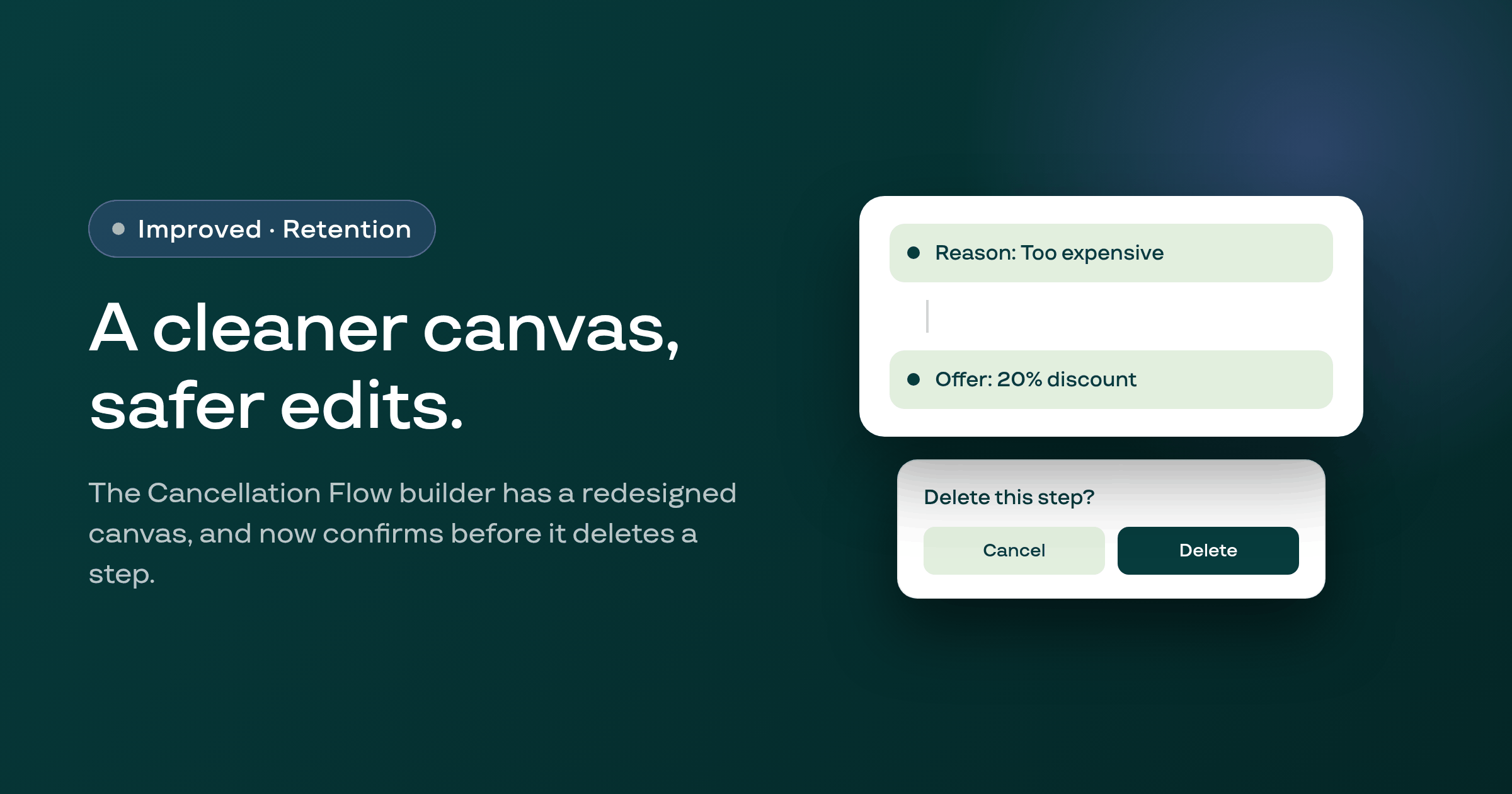
The Cancellation Flow builder's canvas has been rebuilt with a dedicated left-side edit pane, click-to-add connections, and a confirmation step before any deletion.
A Build-a-Box bug that could silently drop a product's discount to zero at checkout when its eligibility sync to Shopify failed is now fixed, with automatic retries and error surfacing instead of a silent failure.
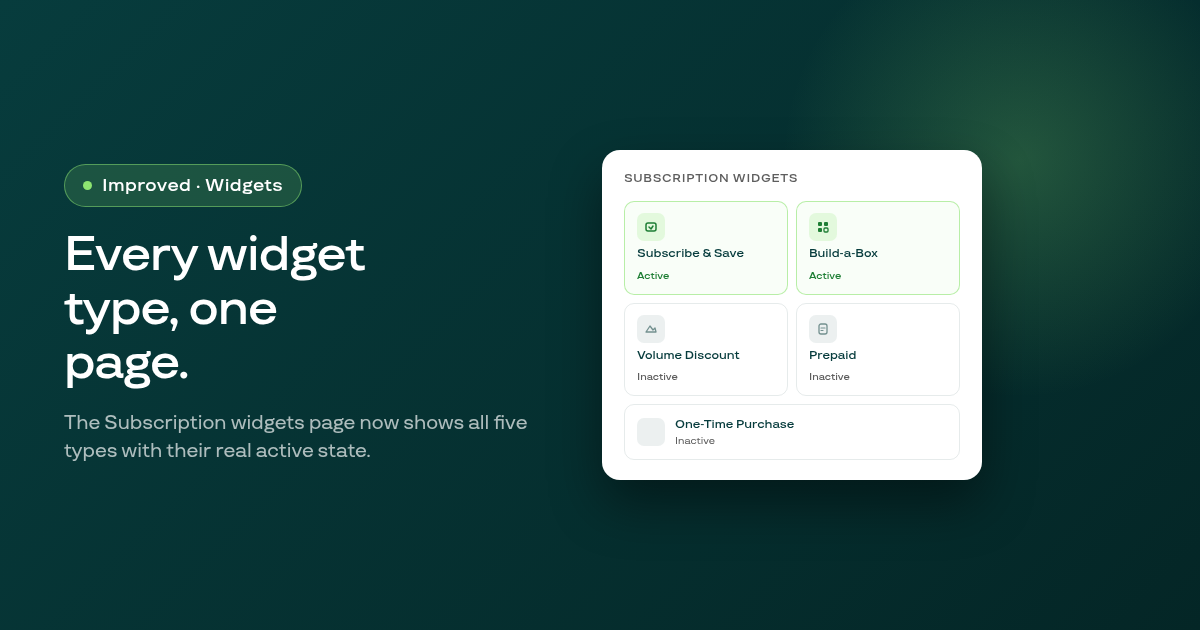
The Subscription widgets page has been rebuilt: all five widget types appear on one screen with their real active/inactive state, the type switcher inside the editor now works correctly, and the visual design has been updated to match the current design system.
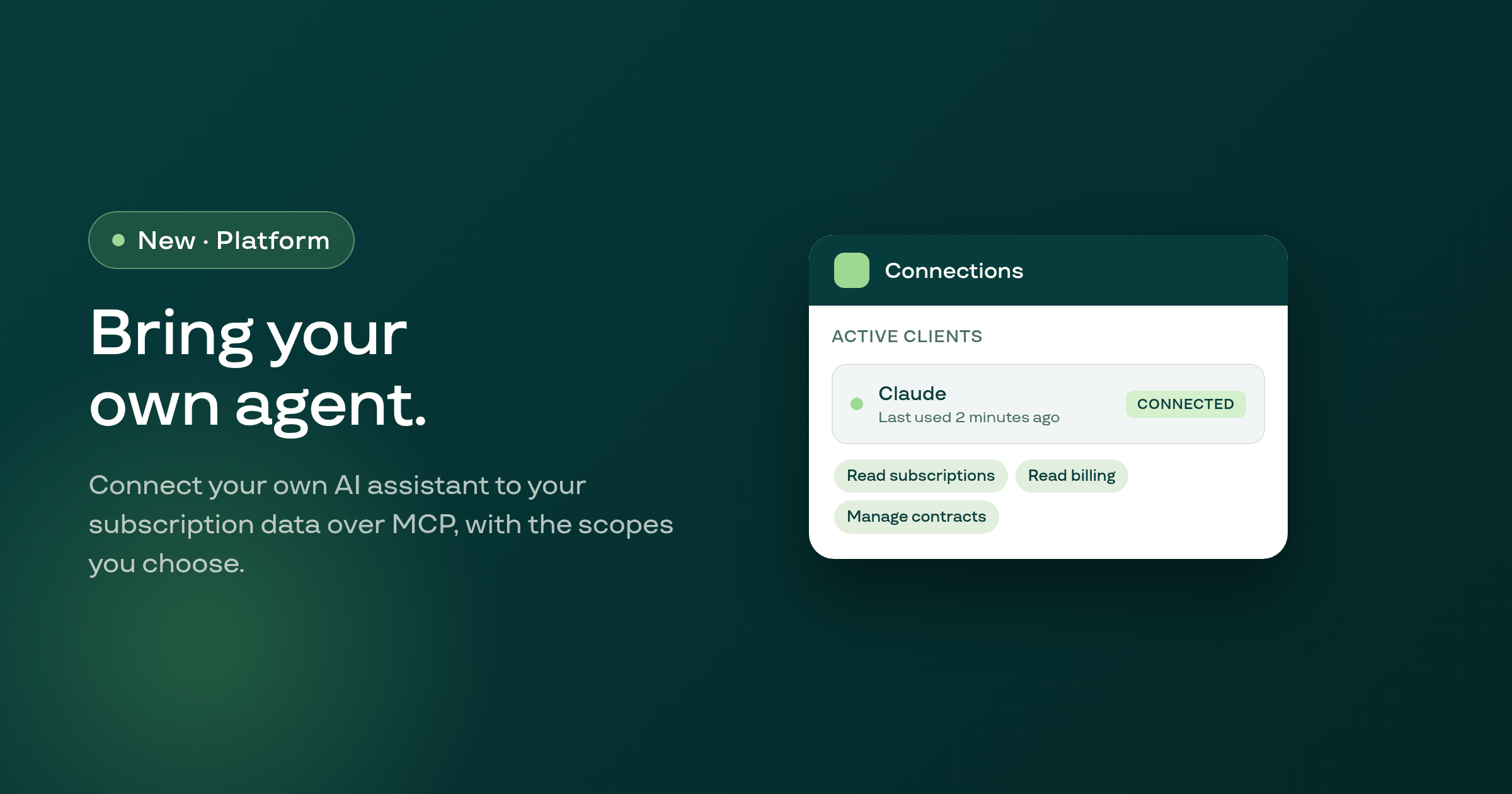
Subi now runs a remote MCP server, so your own AI assistant can read and act on your subscription data with scopes you choose, a connections list you control, and an activity log of every call it makes.
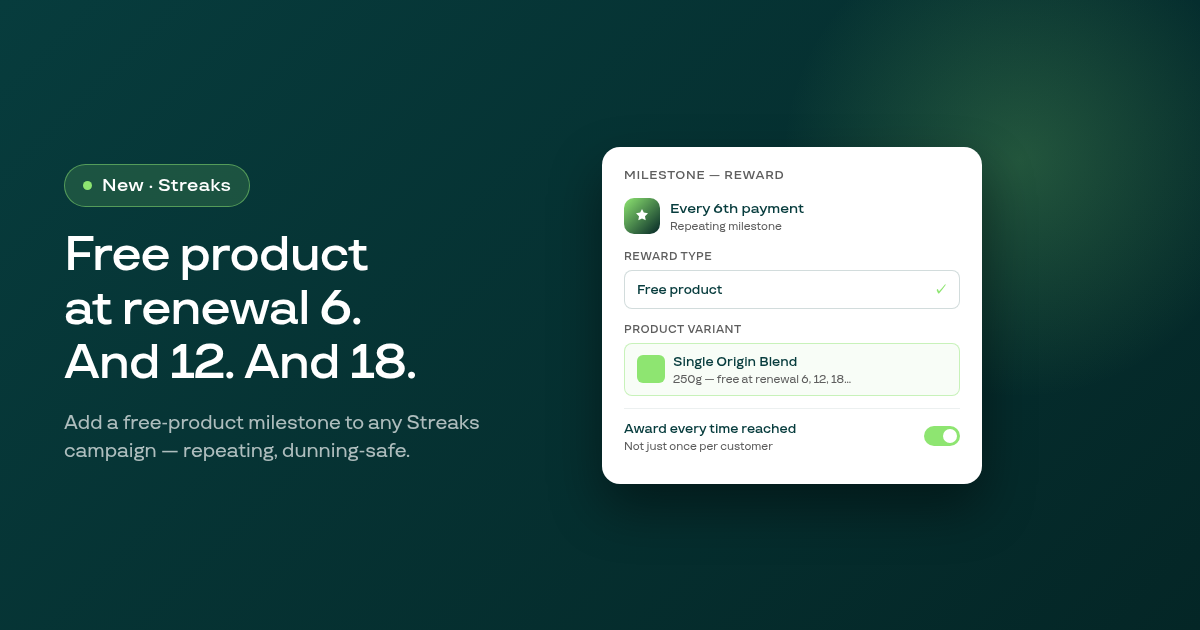
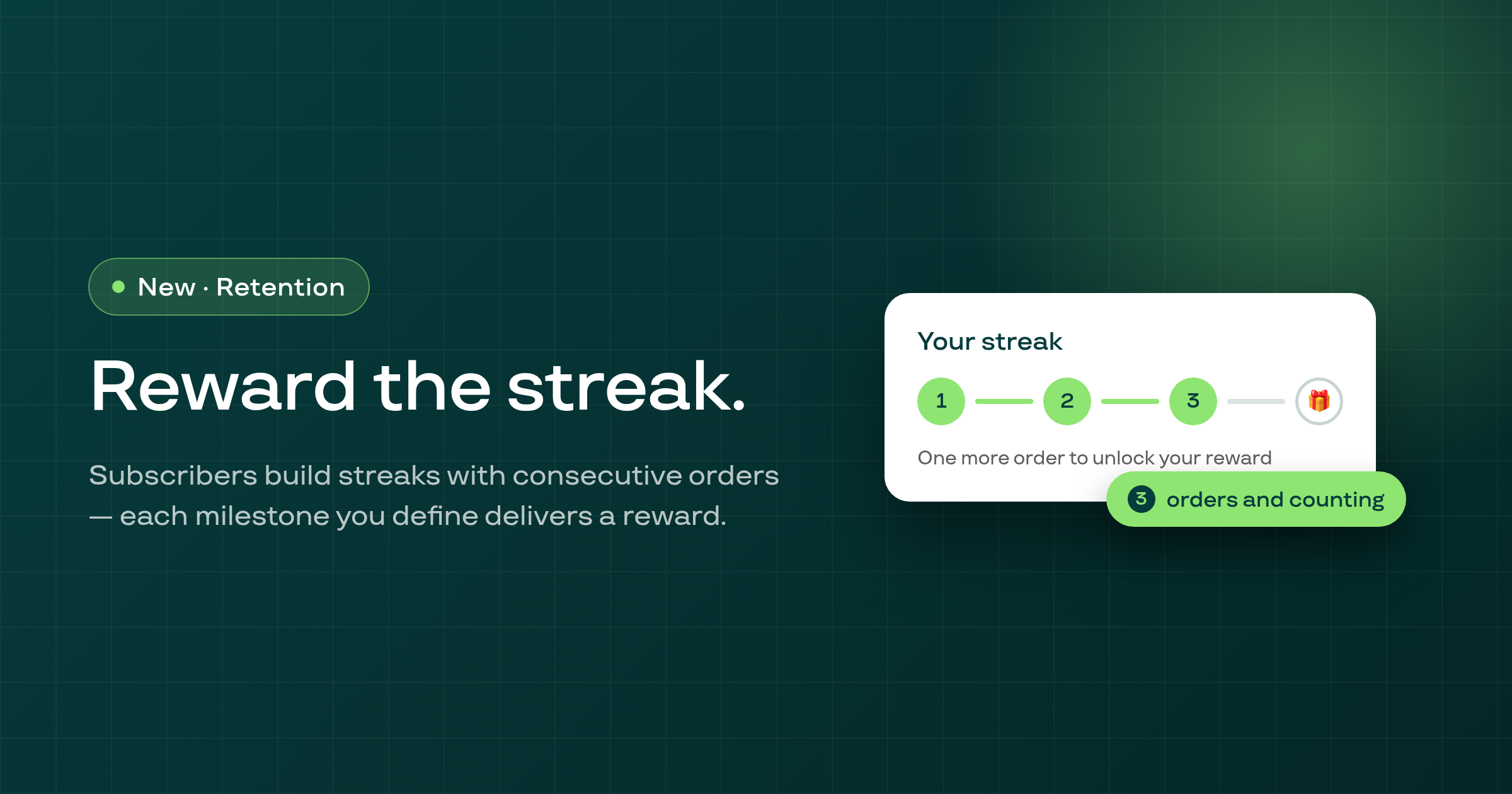
Streaks now supports a free-product reward type: merchants can set a subscription milestone that automatically adds a specific product to the subscriber's next order at no charge, repeating at every Nth renewal.
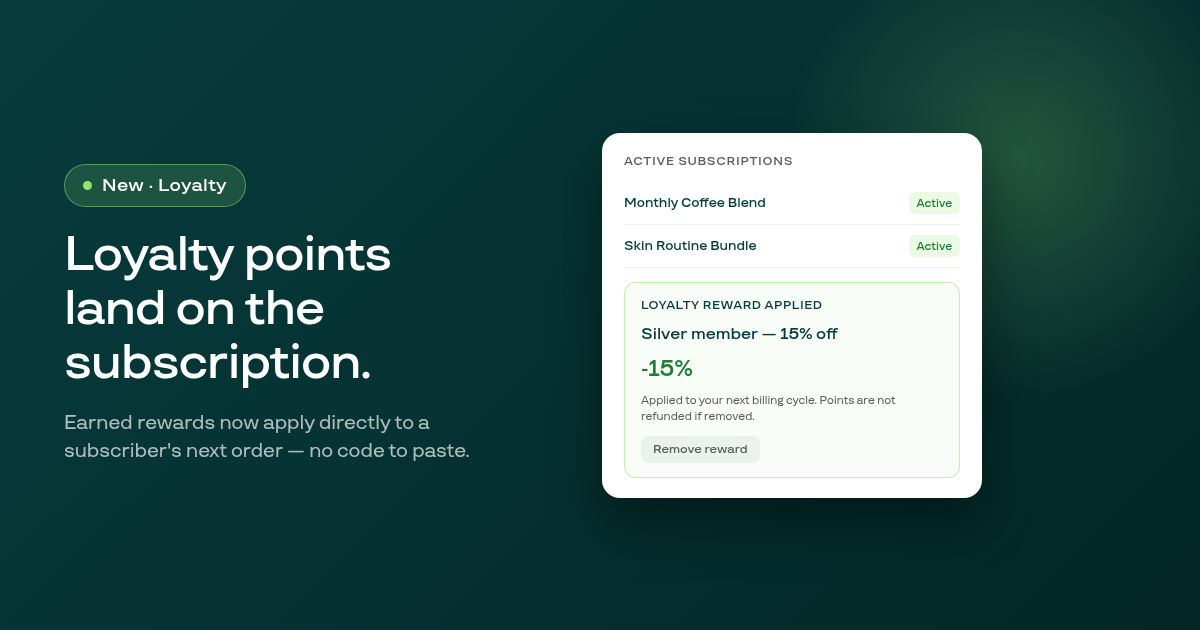
Customers who redeem loyalty points can now have the resulting reward applied directly to their subscription contract, with the discount visible in the customer portal and removable at any time.
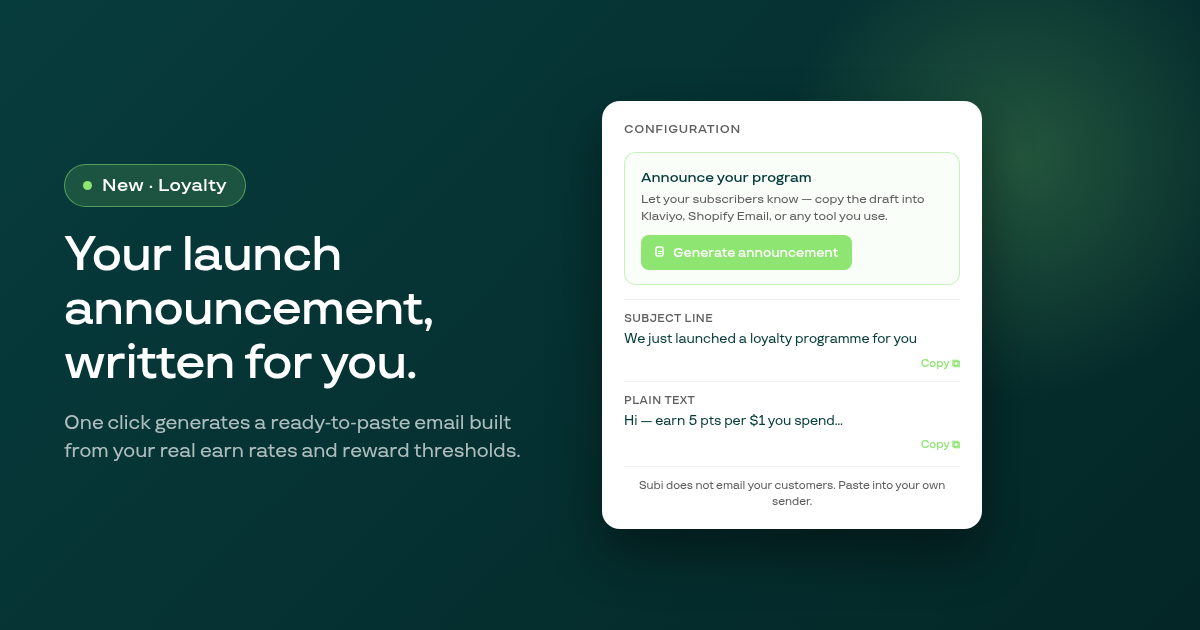
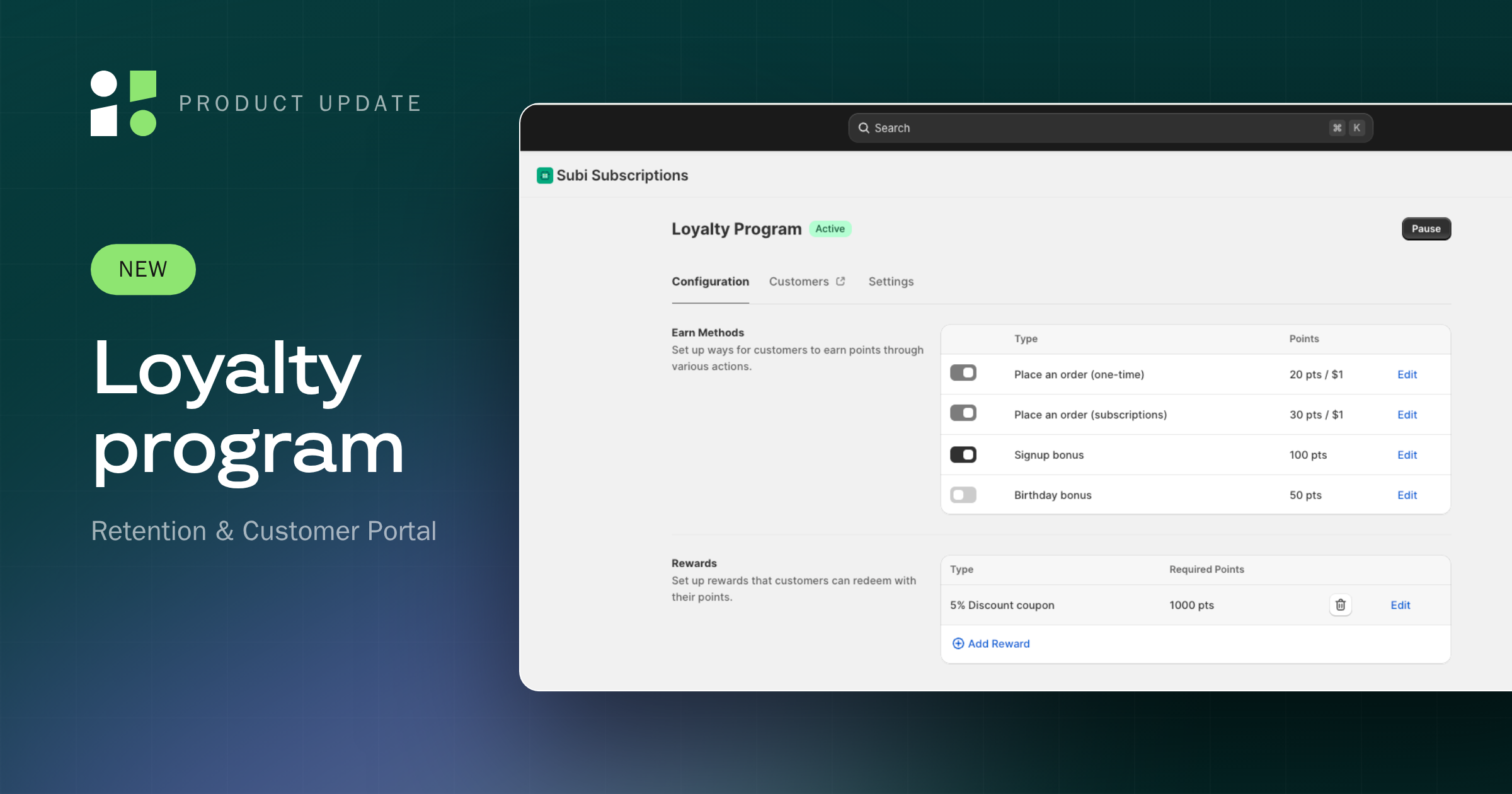
A new Announce your program card in the Loyalty configuration tab generates a ready-to-send email — subject, plain text, and HTML body — built from your actual programme data, for you to paste into Klaviyo, Shopify Email, or any other tool.
Pressing Save on a subscription contract's product details modal silently did nothing when any line carried a 100% discount; the save now works correctly for free gift items and any fully discounted line.
Subscription contracts configured to end after a set number of billing cycles could continue charging past their limit; cycle counting now reads from a dedicated table that tracks each contract's own orders correctly.
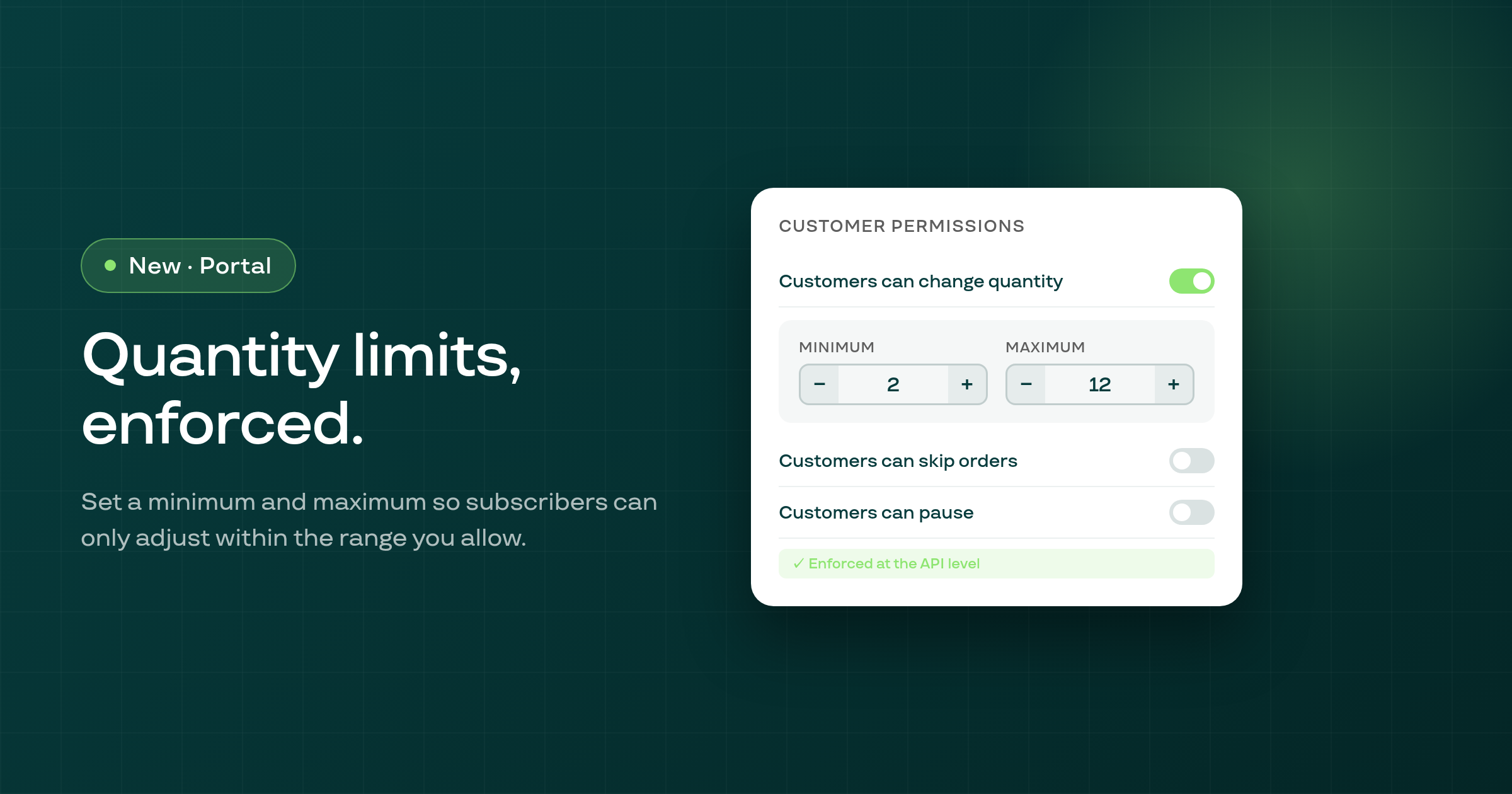
Merchants can now set a minimum and optional maximum quantity for each subscription item, and the customer portal enforces those bounds on every quantity edit.
Membership shops with a large number of plans could silently lose their free-trial discount for all plans at once; this is fixed by trimming the configuration payload to include only plans that have a free trial.
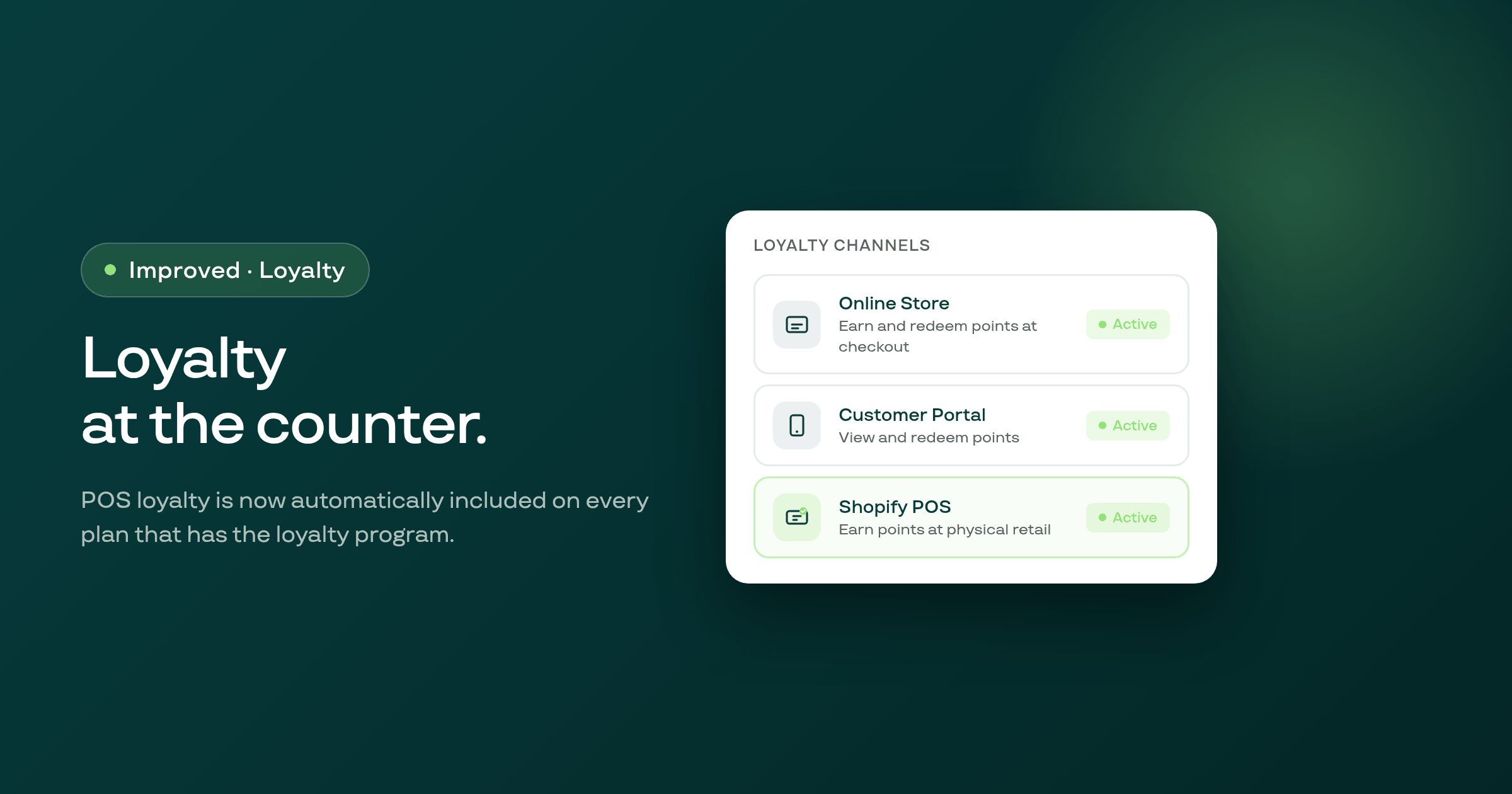
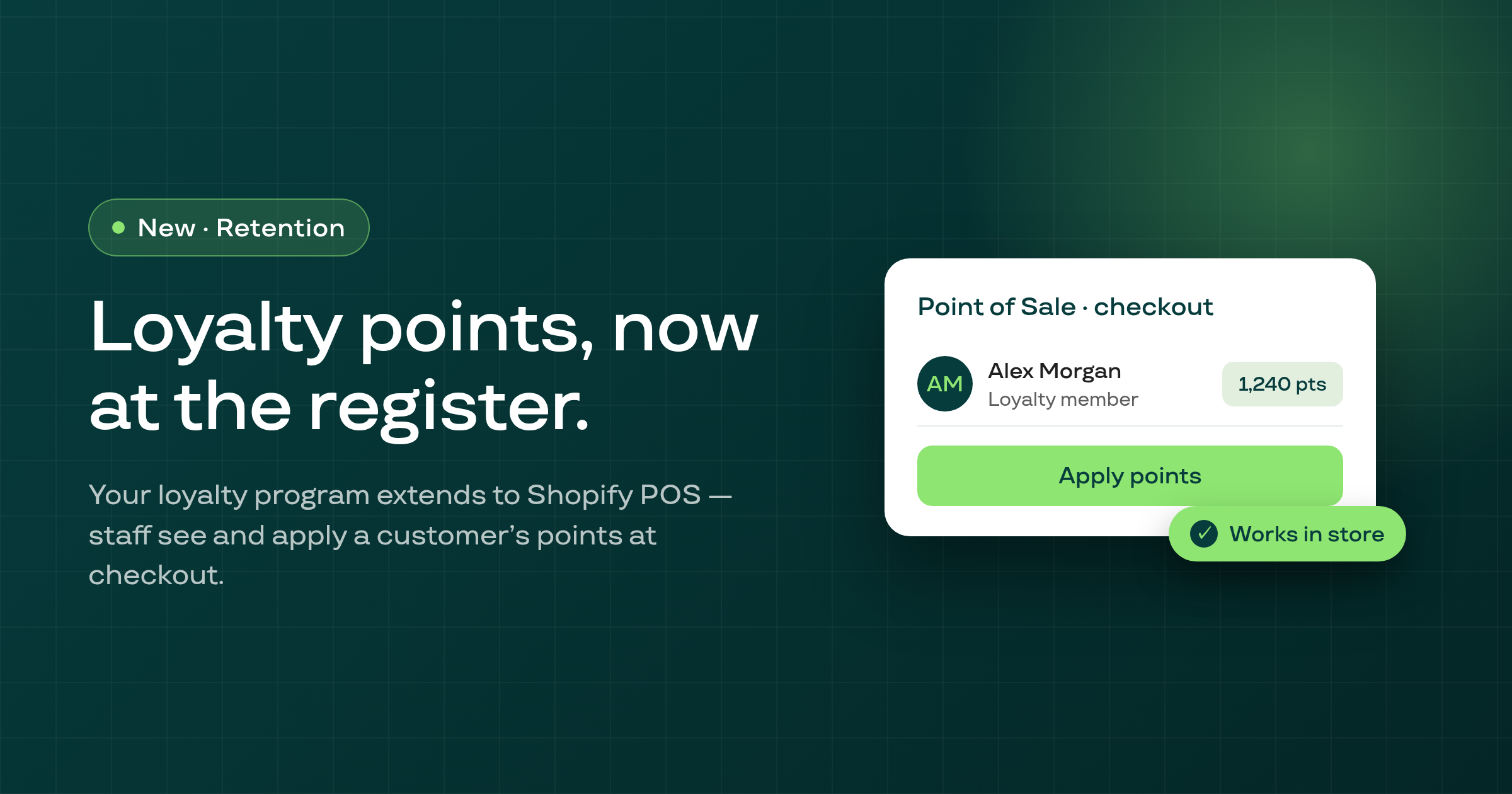
Shopify POS loyalty is now available to every merchant who has the loyalty program active, and a new card on the loyalty page confirms whether the POS smart-grid tile is live.
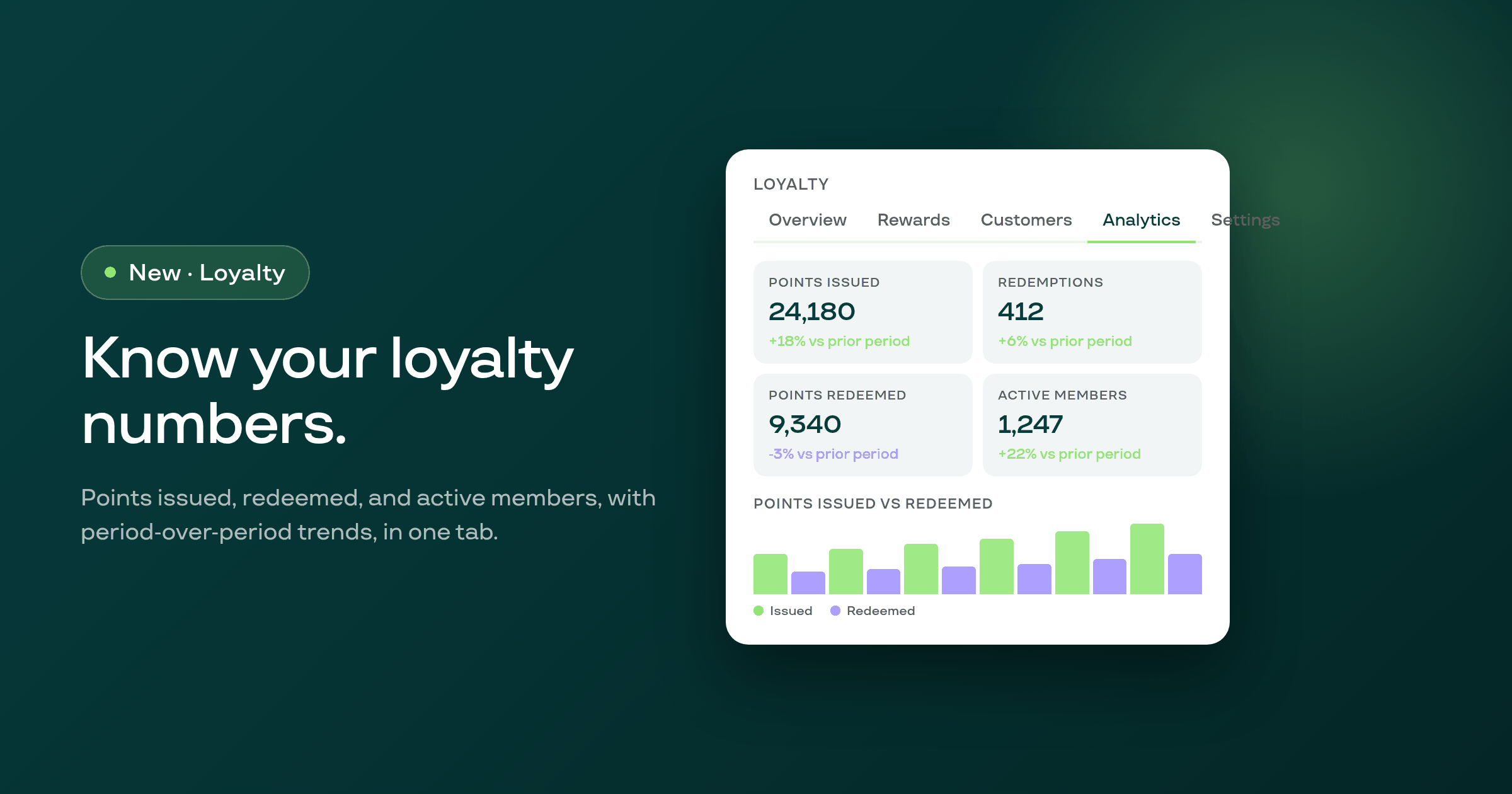
A new Analytics tab on the loyalty page shows four KPIs with period-over-period deltas, a points-issued-versus-redeemed chart, and a redemptions breakdown by reward type.
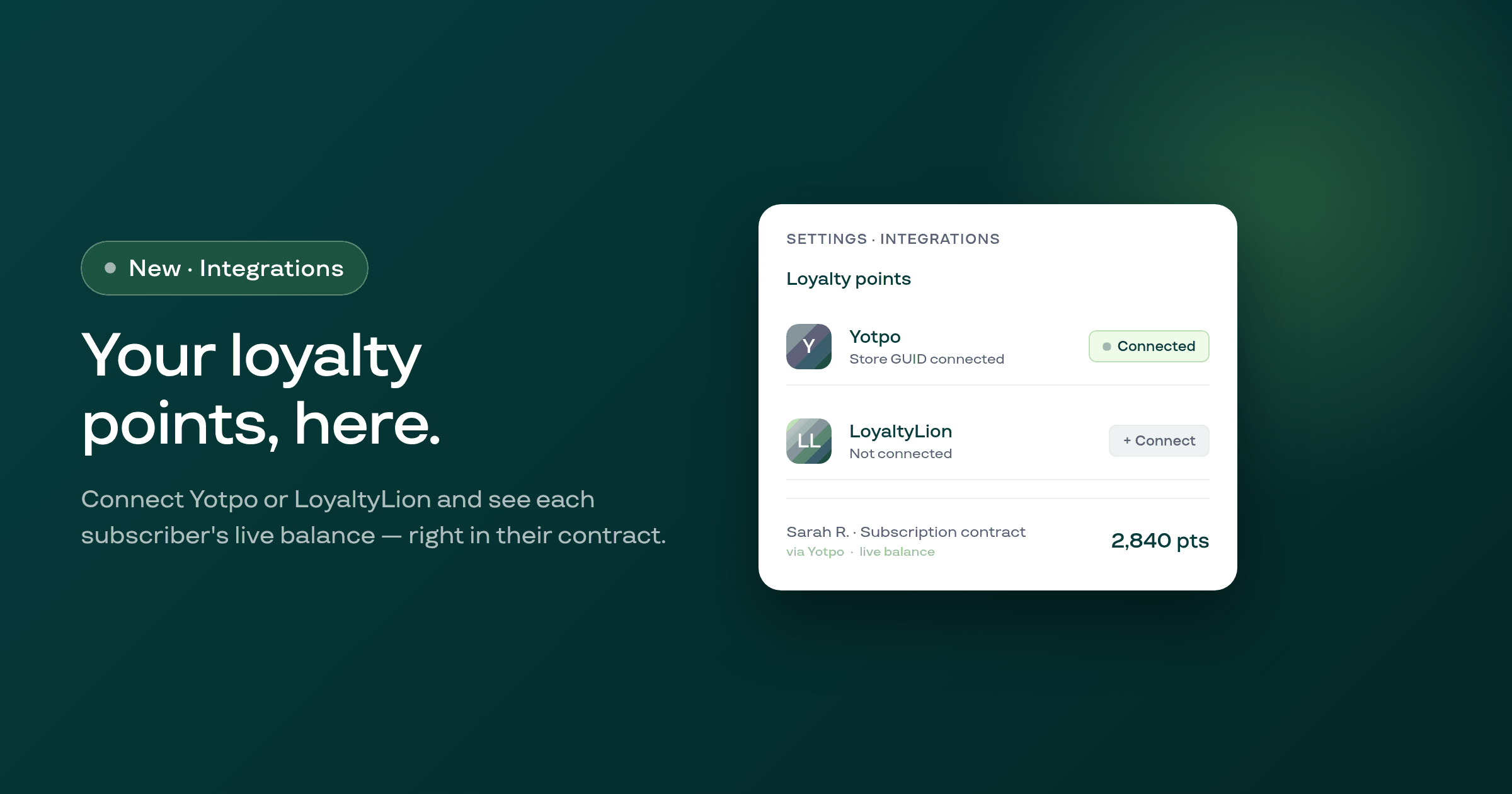
Merchants can now connect their existing Yotpo or LoyaltyLion account in Settings, and Subi will read each subscriber's live points balance from it and display it on the subscription contract page.
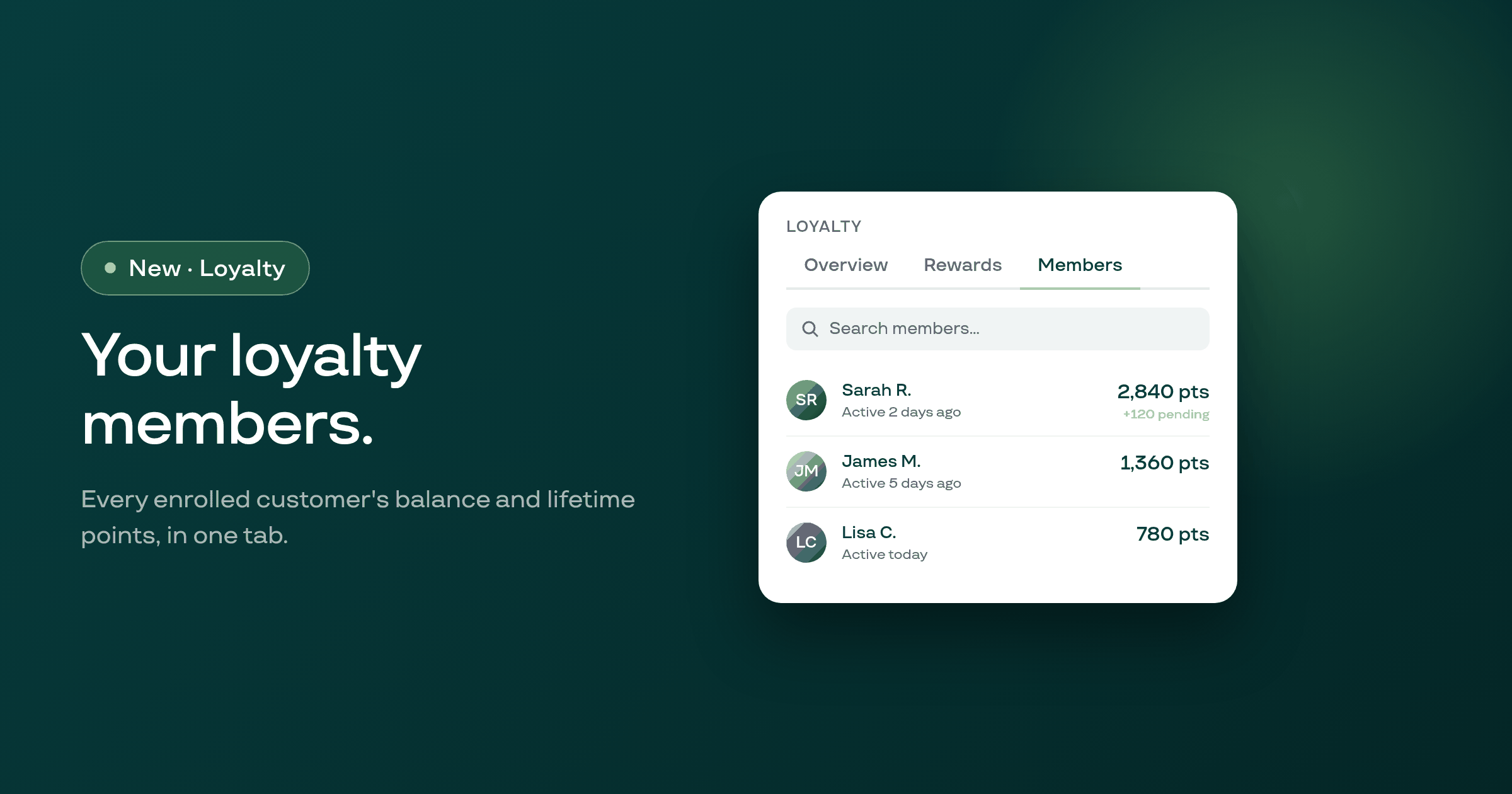
A new Members tab on the Loyalty page lists every enrolled customer with their current points balance, pending points, lifetime earned, and date of last activity.
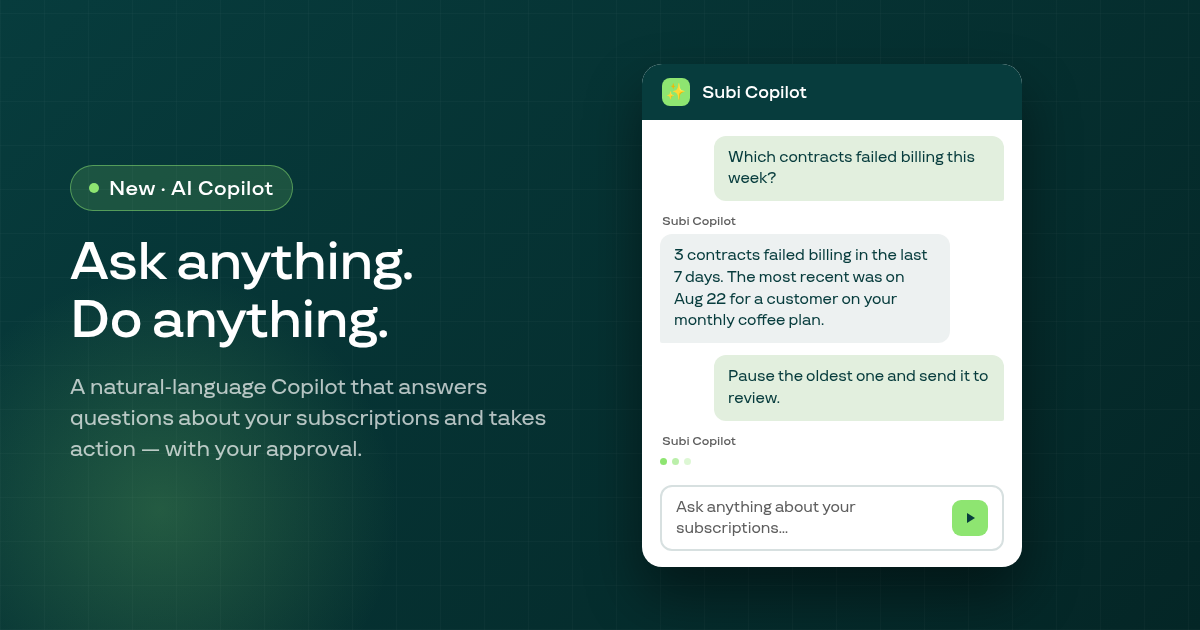
The Subi AI Copilot is a new overlay panel that answers plain-English questions about your subscriptions and can carry out admin actions on your behalf, with your approval before anything changes.
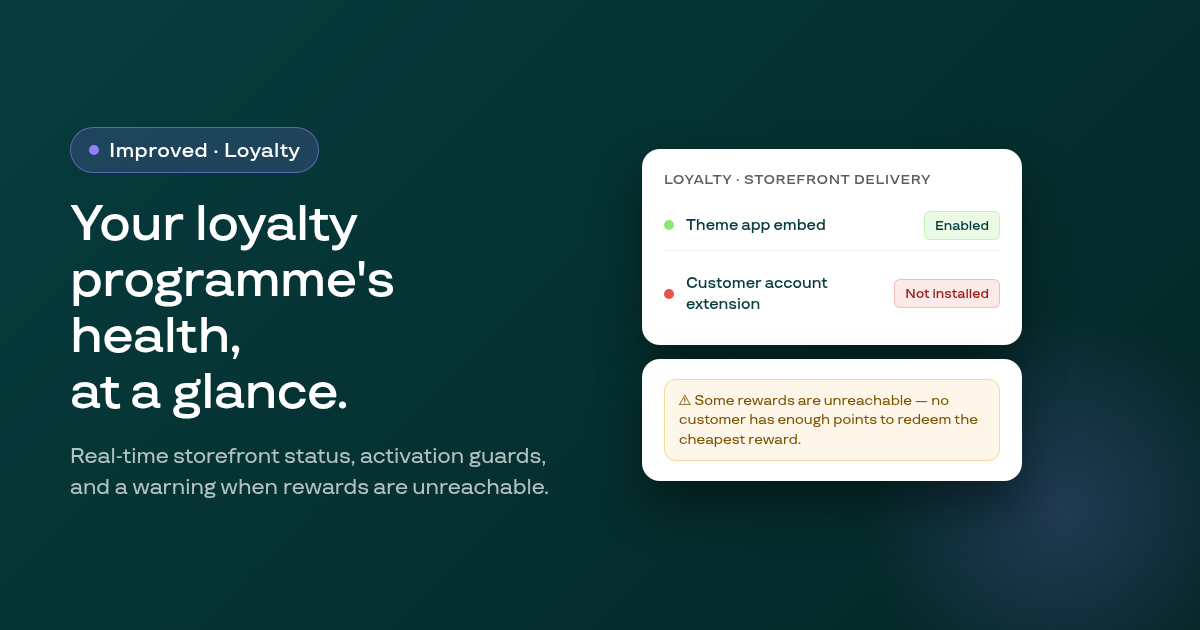
The loyalty programme page now shows real-time storefront delivery status, warns you when active rewards are unreachable by any customer, blocks activation of programmes with no reward methods, and captures your reason when you pause.
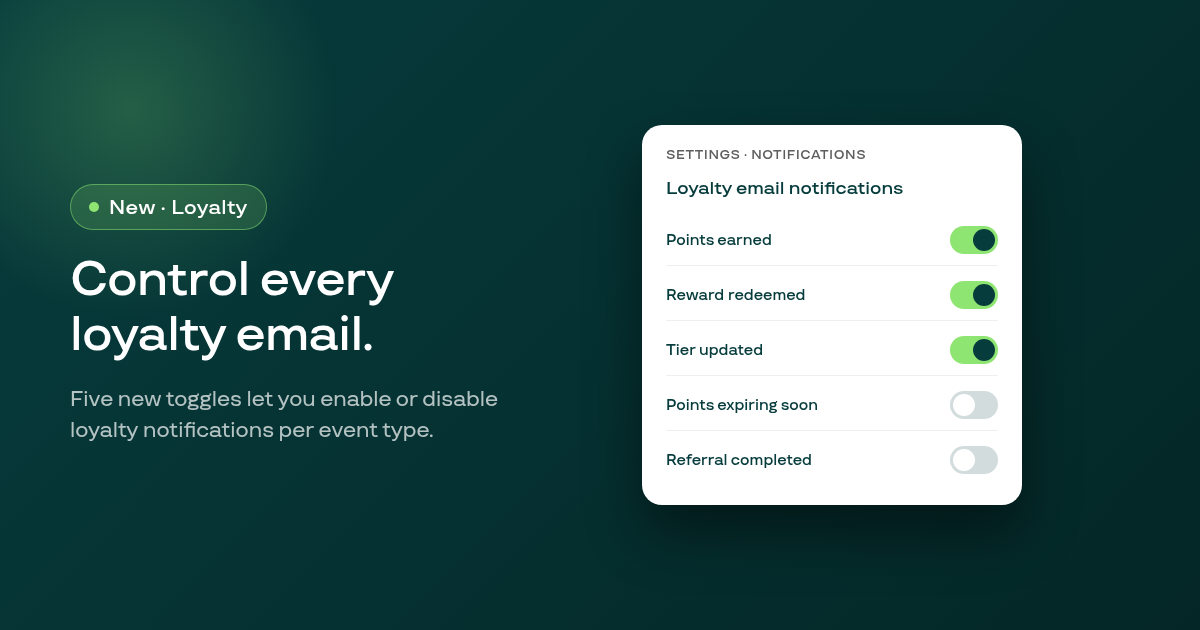
Five new email notification toggles in Settings let you enable or disable each loyalty email type independently: points earned, reward redeemed, tier updated, points expiring soon, and referral completed.
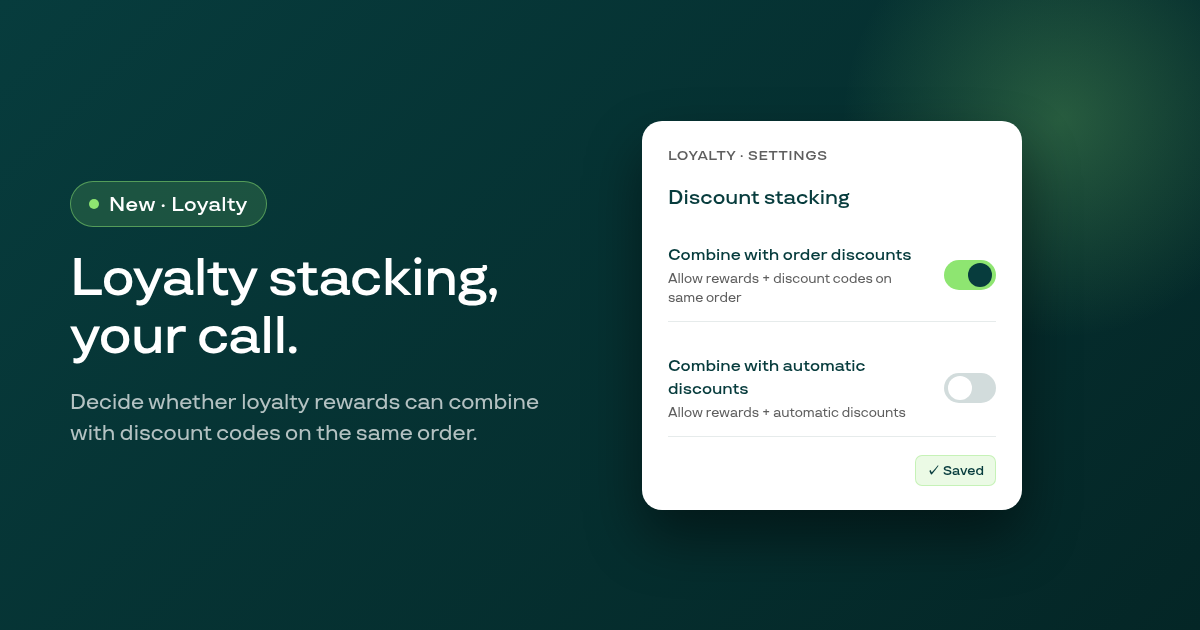
Two new Discount stacking controls in Loyalty Settings let you decide separately whether loyalty reward redemptions can combine with order discount codes and with automatic discounts.
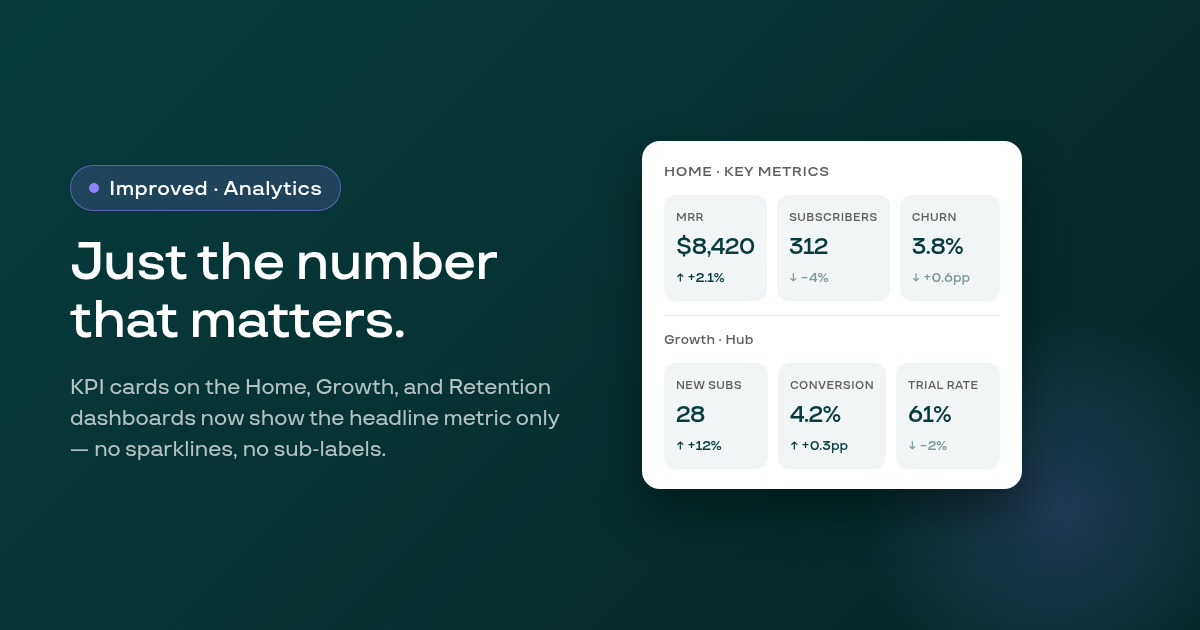
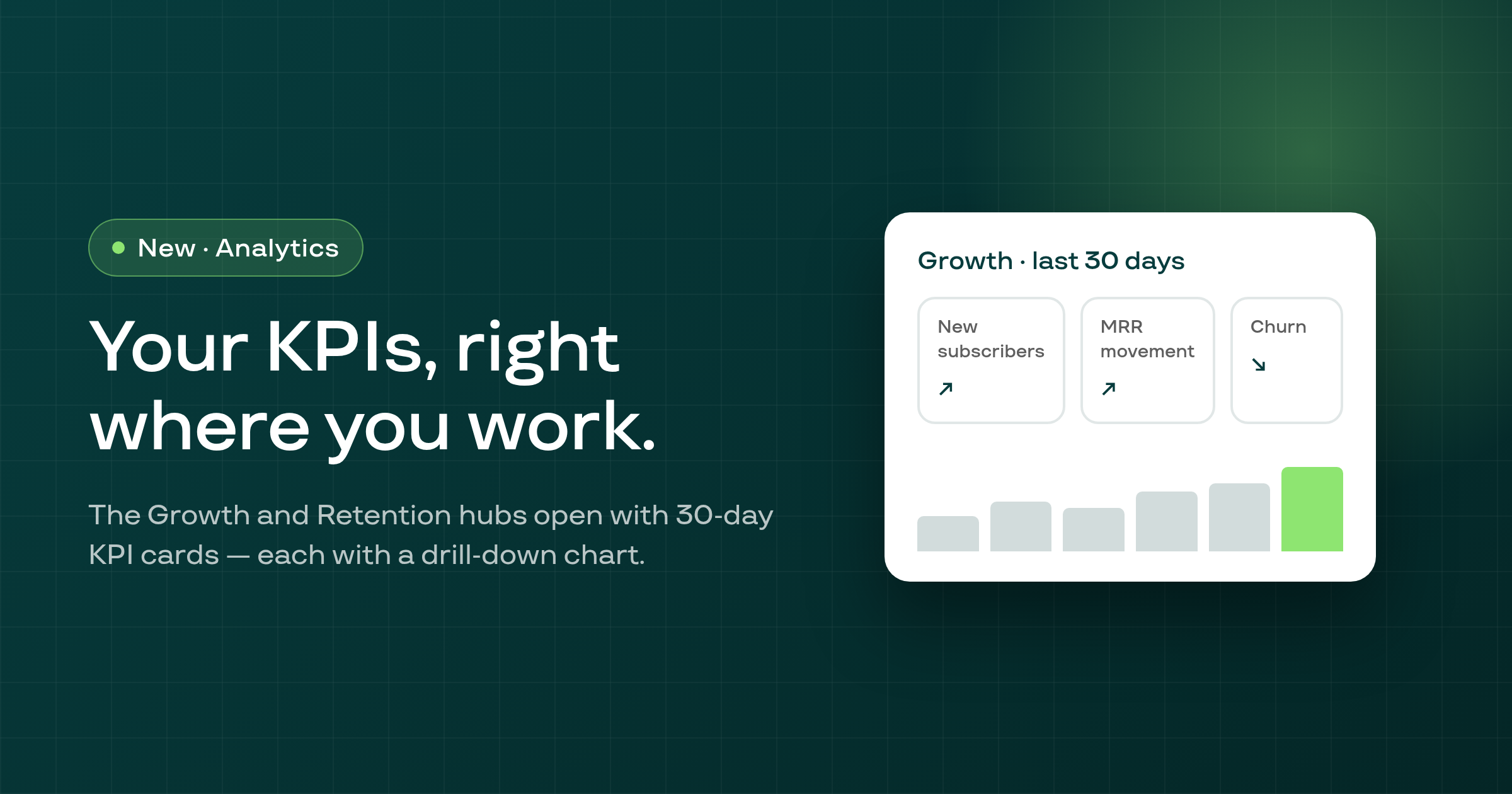
KPI cards on the Home page and the Growth and Retention hub strips have had their mini sparklines, sub-labels, and footer text removed, leaving a cleaner, more readable layout focused on the headline number.
Dismissing the catalog-sync lock notice on a selling plan's product selection card was being stored forever, so merchants who clicked away once could never see the product selection again even after the sync completed.
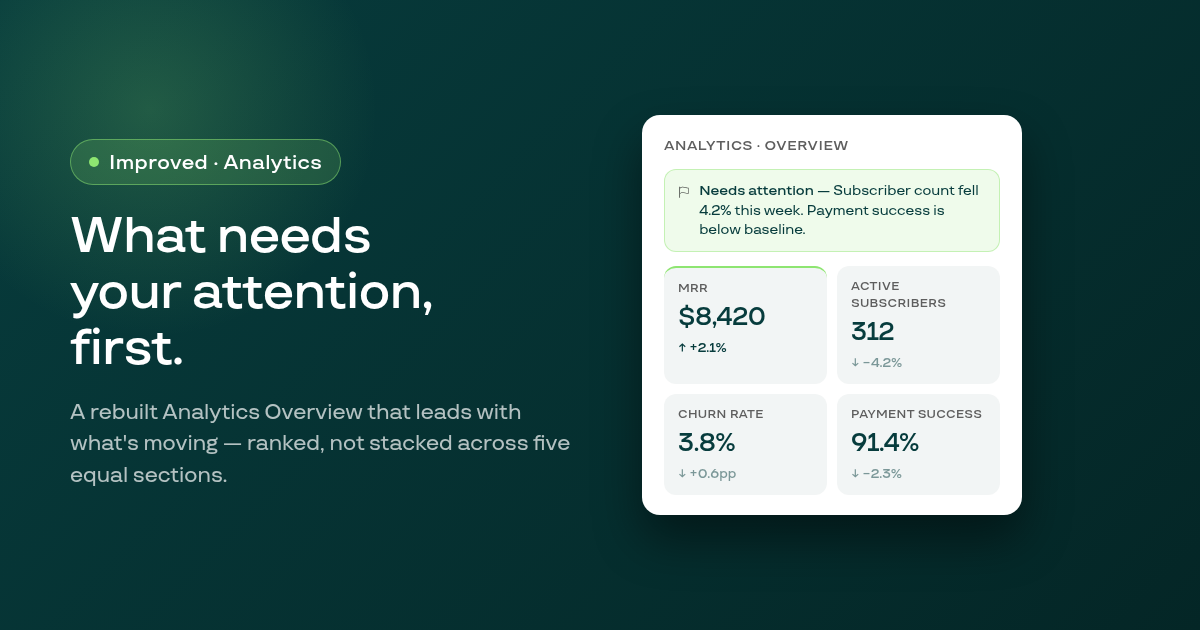
The Analytics Overview has been rebuilt with a needs-attention banner at the top, followed by four KPI cards ranked by priority, replacing the five equal stacked sections of the previous layout.
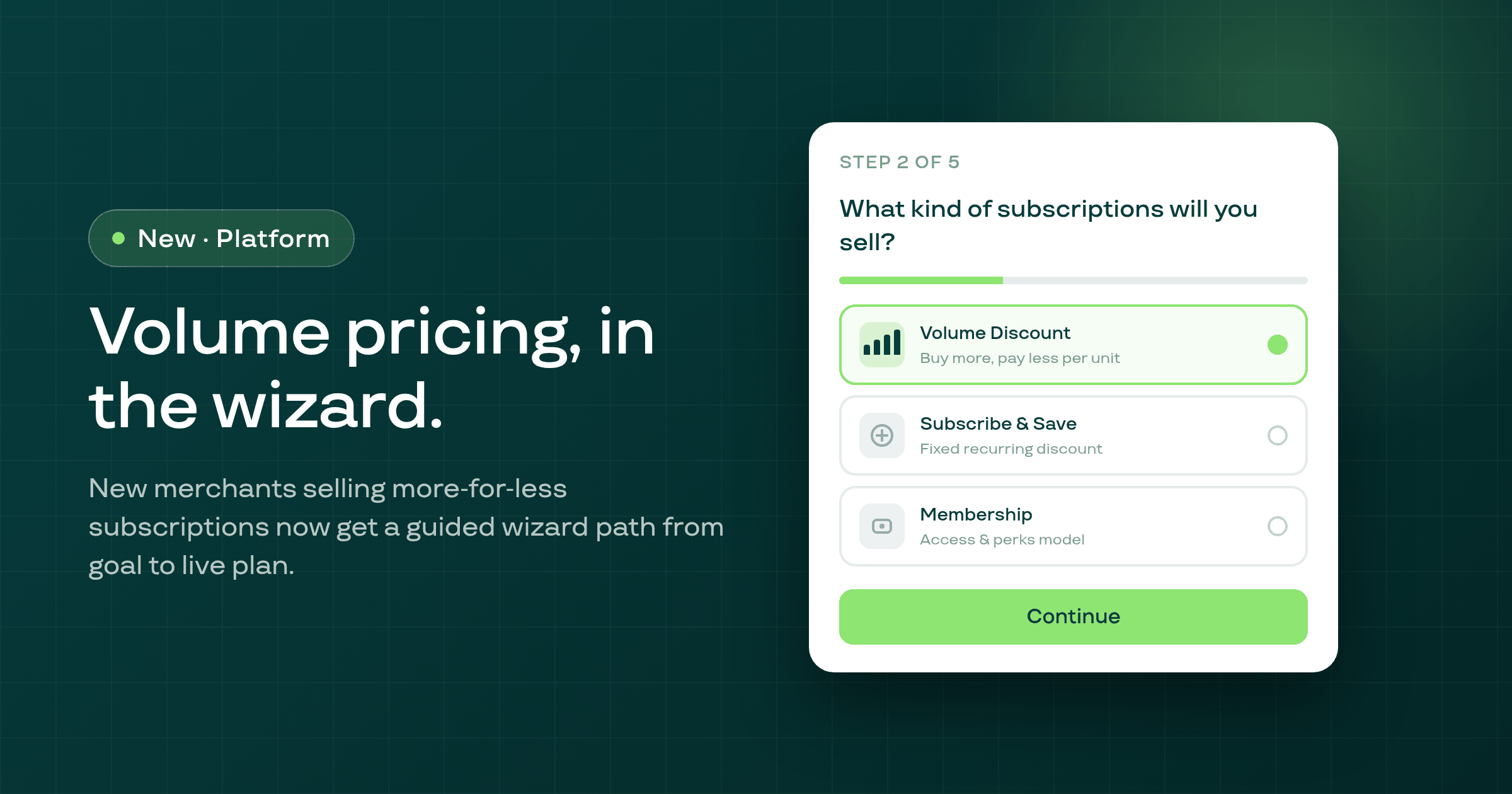
New merchants who want tiered volume-discount subscriptions can now set up their first plan directly from the Subi onboarding wizard, with a guided path from goal selection to a live selling plan.
Revenue and money metrics in Analytics charts now display with currency symbols on axes and tooltips, matching the formatted figures already shown in table cells and stat cards.
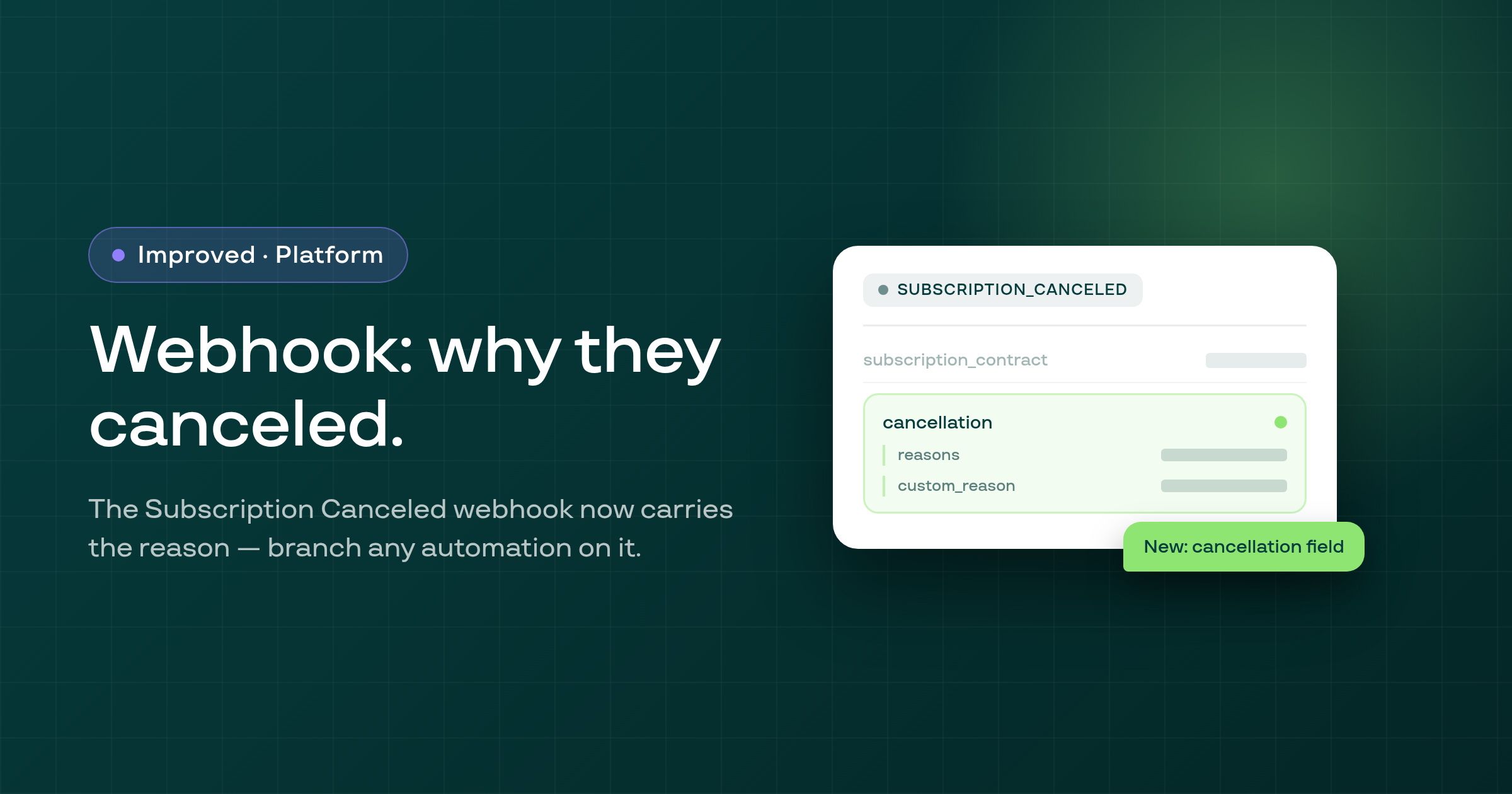
The Subscription Canceled webhook payload now carries a cancellation object — the reason the subscriber selected and any free text they typed — so your automations can branch on why someone left without a support lookup.
A race condition at checkout could silently prevent a new subscription contract from being created — the subscriber paid, but Subi never recorded their subscription. This is now fixed.
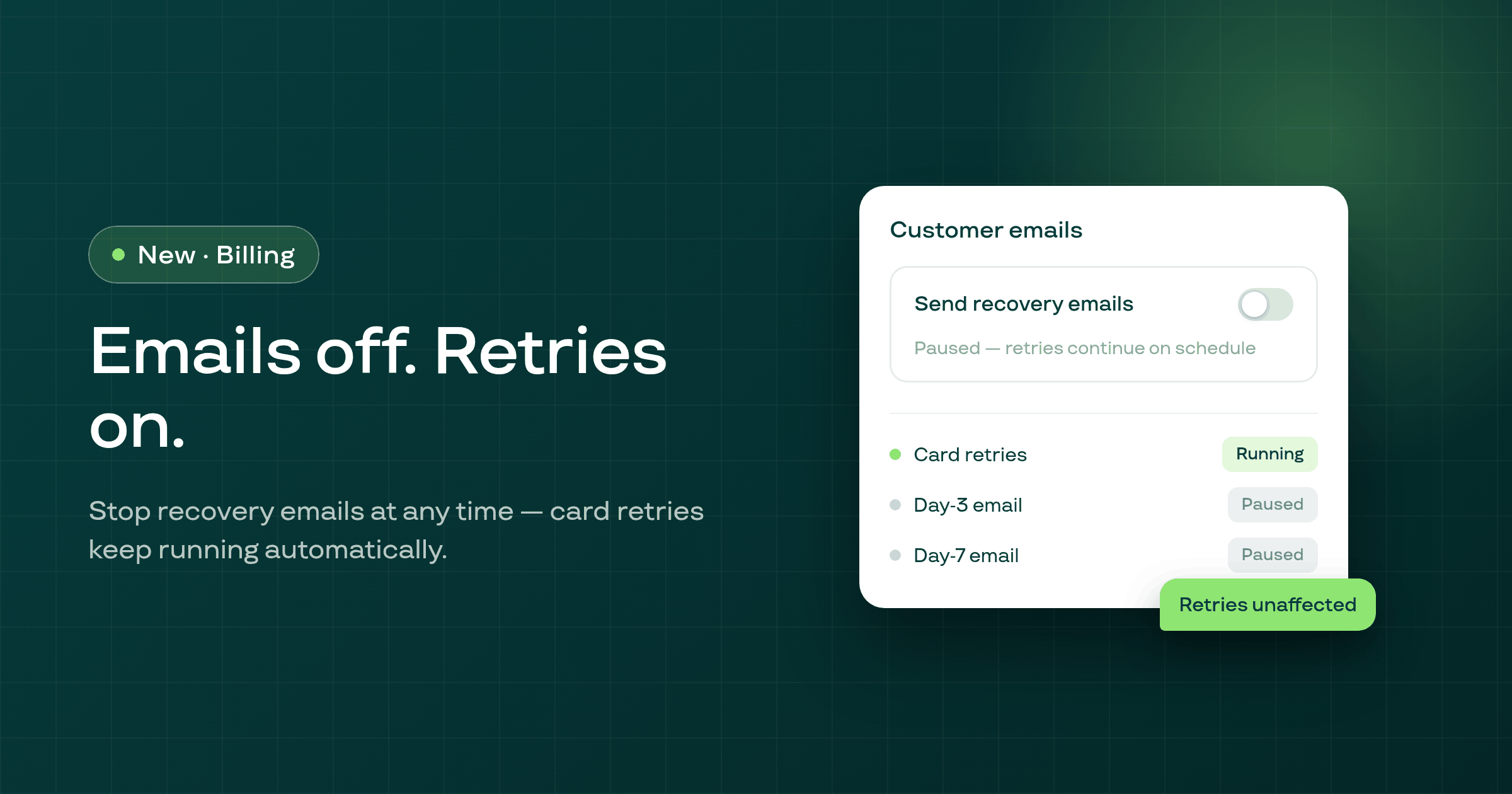
A new toggle in Payment Recovery lets you stop the failed-payment email sequence independently of card retries, so Subi keeps attempting the charge while your customer hears nothing.
A new Shopify POS extension lets your staff start a subscription from the point-of-sale screen: the customer picks a plan, confirms, and the contract is created without leaving the POS checkout.
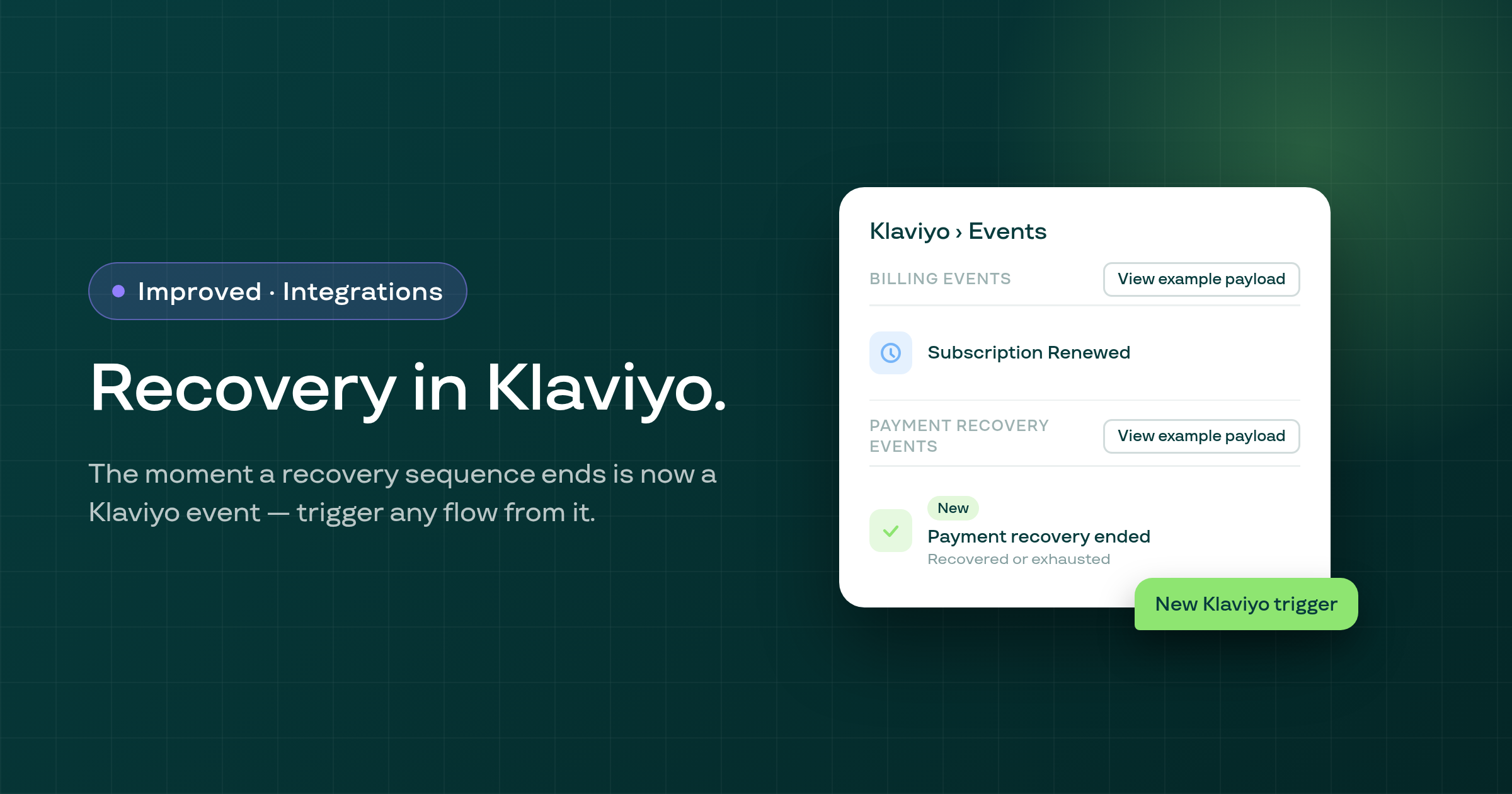
A new Klaviyo event, Subscription Recovery Ended, fires when a Smart Payment Recovery sequence closes, letting you build win-back or churn follow-up flows from the exact recovery outcome.
The Create subscription button was missing for merchants with zero existing subscriptions, making manual subscription creation impossible until at least one contract already existed. This is now fixed.
Two fixes on the Analytics page: the date range picker now responds to every preset click without switching modes silently, and all money figures render in your shop currency consistently.
Subscribers can now swap their subscription product in the customer portal even when the new variant belongs to multiple selling plans with the same billing interval.
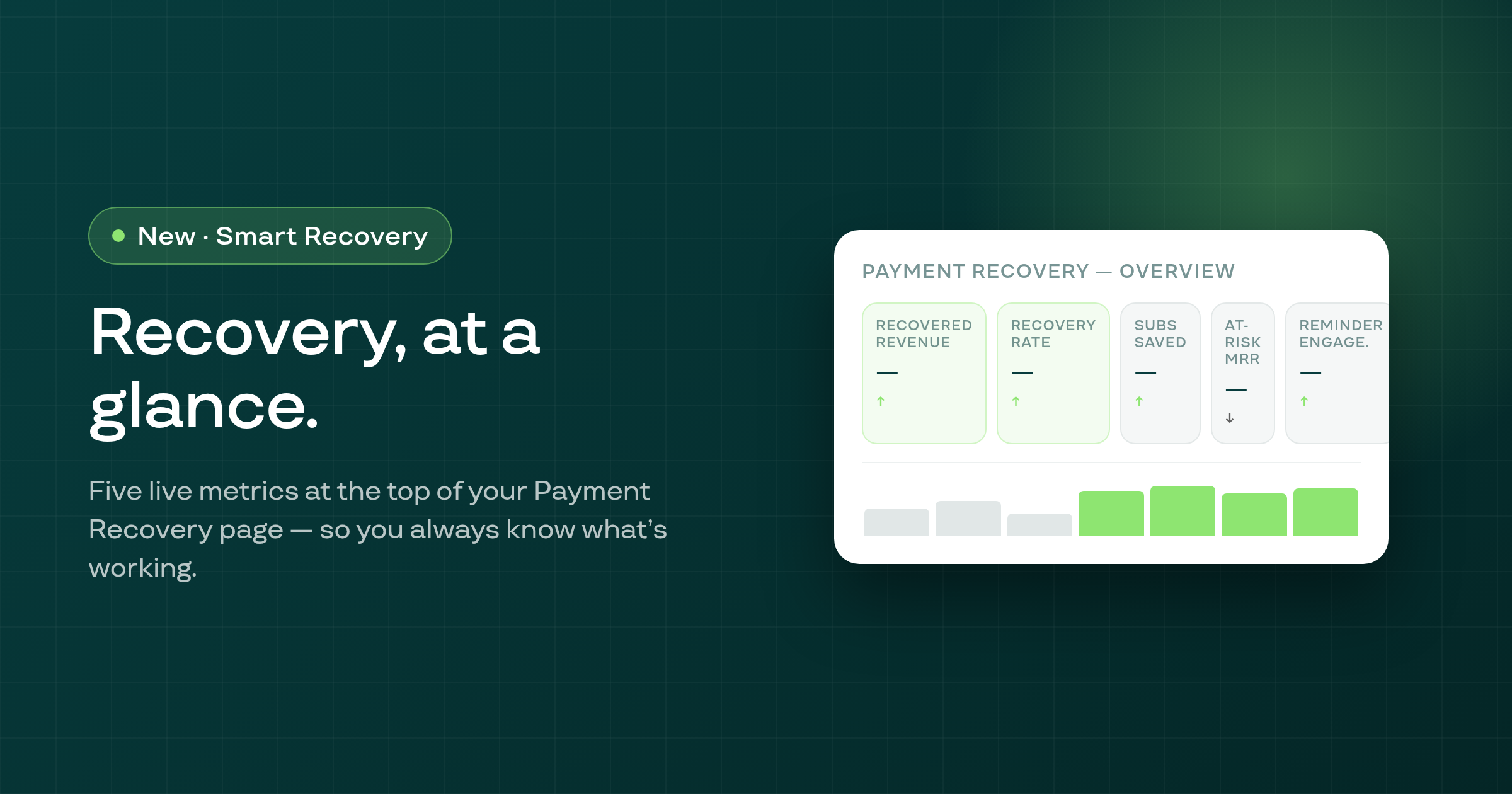
A five-metric overview strip — recovered revenue, recovery rate, subscriptions saved, at-risk MRR, and reminder engagement — now appears at the top of the Payment Recovery page for every Smart Recovery merchant.
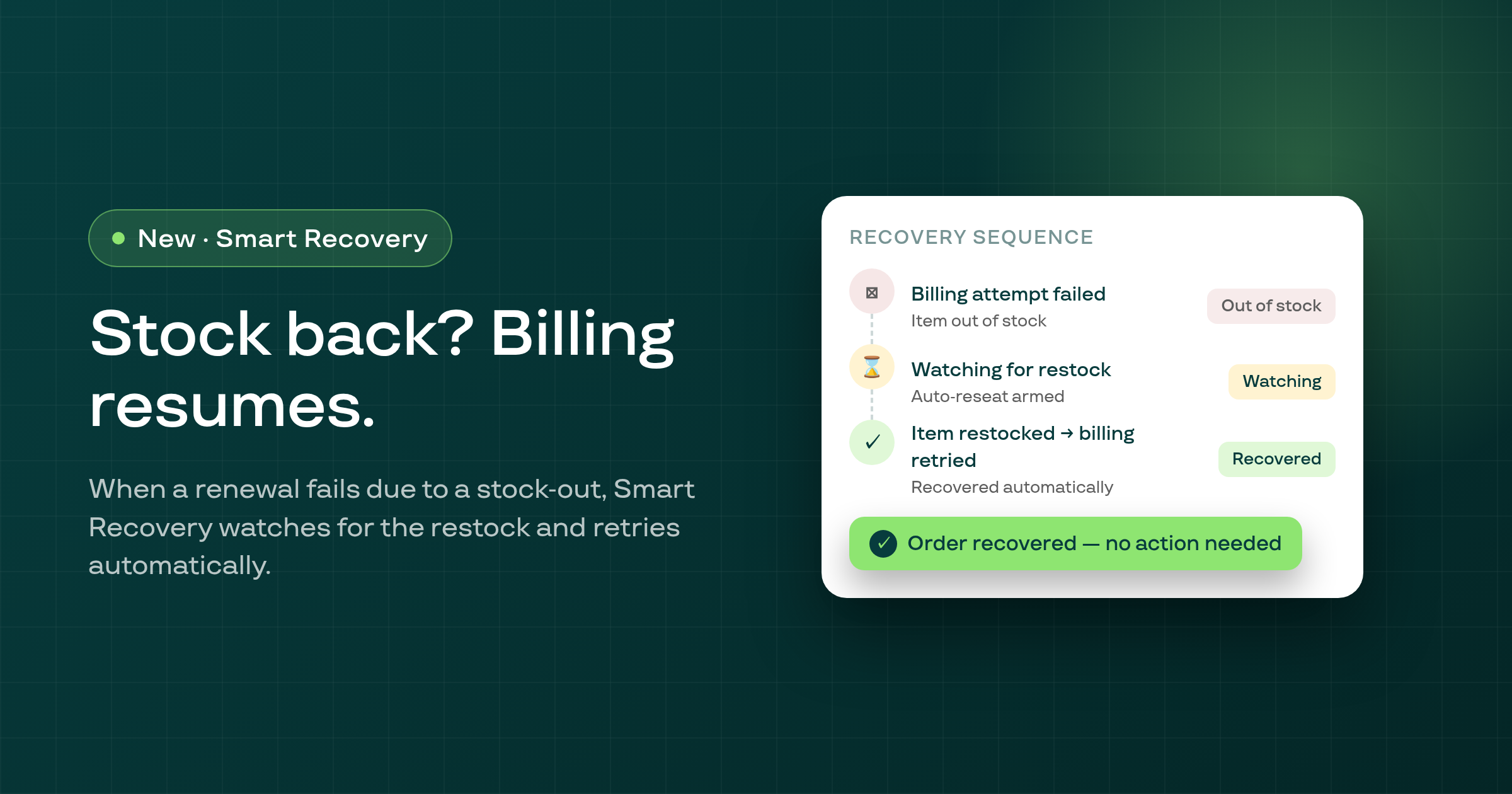
When a subscription renewal fails because the product is out of stock, Smart Recovery now watches for the item to be restocked and automatically retries the billing — recovering the order without any manual intervention.
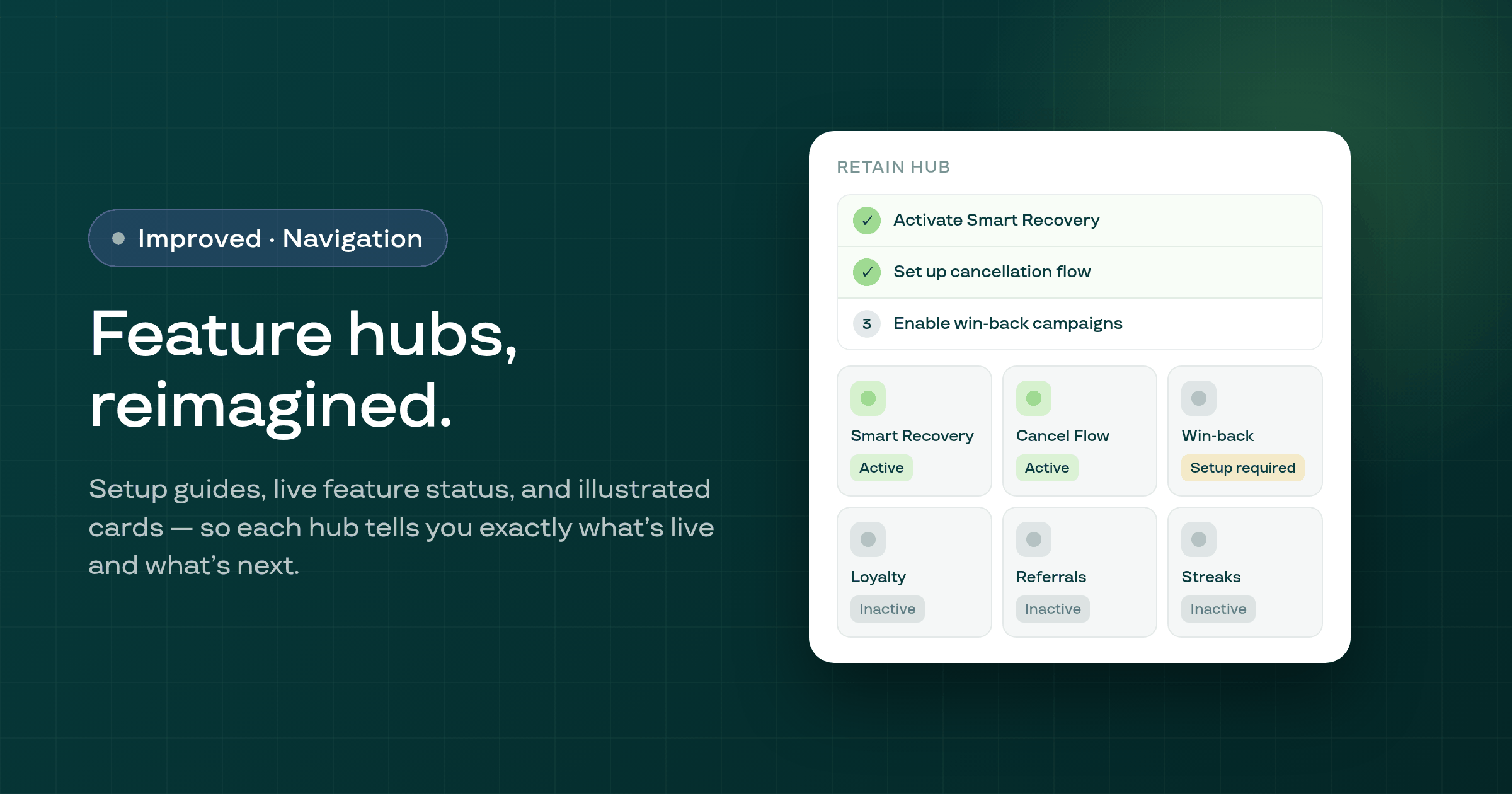
The Growth, Retain and Storefront hub pages in the Subi admin have been rebuilt with illustrated feature cards, live per-card status indicators, per-hub setup guides, and a responsive grid — so each hub is a clear starting point, not a pass-through.
Reinstalling Subi when a stale plan log entry was present no longer incorrectly applies the free plan — the plan log is reconciled before the free plan check runs.
Editing a prepaid subscription contract — changing the plan, frequency, or cycle count — now sends the correct price to Shopify; a bug that caused the stale per-cycle multiplier from before the edit to persist has been resolved.
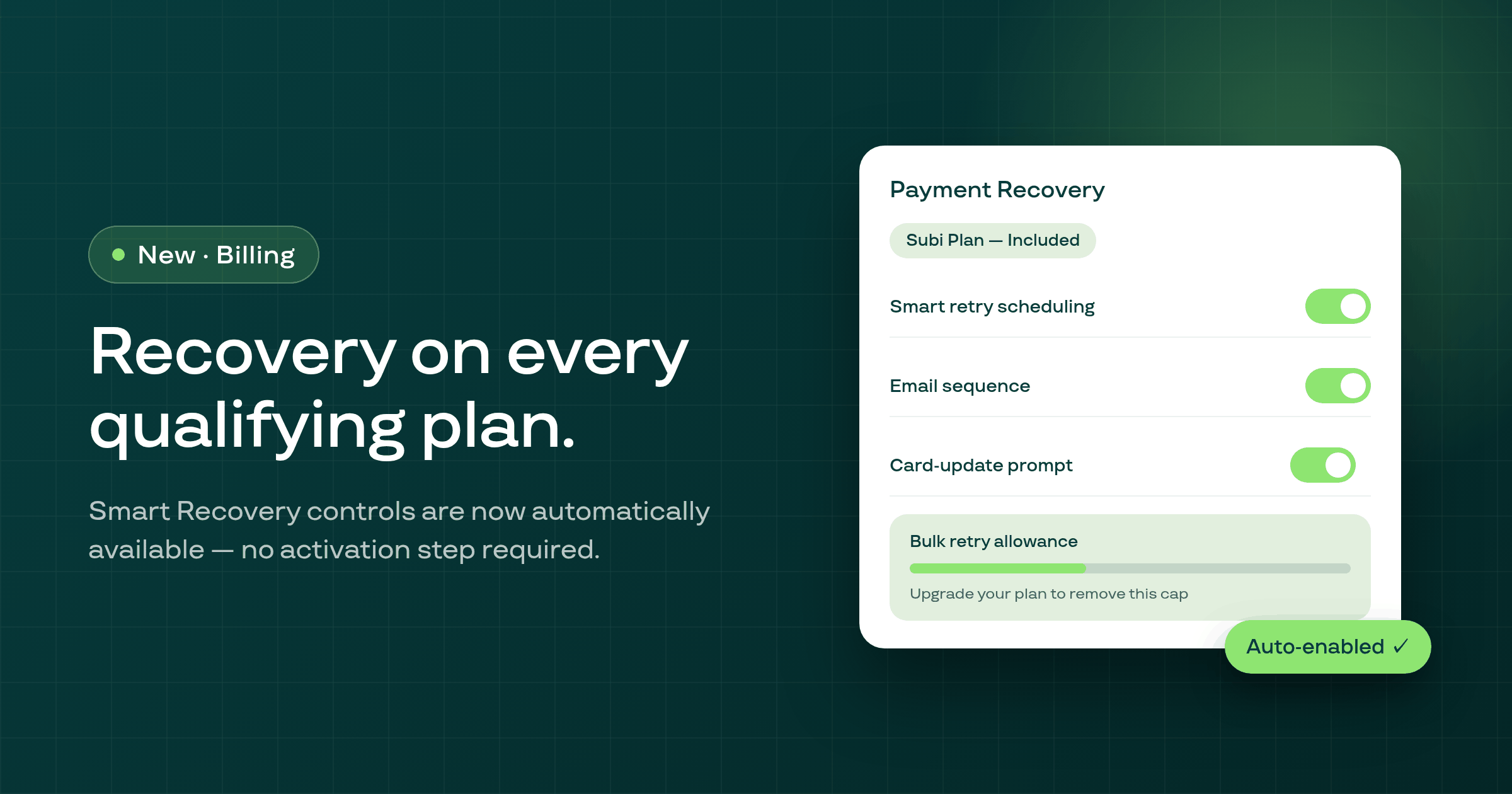
Smart Recovery's full control suite — retry scheduling, email timing, and bulk recovery actions — is now automatically available to merchants on qualifying plans, with a clear cap display for free-tier accounts.
Disconnecting Subi from Klaviyo now properly removes the Subi integration from your Klaviyo account — no stale connection remains after you disconnect.
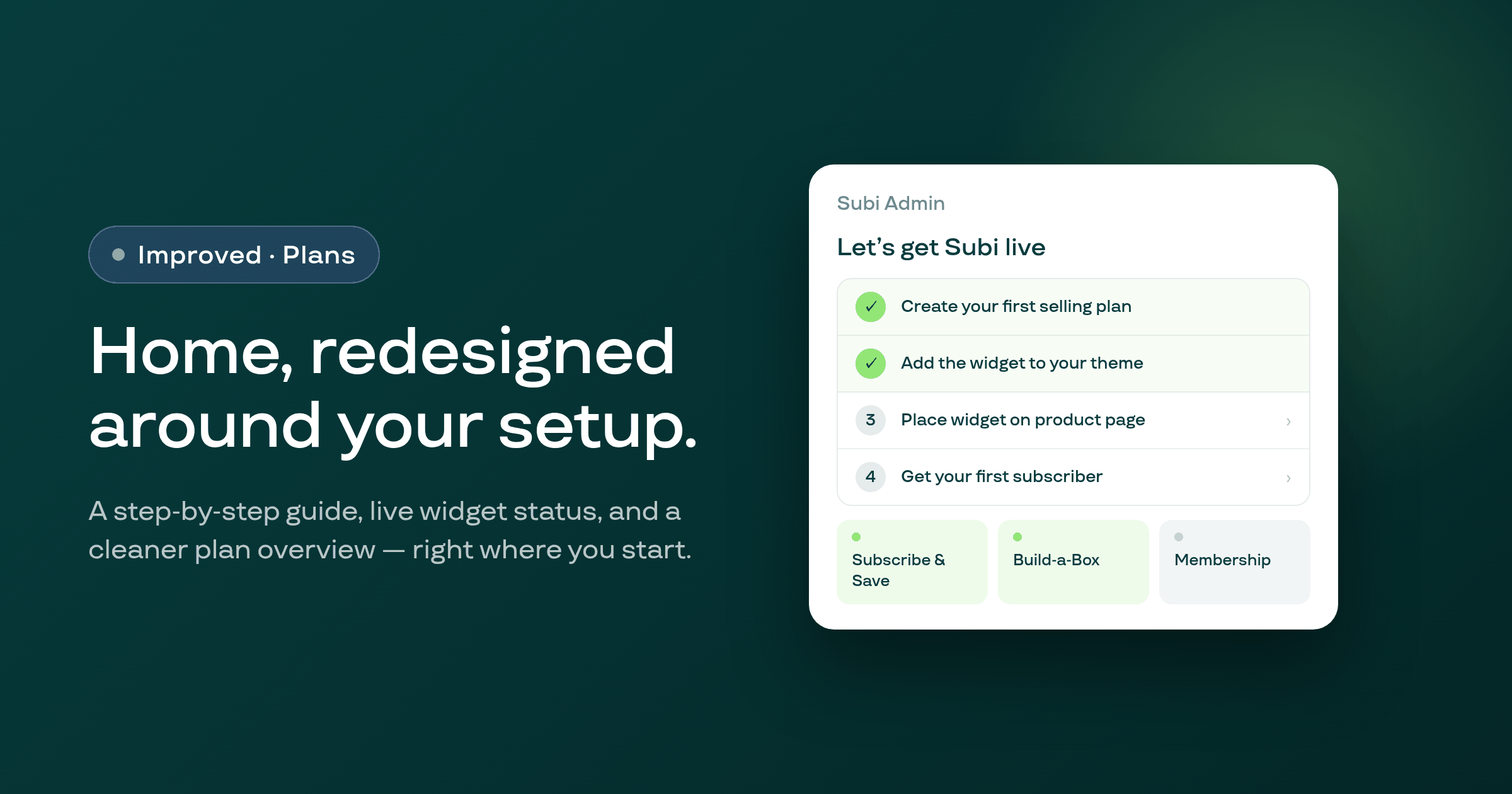
The merchant admin Home page is redesigned around a step-by-step setup guide, a three-column plan-type overview, and a live widget-embed status indicator to help you start — and stay oriented — faster.
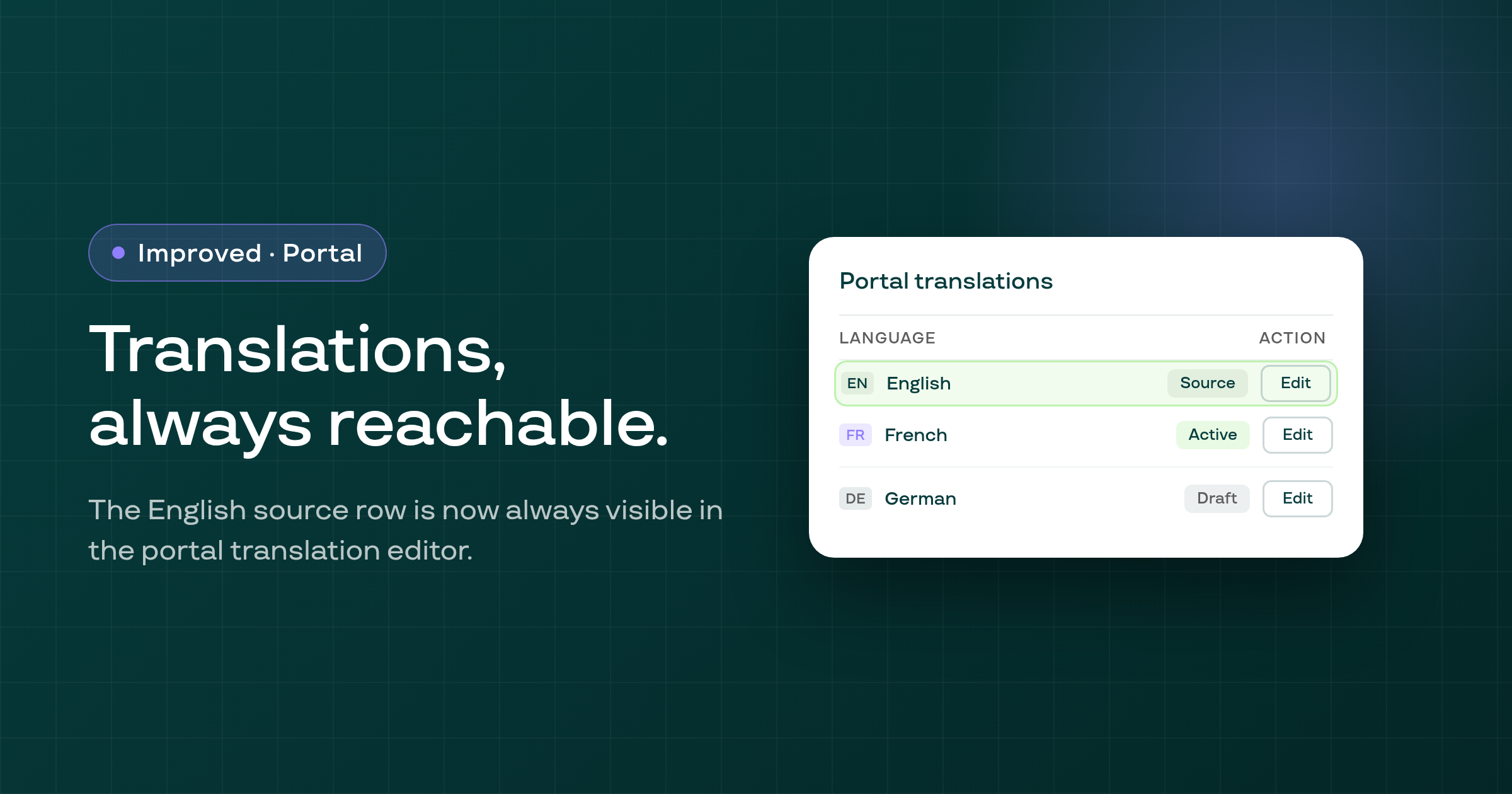
The customer portal translations page now always shows the English source row so you can edit your portal copy at any time, even on single-language stores or before enabling additional languages.
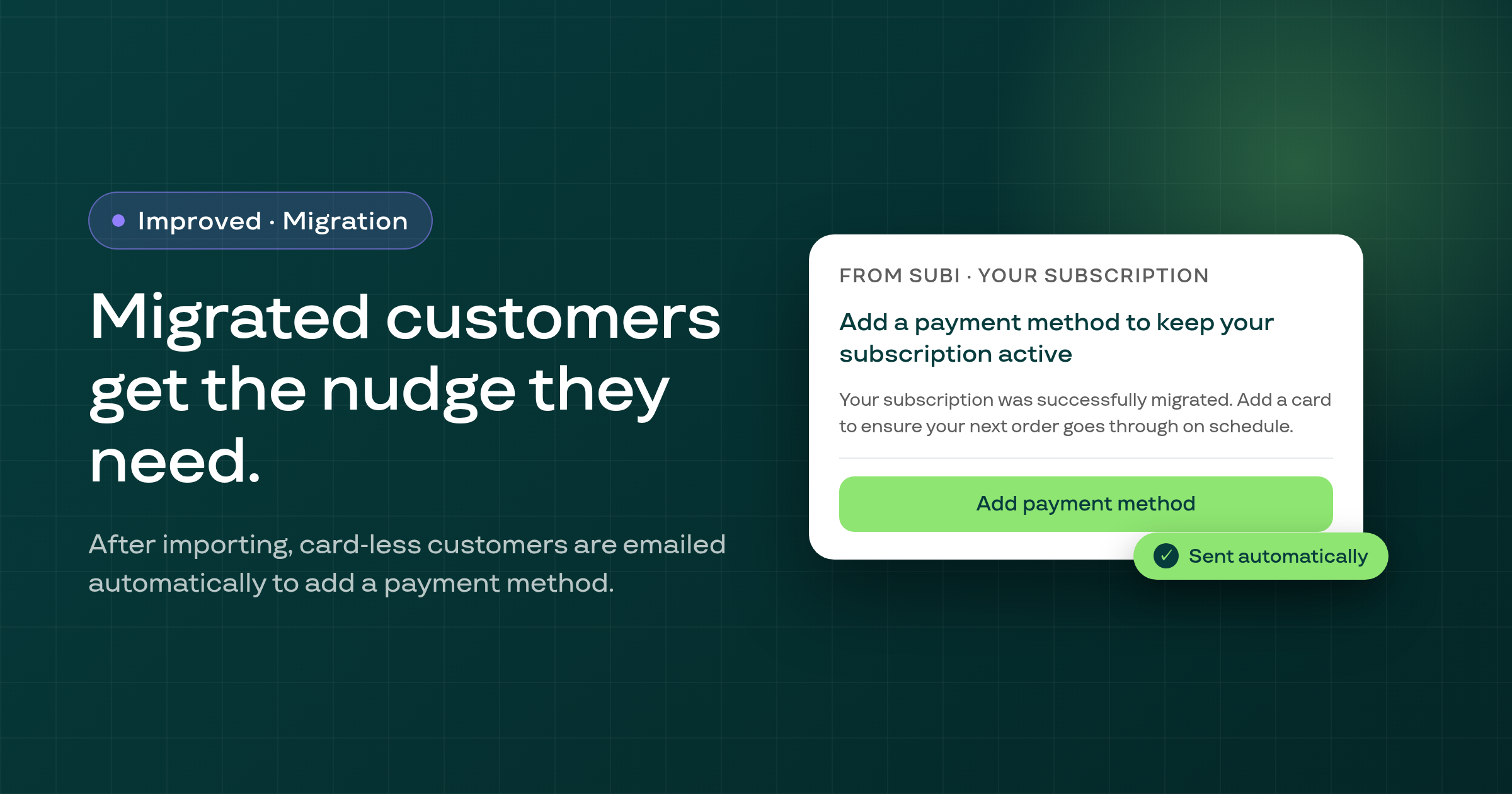
After importing subscriptions from a competitor, Subi now automatically emails any migrated customers who have no payment method on file, asking them to add a card so their contracts can bill on schedule.
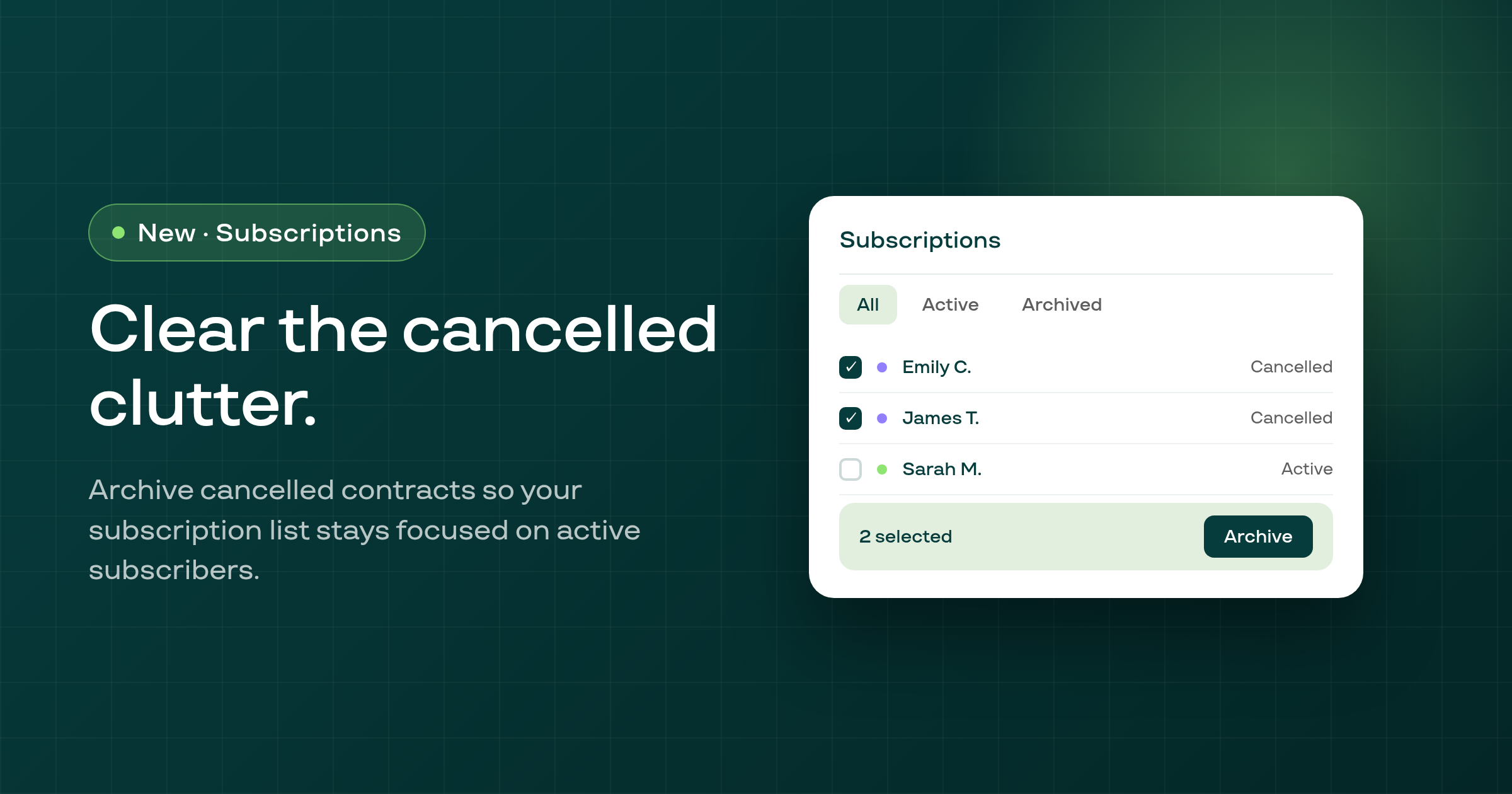
Merchants can now bulk-archive cancelled subscription contracts and view them in a dedicated Archived scope, keeping the All view focused on active and paused subscriptions.
Smart Payment Recovery now correctly honours the merchant's 'Recovered billing orders' setting — previously, the smart recovery path was ignoring it and always rescheduling recovered orders instead of using the original billing date.
Product names in the Quick Checkout generator are no longer cut off — the product column now uses the available row space instead of a fixed 120px cap that was truncating titles at roughly 15 characters.
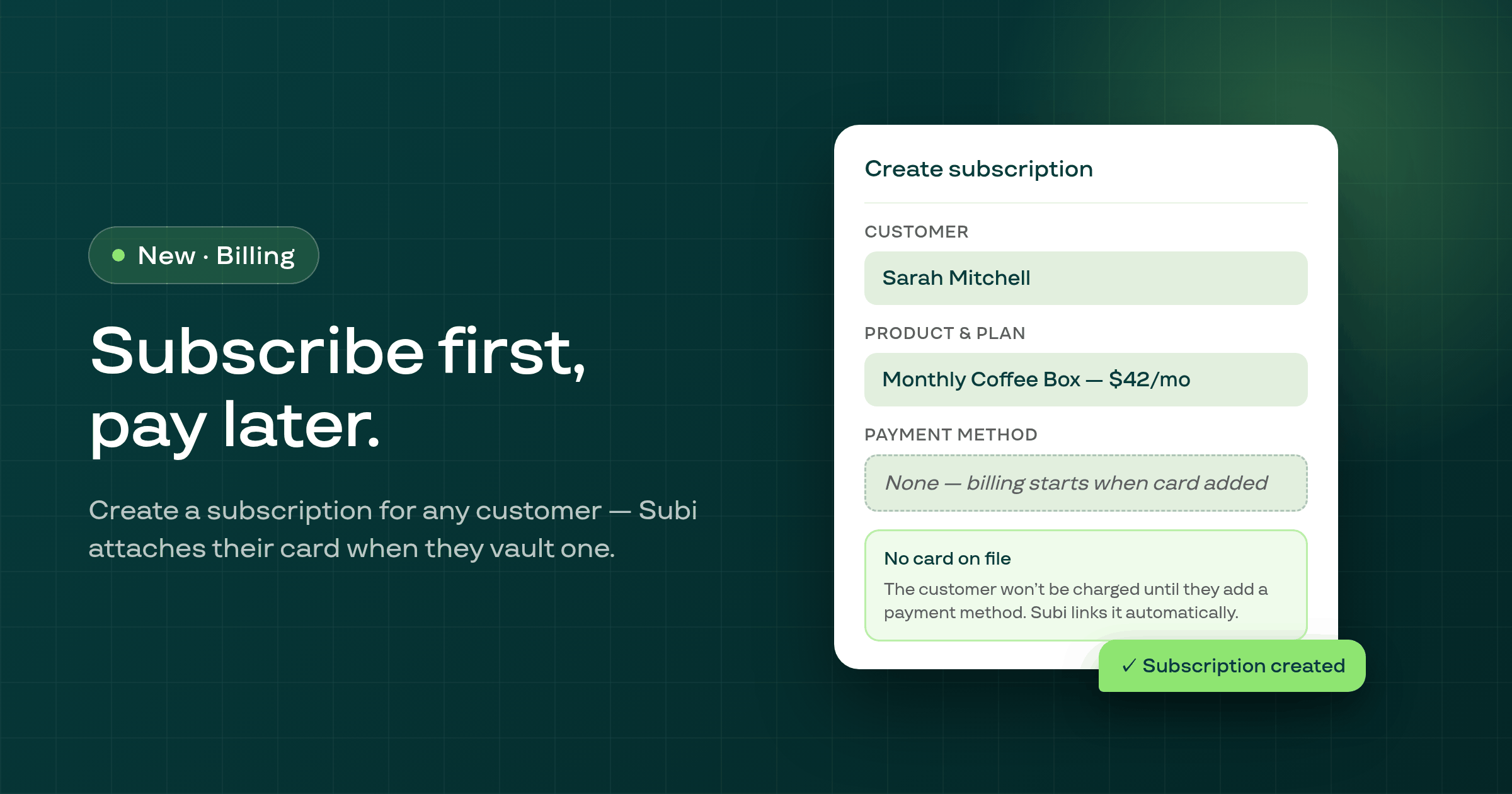
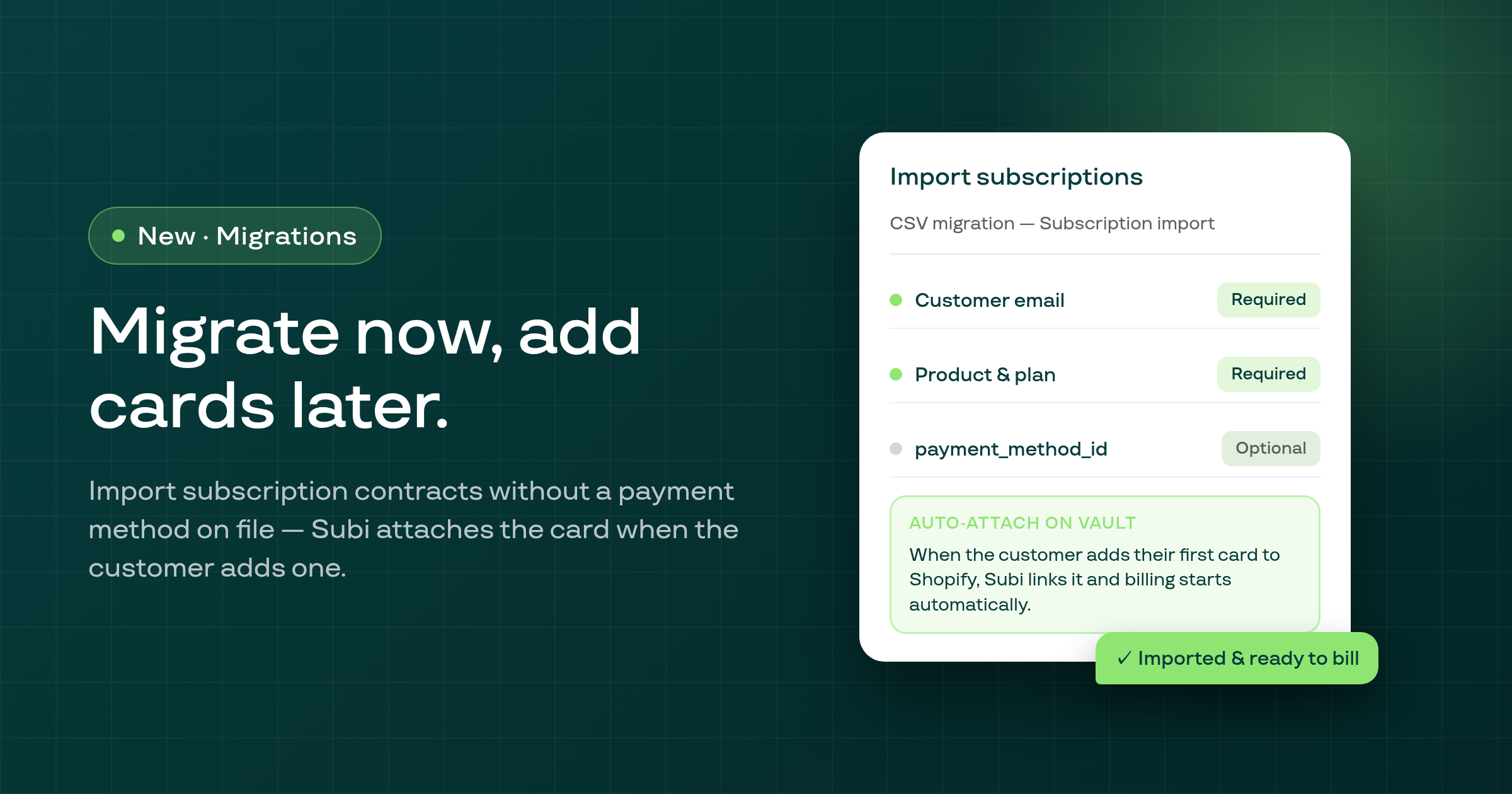
Merchants can now create a subscription manually for a customer who has no saved payment method — Subi automatically attaches their card when they vault one, and the payment method request email now correctly sends a Subi-branded login link.
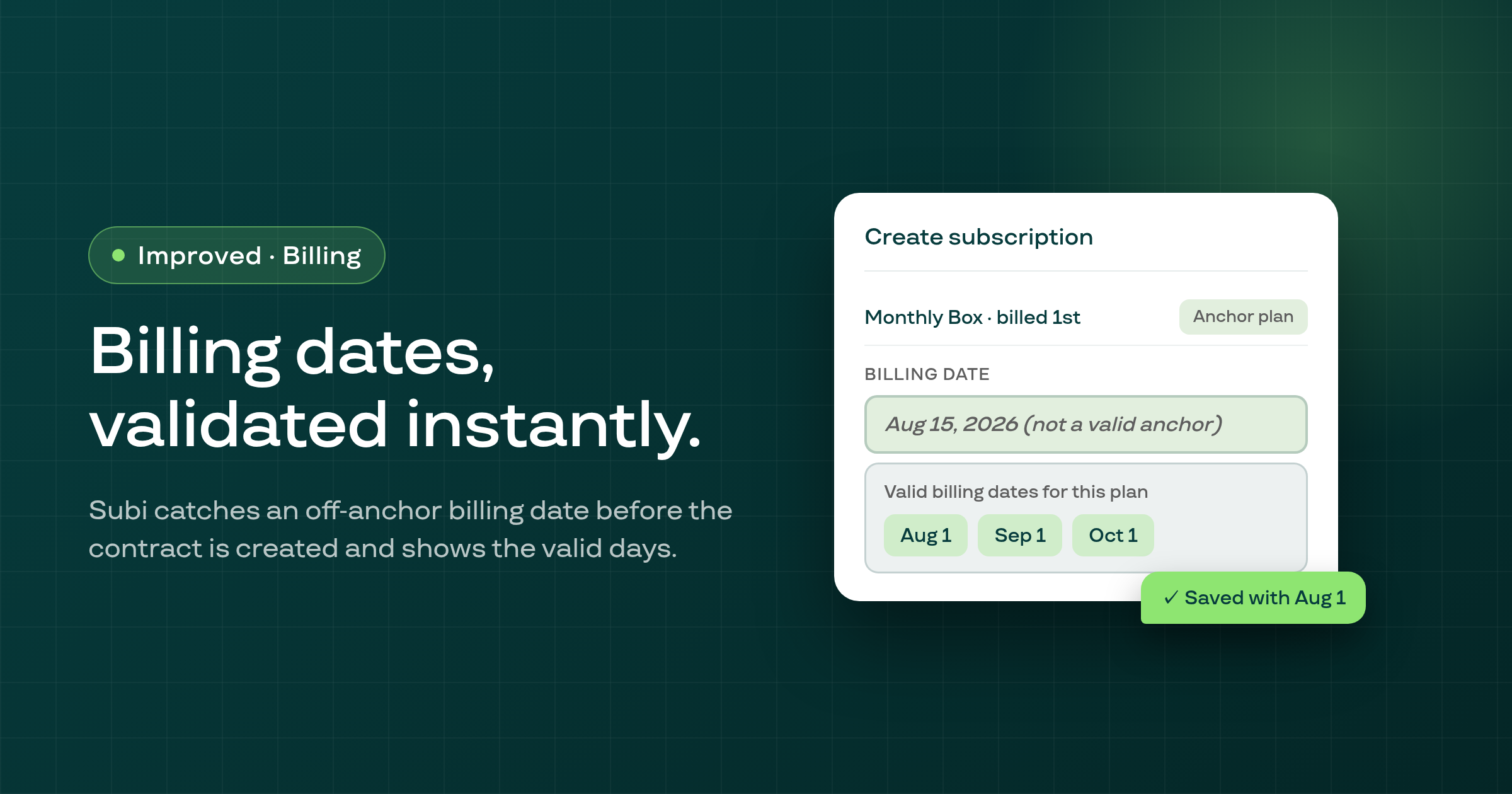
When creating a subscription manually, Subi now rejects a billing date that doesn't match the plan's billing anchors and shows a clear field-level error listing the valid anchor days — preventing a contract from being created in an invalid state.
Selling plan display order now persists after saving — dragging plans into the order you want no longer reverts to the original sequence on the next page load.
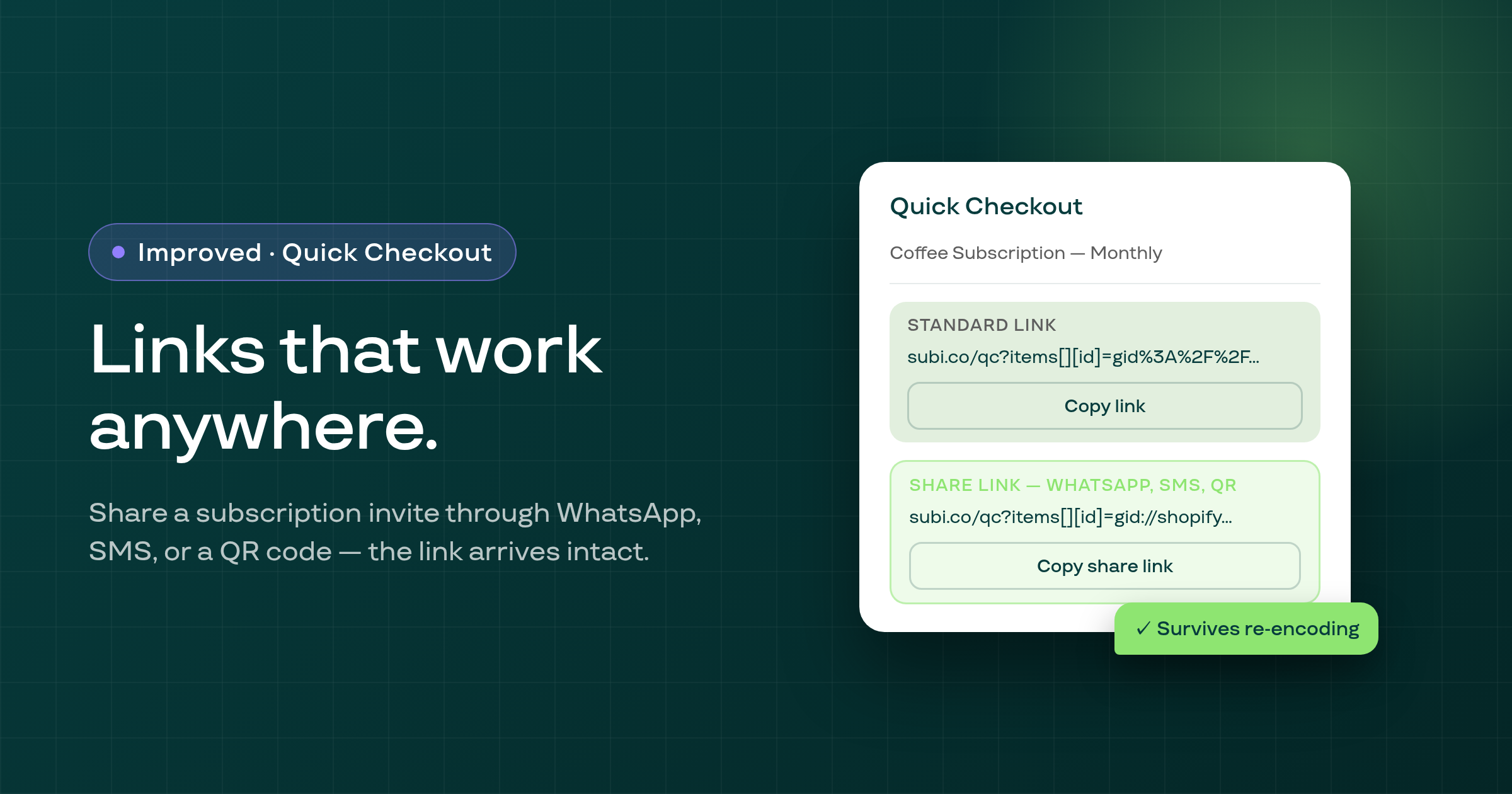
Quick Checkout now generates a chat-safe share link alongside the standard link — so subscription invite links reach customers correctly even when shared through WhatsApp, SMS, or a QR code.
The Subi subscription migration import now accepts contracts without a payment method — leave the payment_method_id column blank, and Subi automatically attaches the customer's first vaulted card when they add one.
A Build-a-Box bug that caused an error when saving plan options after reusing a size that was previously removed in the same edit session is now fixed.
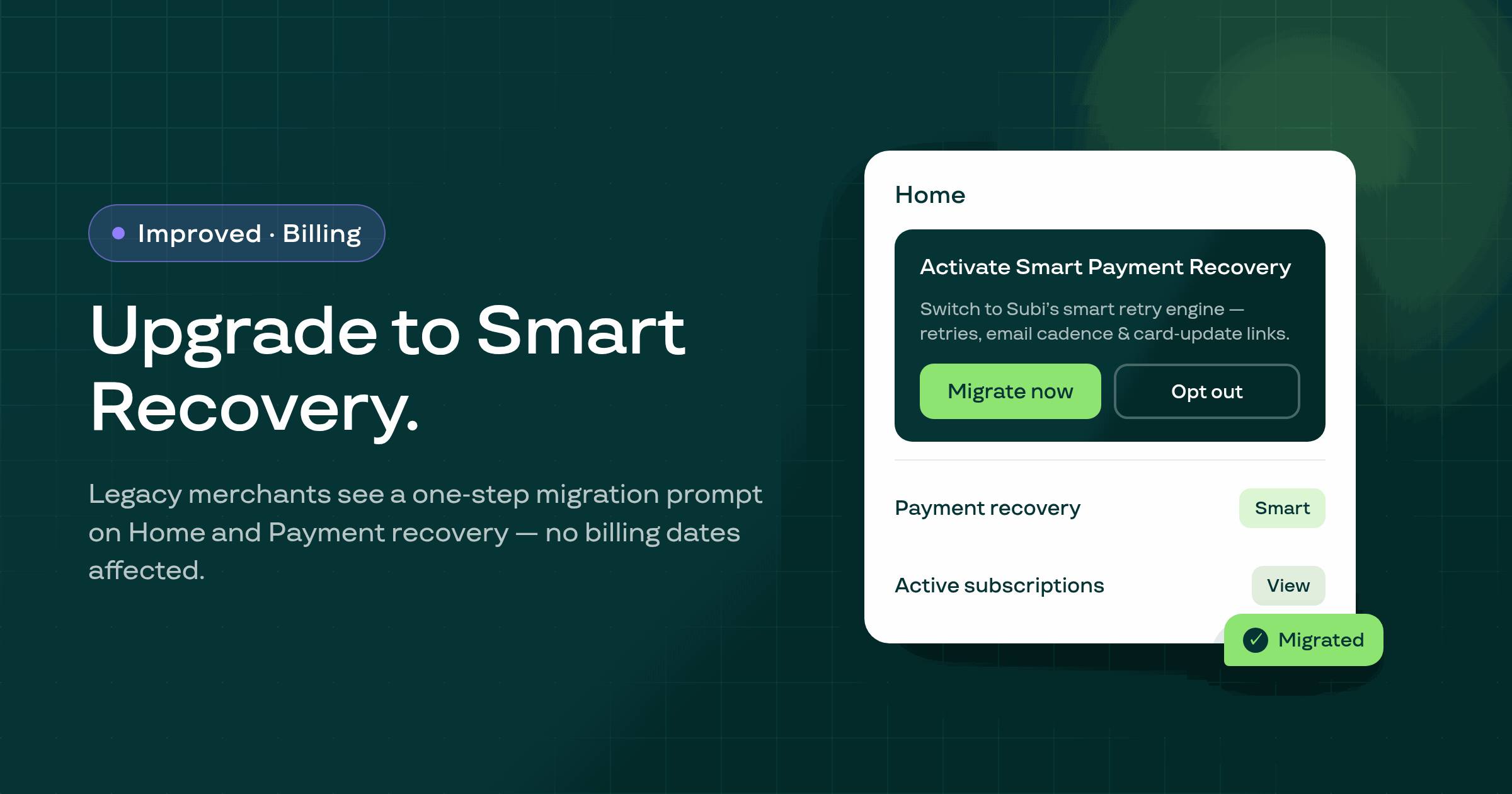
Merchants still on Subi's legacy billing-retry path now see a migration prompt on the Home and Payment-recovery pages — one click migrates their store to Smart Payment Recovery without changing any subscription billing dates.
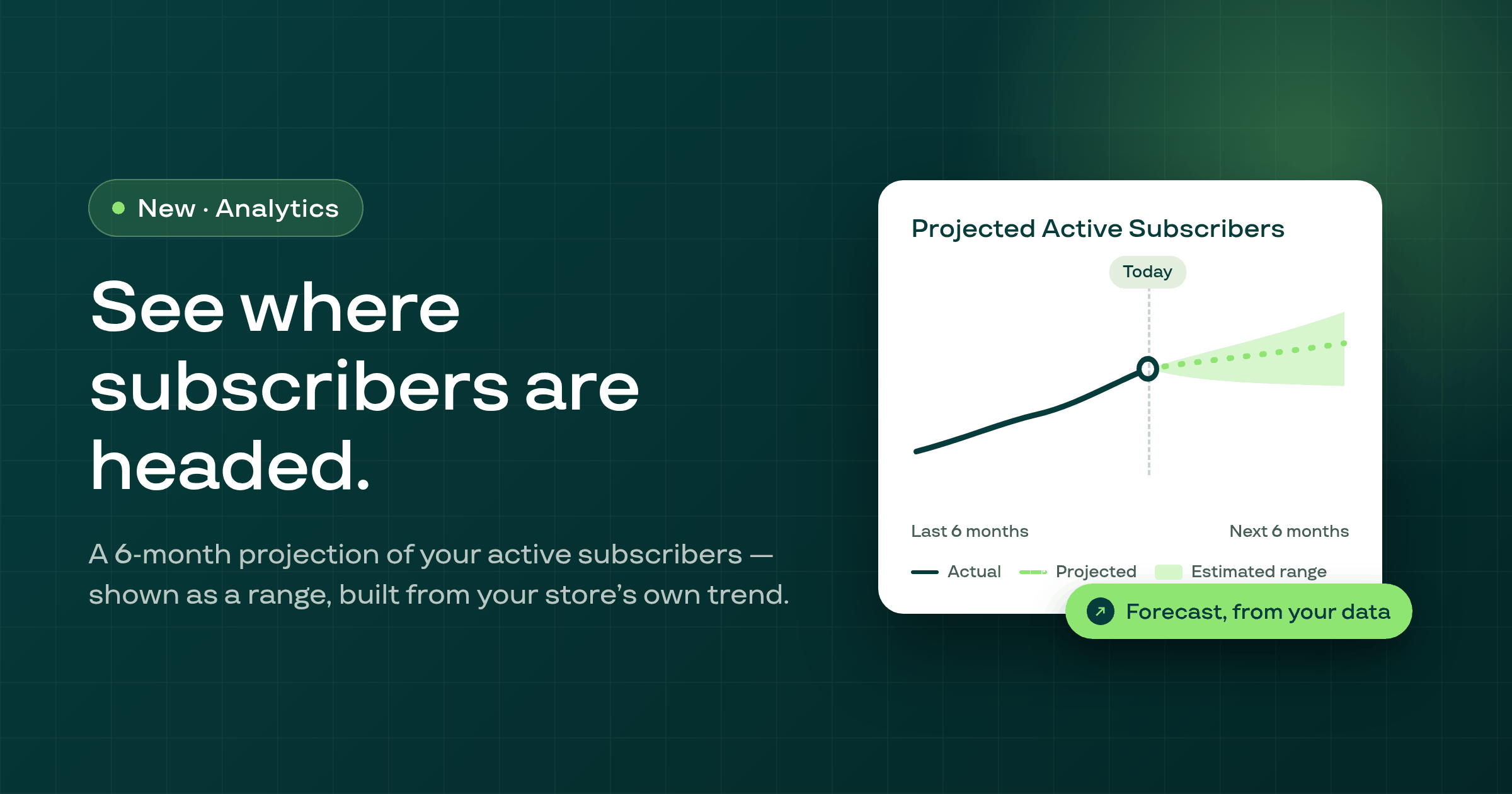
The analytics Overview's Subscribers section now shows a 6-month forward projection of Active Subscribers, displayed as a range rather than a single number.
Subscriptions migrated from other apps now receive the correct Recurring Order #N tag on new orders, fixing a double-count that inflated the number by one for affected contracts.
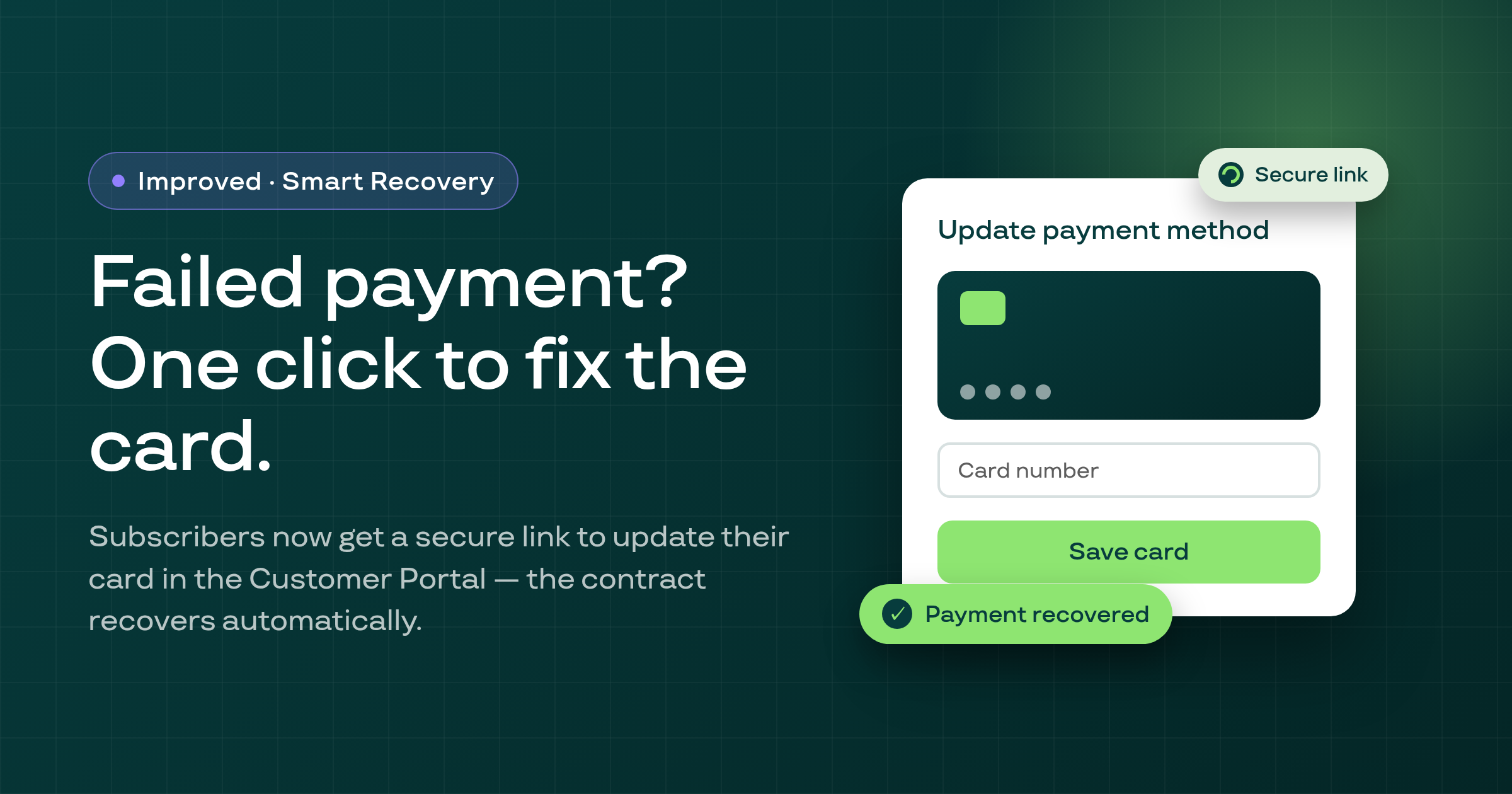
When a subscription payment fails due to a card issue, Subi now automatically sends the subscriber a one-click link to update their card directly in the Customer Portal, recovering the contract once the card is saved.
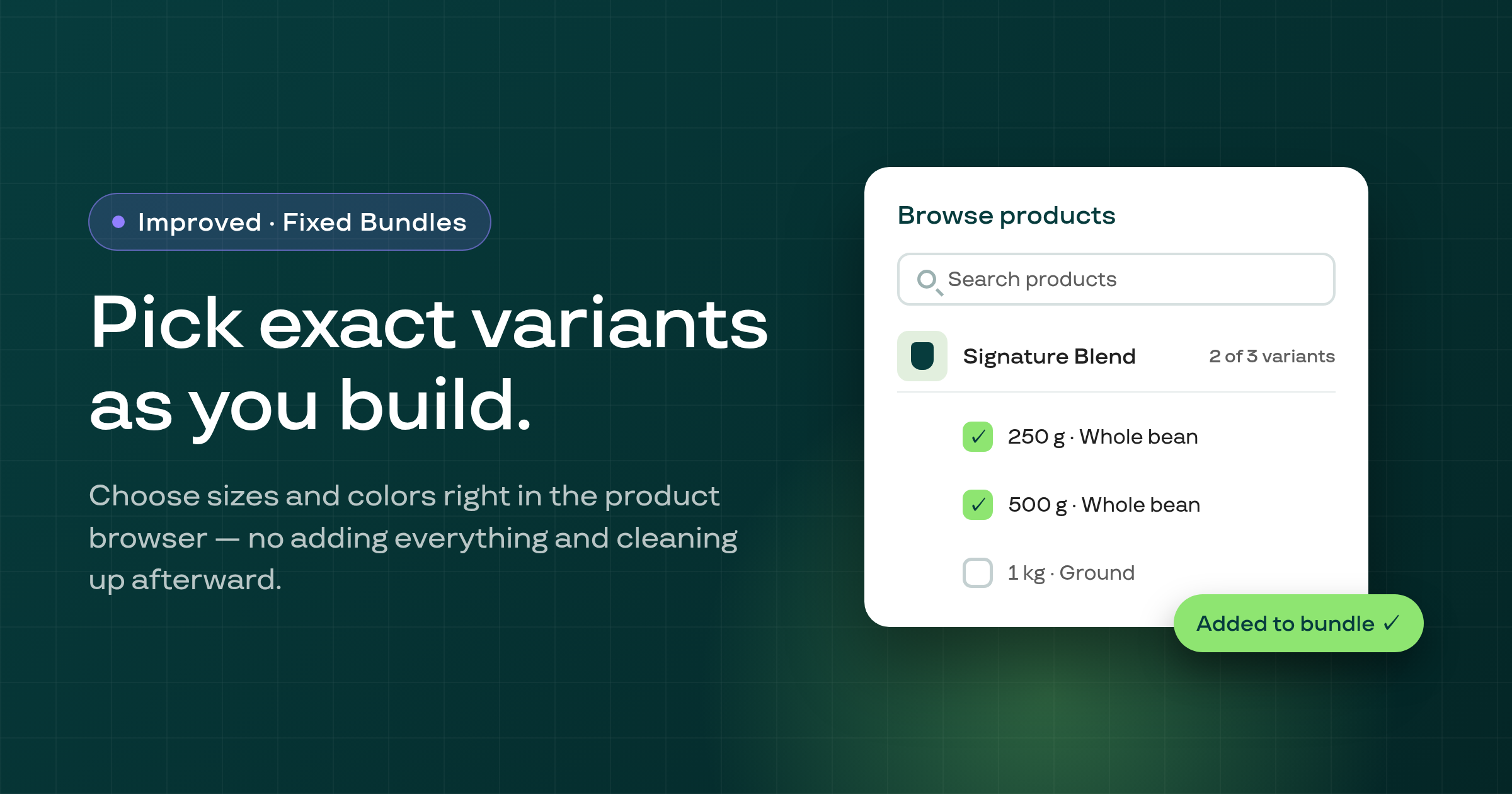
When adding products to a Fixed Bundle plan, merchants can now choose individual variants (size, color, etc.) directly in the Browse product modal, instead of having to add the whole product first and manually remove unwanted variants afterward.
The customer search in the manual subscription creation flow now paginates through all your customers and correctly labels the search field — fixing a bug where only 15 customers were shown regardless of store size.
You can now set an initial discount of 0% or $0 on a selling plan frequency, making it possible to create a free-first-order or no-discount period before the recurring discount kicks in — and the discount field no longer defaults to 0 when no pricing policy is active.
When a merchant declines Klaviyo's authorization prompt during setup, Subi now shows a specific, actionable message so they know exactly what to do next.
Merchants can now reliably configure subscription plans with an initial flat-rate price of $0, making it straightforward to offer free introductory orders without hitting a validation error or losing the setting on reload.
The setup wizard now marks itself complete as soon as you activate a Subi billing plan, and new merchants land on the updated Subi home screen after finishing onboarding.
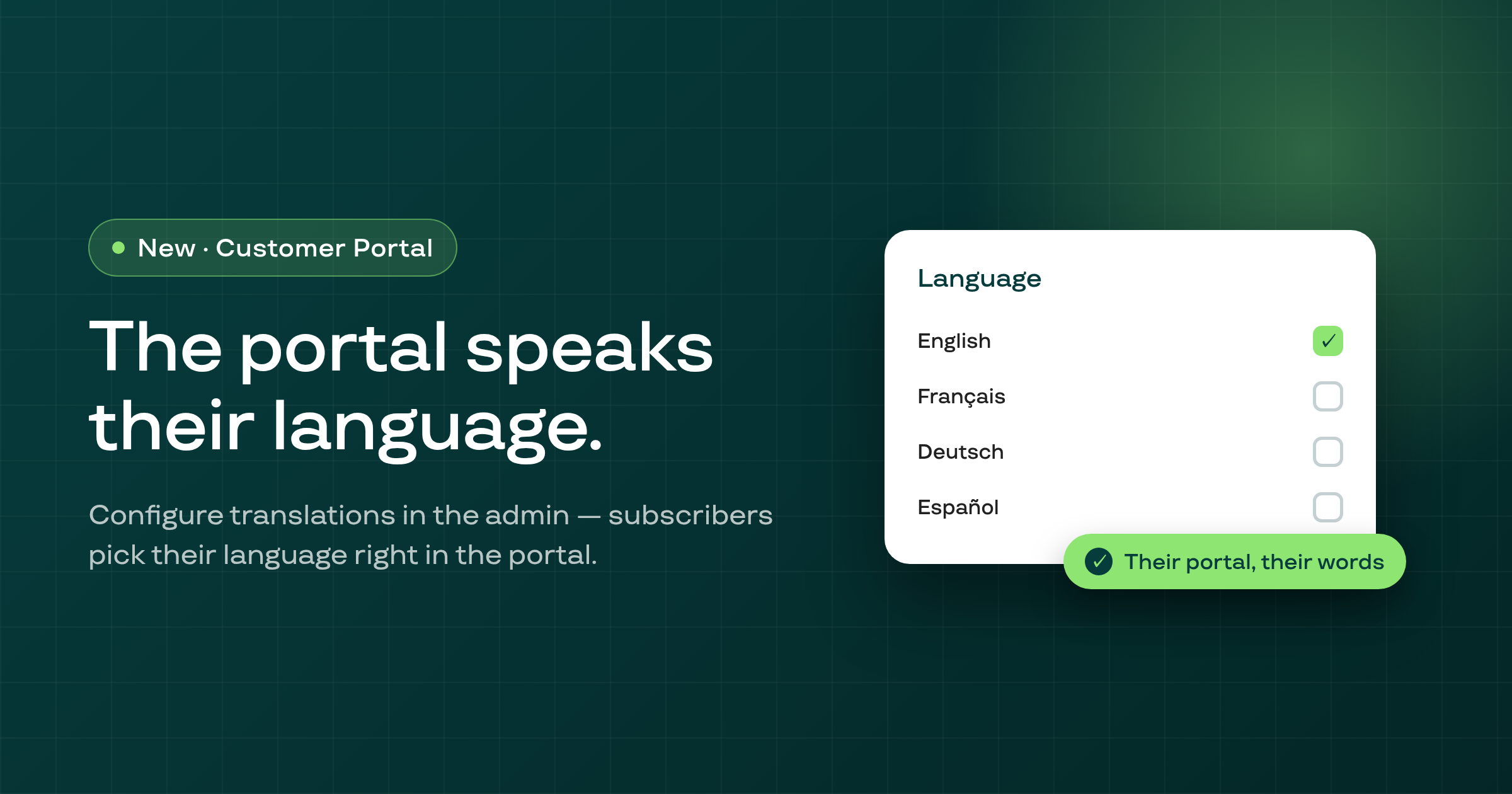
Your Subi customer subscription portal now supports multiple languages — configure translations in the admin and subscribers see a language selector to choose their preferred language, which is remembered across visits.
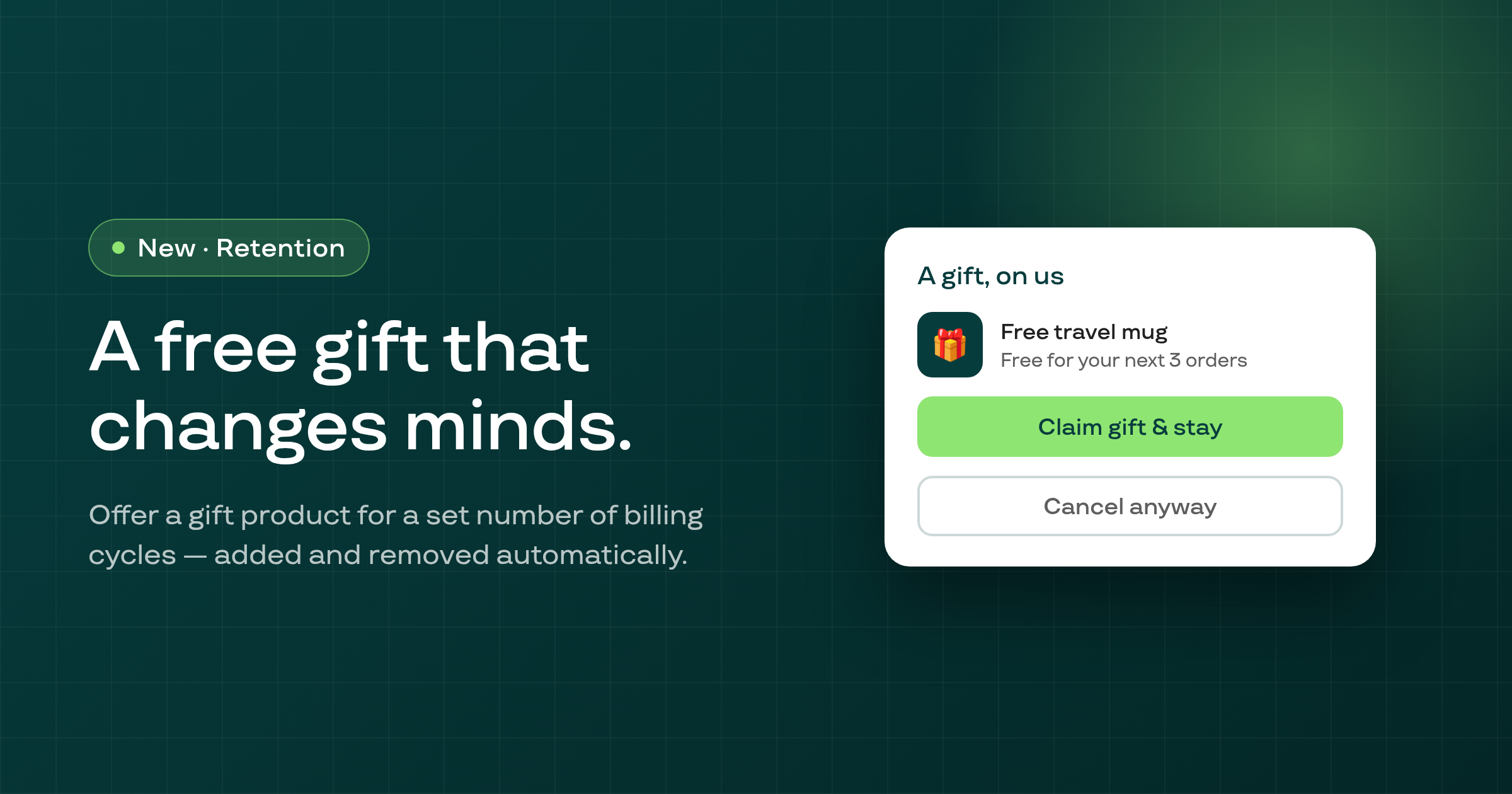
Your cancellation flow can now offer subscribers a free gift product for a set number of billing cycles, added automatically and removed after the period ends — no discount needed, no coupon codes.
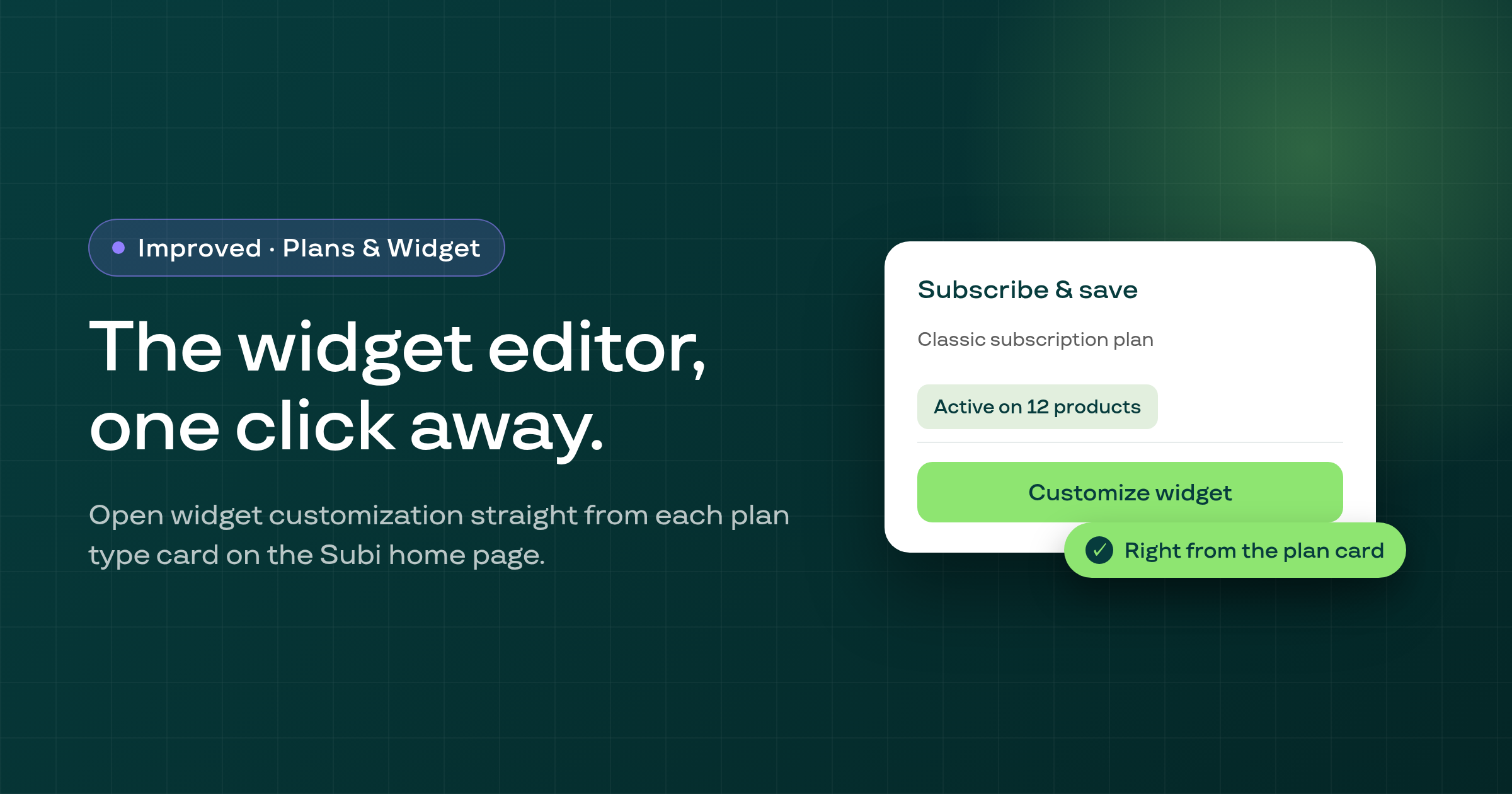
Merchants can now open the widget customization editor with one click from each plan type card on the Subi home page, making it faster to tailor how subscription options appear to shoppers.
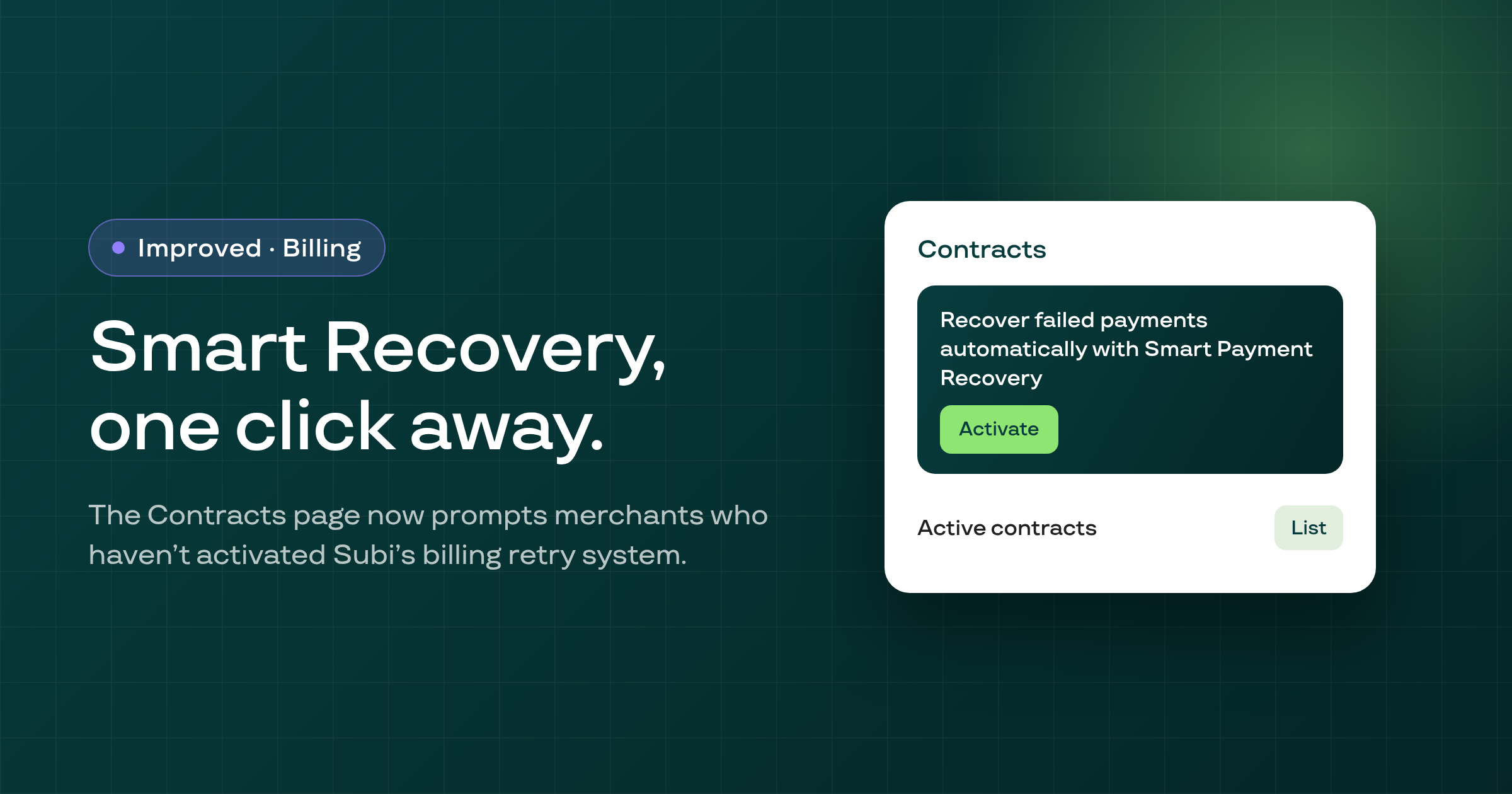
Merchants who haven't yet activated Smart Payment Recovery now see an in-app prompt on the Contracts page, making Subi's advanced billing retry system easier to discover and turn on.
The add-item flow inside the customer subscription edit-order modal now correctly displays selling plan options, product names, and variant names, and renders the selection interface in the right inline layout.
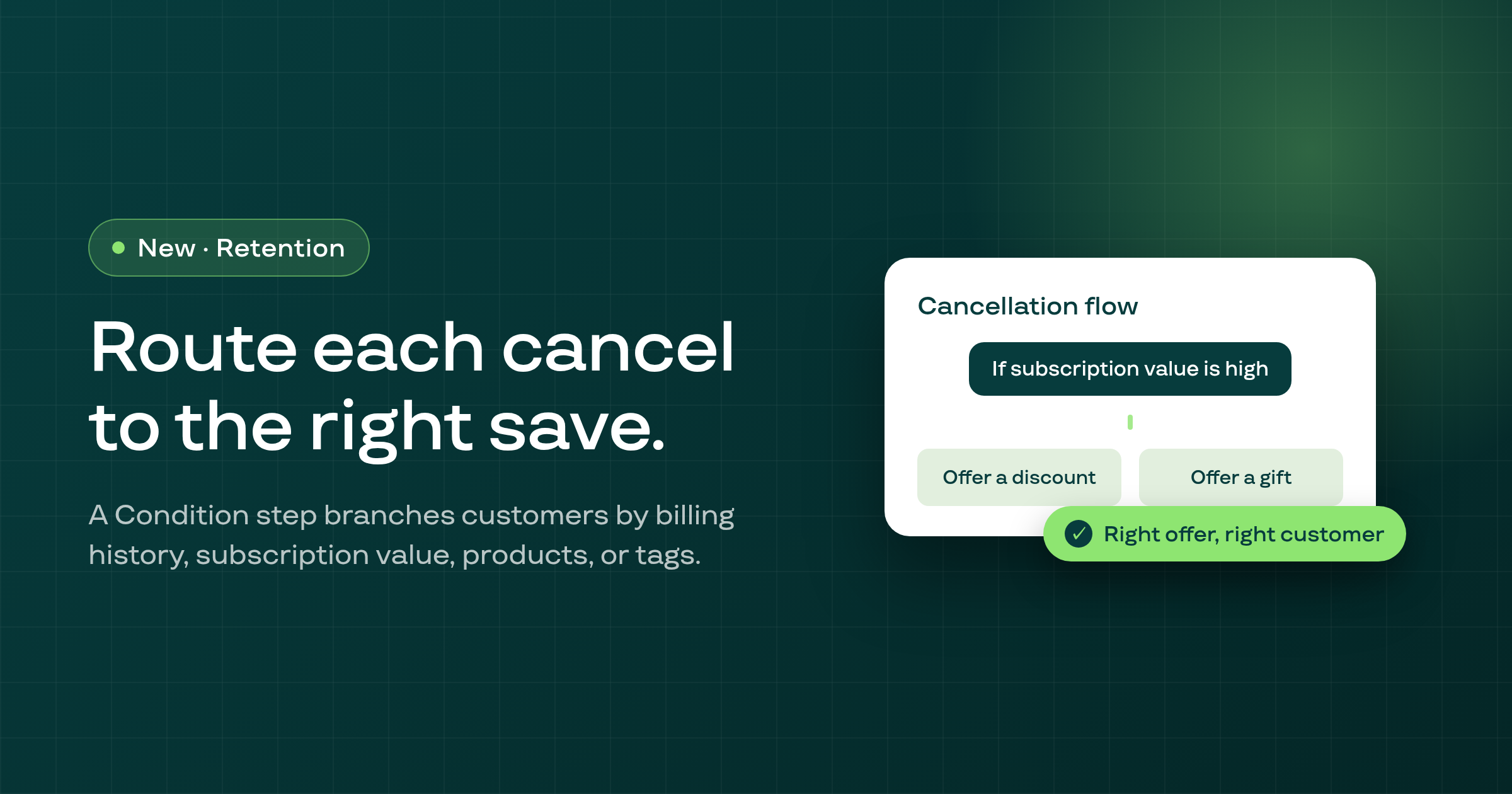
A new Condition step in the cancellation flow branches customers to different treatments based on their billing history, subscription value, products, or tags.
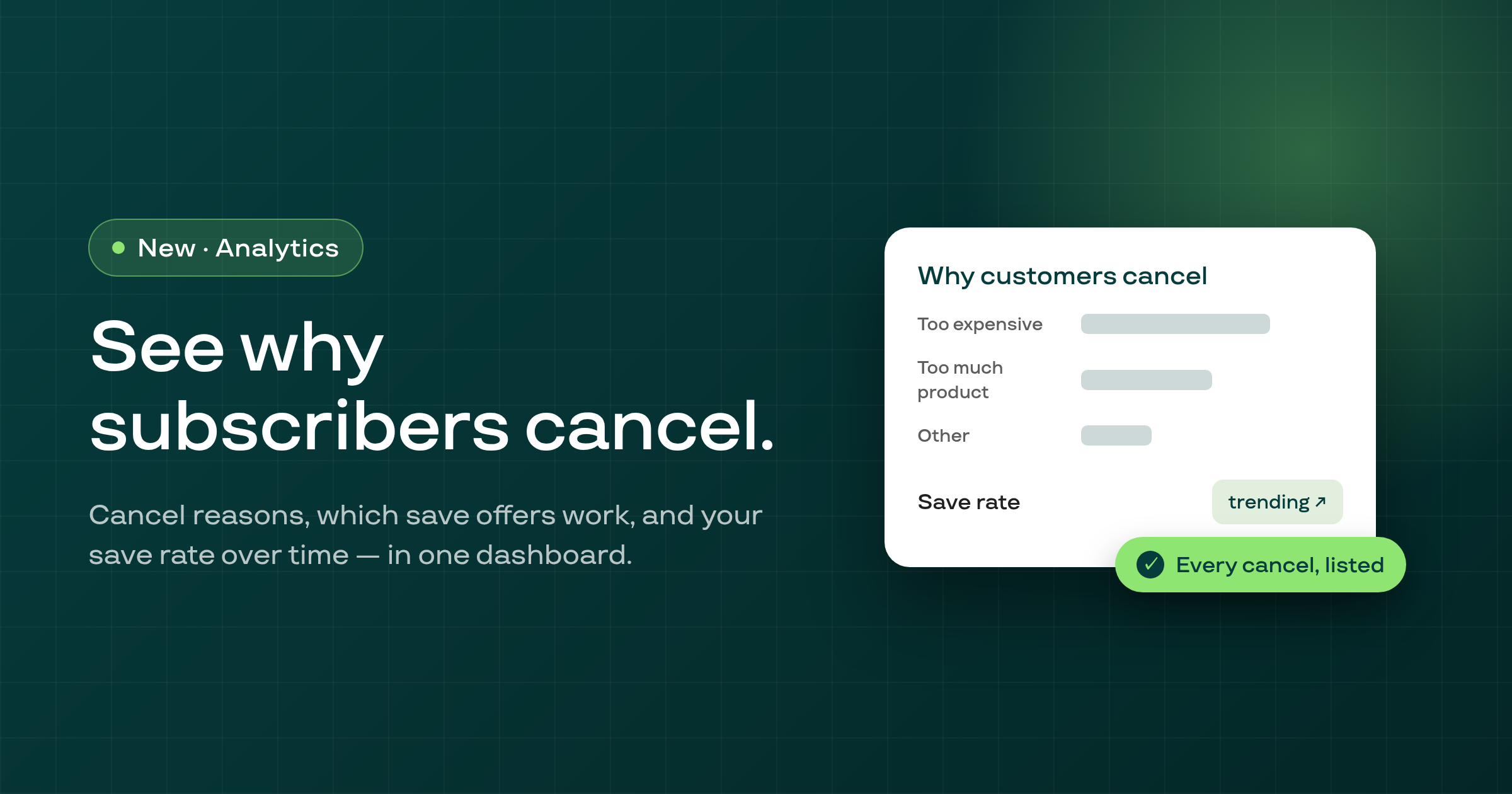
A new analytics dashboard shows why customers cancel, which save offers work, and your save rate over time — with a filterable list of every cancellation.
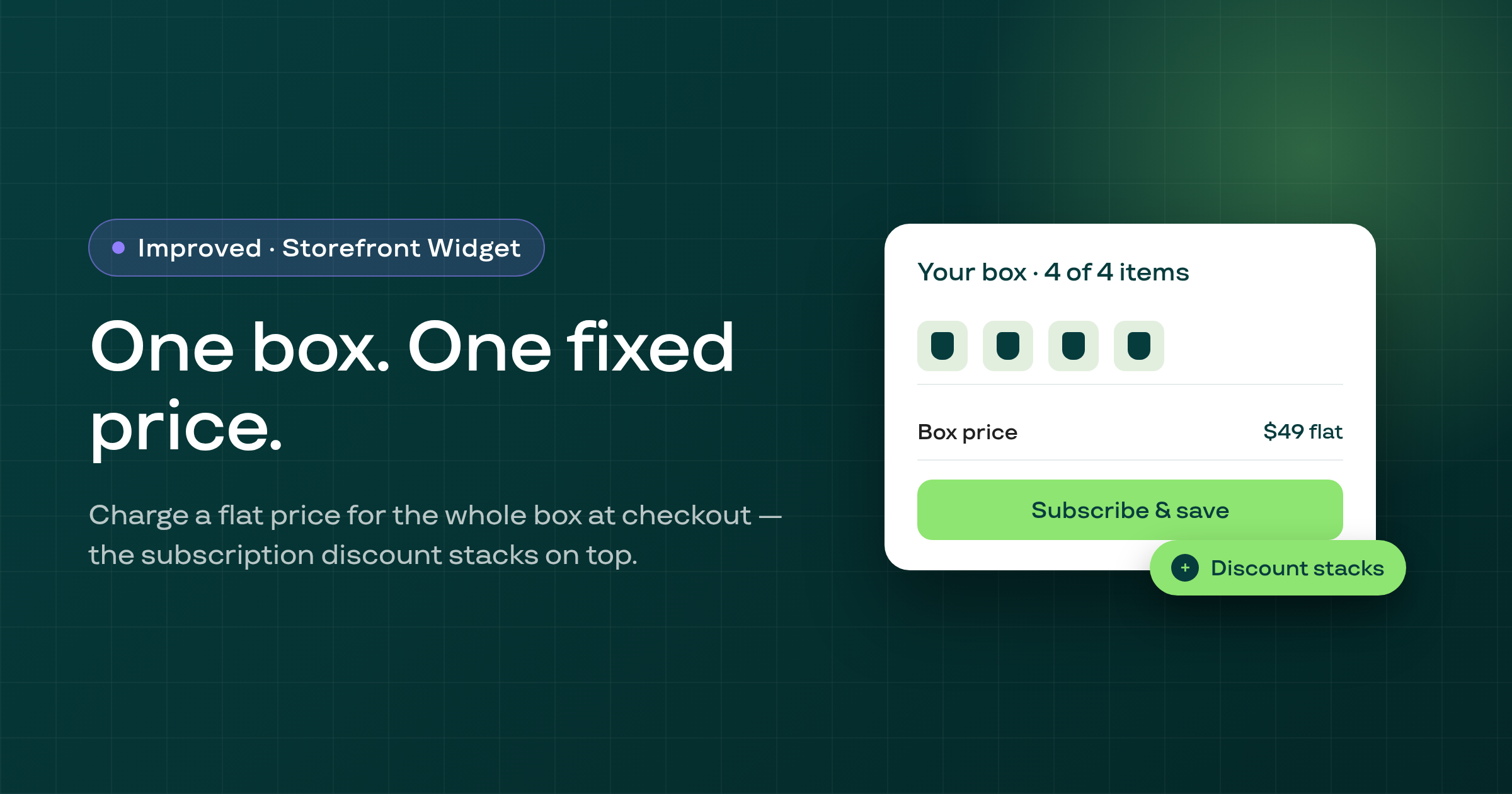
Build-a-Box now charges a flat, fixed price for a box at checkout, with the subscription discount stacking on top and correct pricing on multi-currency stores.
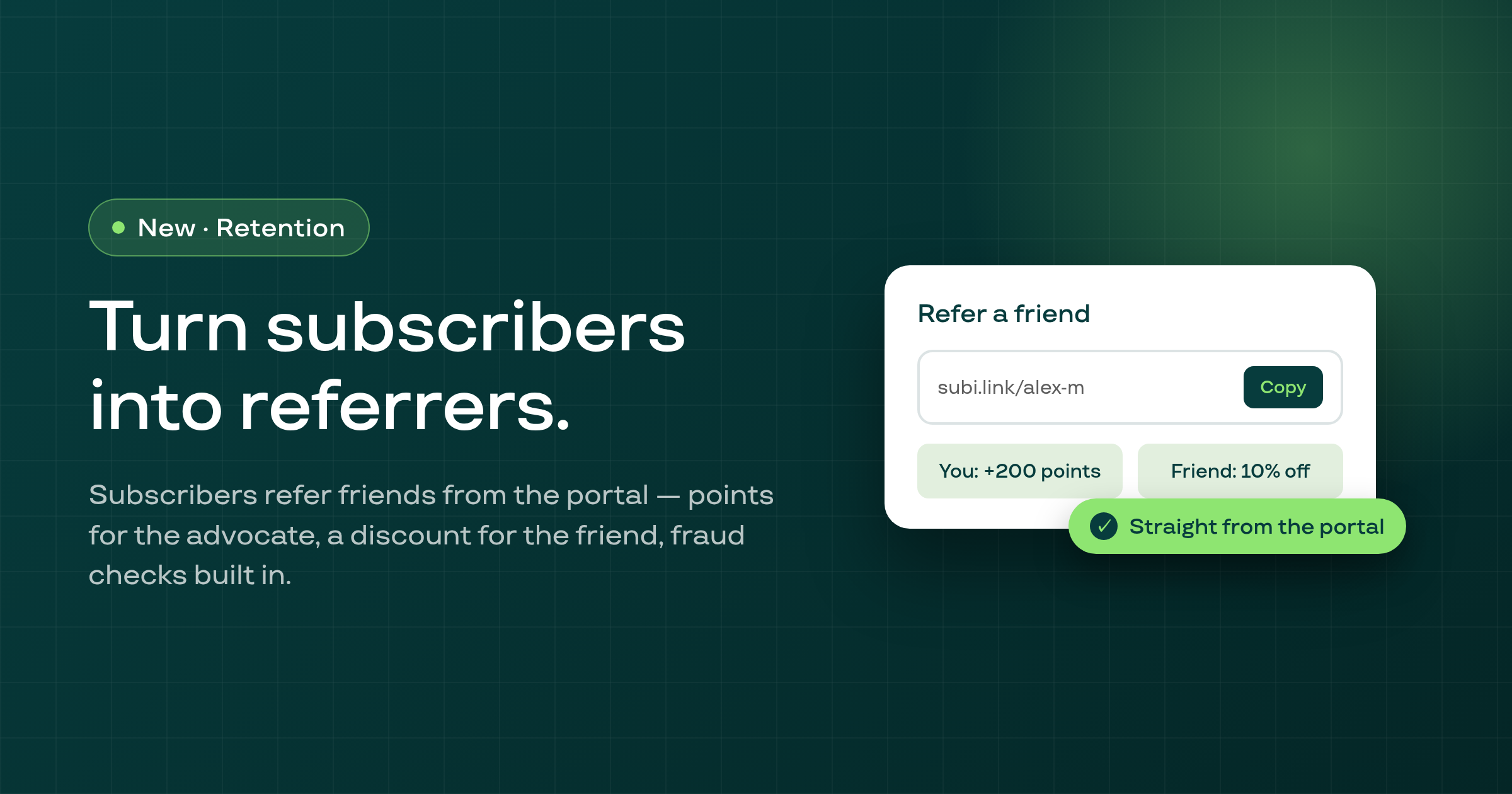
Subscribers can now refer friends from their portal — the advocate earns loyalty points, the friend gets a first-order discount, fraud checks built in.
Timed email sequences now reach out after a cancellation with a one-click reactivation offer — targeted by cancellation reason, measured per email step.
A new Theme Integration card on your home page shows whether your app embed and each Subi widget block is activated in your live theme, with direct editor links.
Subscribe to Subi events with merchant-configurable webhooks — signing secrets, multiple endpoints per topic, delivery logs, a test feature, and retries.
Subi's new Build a Box plan type lets customers assemble their own subscription box on your storefront, with per-option discounts and product pools by collection or your whole catalog.
Every plan type — including bundles and Build a Box — now lives in one Subscription Plans section, with a single create modal that shows all plan types.
You can now restyle the Subscribe & Save widget with custom color schemes, price-visibility toggles, advanced color settings, and a featured-benefits section.
Subi now offers a public REST API with a self-serve API-keys page in Settings, so you can programmatically access your subscribers and subscription contracts.
You can now configure upsell offers shown to subscribers — in the customer portal, in billing-reminder emails, and targeted by audience or customer segment — managed from a new Upsells menu.
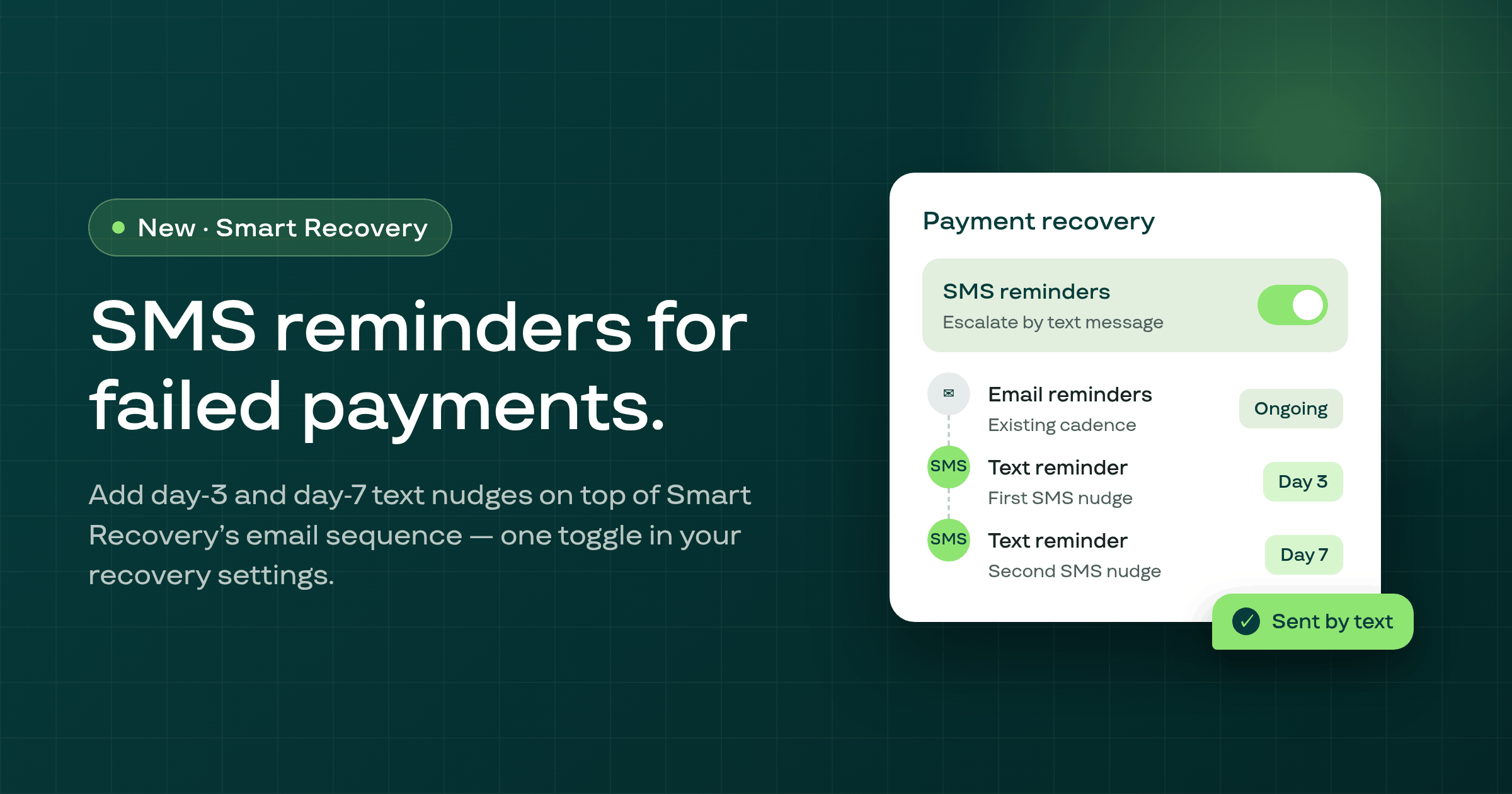
You can now send SMS notifications to subscribers for contract events and billing reminders — with customizable templates, an activation page, and customer opt-out and opt-in.
Subscribers can now request a product swap from the portal or customer account — browsing products that match their subscription frequency, seeing applicable discounts, and swapping per line — with a merchant toggle to allow or block swaps.
You can now edit many subscription contracts at once — next billing date, interval, shipping price, line price, skip the next order, send a management link, or swap a product — in a single bulk action.
The subscription contracts page has been rebuilt with multi-value filtering, sortable and configurable columns, and bulk actions so you can find and manage contracts faster.
You can now create curated subscription bundles — pick the products, set billing and delivery, add free shipping, and show the bundle on your storefront with its own widget.
Subscriptions now fully support local delivery — with address and instructions — and store pickup alongside shipping, shown clearly in subscription details.
Your customers can now manage subscriptions inside Shopify's native customer account — pausing, cancelling, swapping products, and changing intervals — with customizable content and button text.
The app, panel, customer portal, emails, and storefront tags have been rebranded from Subify to Subi — with legacy 'subify' tags still supported alongside the new 'subi' tags.
Subi now lets you sell membership plans — recurring memberships with tiers and free trials, joinable from storefront membership blocks and managed in the customer account.