Feature hubs, reimagined
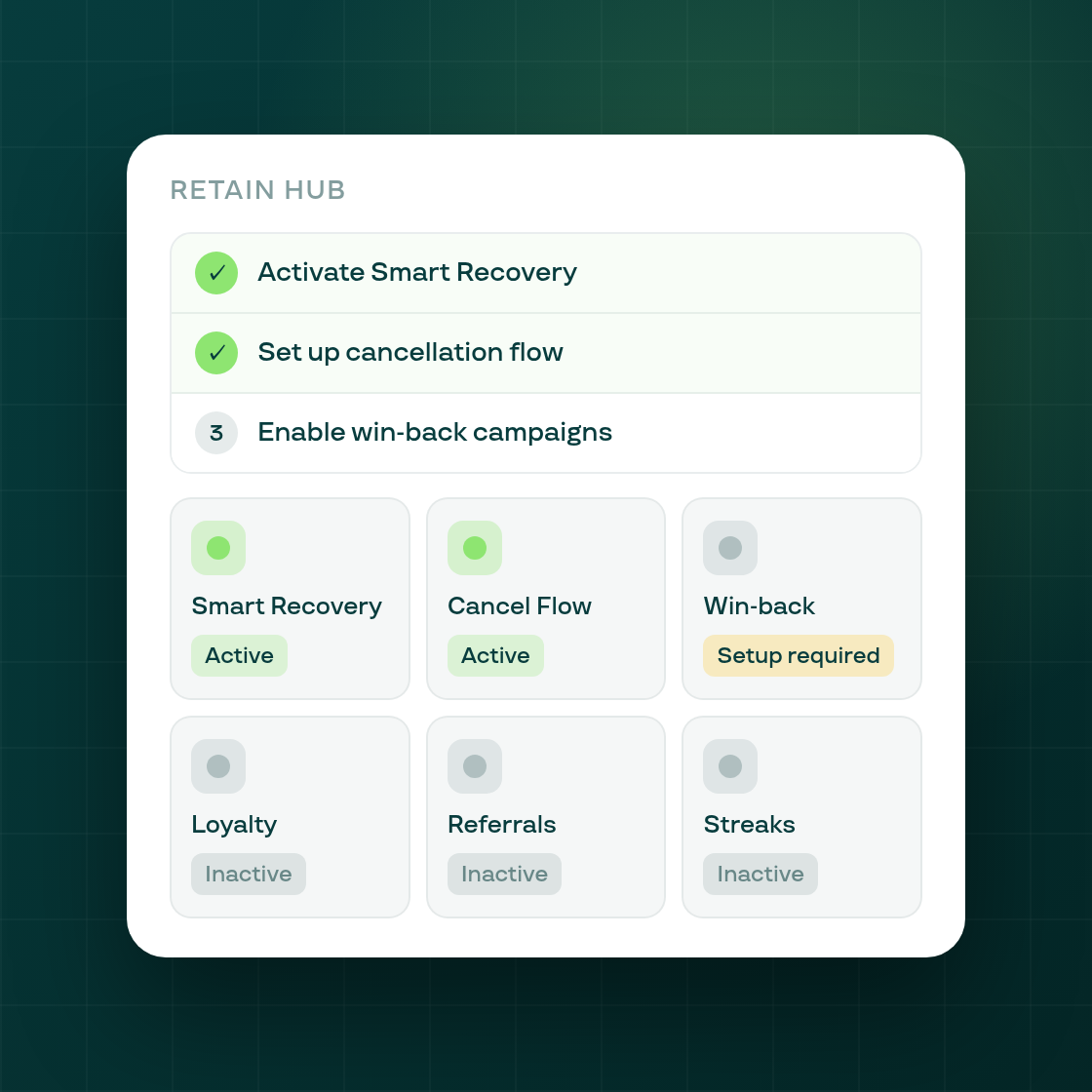
The Growth, Retain and Storefront hub pages in the Subi admin have been rebuilt — they now show you exactly what is live, what needs setup, and what to do next, rather than just listing feature links.
What changed
Illustrated feature cards with live status. Each hub now presents its features as illustrated cards. Every card carries a real-time status badge — Active, Setup required, Inactive, or Not on this plan — powered by a new backend endpoint (subify-backend!2166) that reads the configuration state of all features on a hub in a single call. Previously the page fired 6–7 separate list reads on mount; now one response covers the whole hub and the page loads with every status in place.
Per-hub setup guides. A checklist appears above the feature grid showing the steps to get the hub's feature set live. Once you have completed each step, the guide updates — so it stays useful even if you come back after a partial setup.
Responsive 3-up / 2-up-wide grid. The card grid adapts to the available width, including the narrower Shopify admin embedded iframe, without the equal-height tile glitches that affected earlier hub page versions.
One navigation improvement for Growth
On the Growth hub, Shopify Plus stores now go to the Surfaces settings page (covering cart drawer and checkout); non-Plus stores go directly to cart-drawer settings. The prior routing sent everyone through Surfaces first regardless of their plan — a navigation hop that only made sense for Plus, now removed for everyone else.
The hub rebuild is the second pass of Subi's activation-feature-discoverability project. Pass 1 shipped Home and the plan-type modal. This pass covers the three category hubs that follow.