Subi AI
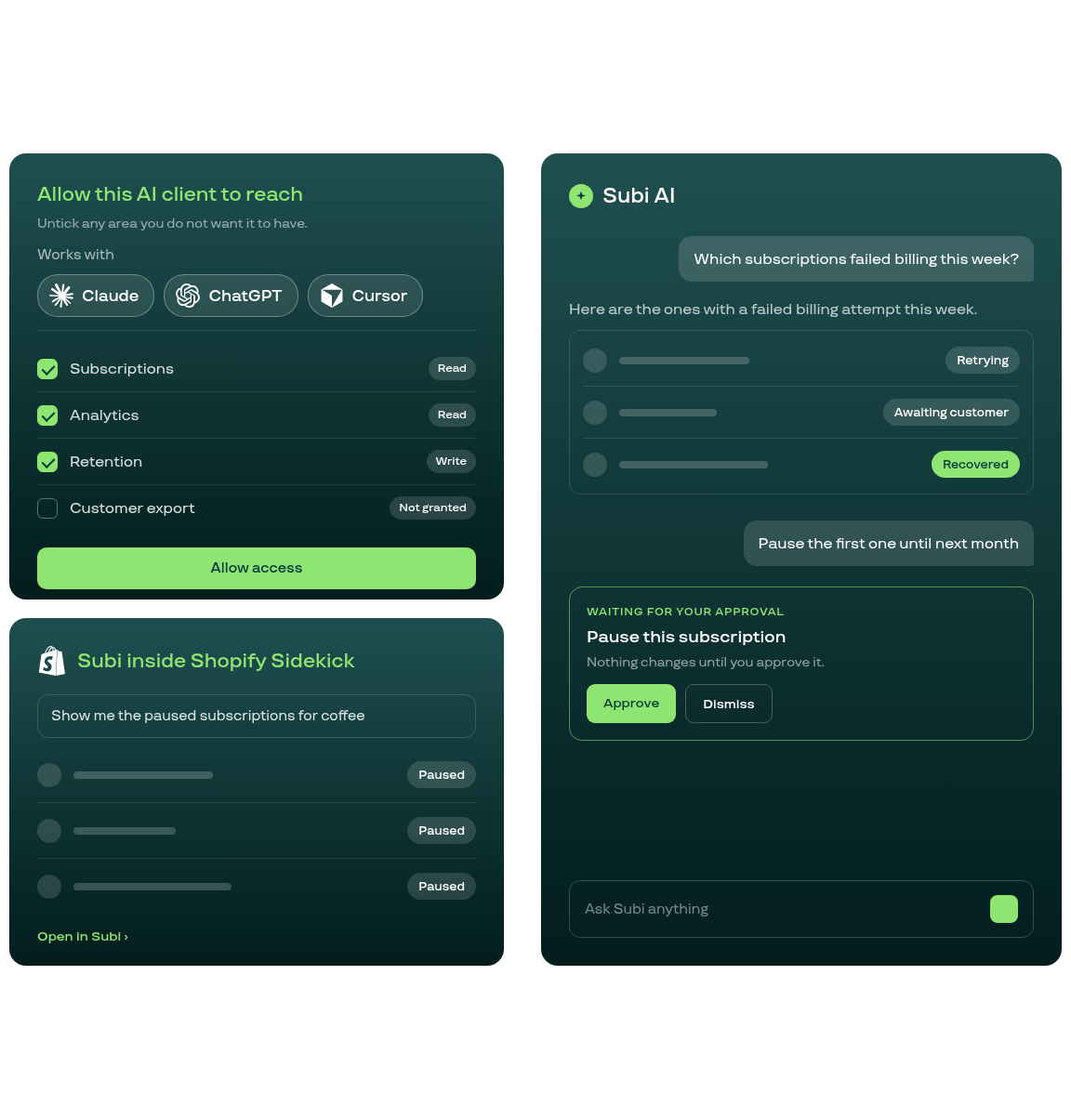
Ask Subi questions in plain English, let Shopify Sidekick work with your subscriptions, or connect your own AI agent over MCP. You decide what it may see and change, and in the Copilot and in Sidekick every subscription change waits for your approval.
An AI Copilot inside the Subi admin
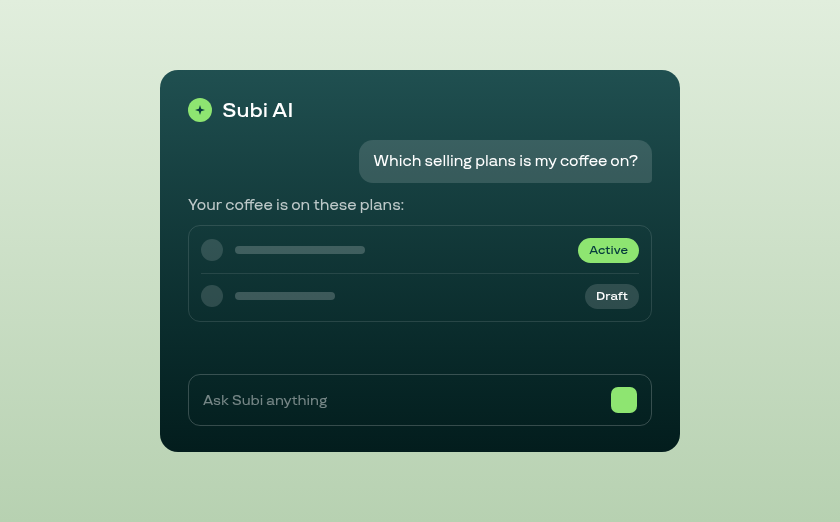
- Open it from the sparkle icon on any admin page, or the ask bar on the Home page
- Ask in plain English: which subscriptions failed billing this week, which plans a product is on, what a customer's history looks like
- Ask it to pause, resume or skip a subscription and it stages the change for you to approve before anything moves
- It works with your own admin permissions and keeps the conversation in the panel so you can review what it found
Connect your own AI agent over MCP
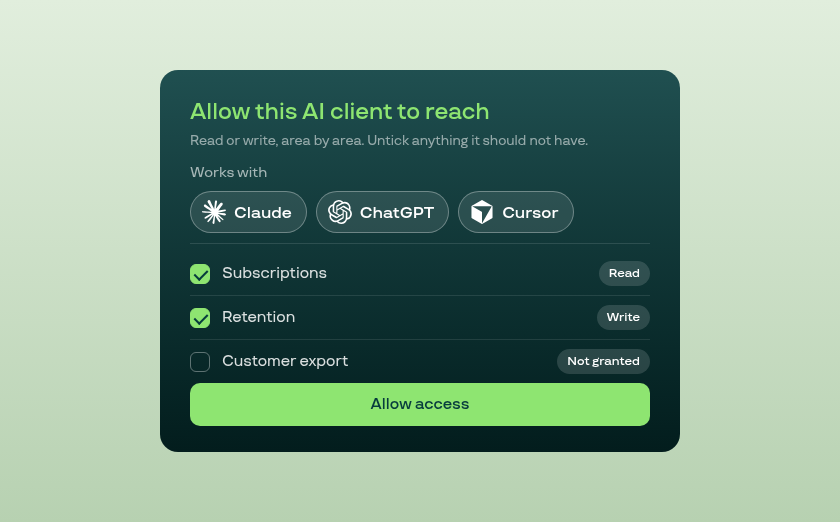
- A remote MCP server at api.subi.co/mcp, for Claude, ChatGPT, Cursor or an agent your team built
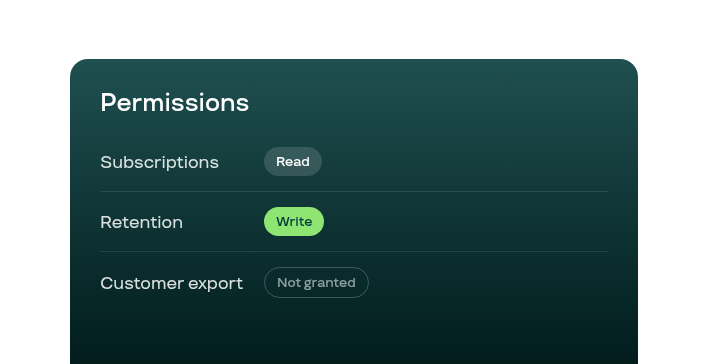
- Eight permission areas, each granted read or write on a consent screen inside your Shopify admin
- Customer names, email addresses, phone numbers and addresses sit behind a separate permission you grant on its own
- Included with the Subi Plus plan, and available as an add-on on other paid plans
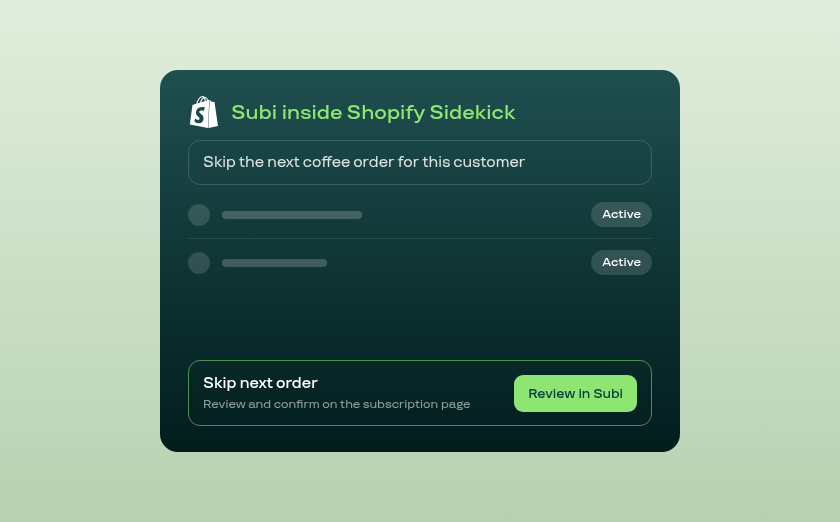
Subi answers inside Shopify Sidekick
- Ask Sidekick to find your Subi subscriptions by customer, product, status or next billing date
- Ask it to pause, resume or skip a next order: Subi prepares the change and you confirm it on the subscription page
- Describe a Subscribe & Save plan and Sidekick opens the plan page pre-filled for you to review and create
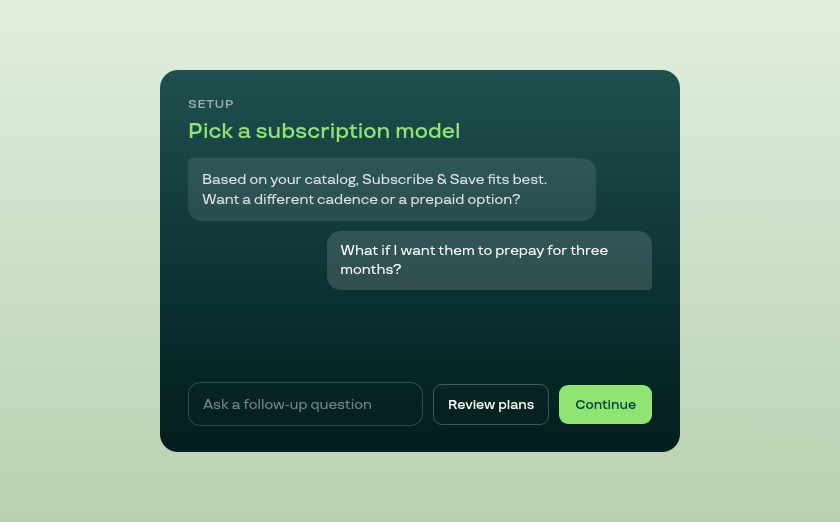
A real conversation during setup
- The setup wizard opens the subscription-model step with a recommendation based on your store
- Ask follow-up questions about pricing structure or cadence and the answers keep the whole exchange in mind
- Your questions and its replies stay on screen, and Review plans takes you back to the model grid at any point
The Go-To Choice for Over 9,000 Shopify merchants








You stay in control
Subi's AI features share one design: clear permissions, your sign-off before the Copilot or Sidekick changes a subscription, and a record of what happened.
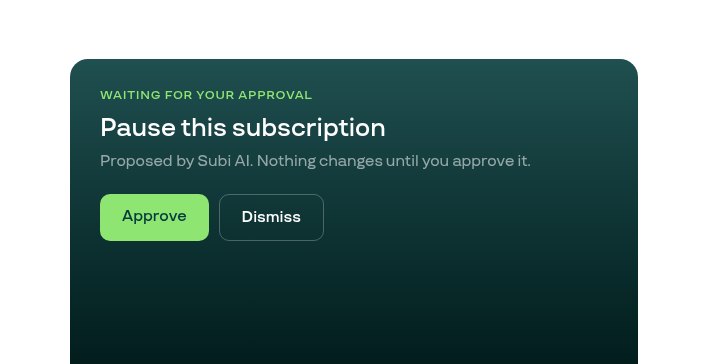
Approve before it acts
In the Copilot and in Sidekick, a pause, resume, skip or new plan is prepared as a proposal you confirm or dismiss.
Permissions per area
An MCP connection gets read or write access area by area, and only the areas you tick on the consent screen.
Connections and activity
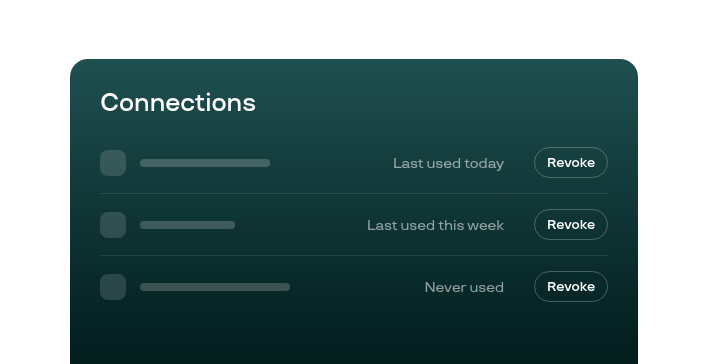
Under Settings, see every connected client, revoke it in a click, and read a log of every call it made.