Who's opening your emails?
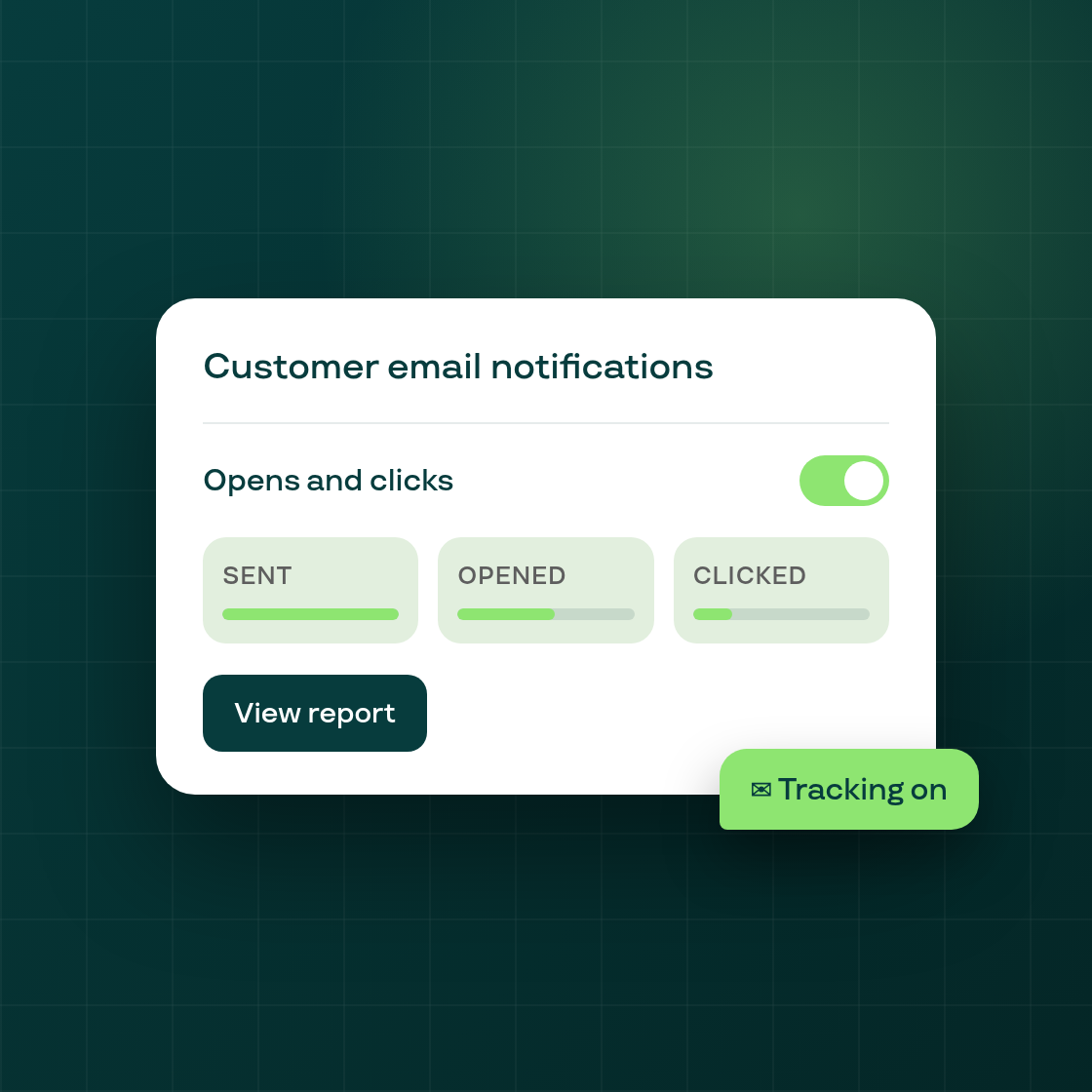
Subi can now tell you whether the emails your subscribers receive are actually being opened and clicked.
Find it under Settings > Notifications > Customer email notifications. A new Email tracking card sits under Sender email. Turn on Opens and clicks, and Subi starts tracking opens and link clicks on the customer-facing emails it sends on your behalf.
See the numbers without leaving Settings. While tracking is on, the card shows your last 30 days at a glance: how many emails were sent, your open rate, and your click rate. A View report button opens a full page with the same numbers broken out by email type, so you can see which notifications your subscribers actually read.
Your choice, respected either way. If your store is in the EU, EEA, or UK, turning tracking on asks you to confirm first. Everywhere else, tracking starts on by default for shops that haven't chosen yet, since customer email was tracked by default until 21 October. You can turn it off at any time, just as easily as you turned it on.
A caveat on the numbers. Some email apps open messages automatically to scan them, which can make open rates look inflated elsewhere. Subi drops those automated opens, so the opened percentage you see is a floor, not an exaggeration, and it only counts emails sent after you turned tracking on.