Contract page, rebuilt
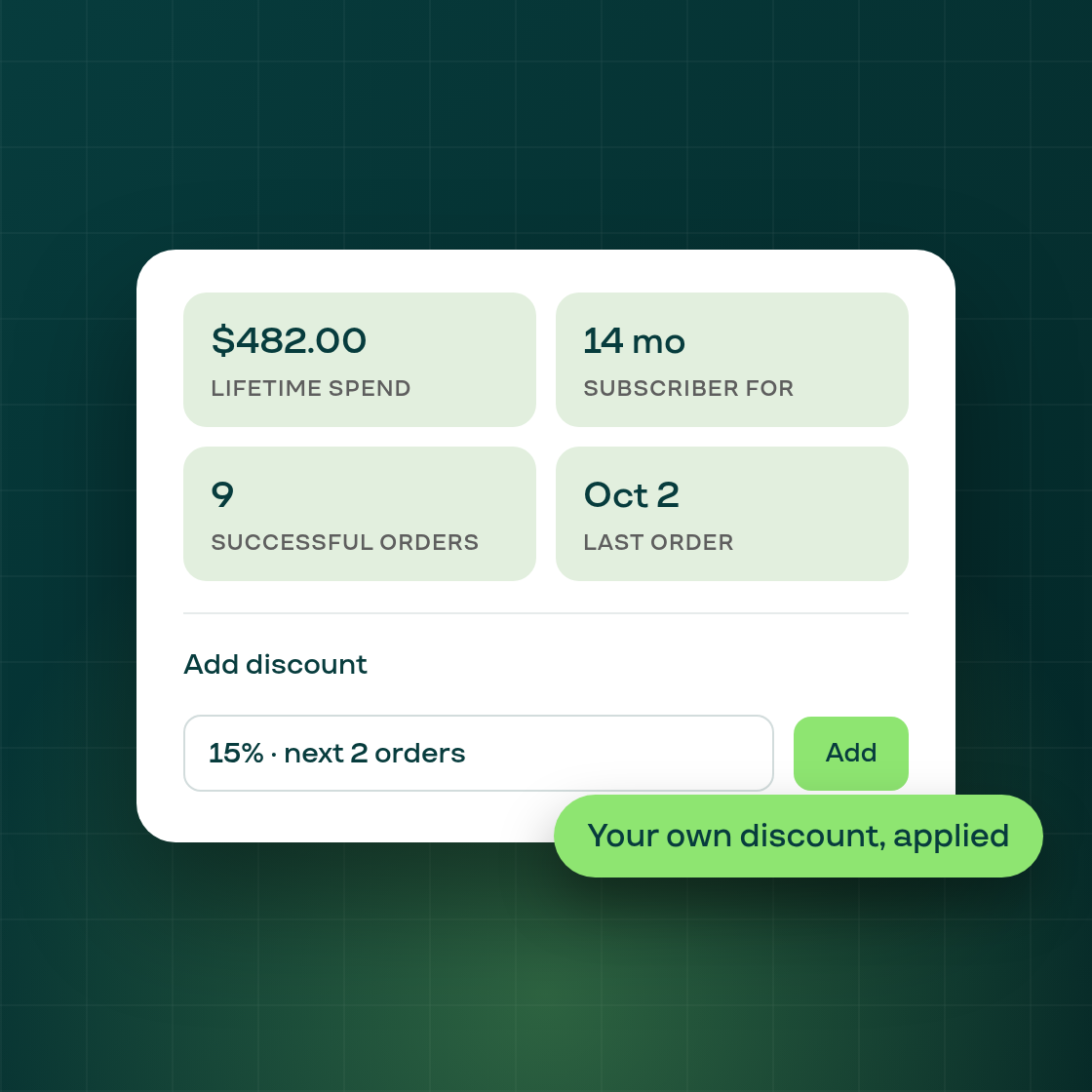
The subscription contract page has been reorganized into a clearer card layout: the next order, the customer and payment details, and the activity timeline each sit in their own section instead of one dense column.
A new strip at the top of the page now shows four numbers for the subscriber at a glance: lifetime spend, how long they've been subscribed, their successful order count, and the date of their last order. These update automatically as the contract's billing history grows.
Adding a discount is also easier. Where a merchant could previously only apply an existing Shopify discount code to a contract, there's now an Add discount dialog that creates a custom percentage or fixed-amount discount directly, applied to the next order, a set number of upcoming orders, or every future order. The discount is calculated in the contract's own currency, so a fixed amount on a CAD contract is applied in CAD regardless of the shop's base currency.
Ended or cancelled contracts no longer show a next order or an Add discount option, since there's nothing left to apply a discount to. Everything else on the page, including Pause, Resume, Cancel and the order and note history, works as it did before; only the layout and these two additions are new.
This is live now in the merchant admin, on every subscription's contract page.