Your subscribers, as a list
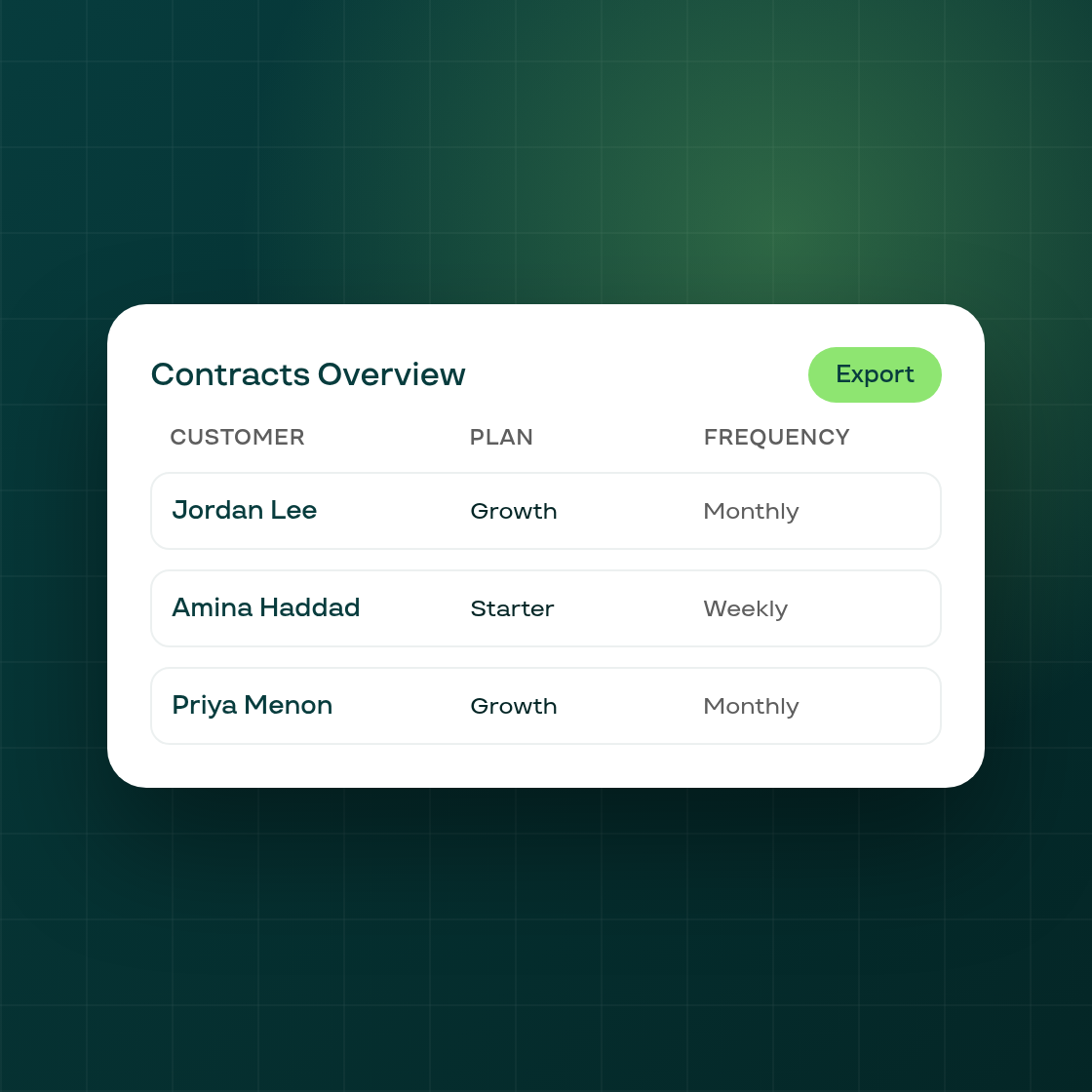
Contracts Overview, in the Analytics Contracts tab, used to be a report for watching contract trends over time. It's now also a way to build an actual list of your subscribers.
A new link from Settings › Data export opens Contracts Overview as a subscriber list. Nine new columns are available: Subscription Plan, Delivery Frequency, Last Charged On, Phone, and the shipping address broken into Shipping Address, City, Province, Zip and Country. Alongside them, customer names and emails on this report now show in full instead of masked, matching what you already see in Settings' own export, so you can search "Email contains" to find a specific customer. Picklist filters let you narrow the list by plan, product or billing frequency, an "is between" filter narrows it by date range, and an export modal turns whatever you've filtered to into a downloadable file, with phone numbers exported in their proper typed format rather than as plain text.
The on-screen record count is now the true total number of matching rows, no longer capped at 1,000 the way it was before.
This builds on the Contracts tab inside Analytics, which continues to work as before for merchants who just want the trend view.