More tries for yearly renewals
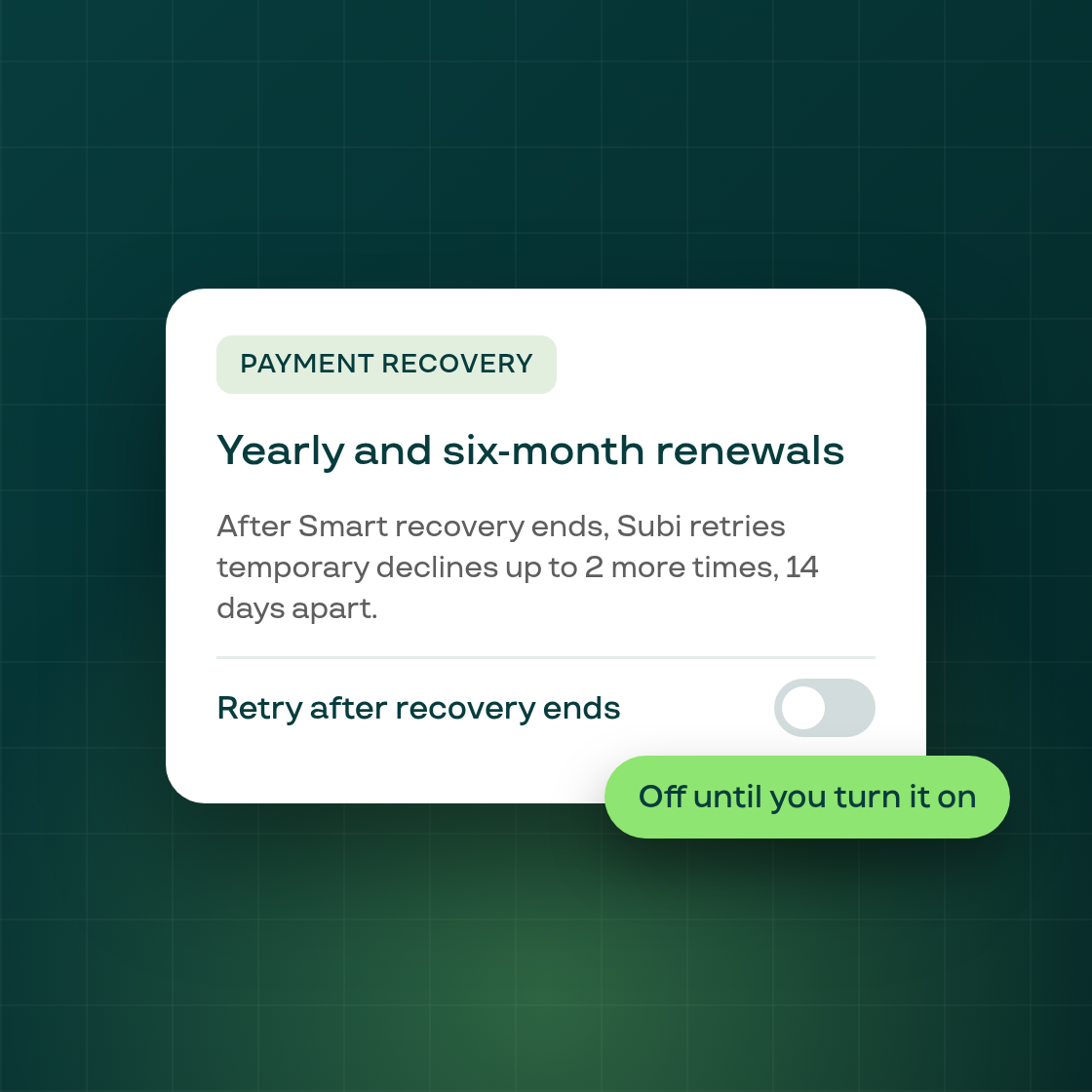
You can now decide whether Subi keeps trying failed renewals that bill every six months or longer. The switch is on the Payment recovery page and is off until you turn it on.
What it does. When the switch is on and Smart recovery ends for one of these renewals, Subi retries temporary declines up to 2 more times, 14 days apart. While the retries run, the subscription stays active.
Where to find it. Open Payment recovery and go to the last section of Recovery behaviour, "Yearly and six-month renewals". Turn on "Retry after recovery ends" and save the page with the rest of your settings. The line under the switch tells you whether it is currently off or on.
A prompt on Home. Where it applies to your shop, Home shows a banner offering the retry once, so you can turn it on without searching for the setting.
You stay in control. No shop changes behavior at release. A shop that has not turned the switch on gets no extra attempts, and you can turn it off again at any time.
Follow Subi on LinkedIn for what we ship next.