Improved
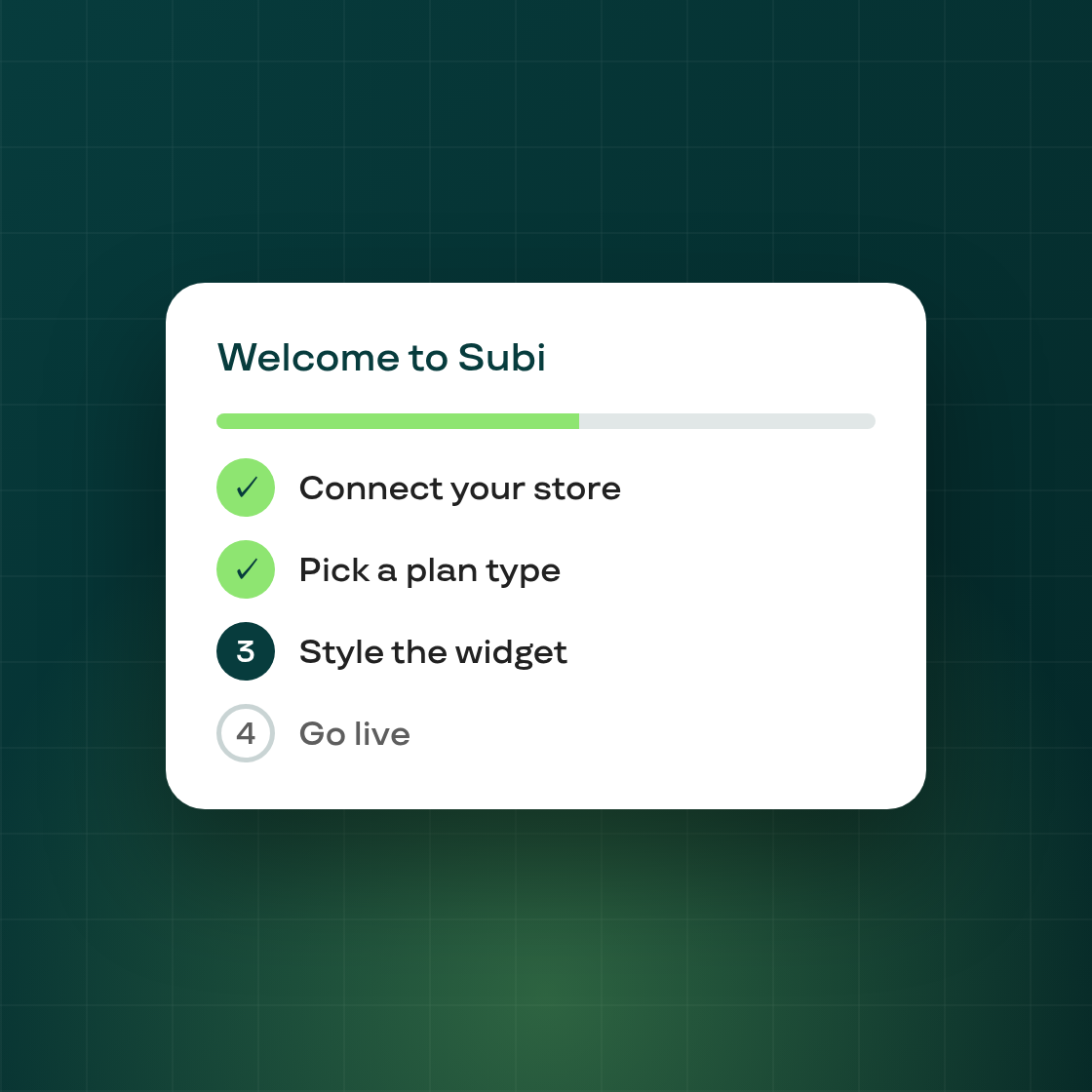
Set up Subi in four guided steps
Platform
First impressions matter twice — at install and on the pricing page. Both got a refresh.
A guided install, adapted to your store
The install quiz is gone; in its place a guided 4-step wizard:
- Subi detects your store on install — products, language, any existing subscriptions (including from another subscription app you might be coming from) — and adapts the steps to your situation.
- Pick a subscription goal — Subscribe & Save, Membership, Mystery Box, Build a Box, or Fixed Bundle. An AI recommendation explains why a particular path fits, and you can refine it with free text and regenerate.
- Subi drafts your starter plan from your catalog: every field pre-filled, every field editable, with a live phone preview alongside.
- Pick any theme (live or draft) and verify the widget, then choose a pricing plan to finish — free plans apply directly with no approval screen.
Migrating from another subscription app? The wizard surfaces a Request migration help option so our team can assist with transferring subscribers.
A pricing page that answers "what will I pay?"
- A slider above the plan cards shows each plan's price at different subscriber counts — drag it and prices update live.
- The comparison table's monthly-price row follows the slider too.
- The SMS fee moved off the pricing page to the SMS notification settings, where it belongs.