Your loyalty members.
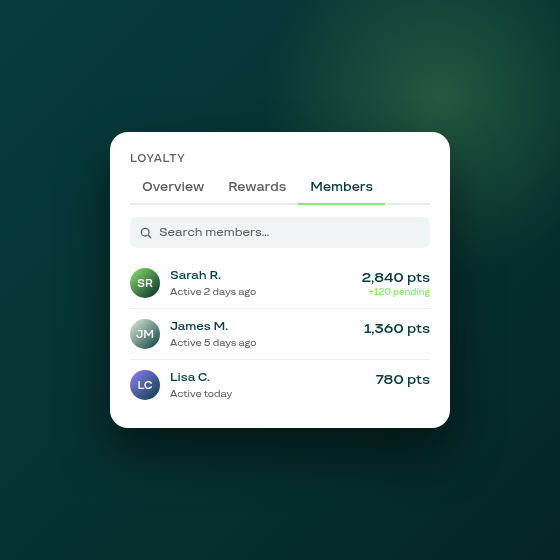
Until now, merchants running a Subi loyalty programme had no way to see a customer's points balance from the admin panel. The Members tab changes that.
Loyalty now has a Members tab. Open Loyalty in your Subi admin and select the Members tab to see a paginated list of every enrolled customer. Each row shows the customer's name, their current points balance (with pending points shown beneath when non-zero), the total points they have earned since joining, and when they were last active in the programme.
Search by customer name or email to find a specific member without paging through the list.
Why this matters. When a customer contacts support asking about their balance, or when you want to verify that a reward redemption was recorded correctly, you previously had no in-app path to that answer. The Members tab is a direct lookup without needing to export data or check a connected app.
The Members tab is available to all merchants with the Subi loyalty programme active. Data is served from a shop-scoped index, so the list loads quickly regardless of programme size.