Sold-out renewals, handled
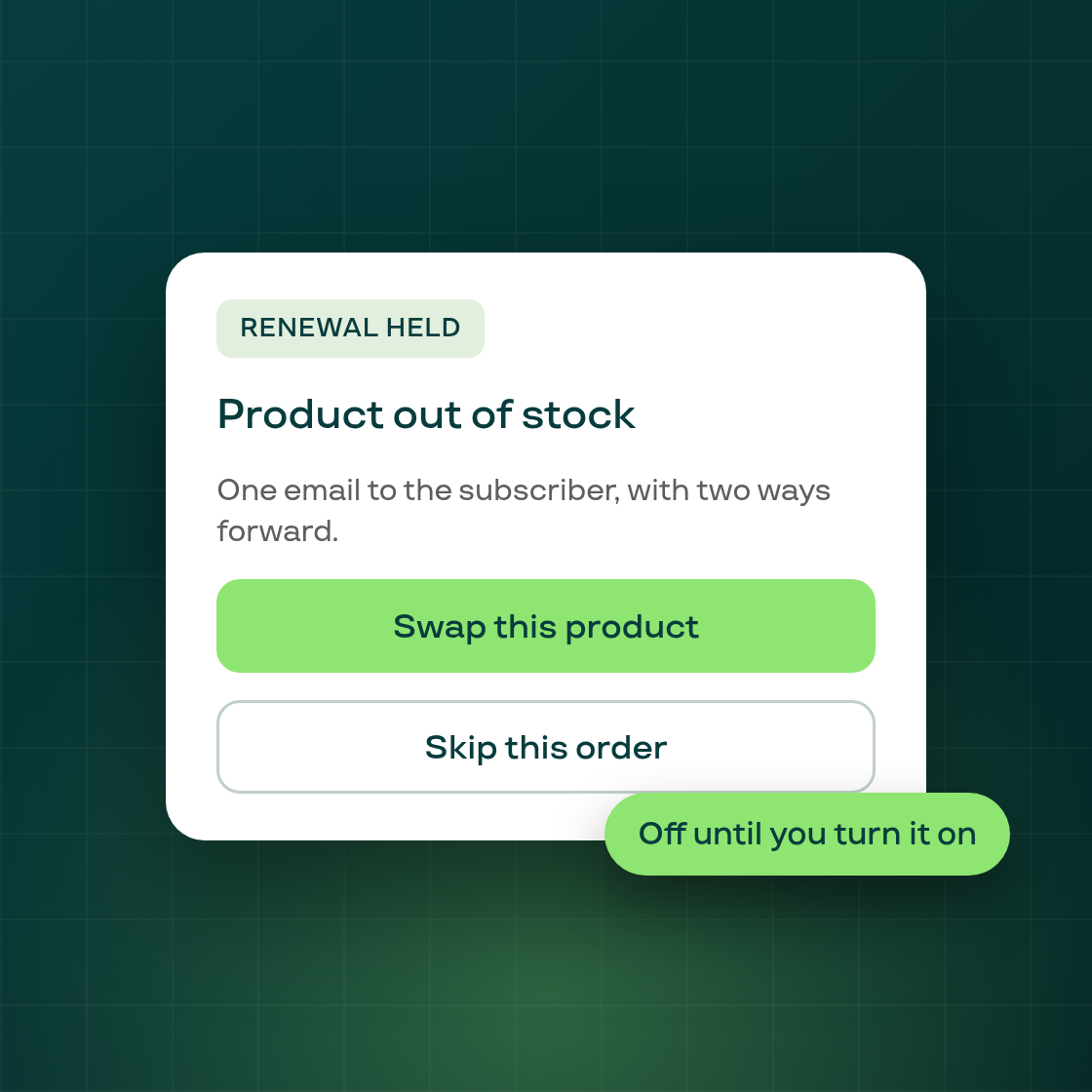
When a renewal is held because a product is sold out, your subscriber can now hear about it and fix it themselves. At shops where Product swap is allowed, Subi sends one email with two choices: swap the sold-out product, or skip that order.
What the subscriber sees. The email lists the subscription's recurring lines and offers "Swap this product" and "Skip this order". Swap opens the subscription, signed in, with the swap ready on the sold-out line. Skip opens a confirmation page that ends only the held order. A one-time item on the held cycle is not shown in the email.
What happens after a swap. The subscriber's own swap retries the held renewal, so they do not have to wait for you to step in.
How to turn it on. Open Settings, then Customer emails, and find "Renewal held: product out of stock" under Billing and payments. It carries a "New" badge, is off by default, and a chevron opens its template. The email goes only at shops where Product swap is allowed, so check that setting too.
You stay in control. No shop sends this email until its merchant turns the switch on, and only where Product swap is allowed.
Follow Subi on LinkedIn for what we ship next.