Klaviyo settings, clarified.
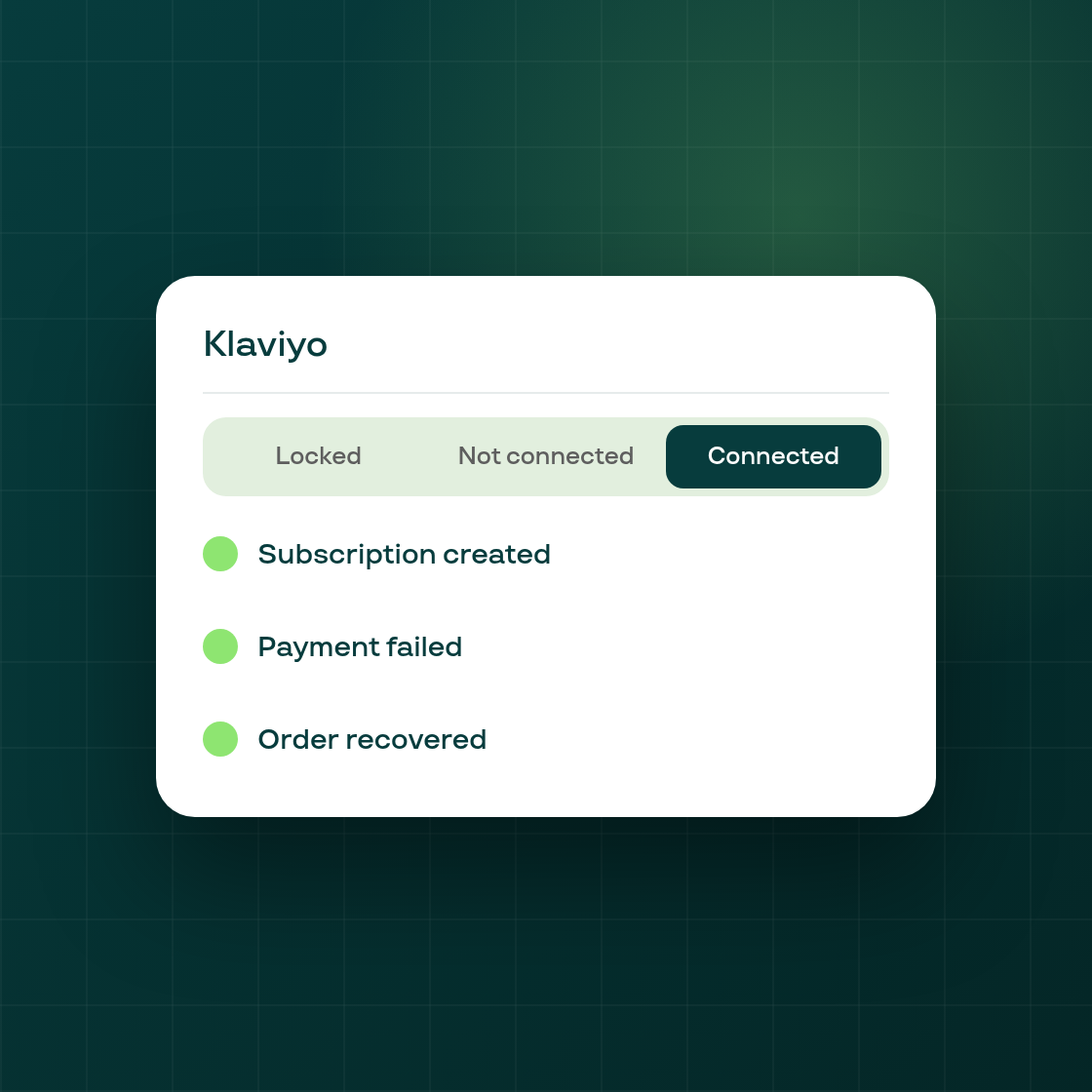
The Klaviyo settings page used to leave merchants guessing: a shop that hadn't connected Klaviyo saw an empty page with no explanation, and a shop that had connected it saw red Deactivate buttons with no names for the Klaviyo events Subi sends.
Three clear states, each explained. If your plan doesn't include Klaviyo, the page now shows a locked preview of what the integration looks like once it's available. If Klaviyo isn't connected yet, you get a dedicated view explaining how to connect it. Once connected, the page lists the specific events Subi sends to Klaviyo by name, instead of an unlabeled toggle list.
A help link in every state. Whichever state you're in, a footer link points to the relevant help article, so the page can answer most questions about Klaviyo on its own.
This is a clarity change to an existing integration: nothing about how Klaviyo connects to Subi, or which events it sends, has changed, only how clearly the settings page explains it.