Skip limit, shown up front
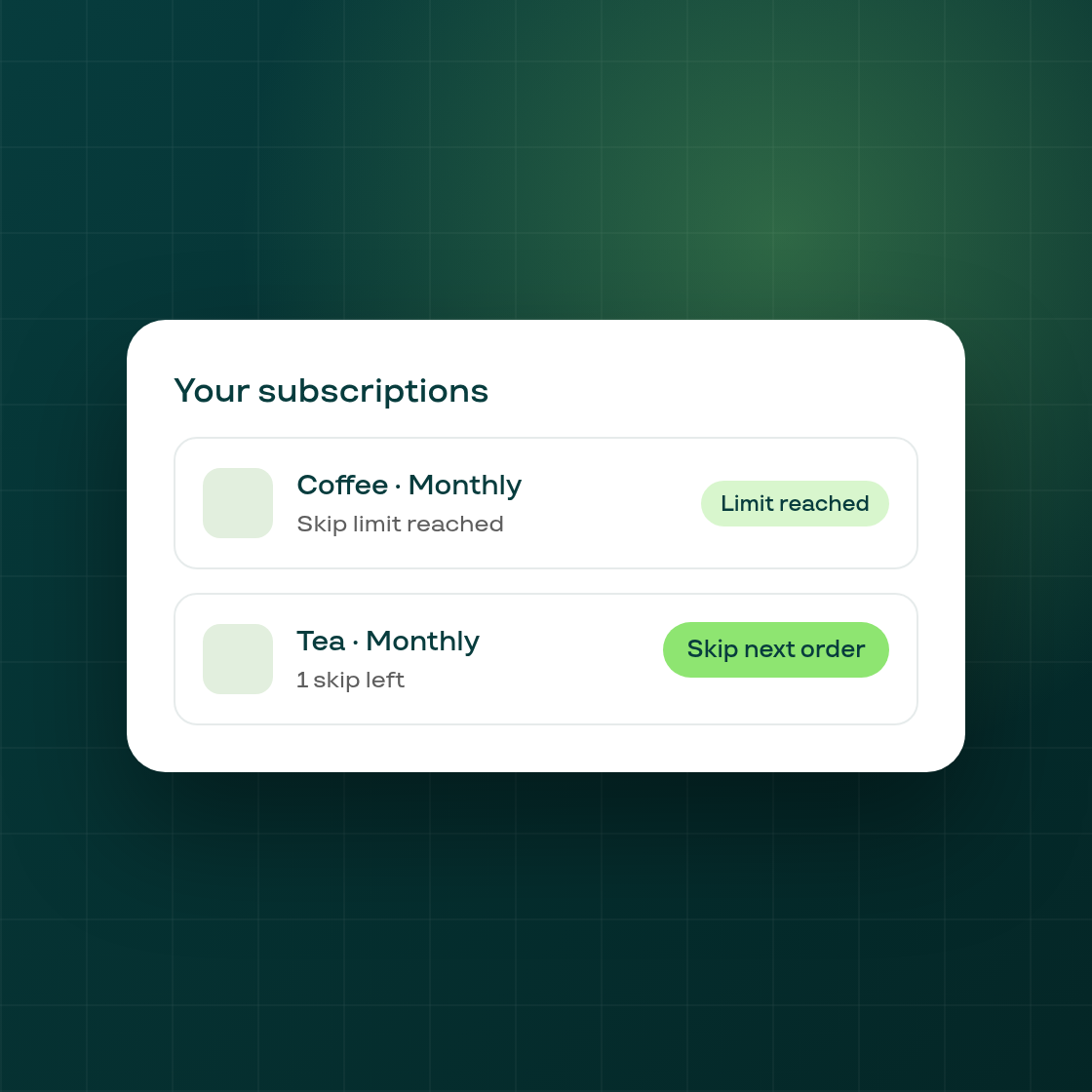
If your store limits how many times a subscriber can skip an order, the customer portal's subscriptions list previously showed the same "Skip next order" action on every card, whether or not that subscriber had any skips left. A subscriber who had already used up their allowance only learned it after tapping the button.
The subscriptions list now carries that information up front: a card belonging to a subscriber who has used every skip your store allows shows "Skip limit reached" as soon as the list loads, instead of a live button that turns out to be blocked.
This builds on the skip-limit feature already available in the portal, and only changes shops that have a skip limit configured; a subscriber with skips remaining sees the same "Skip next order" action as before.