Pauses now have an end date.
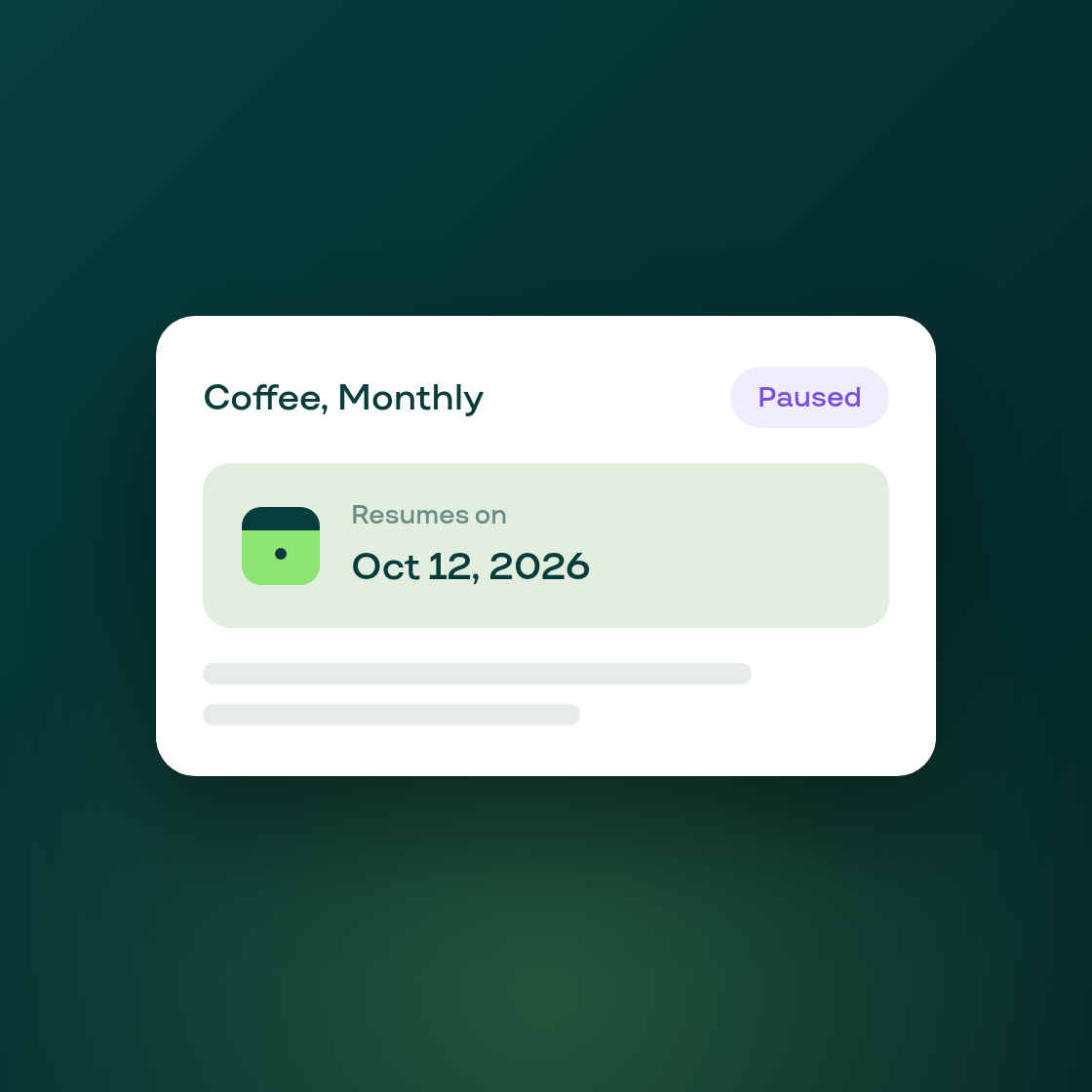
Pausing a subscription in your customer portal used to be a single confirmation with no end in sight. It now asks the customer how long the pause should last, whether that's skipping the next order only or a set number of orders, and shows the exact date the subscription starts again.
That resume date is stored durably against the contract, so a routine Shopify sync can't wipe it out. It's only cleared when the customer resumes manually, cancels, or resumes the subscription directly from Shopify. One daily job resumes the subscription automatically once its date arrives; another sends the reminder email ahead of time.
Your admin's contract page now shows the resume date beside a paused contract's status, so you can see at a glance when a paused customer is coming back without digging through the portal.
There's a new reminder email too. In your notification settings, a "before resume" mail sits between your existing "Subscription resumed" and "Subscription paused" templates, with its own on/off switch (checked on by default) and the same template editor you already use for contract emails. The reminder links let a customer keep their pause going or cancel outright, without needing to log in.
A new "resume-dating" toggle sits beside your existing Pause permission in customer portal settings, also checked on by default, in case you'd rather your subscribers not see the new duration prompt.