New
Product swaps that run themselves
RetentionSubscriptions & Plans
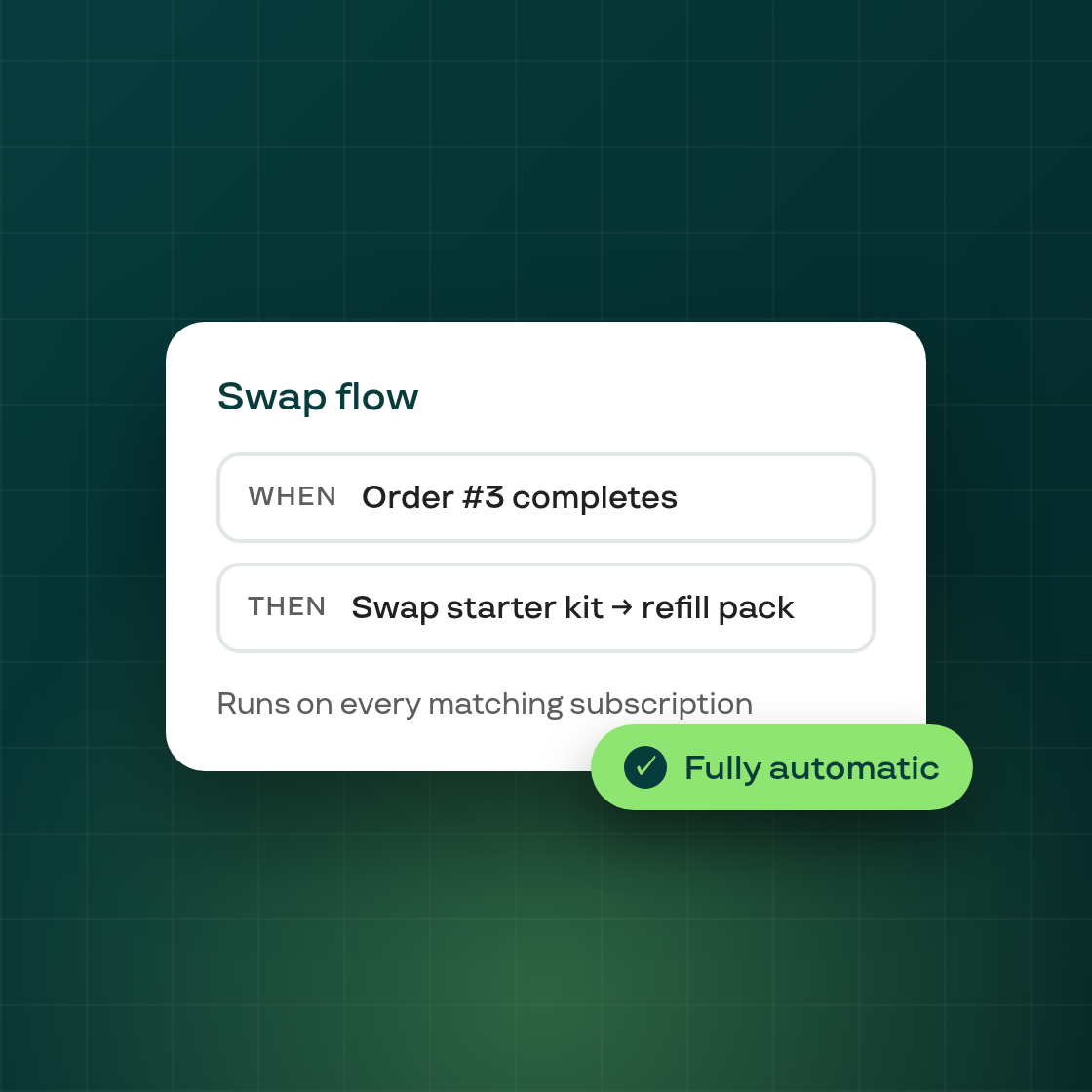
Auto Product Swap is now available on the Flows page. Build no-code rules that automatically replace a product in a subscriber's contract with a different product — based on the order number or the products on the contract — with no manual edits required.
How it works
Open Growth → Retention → Flows and click Setup on the Auto Product Swap card. The builder ships with a ready-to-use template:
- Trigger — Subscription order created (runs on the first checkout order and every renewal).
- Conditions — order number equals (fire after order 1, order 3, …) and product title (fire when the contract contains specific products), combined with AND.
- Actions — swap product (replace a product with a target variant you pick), then optionally send email to notify the customer, with templated variables for the customer name, old/new product, and a manage-subscription link.
Turn the flow on with Turn on flow — until then it stays in draft and nothing happens to real subscriptions.
What you can build with it
- Replace out-of-stock SKUs with an in-stock alternative until supply returns.
- Story-style subscription boxes that rotate products each renewal.
- Move new subscribers from a starter product to a full-size product after their first order.
- Migrate subscribers off a discontinued product to its successor.
Every swap is logged in the contract's change history, the customer email is optional, and you can pause the flow at any time.