Subscribe first, pay later
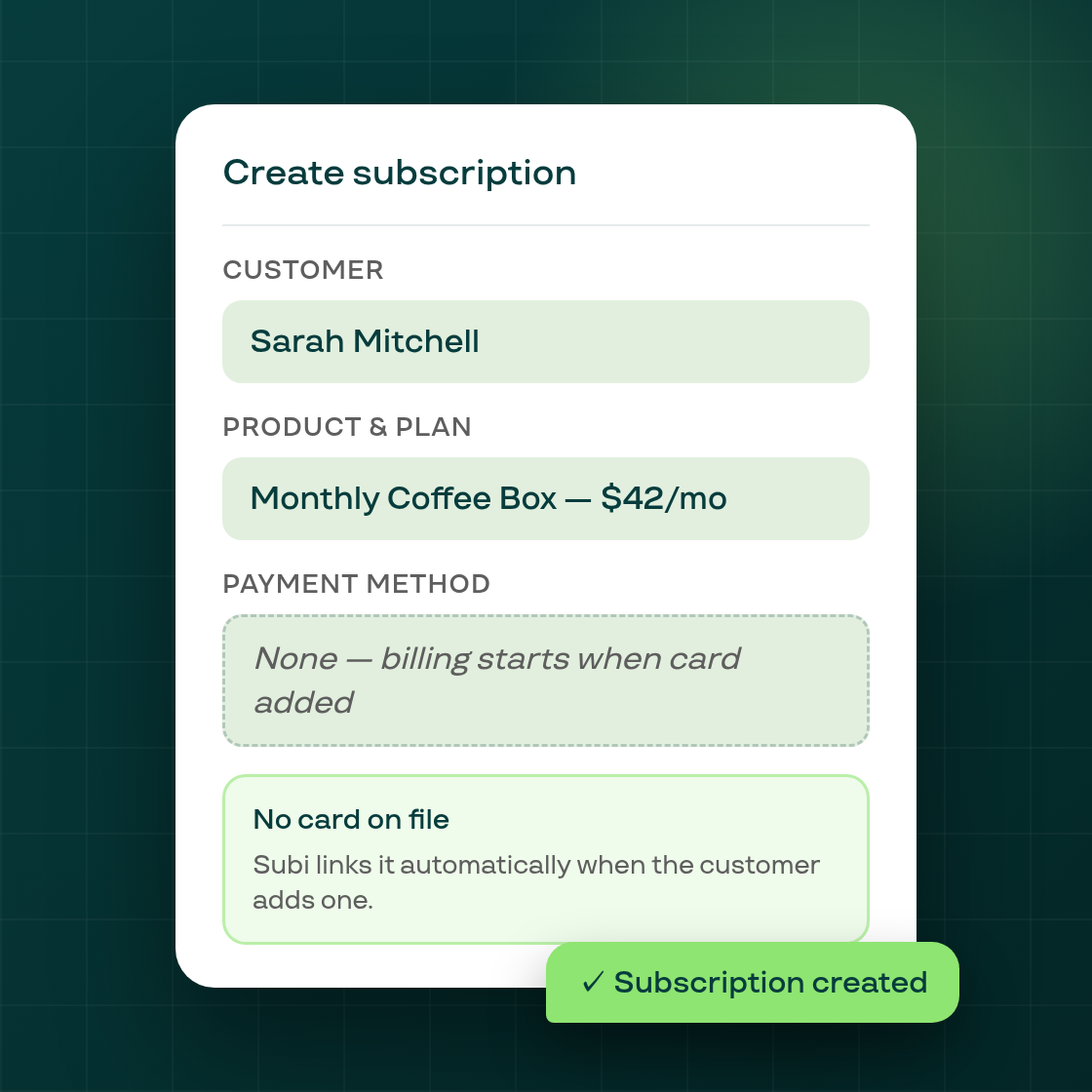
Creating a subscription manually in the Subi admin no longer requires the customer to already have a payment method on file.
The problem this solves. The Create Subscription flow previously blocked saving unless a valid vaulted payment method was selected. For merchants who take orders by phone, manage B2B accounts, or onboard customers ahead of their first billing cycle, this was a hard stop — many of whom also found the existing "Send payment method request" button ineffective, because it was silently calling the wrong Shopify API and failing for most customer account states.
Two changes shipped together. First, the subscription creation form now accepts a save with no payment method selected. Before saving without a card, Subi shows a brief confirmation: the customer will not be charged on the billing date, and billing starts automatically once they add a payment method to Shopify. When the customer later vaults a card, Subi attaches it to the contract and billing proceeds from the next scheduled date — no manual step needed.
Second, the Send payment method request button now works correctly. Previously it was calling Shopify's customer-account activation API — an email about setting a password, with no payment step — and it failed outright for most customers whose accounts were already active. The button now sends a branded Subi email with a direct login link, so the customer lands in their account where they can add a card.
Who benefits. Any merchant who creates subscriptions manually for customers who haven't checked out through the storefront: phone orders, B2B, migration scenarios where the customer needs to re-enter their card, or comped subscriptions to customers who will pay later.
To use this, open Create subscription in the Subi merchant admin, fill in the customer and product, leave the payment method empty, and save. Subi creates the contract. Use Send payment method request from the same page to invite the customer to add their card.