Pick who gets Subi's emails.
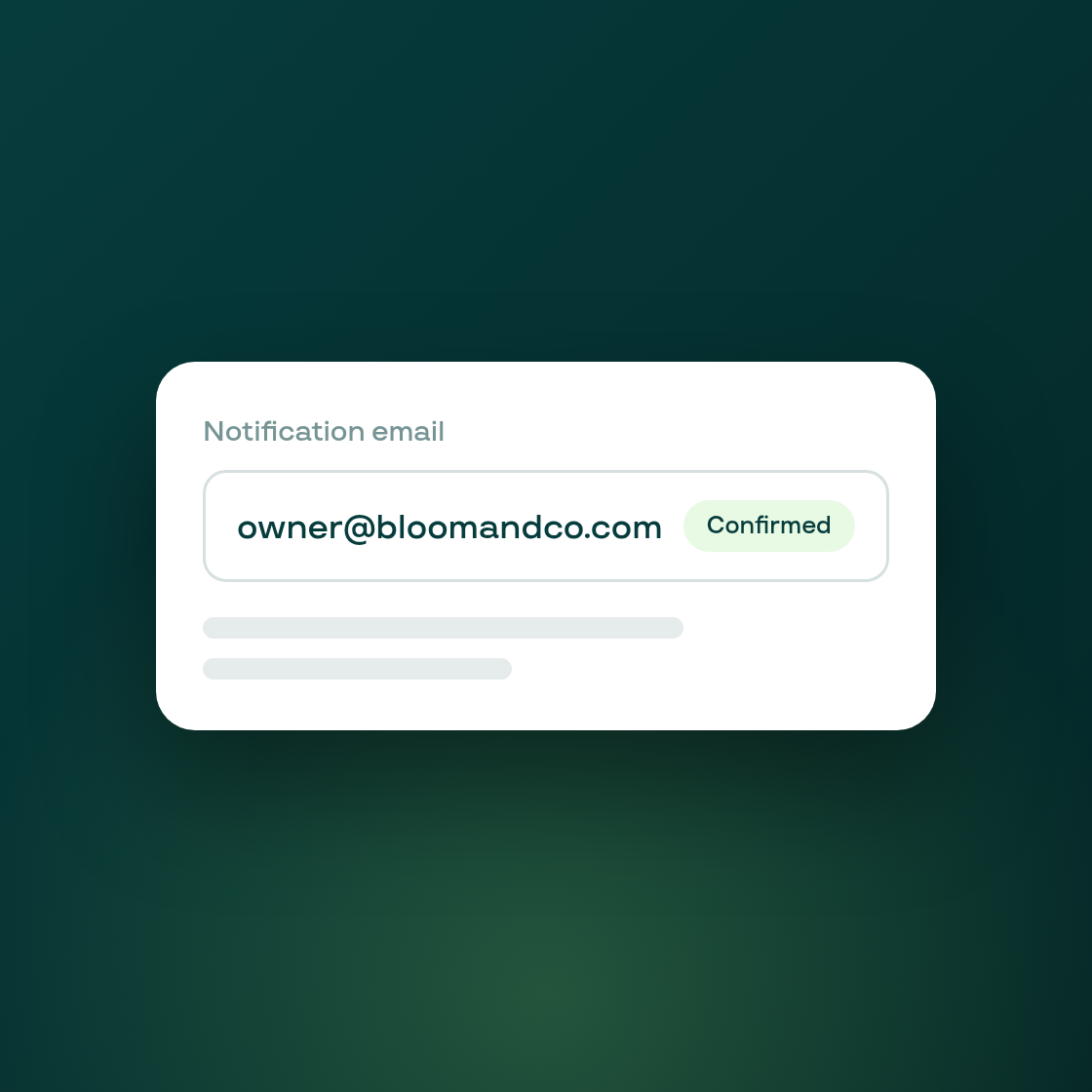
Subi's own emails to you have always defaulted to your Shopify store owner's inbox with no way to change that except by asking support. You're now asked directly, once, where those emails should go.
The first time you finish onboarding, a short prompt shows your current default and lets you keep it, or point Subi's emails at a different address instead. Whatever you choose is recorded, along with the fact that you were actually asked, so you won't see the same prompt again on your next login.
Changed your mind later? The same choice is now available any time from your notification settings, alongside your other email preferences. If you set a custom address, you'll see a clear note there when it's still waiting on its confirmation link, so you know your change hasn't fully taken effect yet.
This closes a real gap: until now, the only way to know or change where these emails were going was to ask us to check the database by hand.