Preview loyalty first.
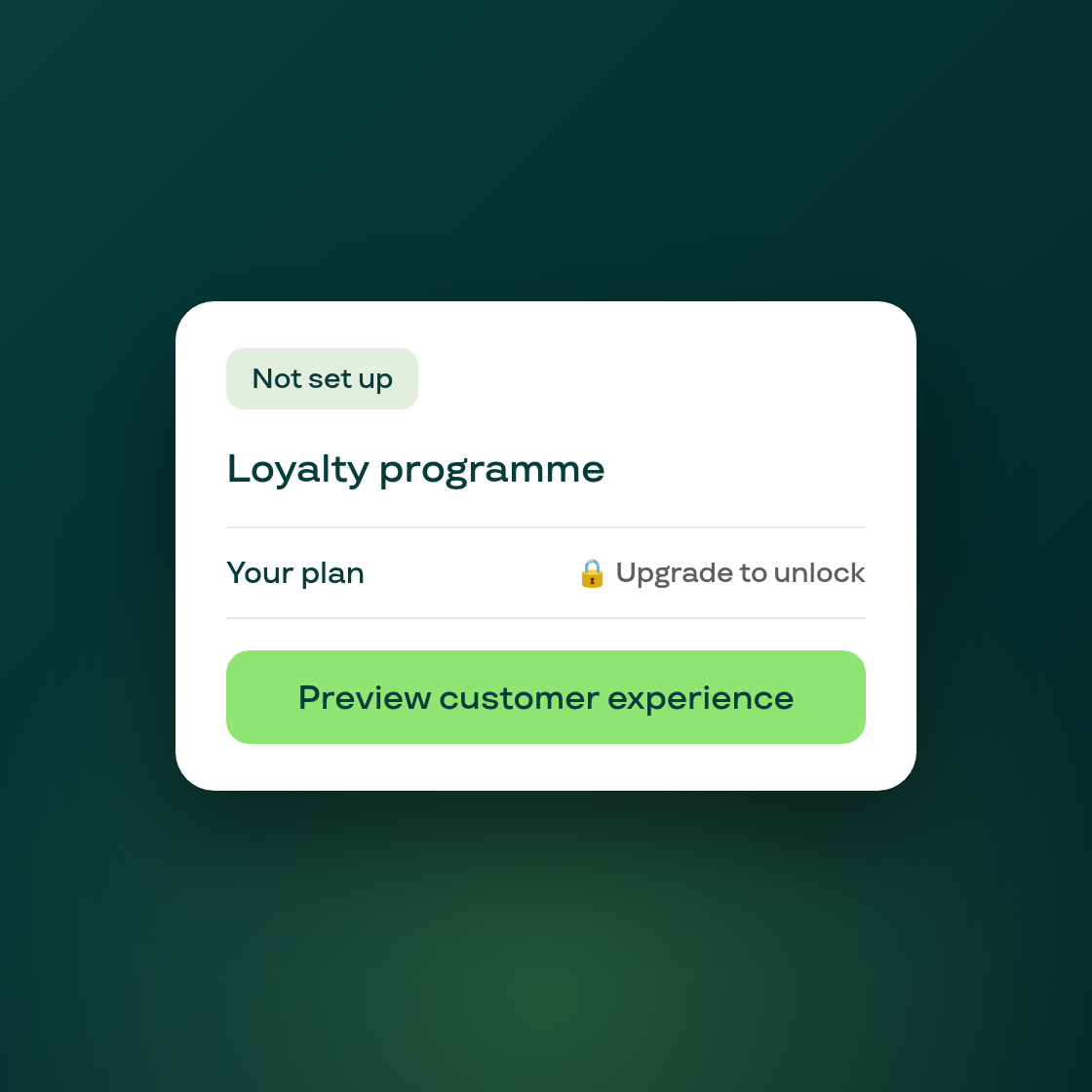
The first screen you see before enabling Loyalty now tells you the truth about where things stand, and lets you look before you commit.
Previously, a merchant who had never turned on the loyalty programme could see numbers or a status that implied setup was further along than it actually was. That's fixed: if you haven't activated your programme, the screen shows plain, honest zeroes with a short note explaining why. No points can have been issued by a programme that was never turned on, so the screen no longer implies otherwise.
The bigger change is the preview. You can now see a demo of the customer-facing loyalty experience (using sample data, not your store's real data) without first enabling the programme or upgrading your plan. If loyalty isn't included on your current plan, you'll still see a clear "Upgrade your plan" prompt, but you can judge whether the programme is worth it before paying for it.
The plan name and price shown on this screen are also now pulled live from your actual pricing tier, and the setup badge reads a plain "Not set up" instead of carrying leftover early-access or beta framing.
If you've been curious about Loyalty but weren't ready to switch it on, this is the place to look: head to the Loyalty page in your Subi admin to see it.