Recovery finds your own setup issues
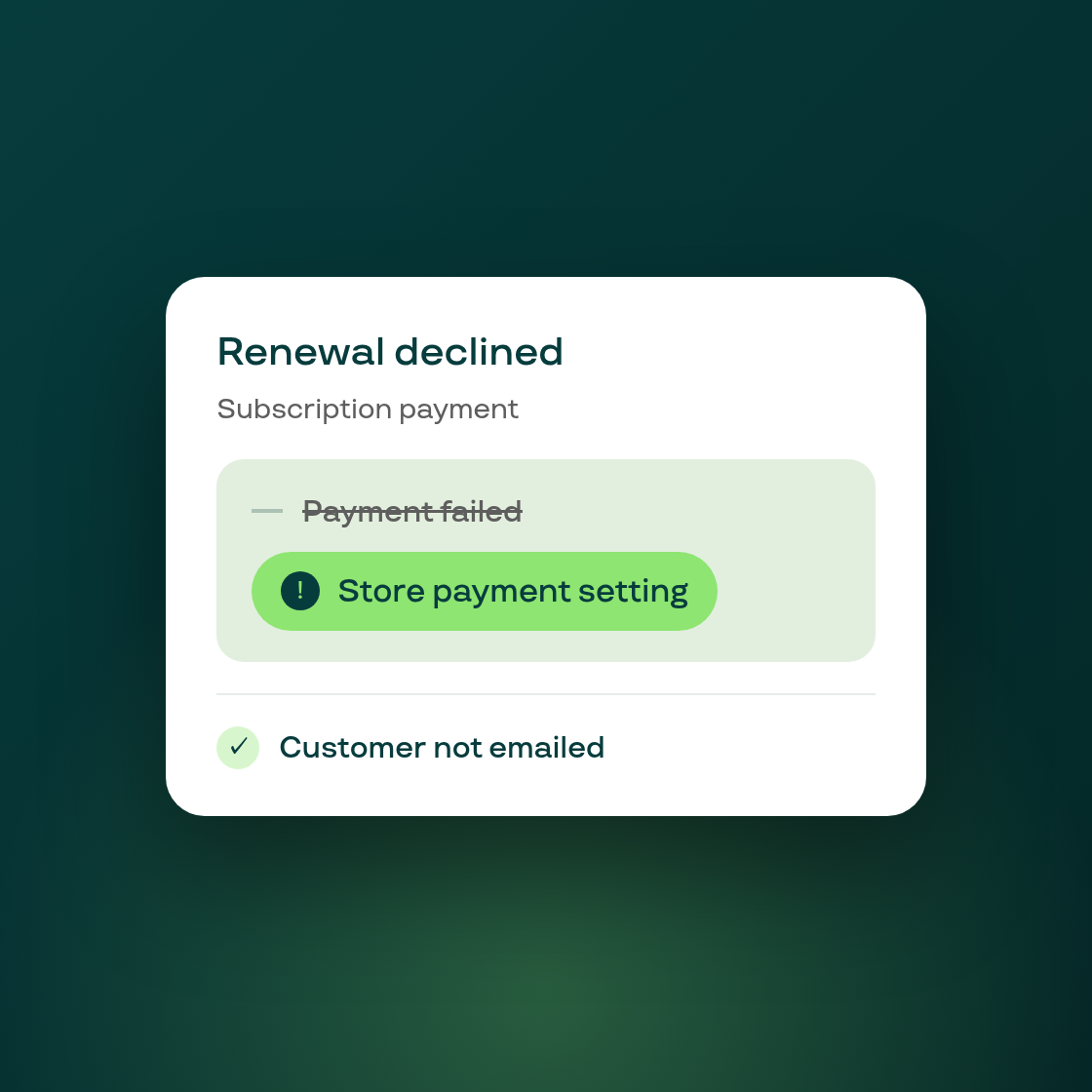
Some renewal failures have nothing to do with the customer's card, they happen because of something in the store's own Shopify payment settings, such as a disabled payment provider or a gateway configuration issue. Until now, Smart Payment Recovery treated these the same as any other decline: it kept emailing and texting the customer to update a card that was never the problem, and the row on your recovery page just read "Payment failed" with no useful reason.
Recovery now tells the two situations apart. When a decline is caused by your store's own payment setup, the recovery page names the real cause, the sequence closes on its own without pausing or cancelling the customer's subscription, and the customer is no longer contacted about updating their card. Instead, you get a one-time email naming the specific setting to check, so you can fix it at the source: <your store>/admin/settings/payments. You won't be emailed about the same setting again for 30 days, so fixing it once won't trigger a flood of repeat notices while other renewals catch up.
When the decline genuinely is about the customer's card (for example, a card type that can't carry subscription charges), nothing changes: the customer still gets the full recovery sequence, since asking them to update their card is still the right move there.
The recovery overview strip also gains a new "Not attempted" count, showing how many renewals fall into the store-setting category and were never counted against your recovery rate, since no retry could have fixed them.