Your embed, explained
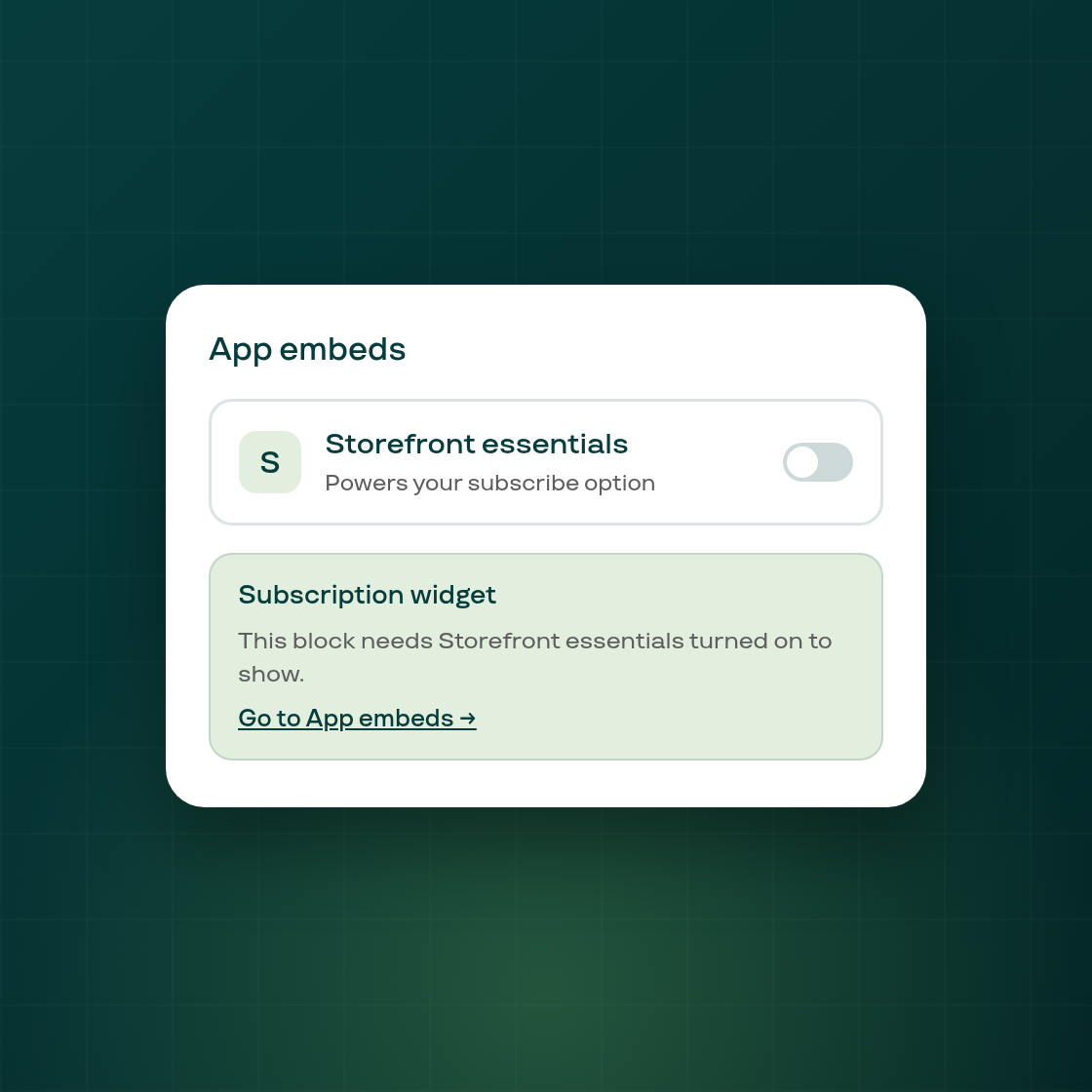
Subi's subscribe option on your storefront depends on one setting most merchants never think about: the app embed in your theme's App embeds list. Until now, that entry was named only "Subi," with nothing explaining what switching it on or off actually does.
It now reads "Storefront essentials," and opening it in the theme editor explains what it powers. If the embed is off in the theme you're editing, the Subscription widget block in the editor now says so directly and links you to that theme's App embeds list with the switch ready to turn on, so you can fix it without hunting for the setting yourself. A handful of smaller fixes in the same update keep the warning icon a consistent size and make the embed-off note's link and styling behave correctly across every theme and after a page reload.
This addresses a real source of confusion: of close to 8,000 active shops, roughly 3,500 currently have the embed off and the rest have it on, and every one of them sees this entry when they open their theme editor. A few merchants publishing a new theme have had their subscribe option silently disappear with no clue why; this update is aimed at exactly that moment.
Nothing about your storefront changes on its own from this update: the embed's on/off state is unchanged, only what the theme editor tells you about it.