One item off, subscription stays
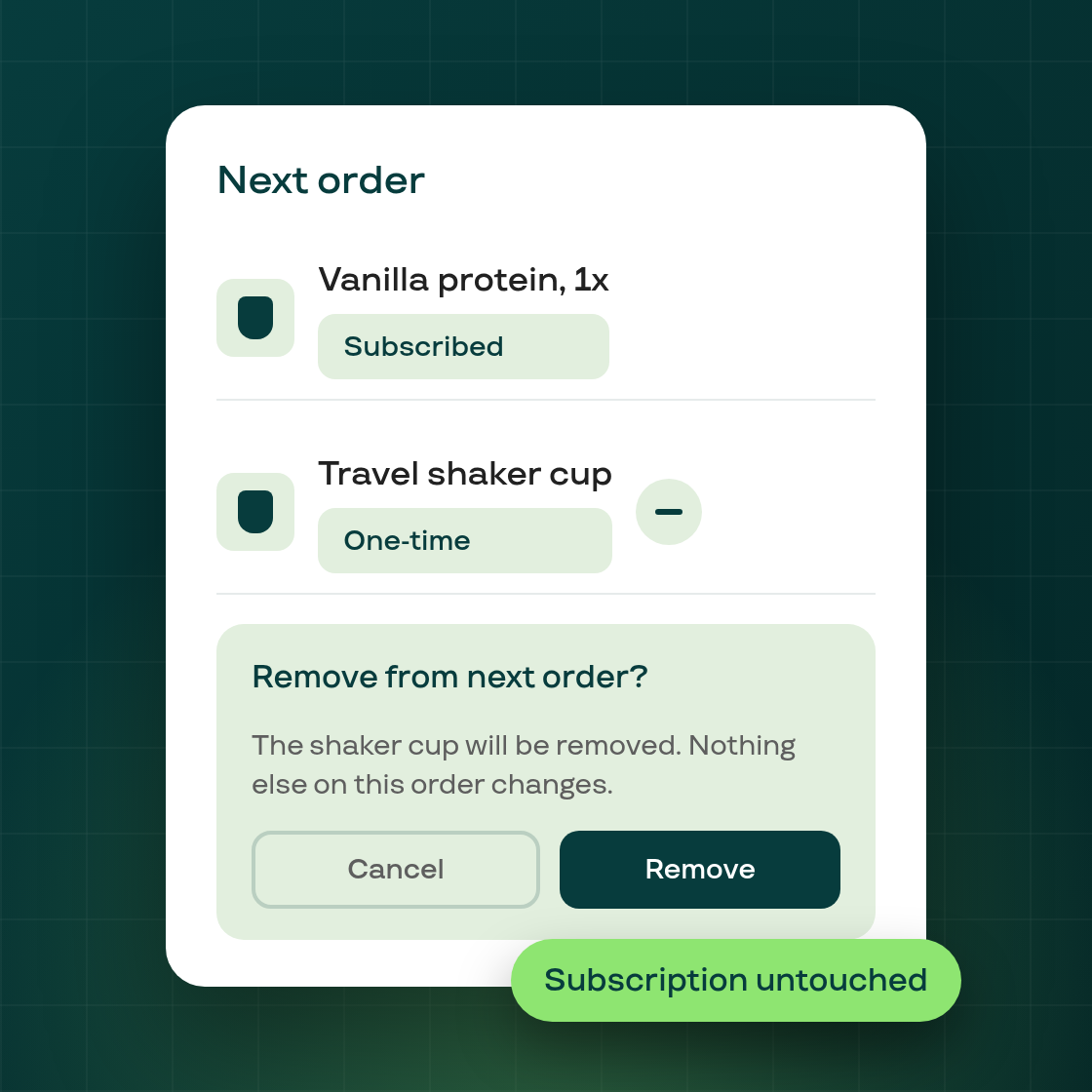
A subscriber's next order can carry a one-time item alongside their regular subscription products, for example an upsell offer they accepted at checkout, or a Stock up add-on. Previously, there was no direct way to remove just that one line.
From the contract page, a merchant can now remove an eligible one-time item from the next order: clicking its remove icon opens a confirmation ("Remove from next order?") before anything changes. The rest of the order is untouched: the subscription's regular lines, next billing date, and every other scheduled change stay exactly as they were.
Only a line backed by a genuine one-time acceptance on that order qualifies. A streak reward or a line added by another app isn't affected, and the action is refused with a clear message if the line no longer matches what's on the order (for example, if it was already removed or isn't part of the next cycle). There's no plan requirement to use this; it's available on every plan, subject to the same safeguards that already apply to other contract edits.
This is available now in the merchant admin, on the subscription's contract page.