Specific failed-renewal reasons
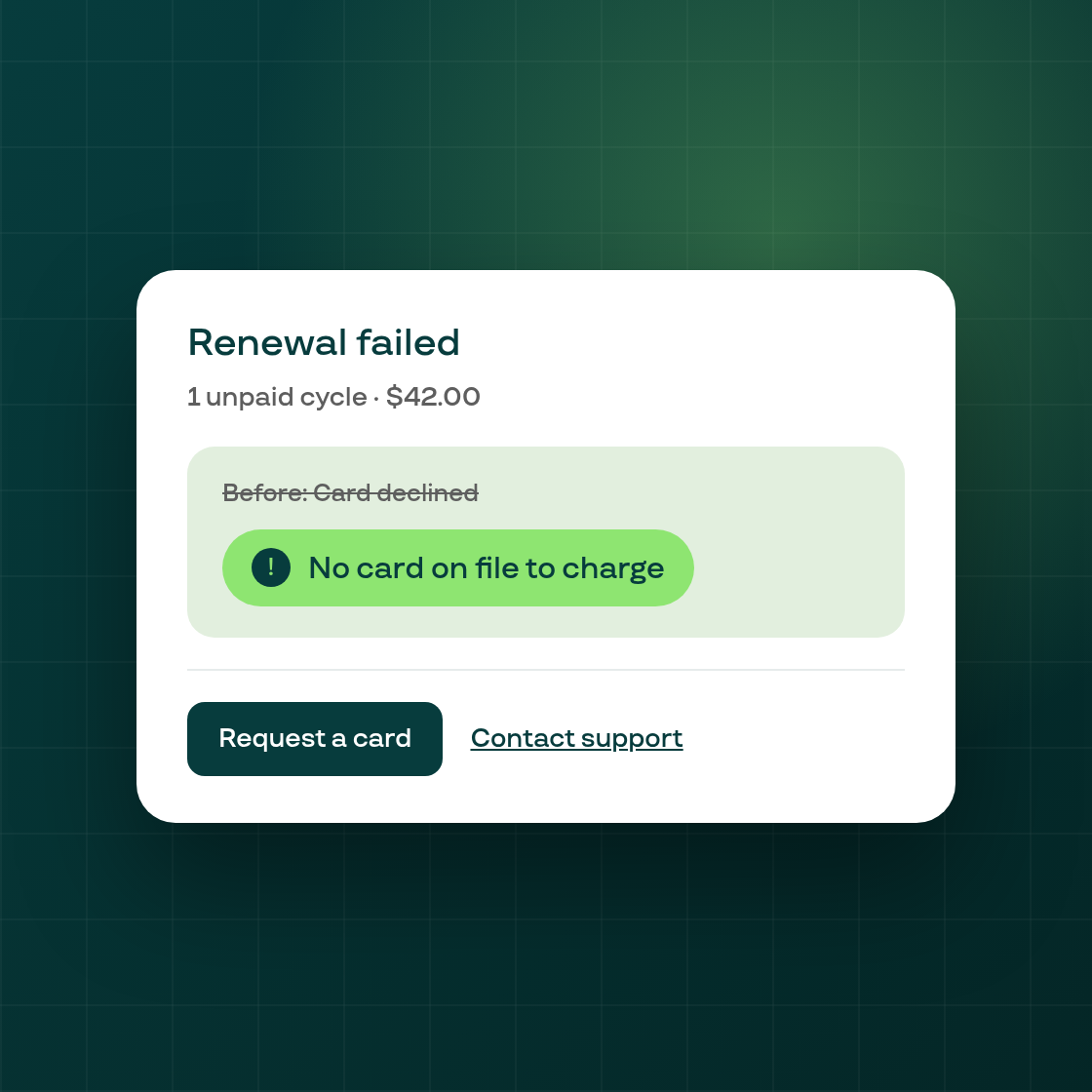
Previously, a failed renewal's reason on the contract page, the Payment recovery list, and the recovery panel was built from the error's broad group, so very different problems could read the same: a subscription with no saved card at all and one hitting a repeat bank decline both showed "Card declined" or "Insufficient funds," with no way to tell which was happening or what to do about it.
These three surfaces now show a specific sentence and a short label built from the actual decline code behind the failure, so you can tell at a glance whether a customer needs to add a card, their bank is repeatedly declining the charge, or something else is going on. A small number of decline codes without a mapped reason yet show a generic placeholder message instead of a specific one.
This is a copy and display change only: no contract, offer, retry, or billing behavior changes with it.