Klaviyo, front and center
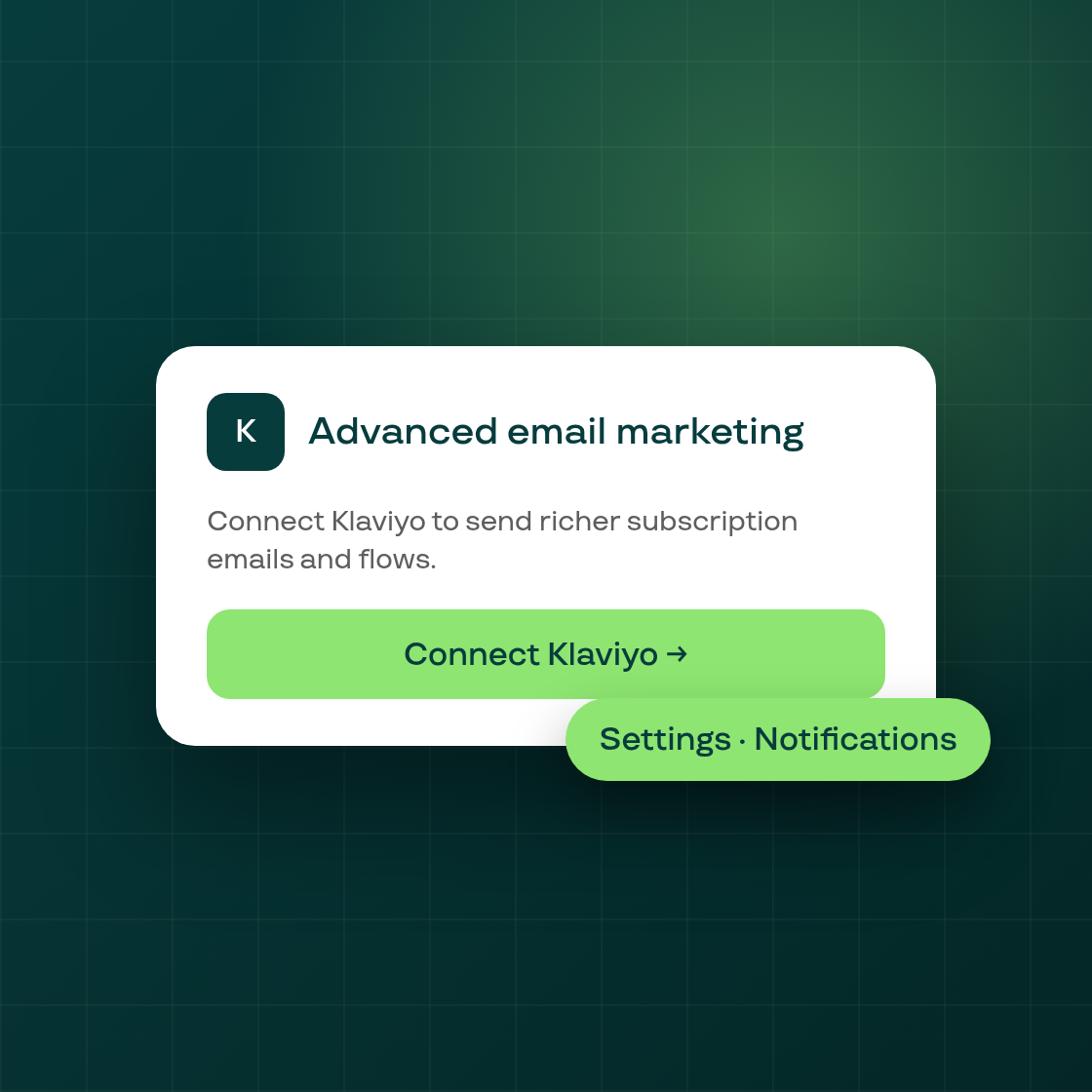
On Settings > Notifications > Email, the Advanced email marketing card now reflects your Klaviyo connection whenever your plan includes Subi's Klaviyo connector.
If you haven't connected Klaviyo yet, the card shows a Connect Klaviyo action that takes you straight to the Klaviyo page to finish it. Once you're connected, the card shows a Build your first flow prompt instead, along with the option to turn the connection off.
The card and the dedicated Klaviyo page now read the same connection check, so the two never disagree about whether you're connected: a connection only counts once Klaviyo reports it active and your side of it is turned on, and a connection mid-reconnect still shows as needing reconnection rather than as connected. While your connection status is loading, a permitted shop sees no card yet rather than a flash of the wrong state; if the status check fails to load, the card falls back to showing the not-connected view.
If your plan doesn't include the Klaviyo connector, the card is unchanged from what you see today.
This is live now for every shop whose plan includes Klaviyo, with nothing to turn on.