Bring your own agent.
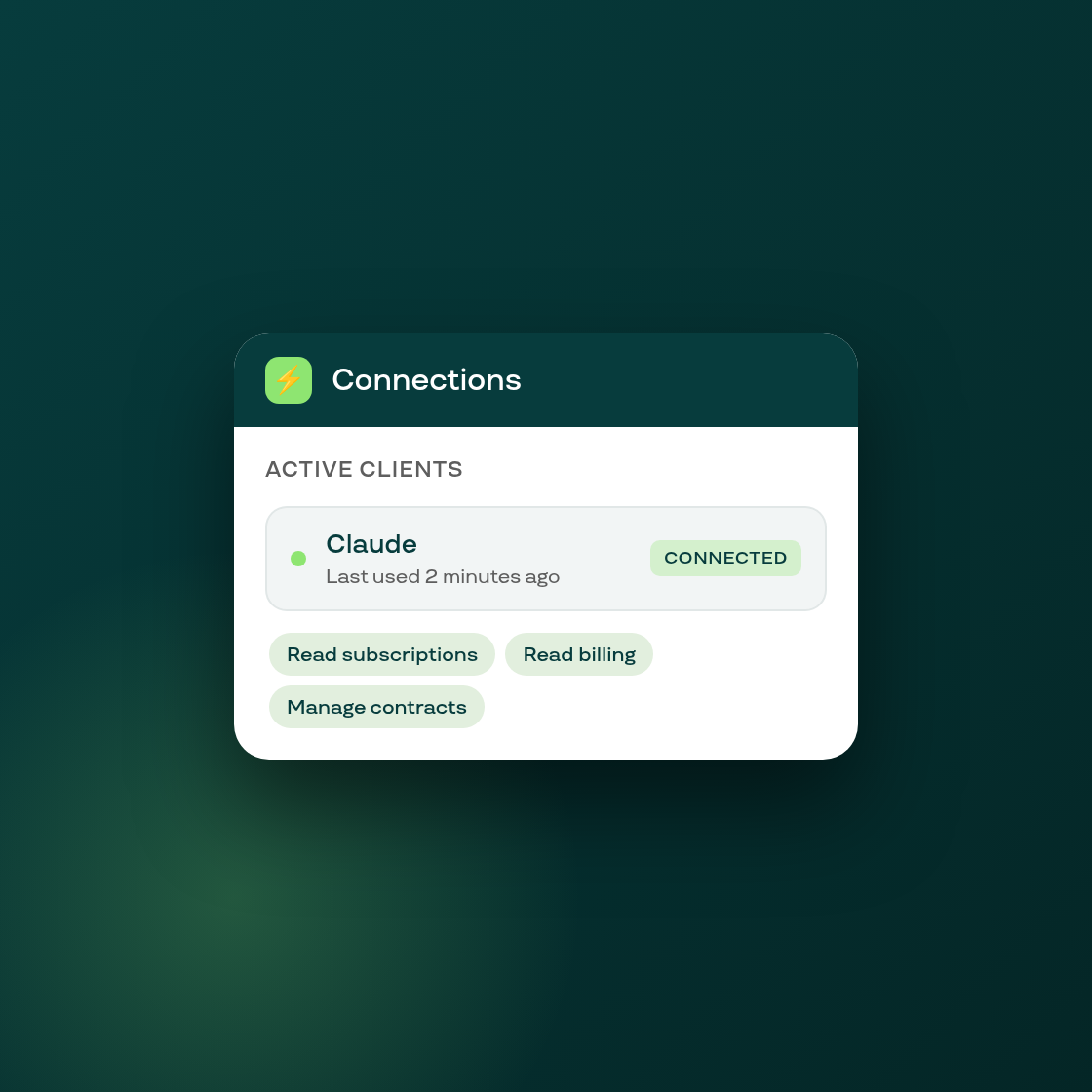
Subi now speaks MCP. If you already work with an AI assistant, whether that is Claude, ChatGPT, Cursor or something your team built, you can connect it directly to your subscription data instead of asking it to work through the admin.
You stay in charge of what it can reach. Connecting a client sends you to a consent screen inside your Shopify admin, where you pick the scopes to grant. Unchecking one narrows both the grant and the set of tools the resulting token can call, so an assistant you connect for reporting cannot quietly reach the rest. Bulk exports and customer data sit behind a scope of their own, flagged as the sensitive choice it is, so you grant it knowingly or not at all.
Three new screens live under Settings. Connections lists every client this shop has granted, the scopes each one holds and when it was last used, with revoke a click away. Activity shows every call a client has made, filterable and paged, with arguments stripped of customer detail before they are stored. And the consent screen is where a new connection starts.
The tool surface itself is the same one Subi's own in-admin assistant works through, so an agent you connect sees your subscriptions the way you do, not a thinner copy of them.
Nothing changes for you until you connect something. No existing screen or setting behaves differently, so if you have no use for this yet, there is nothing to turn off.