Cancel, with a reason
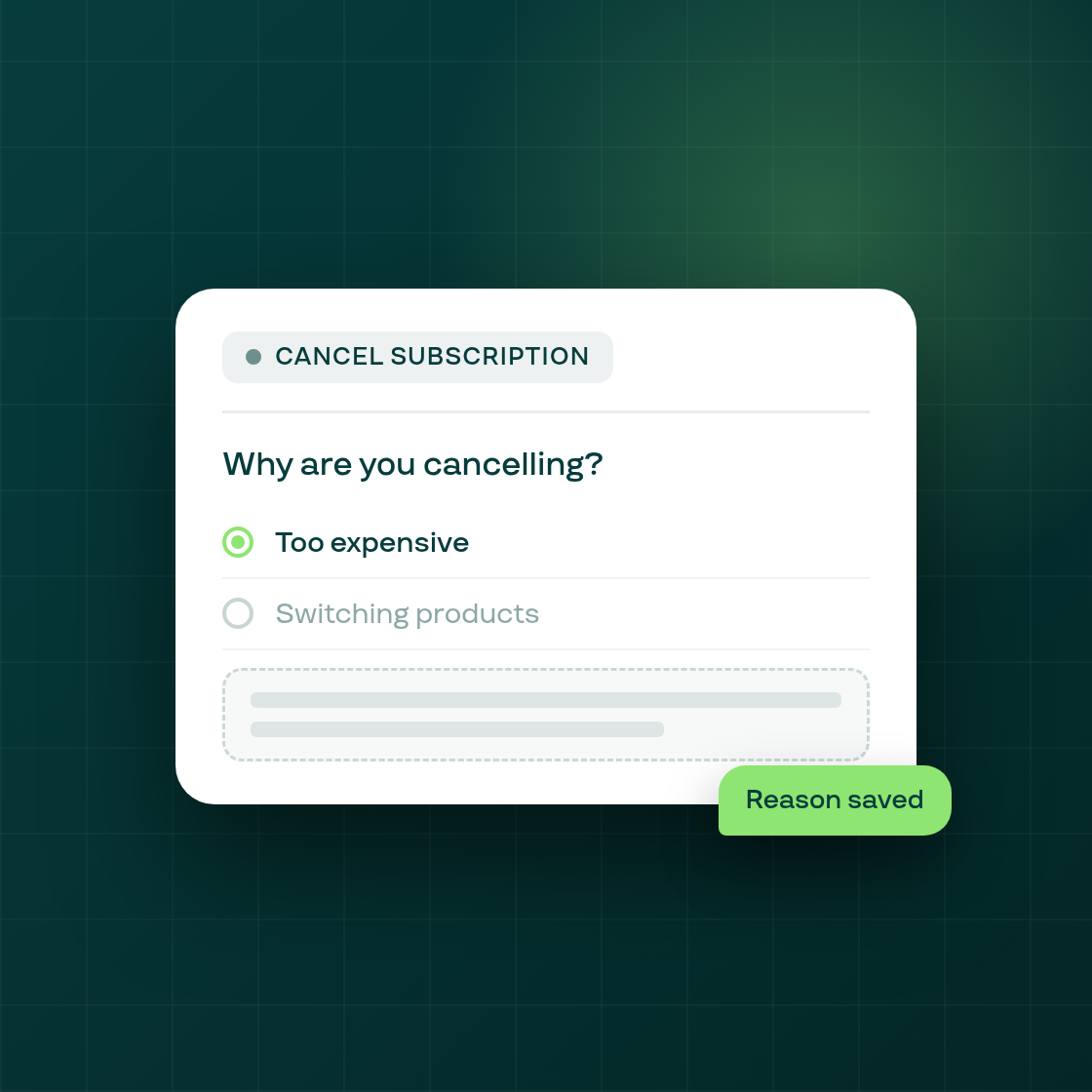
When you cancel a subscription from its detail page, the Cancel dialog now asks an optional "Why are you cancelling?" question, with six reasons to choose from and an optional free-text note.
Nothing is required: a cancel with no reason selected behaves exactly as it did before, posting no extra information.
Where the answer goes. If you do pick a reason, it's saved and shown on the subscription's history line, so anyone looking at that contract later can see why it was cancelled without having to ask around. The reason and note also appear in the subscription events CSV export, alongside the other event details already there.
This is a separate feature from the subscriber-facing cancellation flow in your portal, where a customer starting to cancel can be asked why and offered an incentive to stay. This is the reason an admin user records when they cancel a subscription from the Subi dashboard.