Ask, and it answers.
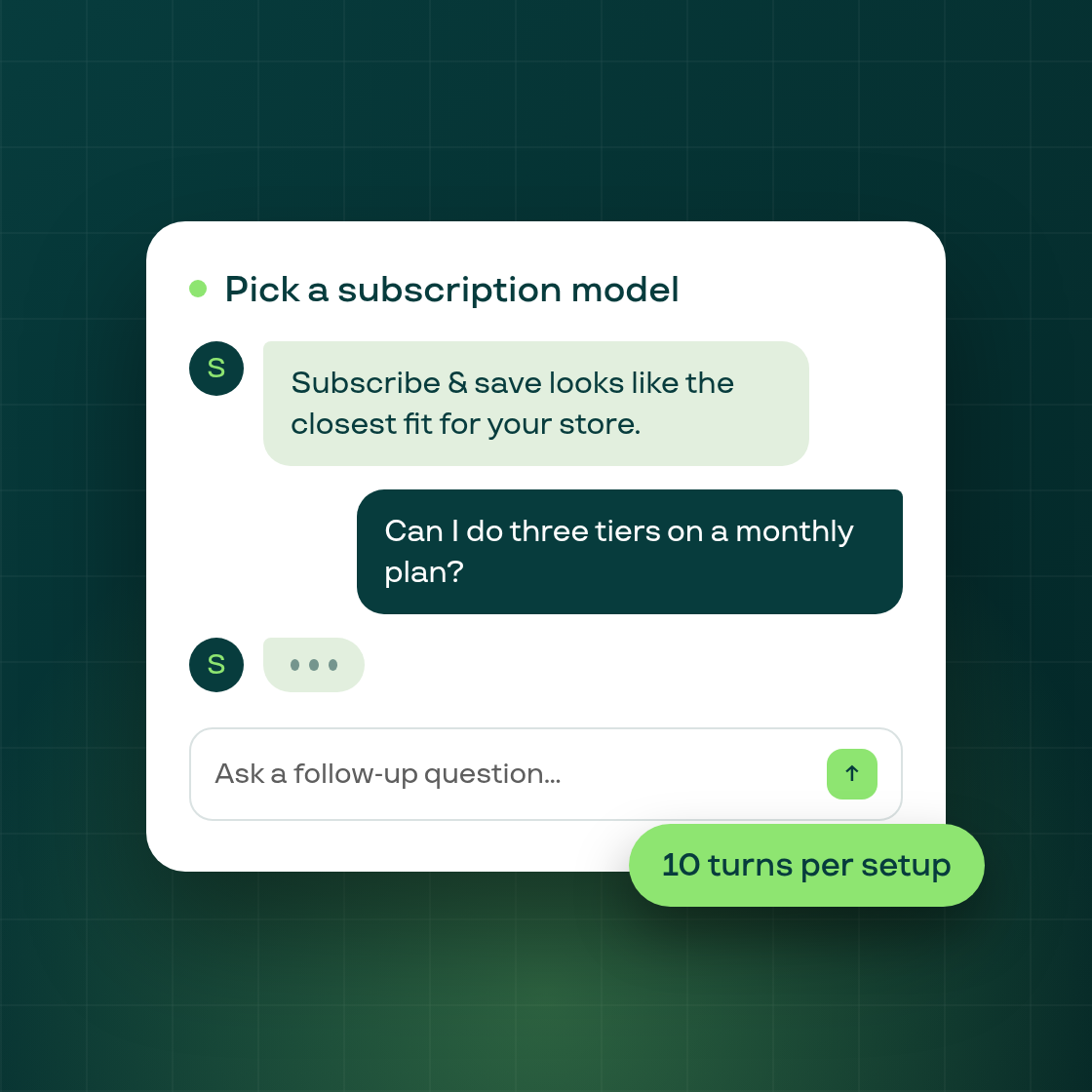
The setup wizard's "Pick a subscription model" step now holds a real conversation instead of taking a single question.
When you reach the goal step, the assistant opens with a recommendation based on your store, in plain language, alongside the usual model tiles. From there you can type follow-up questions, like asking about a specific pricing structure or cadence, and the assistant answers with the whole exchange in mind rather than treating each question in isolation. Your questions and its replies stay on screen as a transcript for the rest of the step, and a secondary "Review plans" button lets you jump back to the model grid at any point without losing the conversation.
Each conversation is capped at 10 of your own messages, so the assistant stays available without turning the step into an open-ended chat. If a reply can't be generated by the assistant itself, for example if the assistant is temporarily unavailable, you still get a useful answer built from your store's own signals rather than an error or a blank space.
This step also fixes two long-standing rough edges on the ask bar: pressing Enter now sends your message (it previously required clicking the send button), and the Continue and Review plans buttons at the bottom of the step no longer stop responding to clicks while the ask bar is focused.