When a charge isn't approved
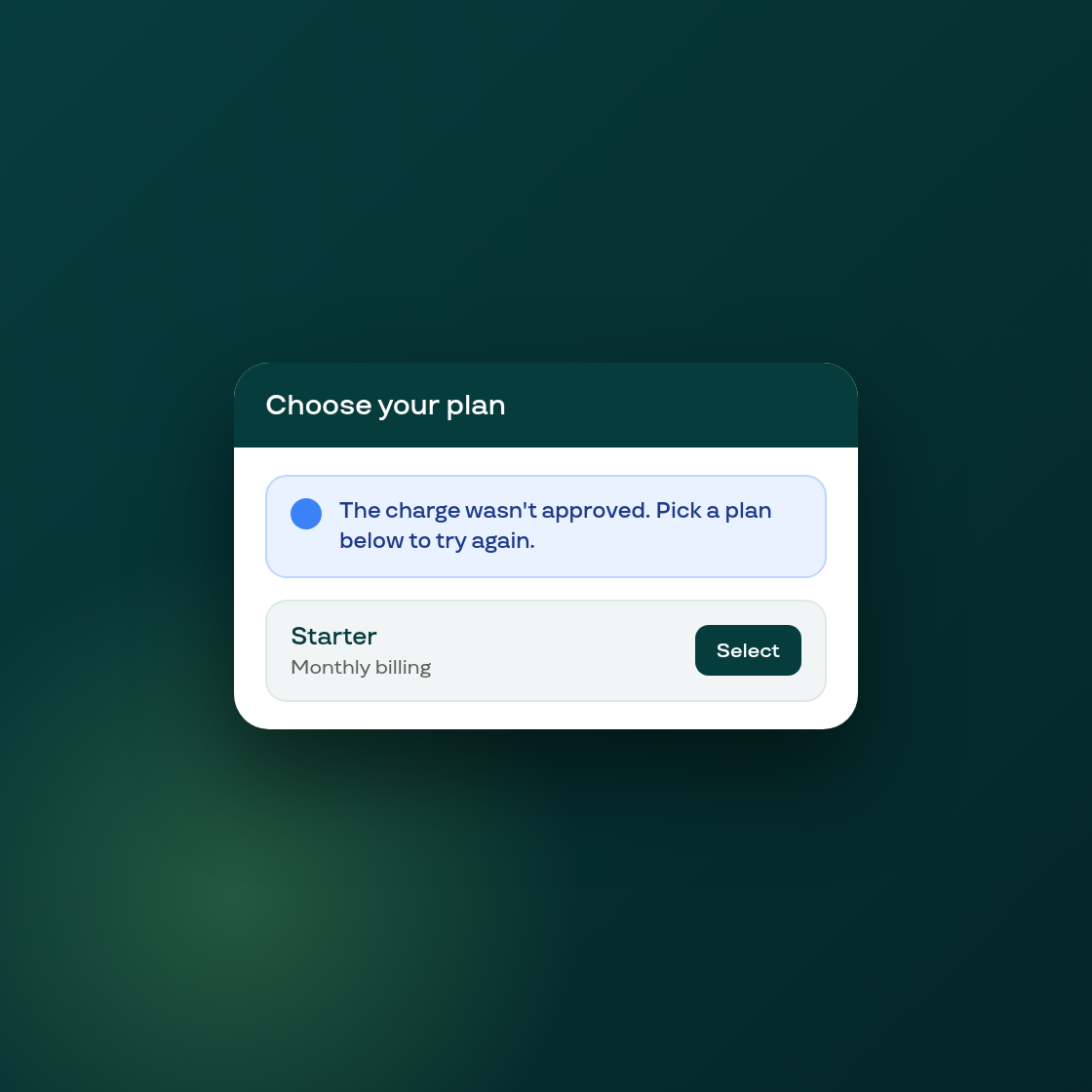
Coming back from Shopify's charge screen without approving a plan used to leave the onboarding wizard's pricing step looking exactly as it did before. It appeared as if nothing had happened, so a merchant who stopped partway through Shopify's confirmation, or navigated back before approving, had no indication of what to do next.
The pricing step now shows a plain banner explaining that the charge wasn't approved, right where the merchant left off, making it clear they can pick a plan and try again rather than wondering if something went wrong.
The message shows once, is remembered in the browser for up to two days, and clears itself as soon as a plan is actually picked and active. Returning on a different device, or with browser storage cleared or blocked, won't show the note. It's meant to catch the common case of a merchant going back and forth on the same device and browser, not to track every possible path back into the wizard.