A cleaner flow builder.
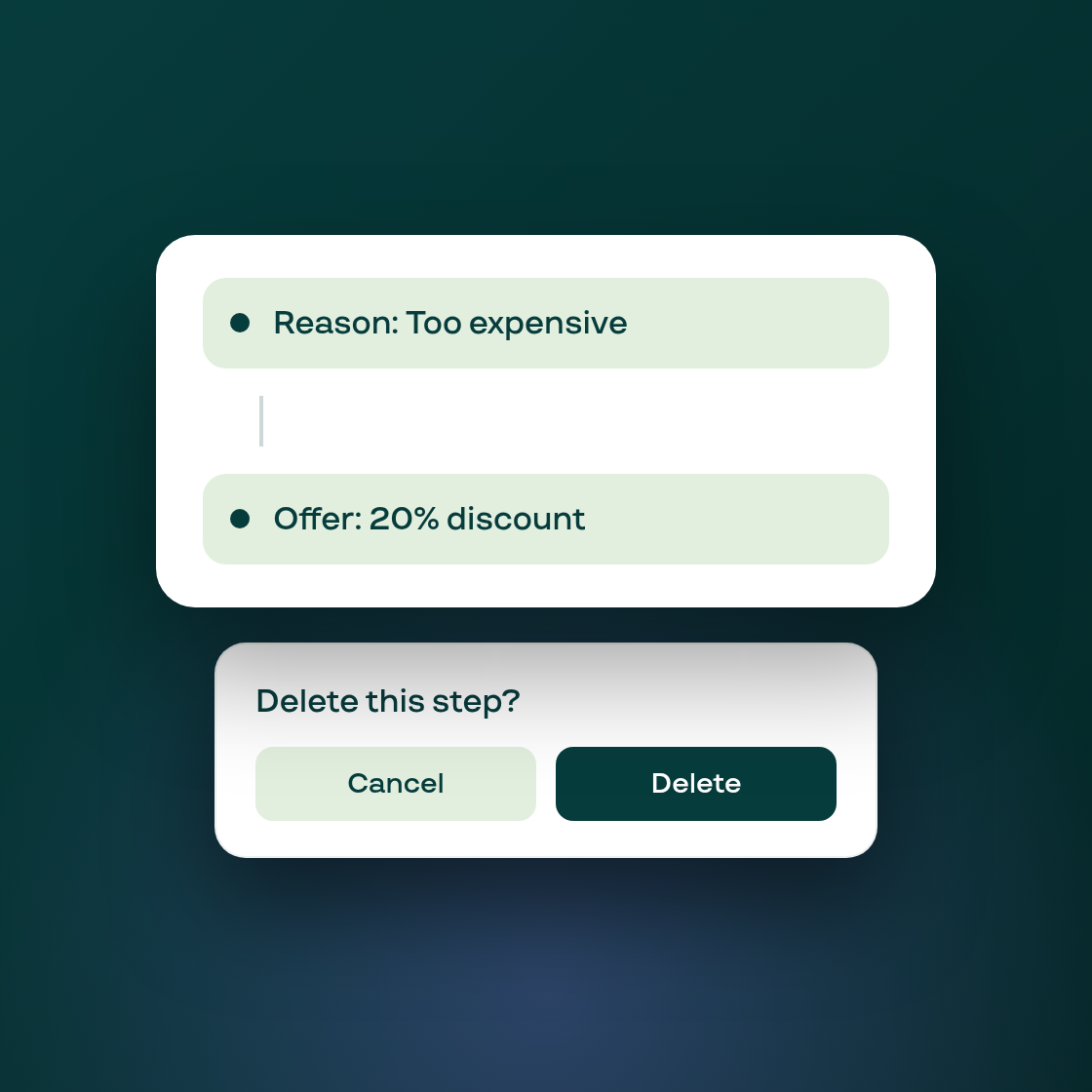
The Cancellation Flow builder (where you configure the reason survey and retention offers subscribers see when they try to cancel) has a reworked canvas that's easier to read and harder to break by accident.
Cards on the canvas are now read-only summaries; clicking one opens a dedicated edit pane on the left, so you're never editing fields directly on the crowded canvas. Connecting steps is simpler too: hover over a card to reveal a connection point, click it, and choose whether to add a new Treatment or Condition step, or connect to one that already exists. Multiple reasons can now fan into the same treatment and the connection is saved correctly on reload.
The biggest change is to deletion. Previously, removing a step happened immediately with an undo toast that was easy to miss. Now, deleting a step opens a confirmation dialog first, so a misclick on a live flow can't silently remove a step your customers are seeing. Deleting a reason removes only that reason and its own connections; any treatment steps it was linked to survive, disconnected from that reason.
We also removed the separate undo/redo controls (the confirmation step covers the risk they were there for) and added a toggle in the left pane for whether customers can type a custom "Other" reason.
If you build or maintain cancellation flows, the layout will look familiar: the card positions, connectors, and Review banner are unchanged. Every edit now happens in a focused pane instead of on the canvas itself.