One click to fix a failed payment
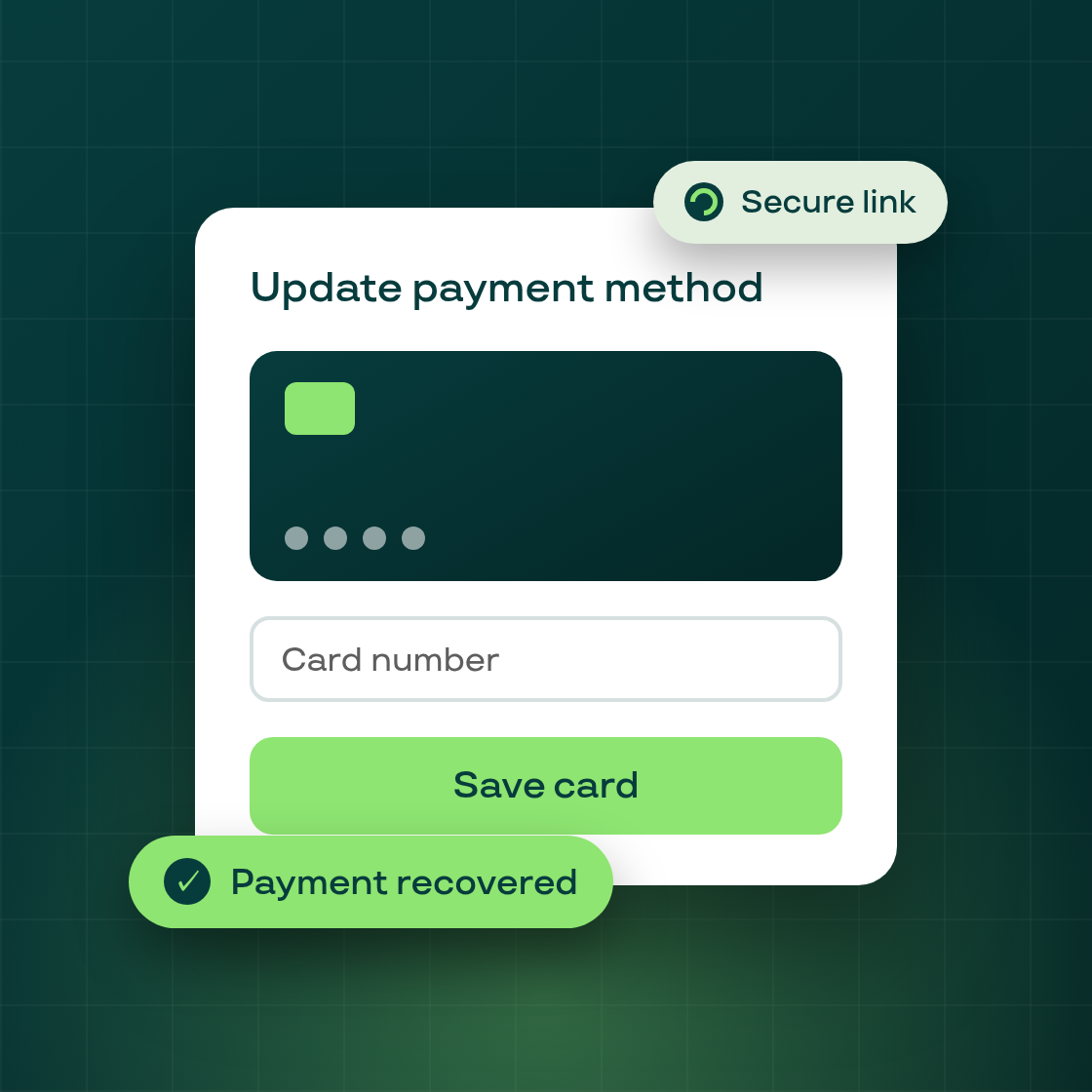
Smart Recovery already retried failed payments automatically. Now, when a payment fails because of a fixable card problem — an expired card, a stale authorization, or an insufficient-funds decline on a card that can be updated — Subi takes an additional step: the subscriber automatically receives a personalized, tokenized link to update their card directly in the Subi Customer Portal.
Merchants don't need to change any settings. The card-update flow is part of the Smart Recovery sequence and activates automatically when the decline reason indicates a card issue. On the backend, Subi evaluates the decline type, generates a secure tokenized link unique to that subscriber's contract, and includes it in the Smart Recovery email cadence.
When the subscriber clicks the link, they land on a new card-update flow in the Customer Portal:
- A clear explanation of what happened and why they're being asked to update their card
- A payment-method update form tied directly to their subscription
- A confirmation screen once the new card is saved
- A "resend link" option if the original link has expired (links have a built-in time-to-live for security)
Once the subscriber saves a new card, Subi automatically retries the payment and recovers the contract. Merchants see the result reflected in their Smart Recovery dashboard as a recovered sequence.
The card-update path complements Subi's existing recovery mechanisms — automatic retries and the one-click backup-card switch in the portal — as a third route out of a failed payment. Together, they address the three main causes of recoverable subscription failures: transient processor errors (retries), already-saved backup cards, and card-update requirements.
The feature is now live for all merchants who have Smart Recovery enabled.