New
Promote offers right in the portal
Customer Portal
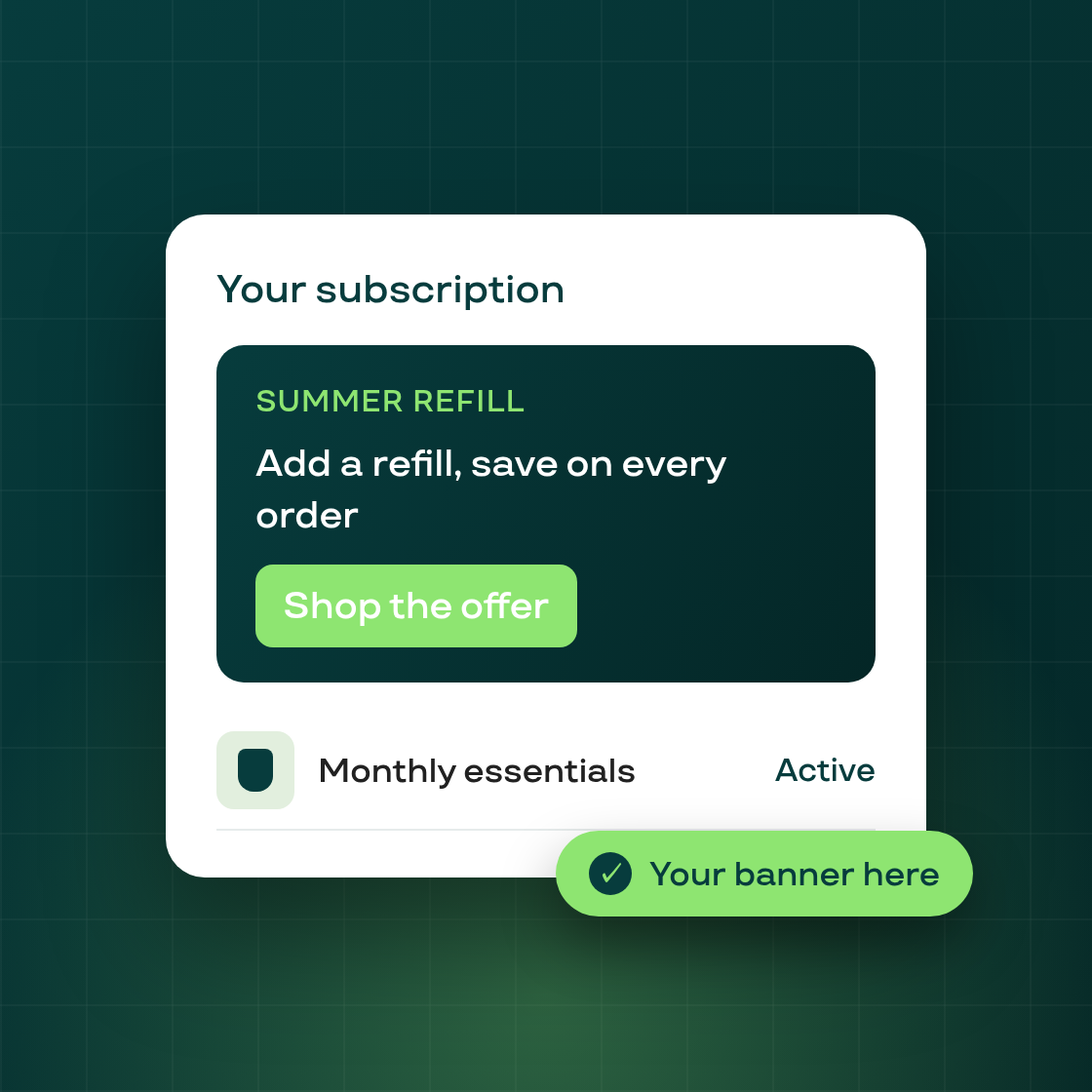
The customer portal is now a place to talk to your subscribers, not just a place they manage their plan. You can add your own campaign banners to the portal's Home and Subscription Details pages — to promote an offer, announce a new product, or point customers to a referral or loyalty perk.
How it works
Open the portal customization editor and use Add section → Campaign banner to drop a banner onto the page. You control the message and the call to action, and the banner renders for your customers right where they already manage their subscriptions — the highest-intent surface you have.
This is the first step in making the portal a merchant-controlled marketing surface; more section types follow.