See why subscribers cancel
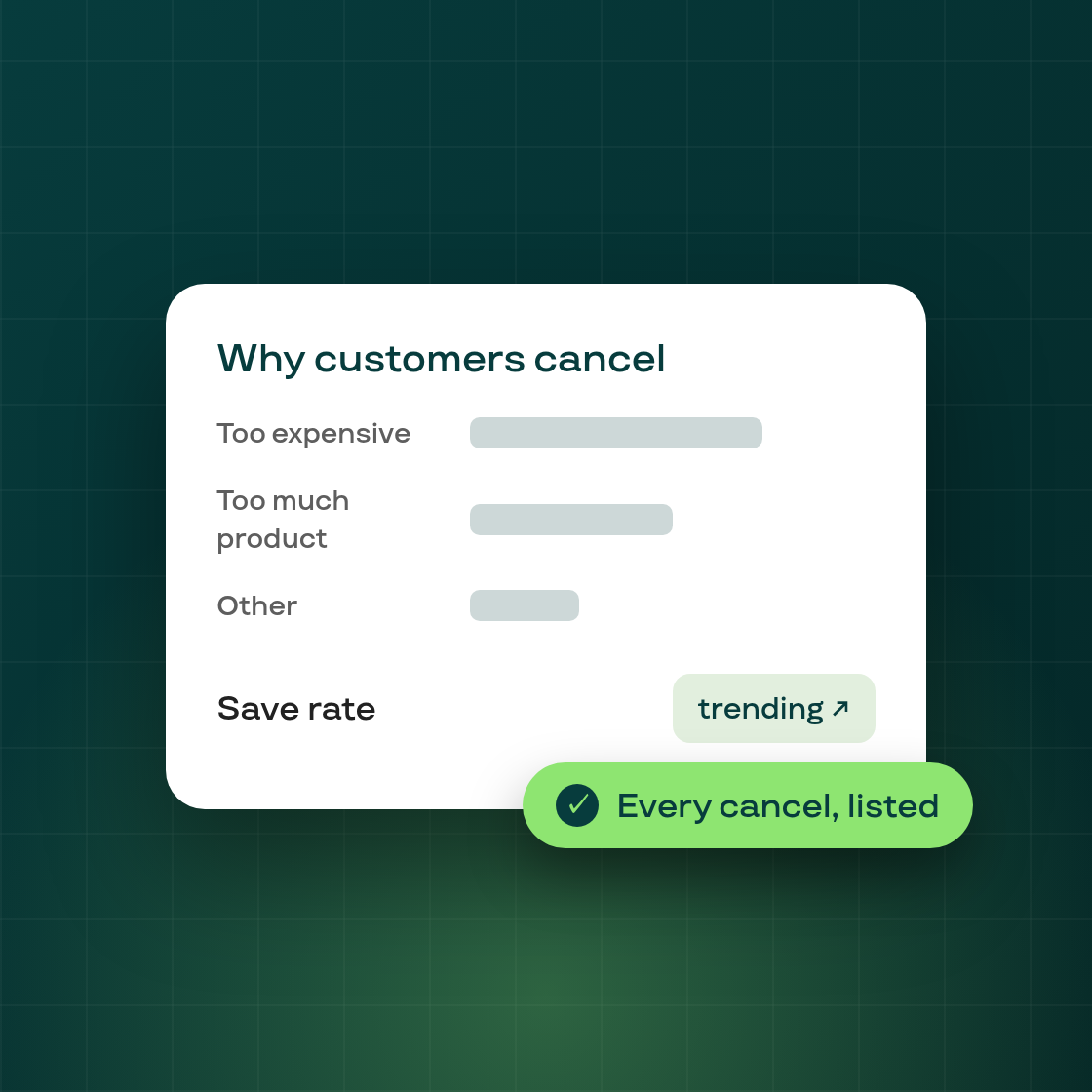
Subi now reports on your cancellation flow so you can see why subscribers leave and which save offers keep them. Open it from Retention → Cancellation flow → View reports.
The dashboard
- Reason × treatment breakdown — a stacked bar showing, for each cancellation reason, how many subscribers cancelled, which treatments were applied, and the save rate for each. Hover any bar for the full detail.
- Save rate over time — a trend line for how your cancellation flow is performing, with a Day / Week / Month toggle (weekly by default).
- Date filtering — narrow any view to a period, or look at all time.
Every cancellation, in one list
A dedicated cancellations page lists each event with the customer, the reason they gave, the treatment they saw, the outcome, the date, and a deep-link to the subscription contract. Filter by reason, treatment, customer name, customer tags, or contract ID to find exactly the cases you care about — for example every "Too expensive" cancellation that was offered a discount but still churned.
Use it to spot your top cancellation reasons, tune which treatment you show for each one, and watch your save rate respond. The flow editor also now shows an Active / Paused / Draft status badge next to the title, so you always know whether your flow is live.