Win them back, automatically
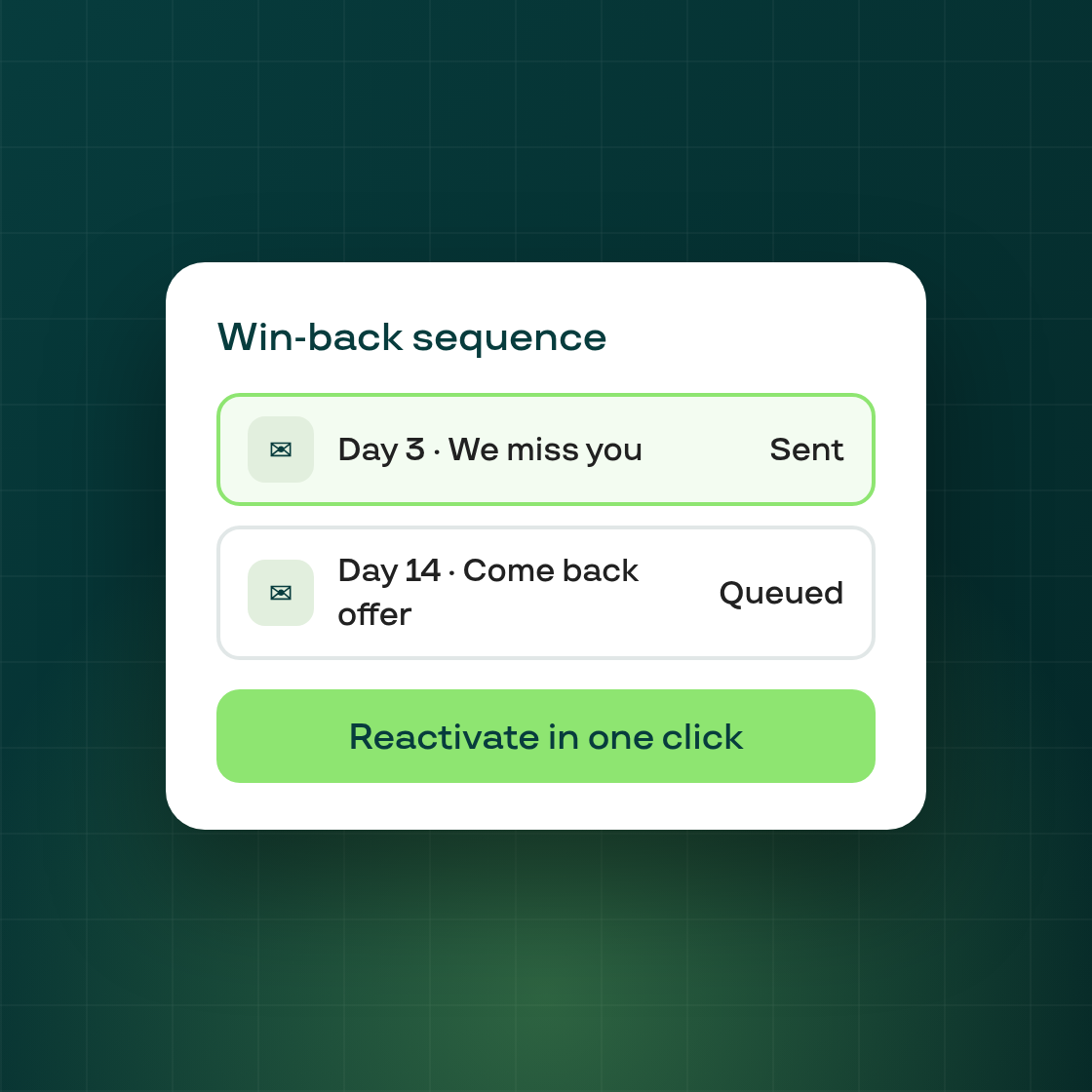
Win-Back campaigns automatically reach out to subscribers after they cancel and offer them a reason to come back — a timed email sequence with a one-click reactivation offer. Find it under Growth → Retention → Win-Back.
How it works
Create a campaign and Subi handles the rest:
- Target — all cancellations, or only specific cancellation reasons (e.g. "Too expensive", "Found alternative").
- Email sequence — up to three emails, each timed relative to the cancellation (or to the previous email). Write the subject and body with variables like customer name, product, and offer details, and send yourself a test.
- Offer — attach a percentage or fixed-amount discount (for a number of billing cycles) or a free gift, and set how long the reactivation link stays valid.
The reactivation page
Each email links the customer to a personal reactivation page — no login needed. They see their old subscription, the welcome-back offer and the discounted price, and resubscribe in one click with their saved payment method (or a new card). Expired offers, already-redeemed links, and invalid links are all handled gracefully.
See what's working
Every campaign shows emails sent, reactivations, and reactivation rate, with a per-email-step breakdown so you can see which message brings people back.
Overlap protection stops two active campaigns from targeting the same cancellation reason, and editing a live campaign only affects future emails. How to set up a win-back campaign.