Notifications, newly organized
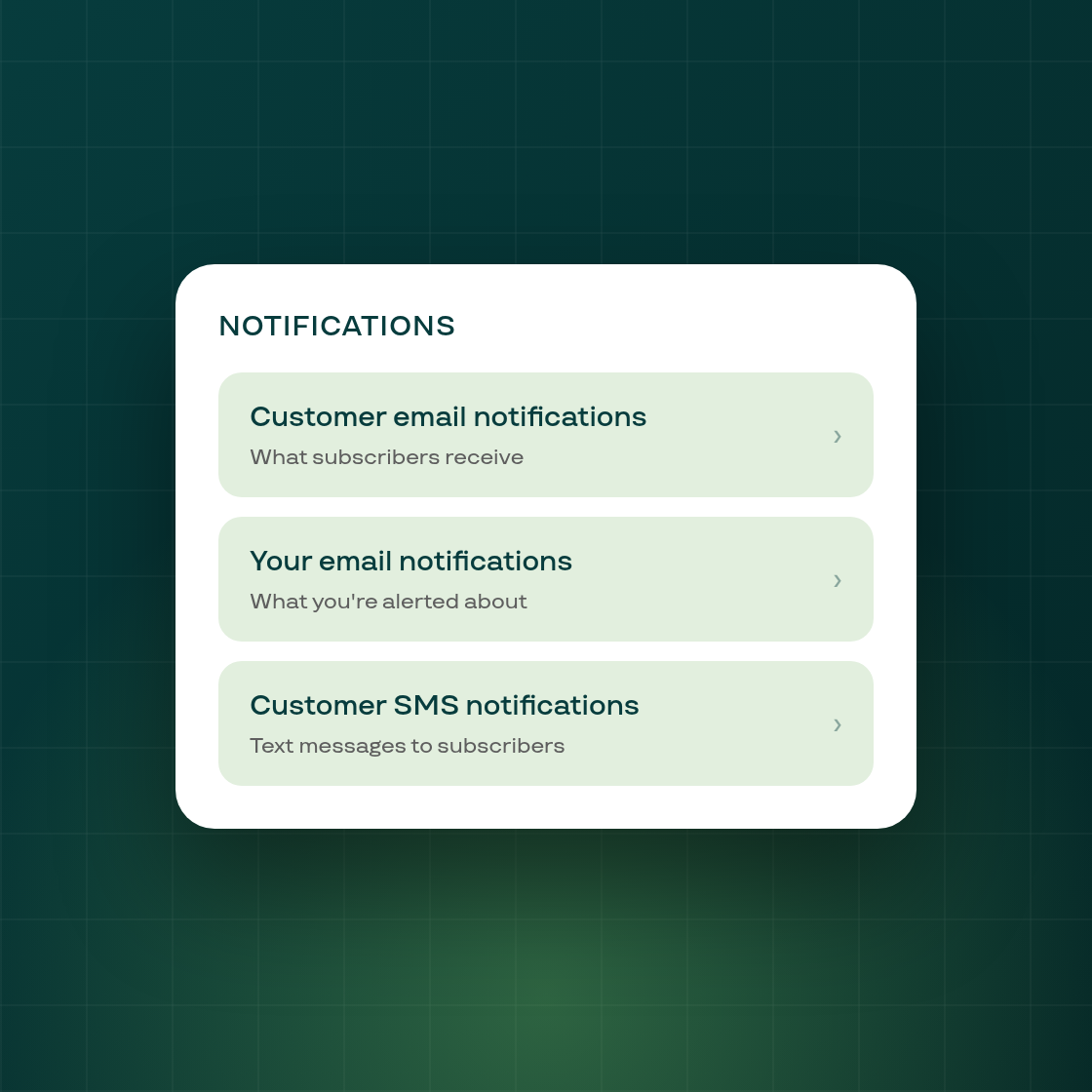
Notifications settings used to live on one page covering customer emails, SMS, and the merchant's own email alerts together. Finding a specific setting meant scanning the whole list.
Settings now open on a hub with three destinations: Customer email notifications (what subscribers receive), a new Your email notifications page (what the merchant themselves is alerted about, including the daily summary of failed renewals), and Customer SMS notifications. Inside each page, every individual notification now has a switch and an arrow into its own editor, replacing the old checkbox and three-dot menu.
Nothing about what's stored changes. Every setting keeps the value it had, and no contract, offer, or billing behavior is different, this is a reorganization of where settings live, not a change to what they do. The daily failed-renewals summary email's own settings link now points straight at the new Your email notifications page instead of landing on the customer-facing page first.
The goal is simply to make the right settings page faster to find, especially for the growing list of notifications merchants can choose to receive about their own shop.