Preview before you upgrade
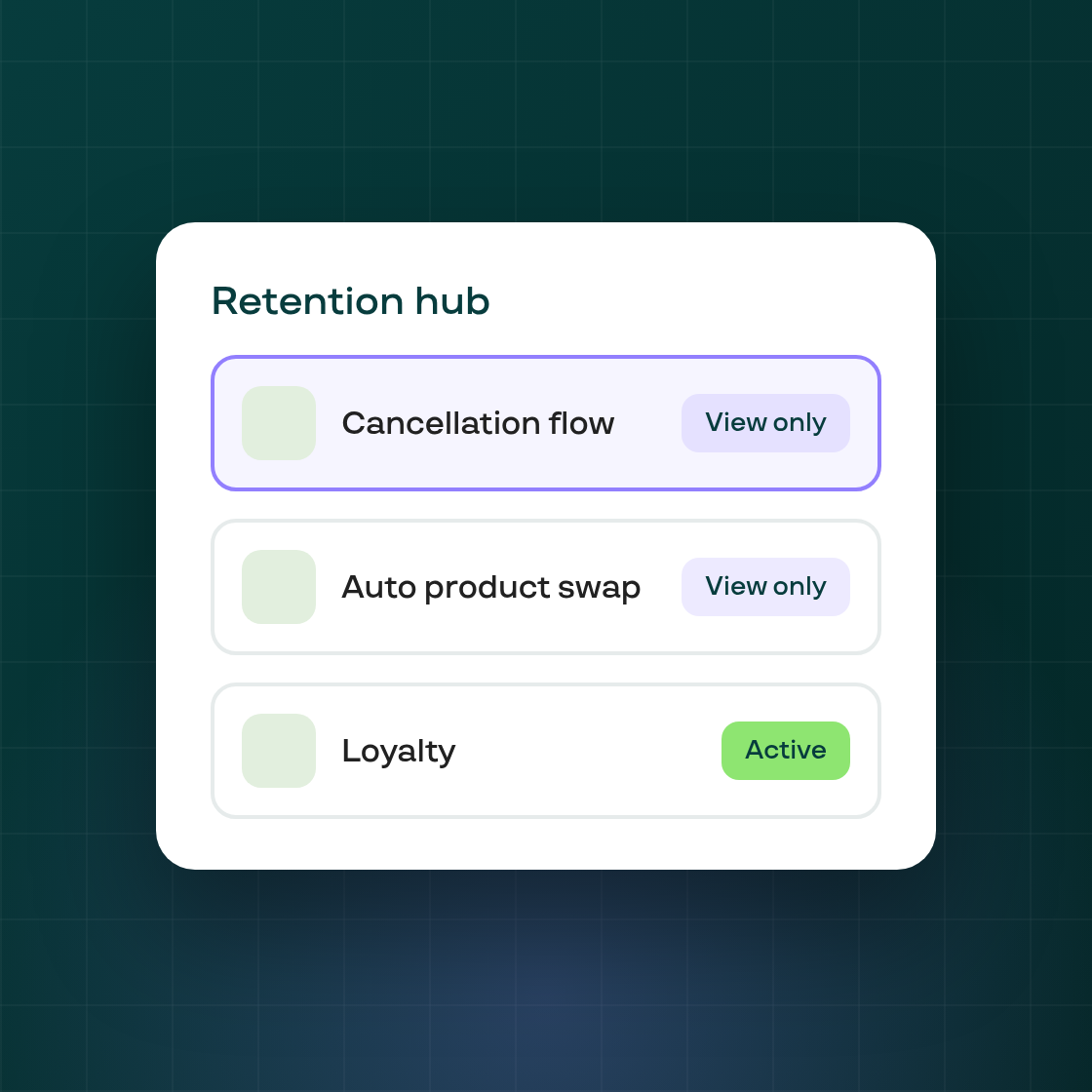
On the Retention hub, a card for a feature your plan doesn't include used to just be locked: clicking it kept you on the hub, with no way to see what the feature actually looks like before upgrading. Loyalty was the exception, already opening view-only for any plan.
Cancellation flow, Automatic product swap, Streaks, and Win-back campaigns now behave the same way Loyalty does. Clicking one of these cards on a plan that doesn't include it opens the real page in view-only mode, so you can see your existing setup, or the feature's layout if you've never used it, before deciding to upgrade. Every action that would change something, creating or editing a flow, a swap rule, a streak, or a campaign, still opens the upgrade modal instead of going through, whether you reach it from a button, a pencil icon, or a direct link.
This doesn't change what any plan includes. It changes how a feature your plan doesn't cover is shown to you while you decide whether to upgrade.