Connect your AI client faster
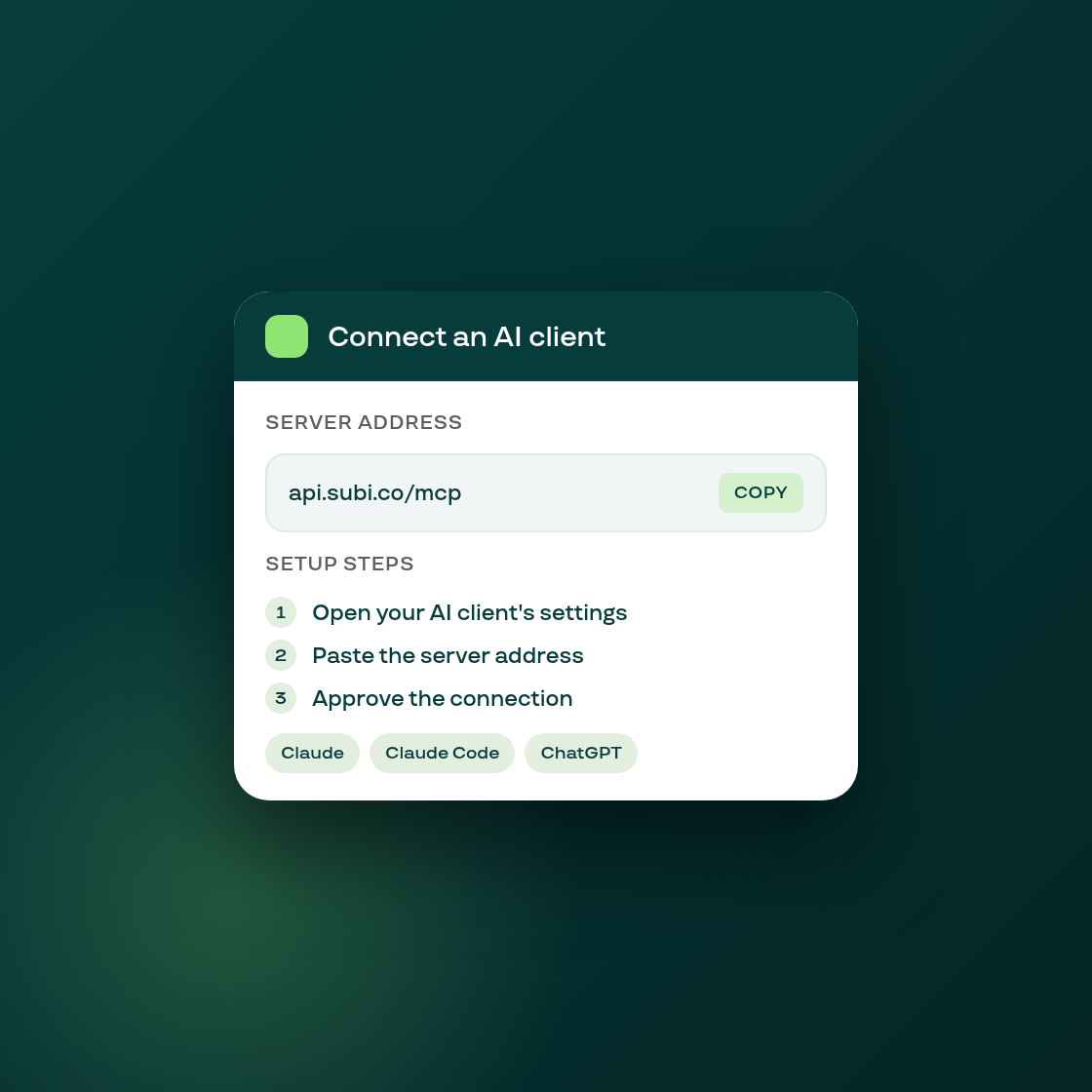
Merchants on a plan with API & webhook access can connect Subi's MCP server to their own AI client, like Claude or ChatGPT, so the assistant can look up their subscription data directly. Until now, a merchant with no client connected yet landed on a bare empty state with no indication of what to do next.
Settings > AI clients now shows the server address with a one-click copy button, three setup steps, and one line of instructions for each of five supported clients, including a ready-to-paste command for Claude Code. The wording matches Subi's help article on connecting an AI client, and a Learn more link goes straight to it for the full walkthrough.
Separately, the Home page now surfaces its announcements card right under the setup guide, above the analytics preview and plan cards, instead of at the very bottom of the page under the loyalty callout. Everything else on Home keeps its existing order, so an announcement about a new feature is far more likely to actually be seen when it's fresh instead of scrolled past.