New
A branded cart drawer, built in
Storefront Widget
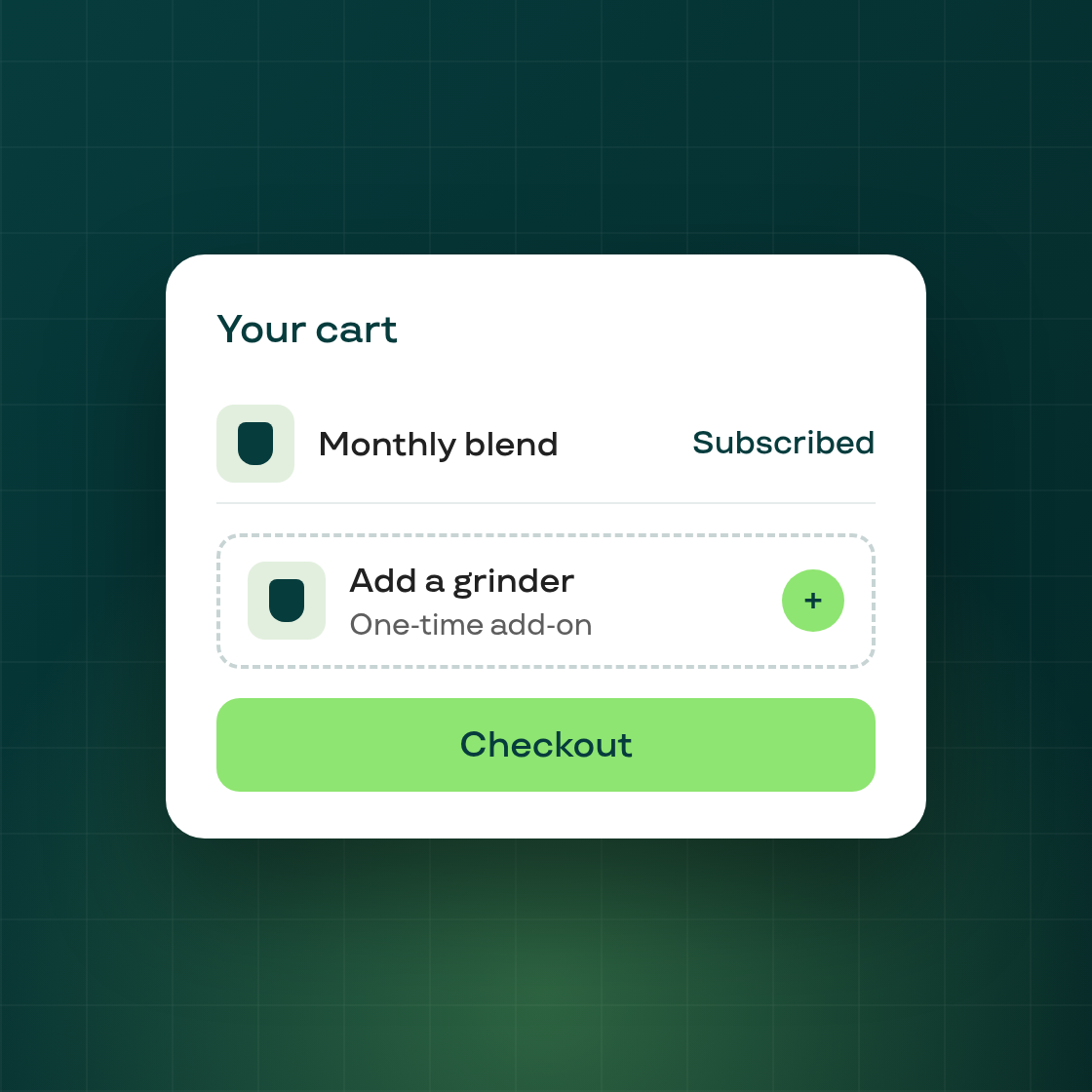
Subi now ships its own Cart Drawer for your storefront, with a full settings page so you can match it to your brand and your wording — no theme code required. Configure it under Growth → Cart drawer settings.
What you can customize
- Appearance — the drawer's colors: text, backgrounds, borders, and buttons, so it matches your theme.
- Content — every label in the drawer: header title, subtotal and checkout labels, the empty-cart message, the "Subscribe & save" upgrade button, the upsell section title, and accessibility text.
- Upsell — pick up to 10 products to show in a cross-sell carousel above the checkout button.
Subscription upgrade, right in the cart
Turn on Subscription upgrade in cart and customers can switch a one-time item to a subscription — and save — without leaving the drawer.
Enable or disable the drawer from the same settings page; changes save instantly. Every text field ships with a sensible default, so the drawer works out of the box and you only change what you want.