Smart Recovery, one click away
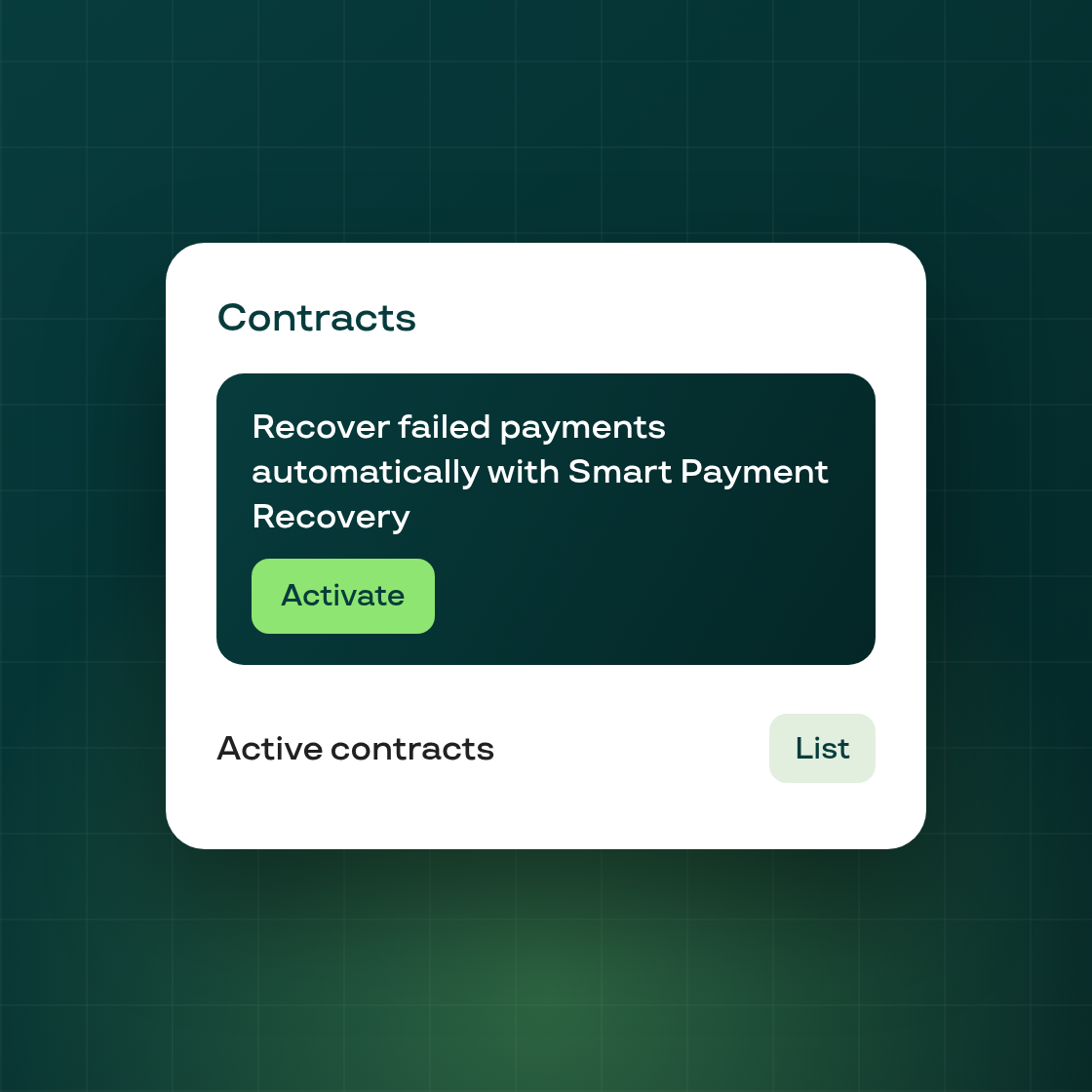
Failed payments are one of the top drivers of involuntary churn. Subi's Smart Payment Recovery is designed to reduce exactly that: when a charge fails, it schedules a sequence of optimized billing retries timed to maximize recovery — rather than running a fixed, one-size-fits-all retry schedule.
For merchants who set up Subi before Smart Recovery became the default (or who haven't visited the billing settings recently), this powerful feature was easy to miss. There was no in-app cue that it existed.
What's new: If Smart Payment Recovery isn't yet active on your store, Subi now shows a prompt directly on your Contracts page. The prompt gives you a plain-language explanation of what Smart Recovery does and links you to the billing settings page where you can switch it on in one step.
The prompt is powered by a new status classifier on the backend that reads your current recovery configuration and surfaces the modal only when it's relevant — so merchants who are already running Smart Recovery won't see it.
Why this matters: Missed billing attempts don't just cost you one order. A subscription that fails to bill and never recovers becomes a churned subscriber. Smart Recovery quietly improves the billing success rate so more of your subscribers stay active without you having to chase them manually. This update makes sure every merchant has a clear, frictionless path to enabling it.
To turn on Smart Payment Recovery, navigate to Settings → Billing & Inventory in your Subi admin and enable it there. If it's already on, nothing changes — the prompt won't appear.