Emails off. Retries on.
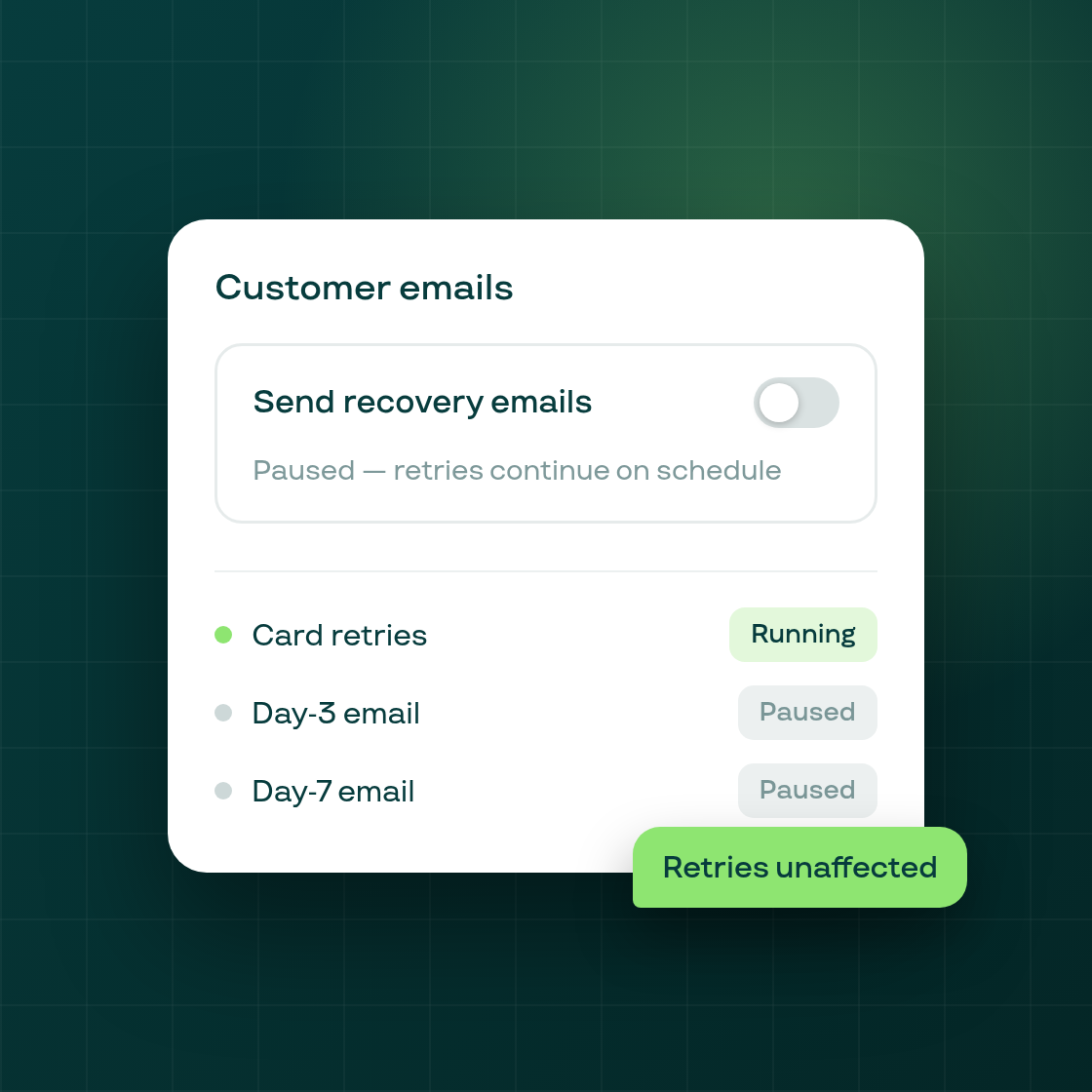
Subi's Smart Payment Recovery sends a three-step email cadence (day 0, day 3, day 7) alongside scheduled card retries when a billing attempt fails. Until now, the email sequence and the retry schedule were a single switch. You could opt out of Smart Recovery entirely, but you could not stop emails while keeping retries running.
The new toggle decouples them. In Settings, under Payment Recovery, a control in the Customer emails section lets you pause the email sequence at any time. Card retries continue on their normal schedule, unaffected. Subi still attempts the charge on the scheduled retry days. Only the outbound emails stop.
When does this help? Two common situations:
- Your store already sends its own transactional emails for failed payments through Klaviyo or another flow, and Subi's default sequence creates duplicate touchpoints for the customer.
- You want to test retry-only recovery to measure whether card attempts alone are sufficient for your subscriber base before adding the email layer back in.
The toggle state is visible in the Payment Recovery page alongside your retry-window settings, so your team can always see at a glance whether emails are active. Re-enabling them takes one click.
This control is available on all Subi plans. Existing retry sequences already in progress continue running; toggling the switch affects new sequences only.