Default flow, right in the header
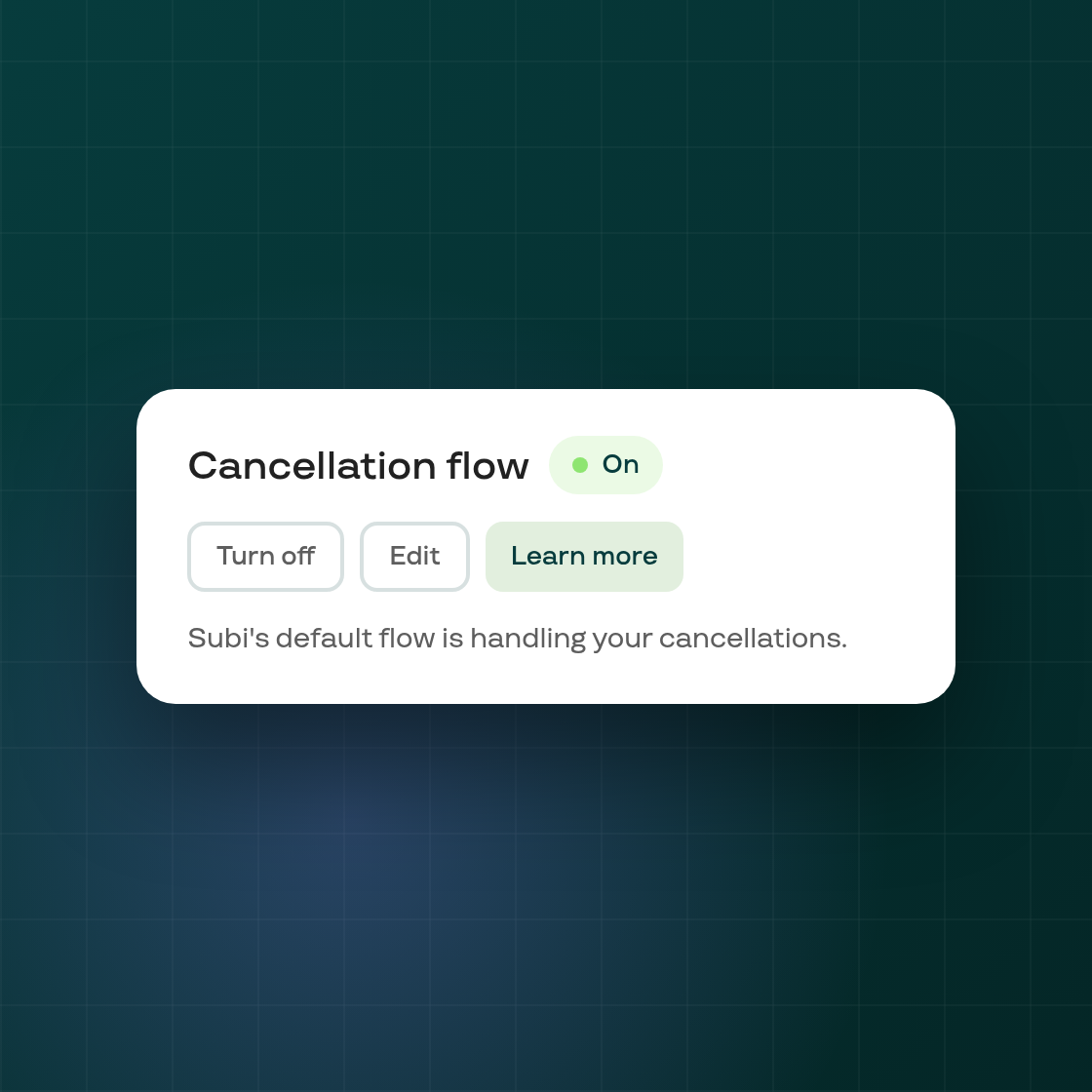
Shops without a cancellation flow of their own get Subi's default flow automatically. Until now, the Cancellation flow page showed that default flow with a separate status card and a "Create cancellation flow" prompt, even though a flow was already active and handling cancellations.
The page header now carries the same On/Off badge, and the same Turn off (or Turn on), Edit, and Learn more actions, that your own flow would show. There's no separate card and no prompt to create a flow you already effectively have. Turning the default flow off or back on works instantly, with a confirmation step before turning it off; Edit opens the flow editor so you can see exactly what it does.
Turning the default flow off or on isn't limited by your plan, the same as before; editing it or exporting its data still follows your plan's existing permissions.
Everything else about the page, including shops already running their own custom flow, looks and works exactly as it did before this change.