Sidekick opens loyalty, pre-filled
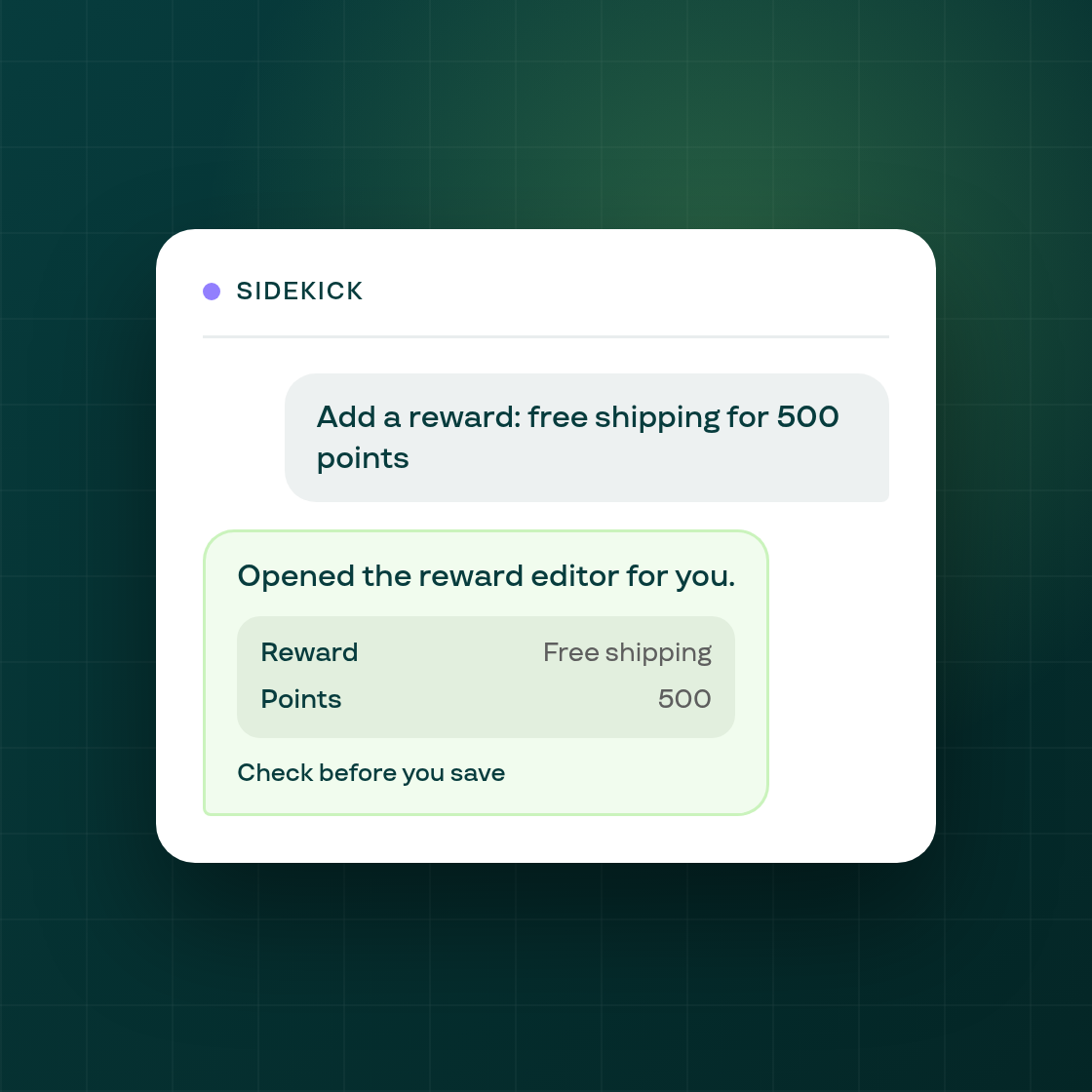
Shopify's Sidekick assistant can now act on a loyalty program request instead of only describing how to make the change yourself.
Ask Sidekick to adjust an earn method or add a new reward, and it opens Subi's loyalty page with that specific window, the earn method editor or the new-reward form, already open and filled in with what you described. Rather than leaving you to find the right settings yourself, Sidekick hands you the page ready to review and save.
This joins Subi's other Sidekick actions for setting up a subscription plan and answering subscription-business questions, extending the same ask-Sidekick-to-act pattern to loyalty.
One limitation: if a shop's plan doesn't include loyalty, Shopify doesn't currently relay the resulting error message back through Sidekick, so Sidekick won't be able to explain why the action didn't work in that case.