Route each cancel to the right save
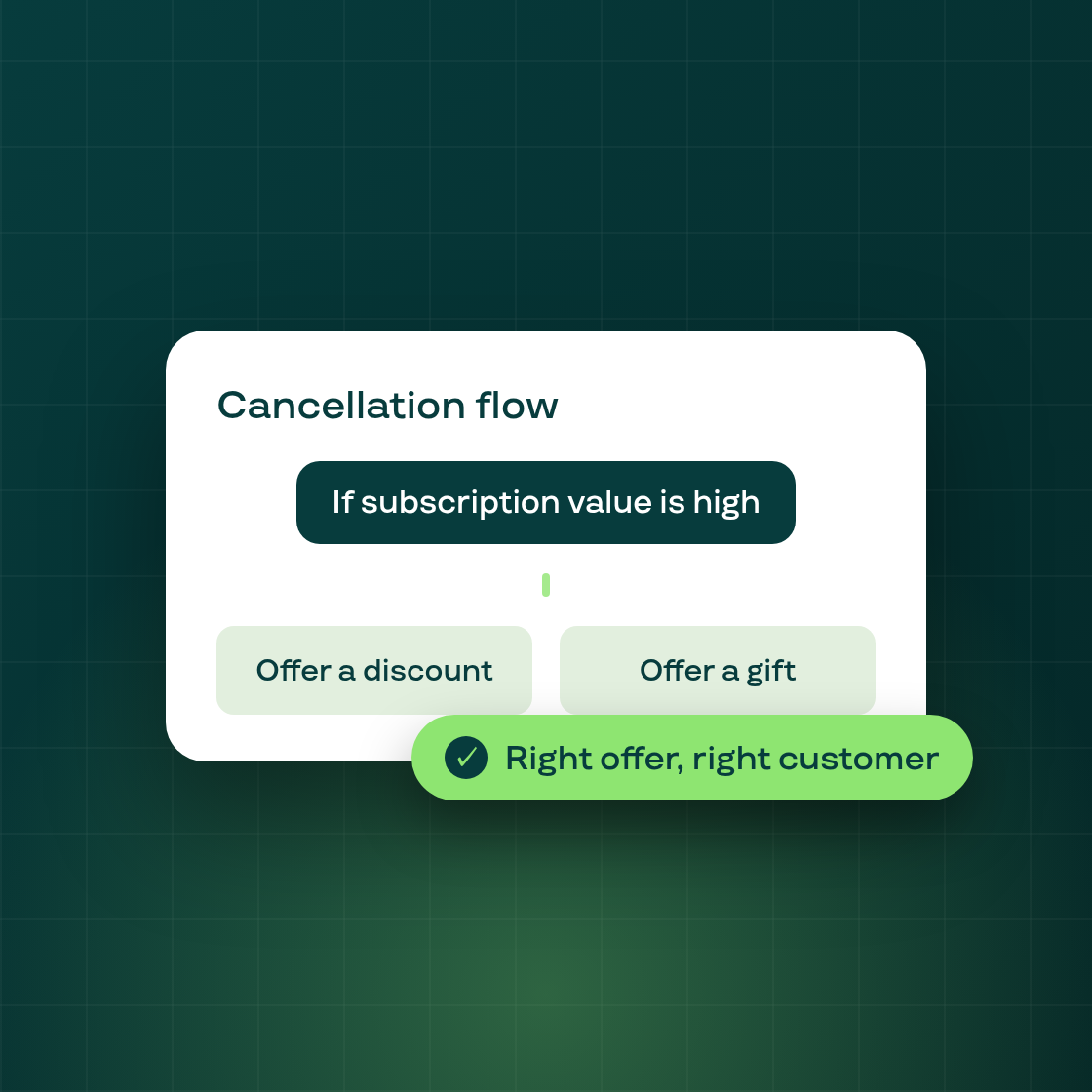
Not every cancelling subscriber should see the same offer. You can now add a Condition step to your cancellation flow that branches a customer down one path when a rule is met and another when it isn't — so a long-time, high-value subscriber and a first-week trialist can each get the treatment that fits them.
Build a condition
Drop a Condition node onto the flow canvas and it splits into a met branch and a not-met branch, each leading to its own treatment. Write rules over four attributes:
- Billing cycles — how many orders the subscription has completed.
- Subscription value — the recurring amount, compared in your contract currency.
- Products or variants — whether the subscription contains (or excludes) specific items.
- Customer tags — read live from Shopify.
Combine rules however you need
Group rules into sets: rules within a set are OR'd together, and sets are AND'd together — enough to express conditions like "completed 6+ orders and carries the VIP tag." A customer who meets the condition follows the met branch to that offer; everyone else follows the not-met branch.
Use conditions to spend your best offers where they matter — reserve a steep discount for your highest-value subscribers, and show a lighter save offer to everyone else.