Links that survive sharing
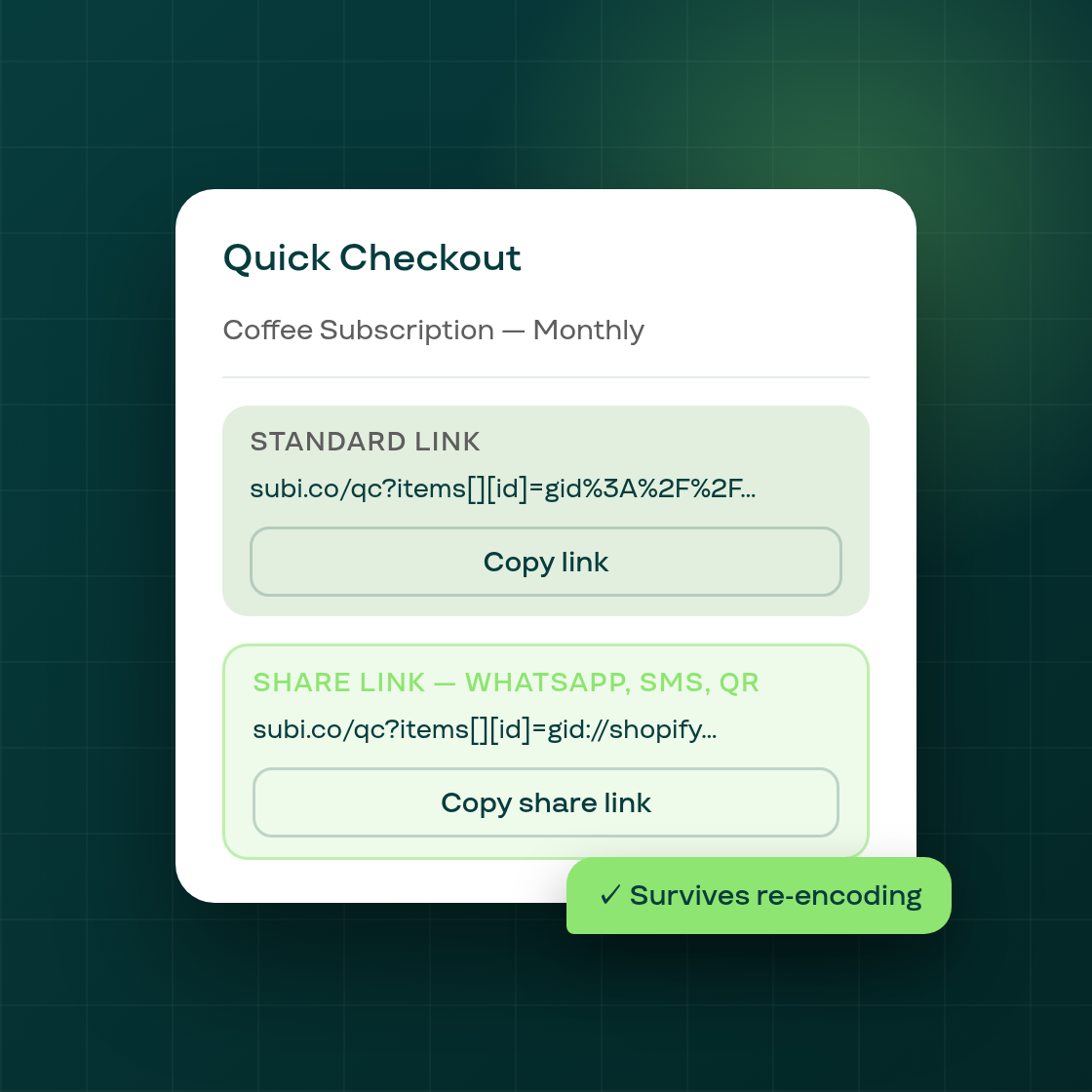
Quick Checkout lets you generate a link that sends a customer directly to a pre-loaded cart, ready to start a subscription without going through your full storefront. Until now, that link broke in certain sharing channels — the fix is live.
What was breaking. The original Quick Checkout link encodes the product list inside a nested query string. Anything that re-encodes URLs in transit — WhatsApp, SMS, some QR-code readers, mobile in-app browsers — turns the encoded separators into double-encoded ones, which collapses the cart and returns an error to the customer. This bug was reported repeatedly across multiple tickets over two years; the root cause was not a product list issue but a URL-encoding one.
The fix: a dedicated share link. The generator now produces two links side by side:
- Standard link — works the same as before; best for email, direct browser paste, or any channel that doesn't re-encode.
- Share link — uses plain
&separators with no percent-encoding, so a second encode pass by WhatsApp or a QR tool leaves it intact and the cart loads correctly.
Both links appear in the Quick Checkout page together. Copy whichever fits your channel.
UI improvements shipped in the same release. The Quick Checkout page was also tightened: content is now contained inside a card so nothing renders directly on the page background, the generated link is visually the primary focus of the page, and the product rows align consistently across rows regardless of title length.
To generate a Quick Checkout link, open Quick Checkout from the Subi merchant admin and select your products and plan. Both links appear after you click Generate link.