Recovery — now on your plan
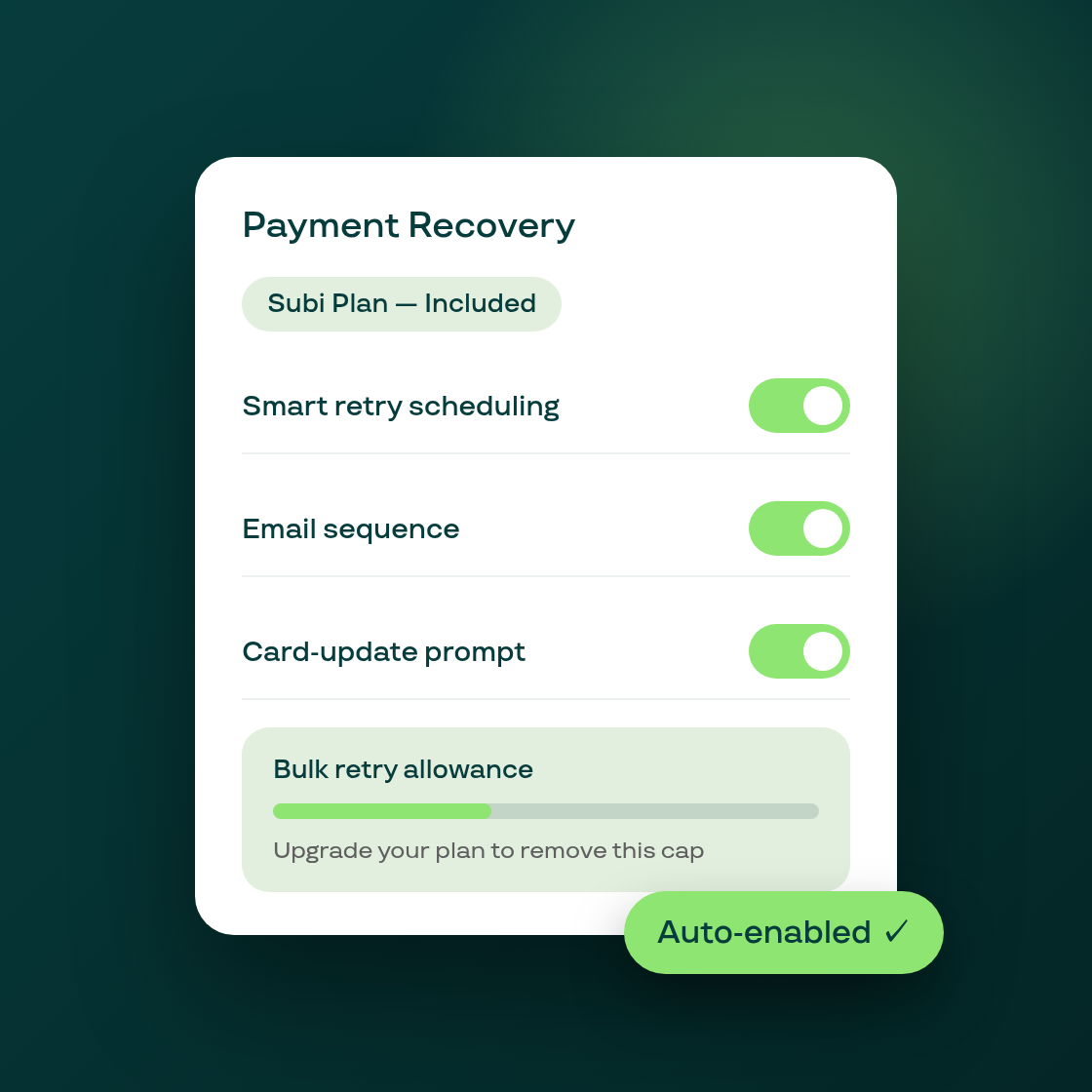
Smart Recovery is Subi's automatic failed-payment engine — it schedules billing retries, sends a timed email sequence, and shows a card-update link to subscribers whose payment has declined. Until now, access to the recovery control panel required individual activation, so many eligible merchants never saw it. That changes today.
What's new
Recovery controls are now plan-tier based. If your Subi plan includes Smart Recovery, the full control panel — retry depth, email timing, email customization, and bulk retry actions — is now live in your Payment Recovery section automatically. No activation step, no support ticket.
A discovery callout on your Home page. Eligible merchants who haven't set up recovery settings yet will see a callout on the admin Home page. One click takes you to the recovery settings.
Free-tier bulk-action cap with clear UI. Free accounts have a cap on the number of bulk retry actions per cycle. The new cap display in the UI shows exactly how many bulk retries you have remaining and what a plan upgrade unlocks — so you can make an informed decision rather than hitting a silent limit.
Why it matters
Failed payments are the leading cause of involuntary churn. A subscription that could have been recovered with a well-timed retry or a card-update prompt simply cancels when there is no recovery system in place. With the controls now automatically present for all qualifying plan holders, there is no barrier between a merchant and their recovery setup.
The existing Smart Recovery iterations already showed the system works: retries, card-update prompts, and a timed email sequence were deployed across multiple releases. This release makes the controls accessible without any manual enablement step, closing the last gap between eligibility and actual use.
Getting started
Open Payment Recovery in your Subi admin. If your plan includes the feature, you will see your retry sequence settings, email schedule, and bulk-action panel. Configure your preferred retry depth and email timing, then save — Smart Recovery will apply to the next qualifying declined payment automatically.
Free-tier users will see a cap indicator next to the bulk-actions button showing their remaining allowance and what the next plan tier unlocks.