One dialog, not a stack
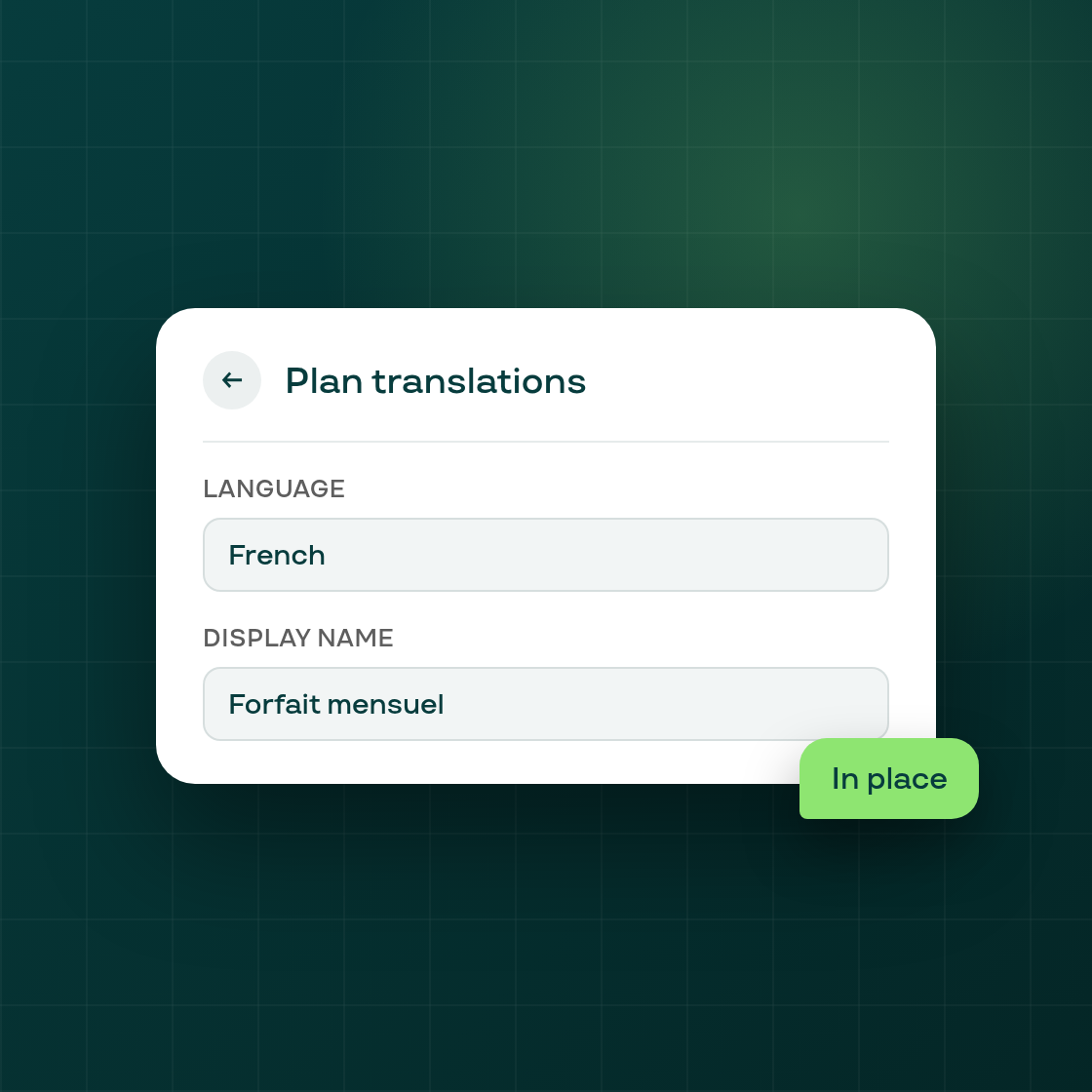
In several places across Subi's admin, picking an action from inside one dialog used to open a second dialog on top of the first, leaving both open at once. This happened when renaming a plan, switching a plan's translation language, customizing the Access Denied page, removing a contract discount, resetting a winback email, and watching a plan guide video, among other flows.
Now the second dialog takes the first one's place instead of stacking on it. A back arrow sits beside the second dialog's title and returns to the first dialog with everything already typed or picked still there, nothing is lost in the switch. The separate button that only existed to go back is gone, and the dialog's close (X) button now also goes back to the first dialog instead of closing both at once.
This is a navigation change only: nothing about plan settings, discounts, translations, or any other configuration itself moved. The goal is simply a clearer, single-dialog flow that is easier to retrace a step in, the next time a merchant opens a dialog from inside another dialog in the admin.