Two subscriptions, one delivery
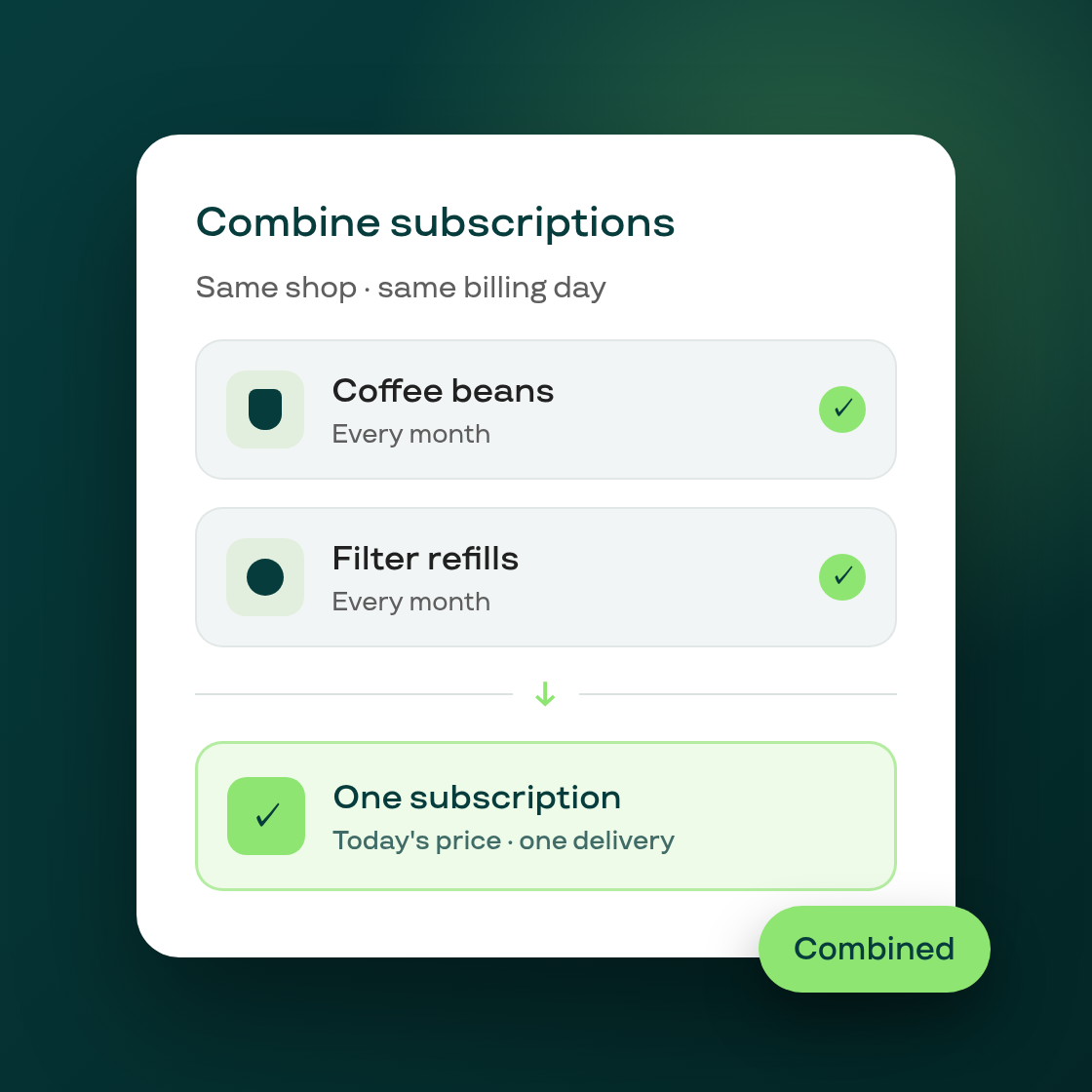
Customers who end up with two separate subscriptions at your store, for example after adding a second product on a different order, can now merge them into one from the customer portal instead of managing two deliveries and two charges.
When a customer has two active subscriptions on the same billing interval, delivery schedule, currency and payment method, the portal now shows a card offering to combine them. It previews both subscriptions' upcoming dates and lets the customer pick which one to keep going forward. Confirming moves every item from the other subscription onto the chosen one at its current pricing, and quietly cancels the source subscription: no cancellation email or SMS goes out for it, since nothing was actually lost, just consolidated.
This is a merchant-controlled setting. Turn it on (or off) from Settings → Customer permissions, under the new "Combining subscriptions" checkbox. It's off by default for existing shops, so nothing changes for your customers until you enable it; new shops get it on by default.
If a combine can't go through, for example if the change budget for the affected subscription is already used up, the offer card stays put and shows a plain explanation with a retry option, so the customer can try again without losing their place.