Filter the pool. Group the variants
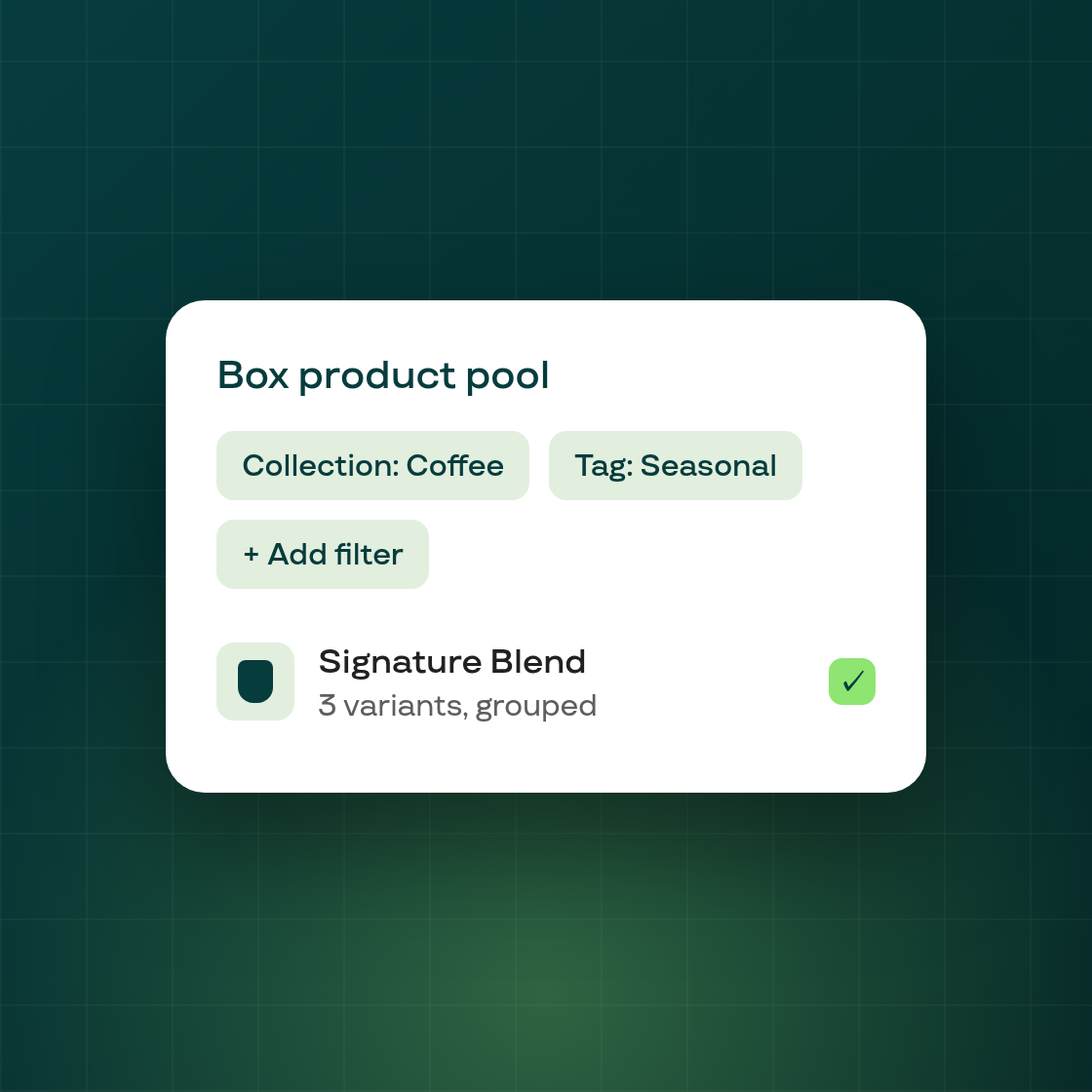
Build-a-Box gives your customers more control over what goes in their box. You can now set multiple filters on the product pool a shopper builds from, and product variants are grouped together so choosing between, say, sizes or flavors is clearer.
In the box editor
The plan editor gains a Filters card for setting up multi-filter rules on which products are available to add to the box. Filter chips show collection names (not internal IDs) so the rules are easy to read, and a pool-size advisory on the product-selection card flags when your chosen pool is getting large.
For your shoppers
In the storefront widget, every option dimension of a product now renders in the variant picker, and variants are grouped rather than listed as separate products — so a customer choosing a variant sees a single tidy control instead of near-duplicate entries. The box widget also shows subscription details and featured benefits so shoppers understand what they're building.
This is the first step of a larger Build-a-Box refresh; more filtering and merchandising controls follow.