The right action, up front
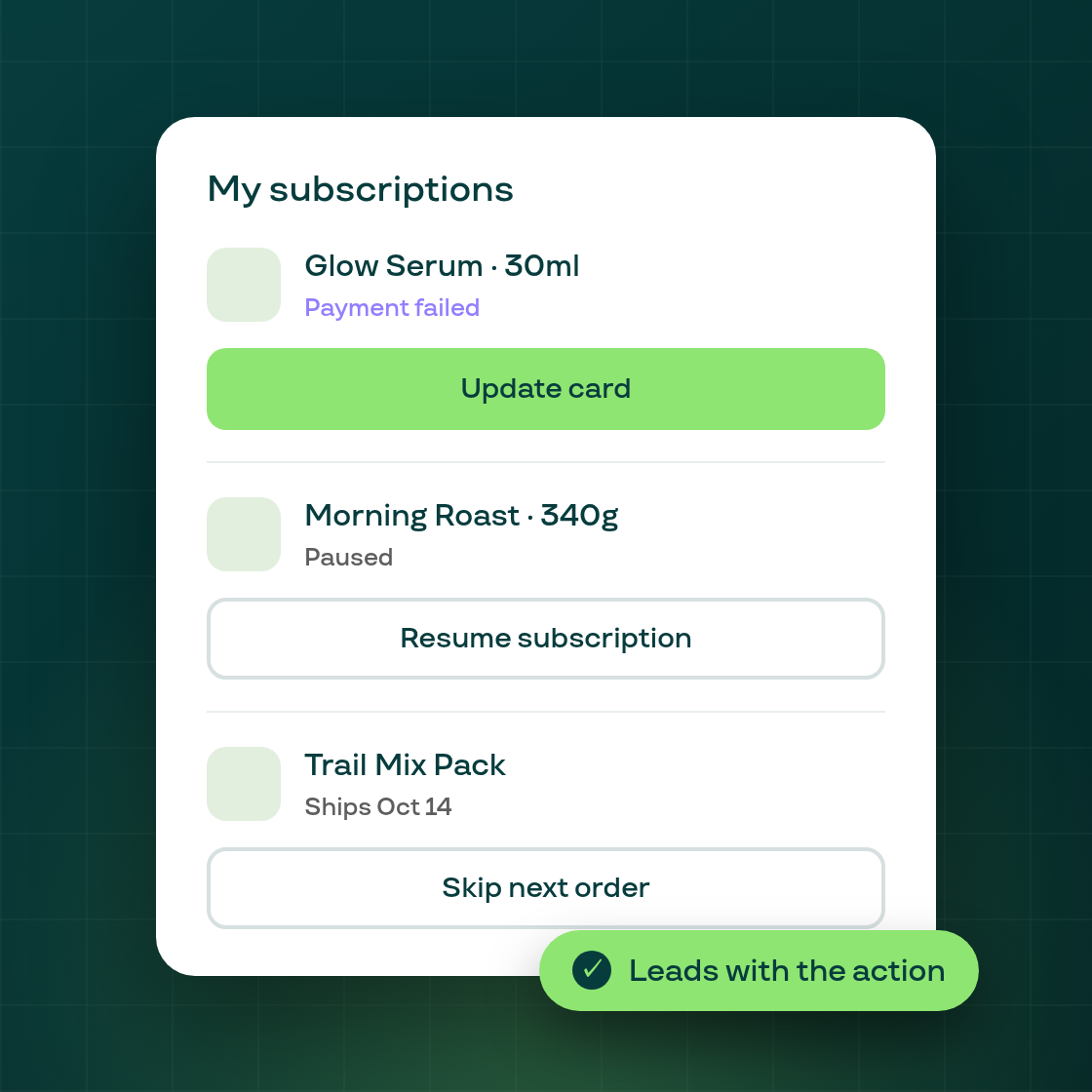
On the customer portal's subscriptions list, every card used to lead with "See more details" no matter what state the subscription was in, even when something needed the subscriber's attention right there. Getting to the actual next step, resuming a paused subscription or updating a declined card, meant opening the subscription's own page first.
Each card now leads with the action its current state actually calls for. A paused subscription leads with Resume, right from the list. An active subscription with a declined card leads with Update card. An active, healthy subscription leads with Skip next order, and still enforces the same skip limits as before, showing the limit-reached message if a subscriber tries to skip more than their plan allows. Expired, cancelled, and failed subscriptions keep "See more details" as their only action, since there's nothing else to do from the list.
"See more details" doesn't disappear: it moves to a secondary button on every card, so you can still open the full subscription page whenever you want more than the one-click action in front of you.