One page, every language
Translating a store for a new language used to mean working across three separate screens: one for the storefront widget, one for the customer portal, and one for selling plans, each with its own save flow. For a shop with many plans, even editing plan translations meant one request per plan.
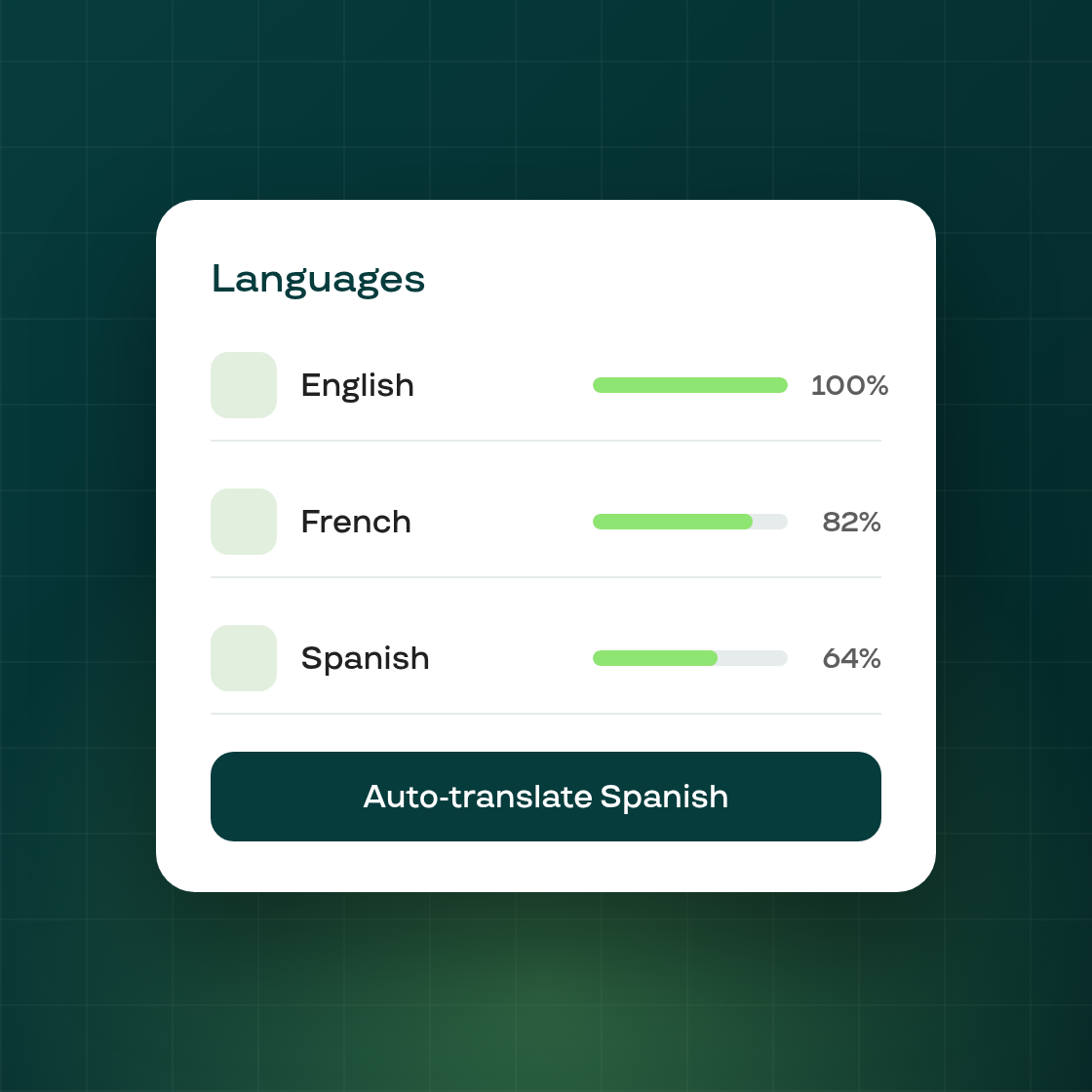
Settings > Languages now brings all of it together. Every language your store supports gets its own page, with a tab for the widget, the customer portal, and selling plans, so you can see and edit a language's translations in one place instead of hunting across separate settings screens. Each language page also shows a translation-completeness summary, and an Auto-translate action that fills in every untranslated field for that language at once, rather than one plan or field at a time.
Saving plan translations is also faster underneath: editing several plans for one language now happens in a single request instead of one call per plan.
An unpublished language still appears in the list so you can prepare its translations ahead of time, but it isn't translatable until the language itself is published in Shopify. The customer portal tab still requires your store to have portal translation turned on, same as before.