Skip, pause, delay in one click
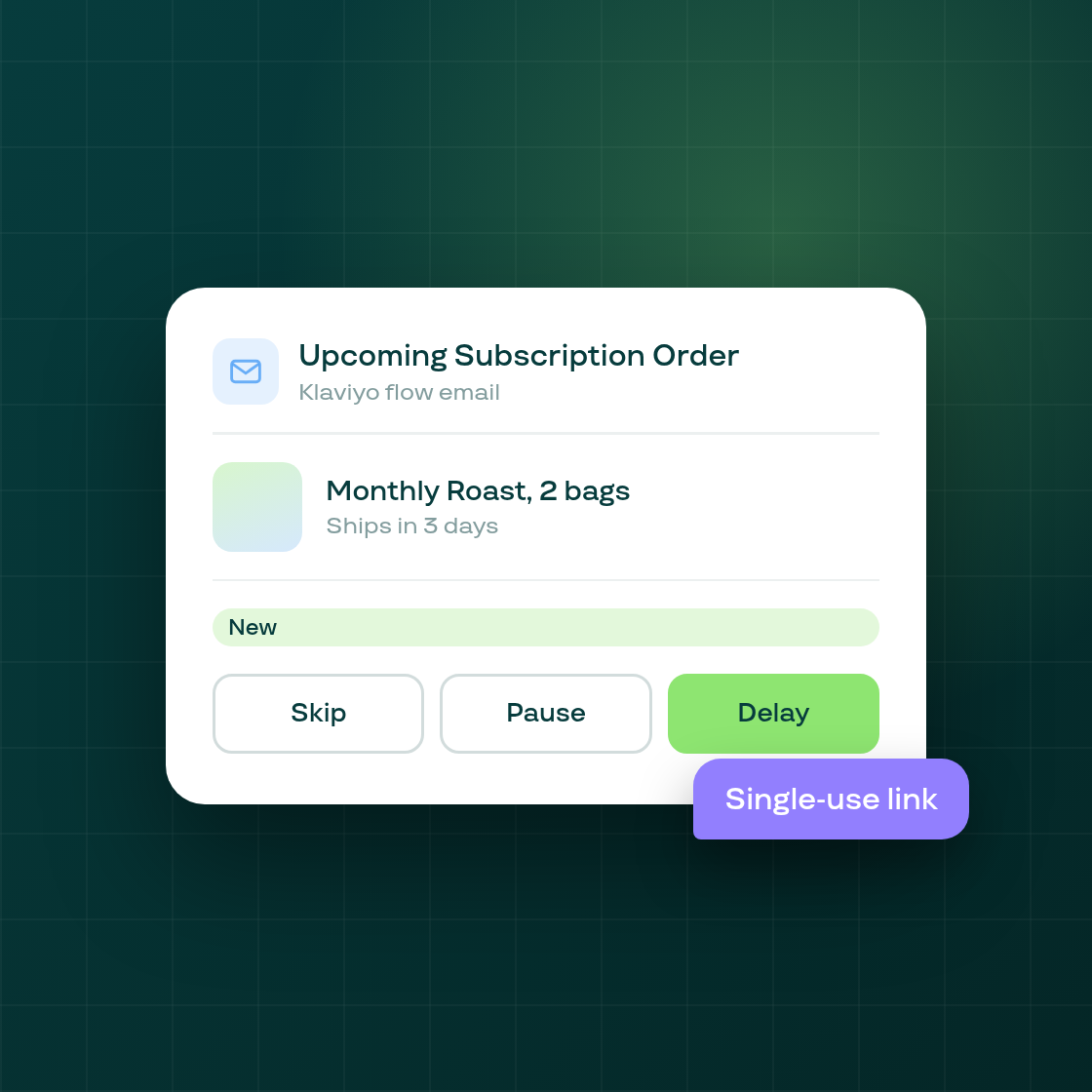
The reminder email a subscriber gets before their next order can now carry one-click links to skip, pause, or delay that order, with no login required.
When Klaviyo's Upcoming Subscription Order event fires, the message can include a skip, pause, or delay link alongside the order details. Each link is single-use and scoped to that one order: skip cancels just the announced order, pause holds the subscription for the next two orders, and delay pushes the order out by a week. Clicking a link takes the subscriber to the same Subi page used everywhere else they can skip, pause, or delay an order, so every existing rule, including how many times they're allowed to skip or reschedule, still applies.
A link only appears when the shop's own customer-permission rules allow that action, and Subi checks those rules again each time the email is sent, opened, and confirmed, so a shop that has turned an action off for its subscribers won't offer a link for it.
This is available to shops with the Upcoming Subscription Order flow set up in Klaviyo. To start using it, add the new skip_url, pause_url, and delay_url merge fields to that flow's email, each pointing at the matching action.