Switch delivery in one step.
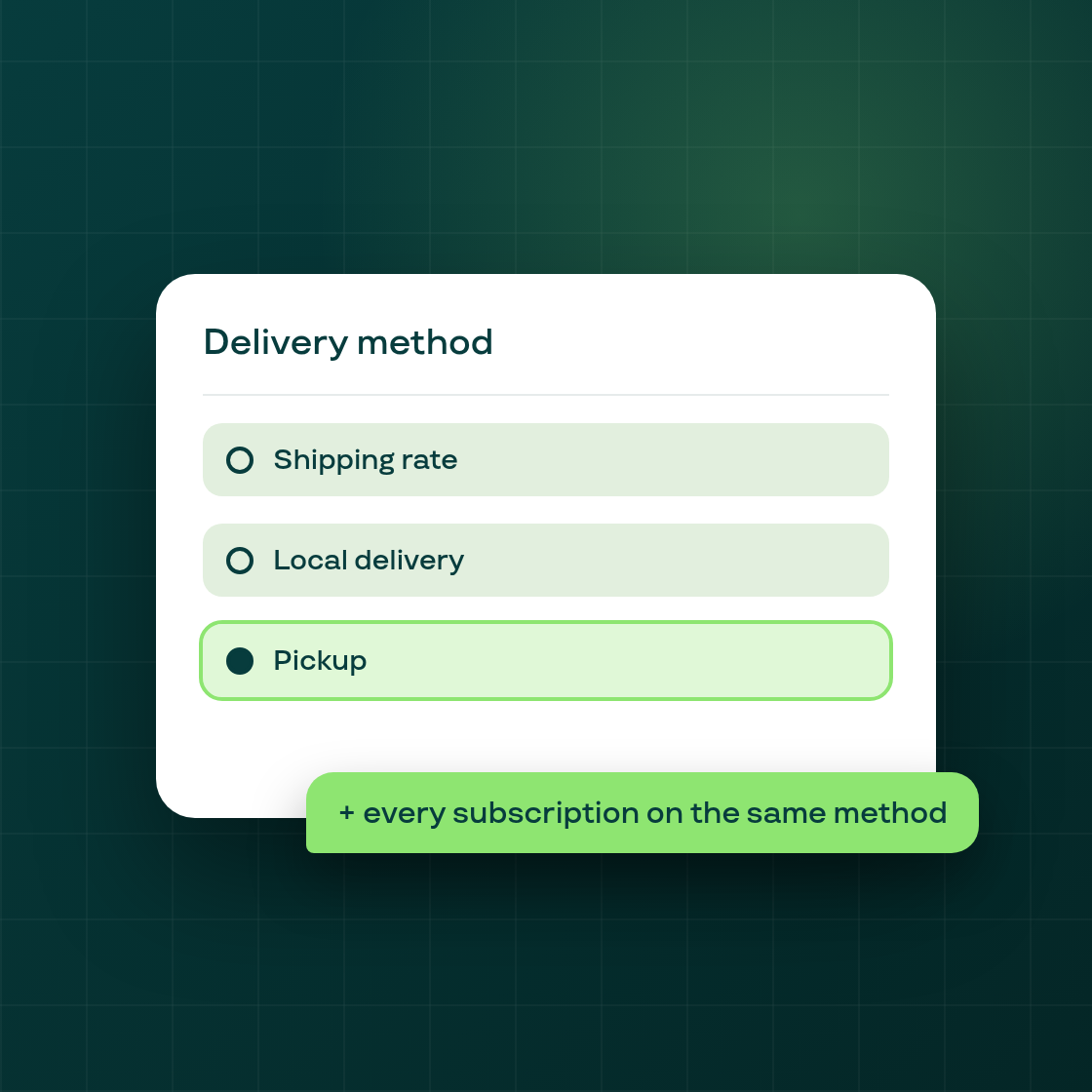
You can now move a subscription to local delivery or pickup from its contract page. You can also move every other subscription on the same method to a shipping rate or pickup in one go.
More than shipping rates. Before, the Change shipping method form only switched a subscription between shipping rates. It now also lists your local delivery options and pickup locations, so you can change a subscription's method without contacting support.
Move many at once. Tick the box "Also change the other N subscriptions on" your current method (N is how many others there are), and the button counts the total it will change. Only active and paused subscriptions move, and the work runs in the background. When it finishes, the contract page shows the result, including any subscription that was not changed, linked, with the reason.
What to expect on price. In a group move, each subscription keeps its own address and shipping price, and a move to pickup sets the shipping price to 0.00 from the next renewal. The price field stays read-only unless your staff account has permission to edit shipping prices.
This is on the current contract page. The new page layout keeps the rates-only pop-up for now.
There is no undo for a group move, so check the method you pick before you press the button.
Follow Subi on LinkedIn for what we ship next.