Sync to Sheets, right where you work
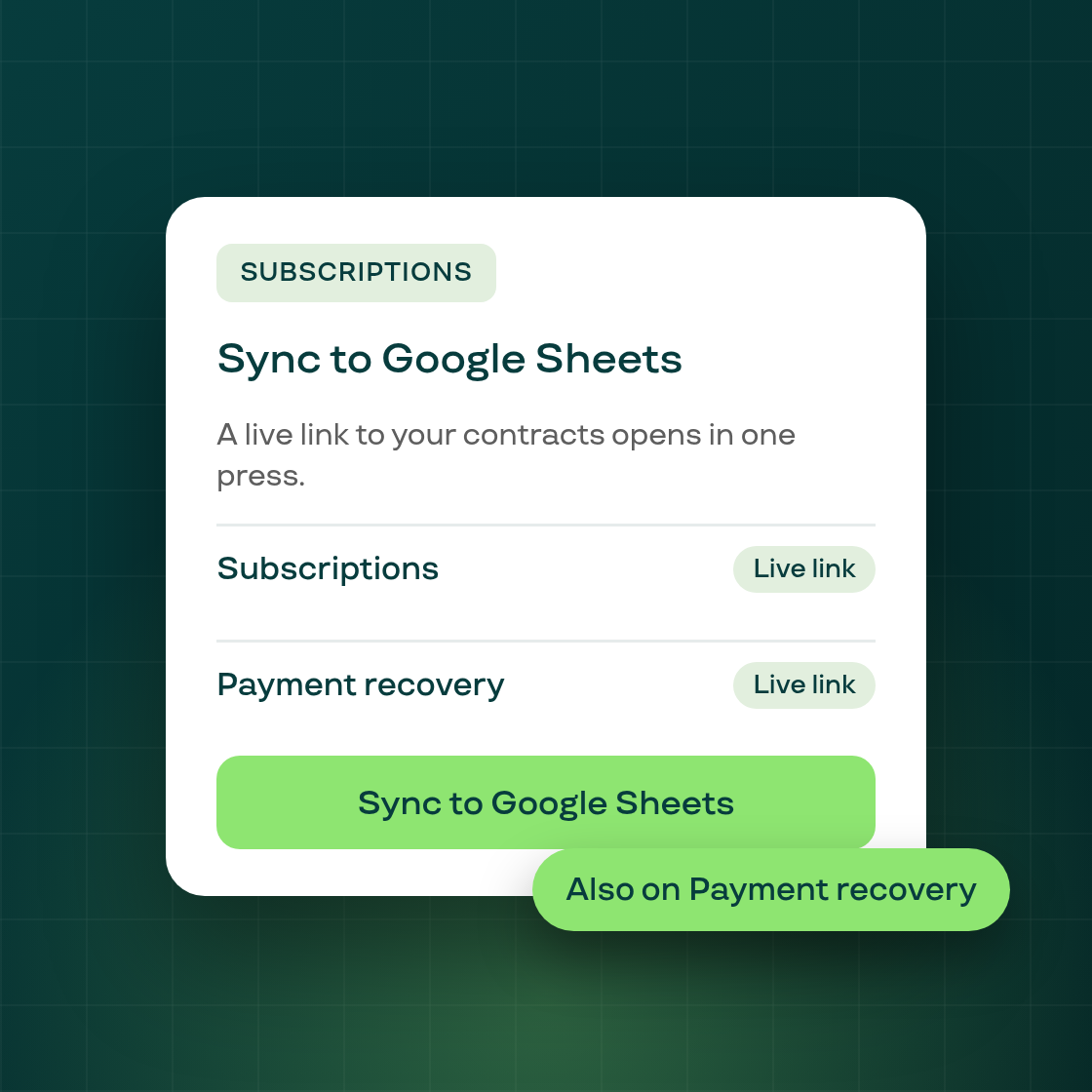
Sync to Google Sheets is no longer tucked away on Settings > Data export. You can start a live link from the pages where you already work your lists.
Subscriptions list. Sync to Google Sheets sits in the More actions menu. Pressing it makes a live link for your contracts (all statuses, entire history) and opens the sync window.
Payment recovery. A "Sync failed payments to Google Sheets" action makes a live link of your failed billing attempts from the last 30 days and opens the same window.
API keys and Integrations. The empty API keys page and the Integrations Google Sheet card each make or reopen a live link for their own data.
Reopen, don't duplicate. Pressing again reopens the link you already made, and your links still show under Data export > Synced sheets. After a CSV download on Data export, the help line now points you to Sync as well.
Who sees it. Each new button uses the same access check as the existing sync. If your plan does not include it, you see the plan prompt instead of a link.
Nothing is synced until you press one of the buttons.
Follow Subi on LinkedIn for what we ship next.